Marble Effect CSS: 9 Ink, Comb and Agate Patterns
In this marble effect css set, ink on water is a thin film held by surface tension — 04 pushes it into skewed wave bands, 05 combs the grain twice, offset,
Marbling is a pattern lifted from paint floating on water after it has been dropped, pushed and combed, and each scene here rebuilds one of those moves as a small calculation on a canvas.
Drop, Comb and Cut Stone in the Nine Marbling Scenes Below
Each card jumps to its scene's section, and every scene opens with a short self-running demo that hands control to you at your first click, key press or tap.
 01 mbl-drop-bloom-radial-diffusion
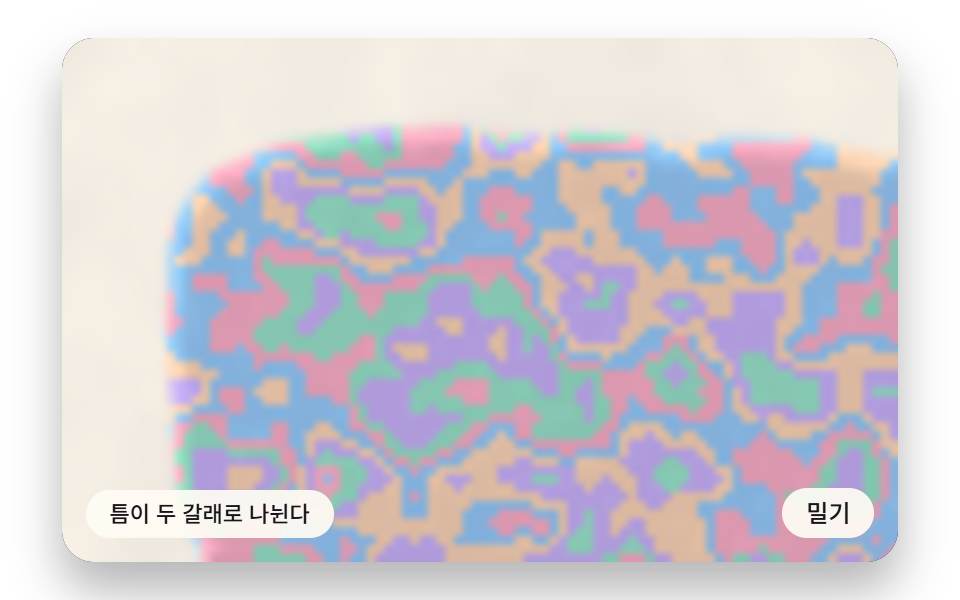 02 mbl-fractal-mesh-branching-veins
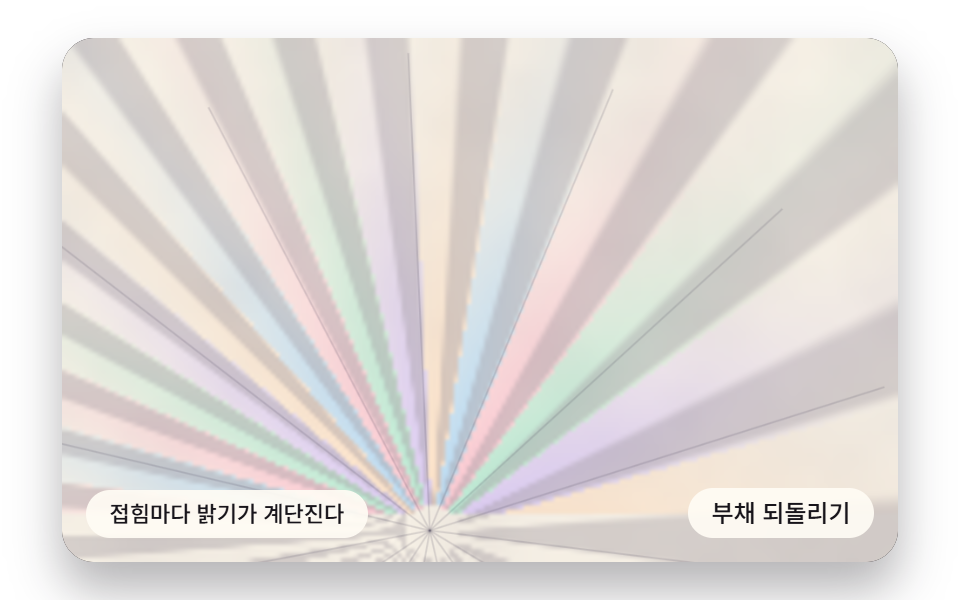 03 mbl-bouquet-fan-fold-pleats
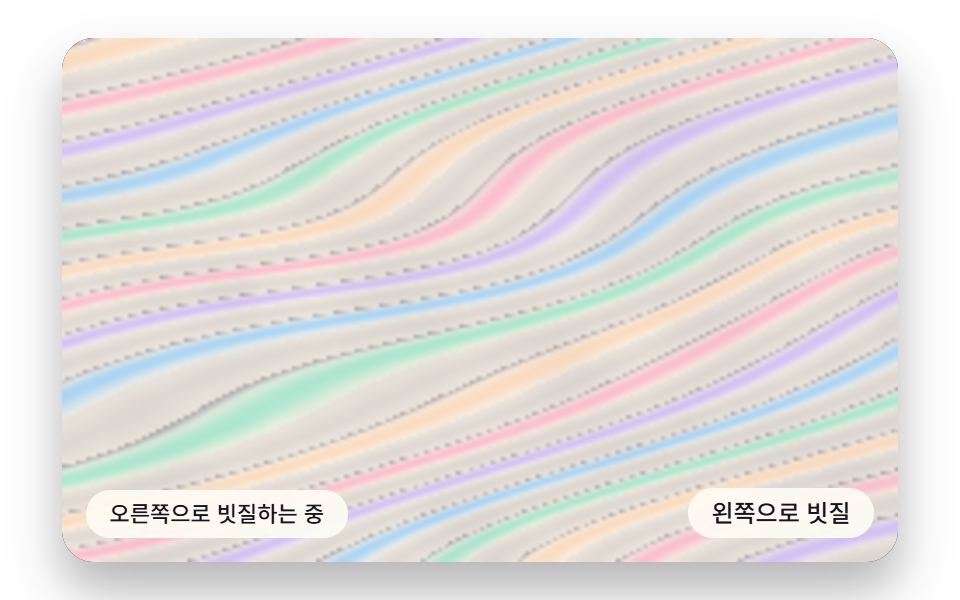 04 mbl-rake-wave-chevron-bands
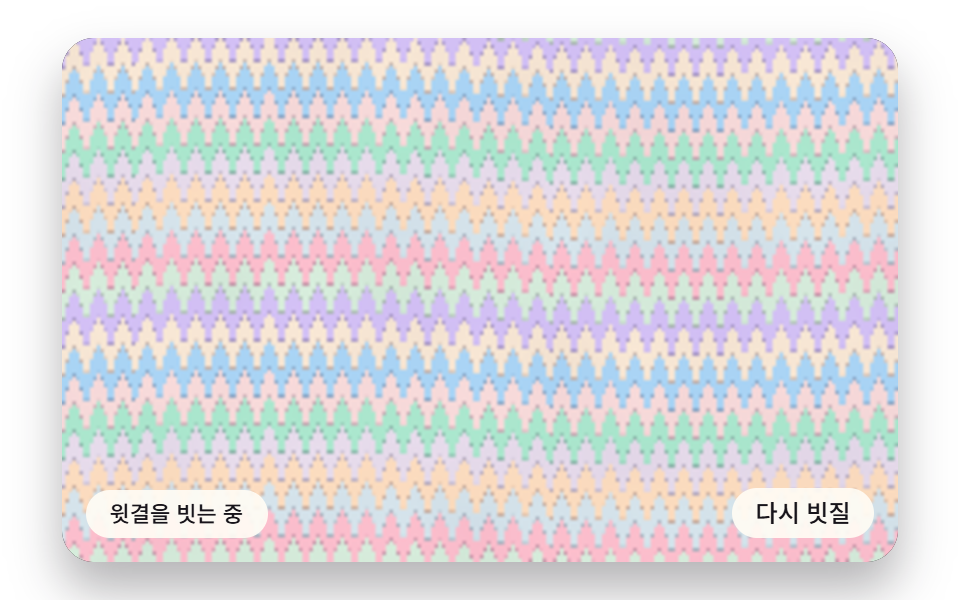 05 mbl-stagger-comb-feather-grain
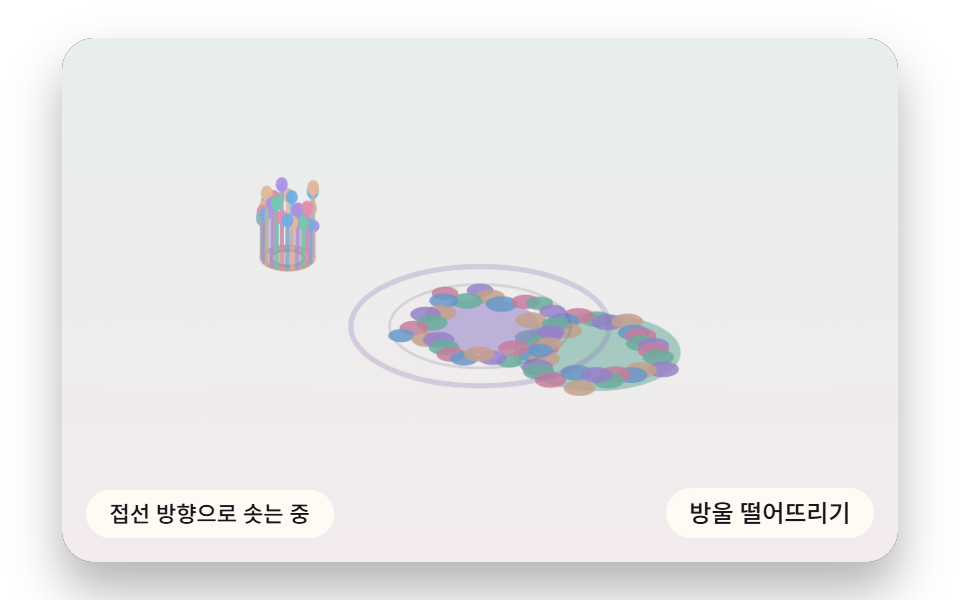 06 mbl-ink-drop-crown-splash
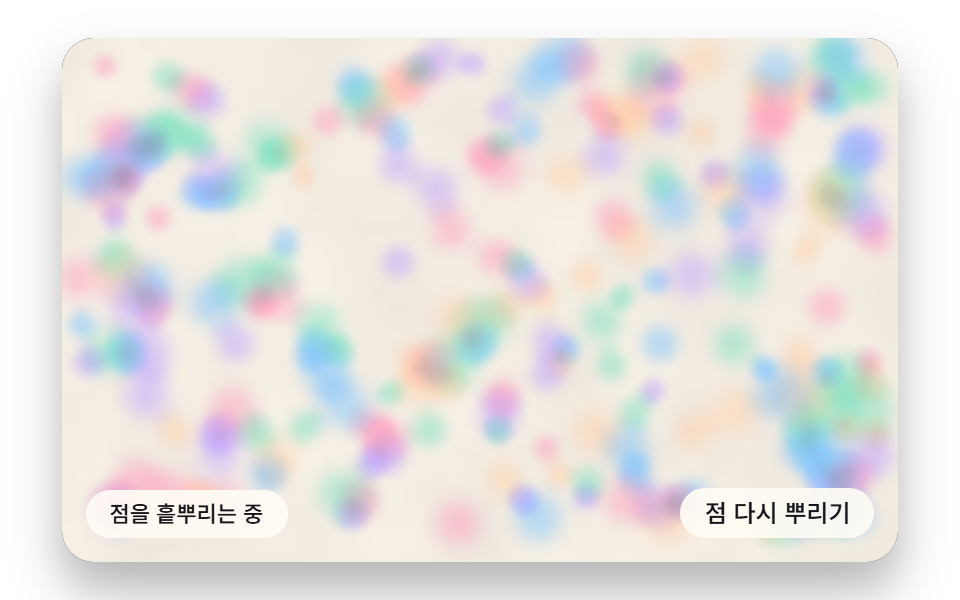 07 mbl-nonpareil-dot-grid-scatter
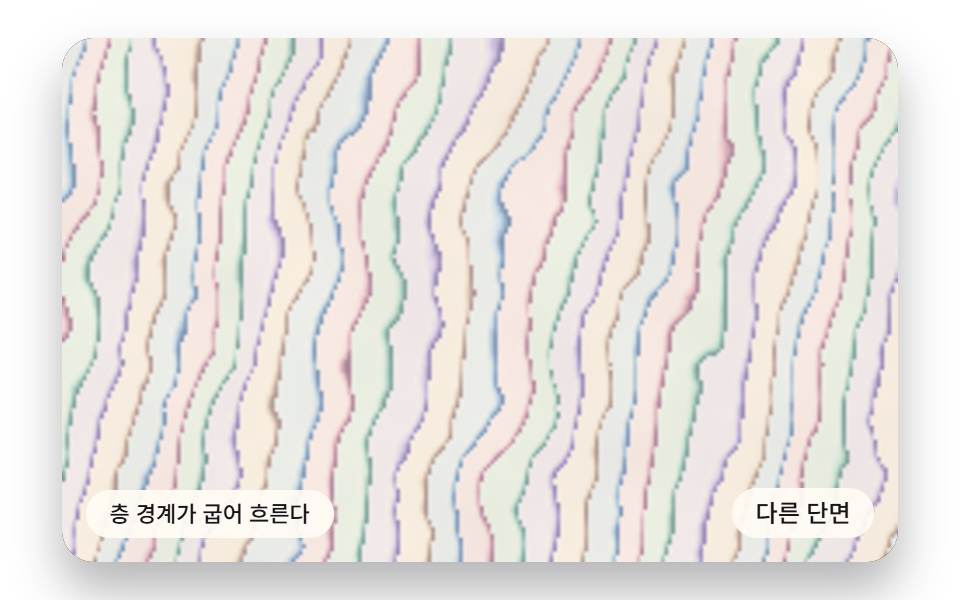 08 mbl-agate-layer-density-bands
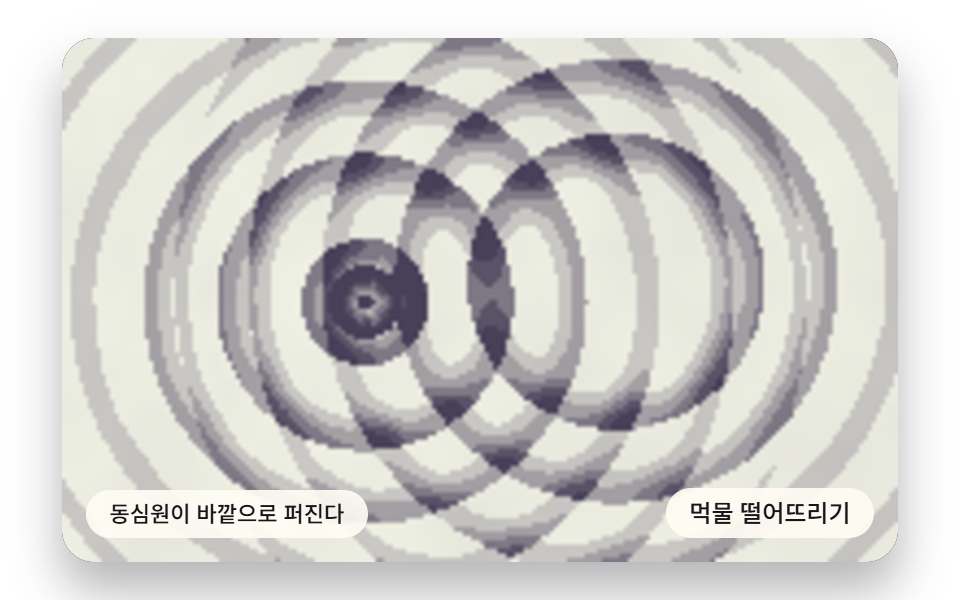 09 mbl-suminagashi-ink-concentric-rings
Auto-plays · click a tile to jump to its section · all nine in one zip
- 01 A Landed Drop Blooming Into Rings That Thin Outward
- 02 A Compressed Ink Field Splitting Into Narrow Branching Veins
- 03 Pleats Radiating From One Point and Folding Like a Fan
- 04 Wave Bands Pushed One Way and Set Into Chevrons
- 05 Two Opposite Comb Passes, Staggered, Splitting Into Feathers
- 06 Ink Rising Off the Impact Ring and Falling Back as a Crown
- 07 Scattered Dots Bleeding and Stretching Into Mottled Speckles
- 08 Stone Bands Whose Width Shifts With Per-Layer Density
- 09 Concentric Rings Spreading From Centers, Swaying and Overlapping
Marble Effect CSS: 9 Flowing Backgrounds Drawn With Ink Diffusion, Comb Teeth and Stone Grain
The order follows what happens to the paint. 01 to 03 are ink resting on the water as it spreads, tears and folds; 04 and 05 drag a rake and a comb through that film; 06 and 07 catch new drops and dots as they land; 08 and 09 close with a slice of layered stone and ink rings widening from their centers. Each scene is drawn on a single <canvas>, and the stylesheet only sets the stage ratio, the corners, the button and the focus outline. The scenes treat paper marbling patterns as rules acting on a field of numbers rather than as stored pictures, so one constant can reshape a whole scene, and those constants are gathered in the values section further down.
Twenty-four captures in two seconds, each compared with the last
Every scene was captured 24 times over two seconds, and each capture was compared with the one before it, which makes 23 comparisons; the last column counts how many of those found a changed stage.
| Scene | Cumulative area | Mean intensity | Moving frames |
|---|---|---|---|
| 01 Drop bloom | 71.4% | 36.3 | 16/23 |
| 02 Branching mesh | 30.3% | 29.0 | 23/23 |
| 03 Fan pleats | 72.9% | 26.3 | 23/23 |
| 04 Rake wave bands | 71.1% | 20.5 | 23/23 |
| 05 Staggered comb feathers | 73.8% | 33.6 | 16/23 |
| 06 Crown splash | 14.2% | 36.4 | 23/23 |
| 07 Scattered dots | 68.5% | 26.9 | 16/23 |
| 08 Agate layers | 60.4% | 31.9 | 23/23 |
| 09 Ink rings | 72.0% | 56.9 | 23/23 |
Eight scenes pass 30% cumulative area, and none falls below 10%. The smallest, 06 at 14.2%, is a vector scene where only the impact ring's outline and a few small beads change between captures. 01, 05 and 07 stop at 16 of 23 because some captures fall in pauses between demo steps, when the pattern holds still, yet all three still sweep more than 68% of the stage.
Where each pattern earns a place on a page
The drop bloom (01) and the fan pleats (03) pull the eye toward the middle of the stage, so they suit a first screen or the head of an invitation where there is little text. The rake bands (04) run as a long horizontal strip that crops neatly into a footer or the edge under a banner, and the staggered comb feathers (05) lay an even grain that can sit behind a newsletter signup. When an input field goes on top, slip an opaque panel between the pattern and the text so the contrast does not shift with every vein underneath.
The crown splash (06) reacts to the instant of a press, which fits click feedback or the beat when a hero section arrives, while the scattered dots (07) suit small repeating surfaces such as stationery or label backgrounds. The agate bands (08) still read as a cut stone when frozen on one frame, so a business card or jewelry banner can use a still of it, and the slowly widening ink rings (09) belong under a calm brand introduction.
What Does a Marbling Technique Compute First Once It Moves Into Code?
In 01 and 05 the first question for each pixel is where its ink sat before the drop or the comb moved it, and the color is looked up only after that answer. The other scenes compute a value field (density, fold, band, layer or ring strength) and turn it into color, and all of them share the plumbing below.
Paint a small buffer, then stretch it onto the stage
Eight scenes, 01 to 05 and 07 to 09, compute pixel colors in a field smaller than the stage (01 160×100, 02 96×60, 03, 07 and 09 192×120, 04, 05 and 08 240×150), write them into a buffer from createImageData, place it with putImageData and stretch it onto the 480×300 stage with drawImage. Setting imageSmoothingQuality to 'high' softens the cell edges during that stretch. getImageData appears in none of the nine files, so nothing reads the screen back, and 06 skips the buffer entirely to draw ellipses and lines directly.
The paper grain is baked once, and time is cut into 16ms steps
The paper grain under the scenes (paperGrain, three octaves of value noise) does not change over time, so initField bakes it into the grainF array once and each pixel reads it from there. An early version recomputed it on every frame and the capture came back short of moving frames, which is why the bake moved to setup. Time comes from the timestamps requestAnimationFrame hands over, sliced into fixed 16ms steps (FIXED_DT) with at most 100ms of backlog and six steps per frame, and the canvas backing resolution is 480×300 times the device pixel ratio, held at 2 by Math.min(window.devicePixelRatio || 1, 2).
Integer hashes instead of random numbers keep the veins in place
Math.random is called zero times. An integer hash mixed with Math.imul (hash1, hash2), the value noise vnoise2 built on it and the octave stack fbm2 supply all of the irregularity, and each call passes its own seed number directly: 211 for the gain map in 02, 811 and 977 for the dot spots in 07, 101 and 313 for the warp in 08, and 401 for the ring sway in 09. A reload therefore grows the same grain in the same place.
The snippet under each scene below is one unbroken run of lines from that scene's index.html script. The function names match the source, so searching for one in the downloaded files lands you on its full surroundings.
01A Landed Drop Blooming Into Rings That Thin Outward
When a drop of radius R lands, each point outside it moves √(1 + R²/d²) times farther from the center, and inkAt applies the inverse factor √(1 − R²/d²) from the newest drop back toward the oldest to find where a screen point sat before any of them fell. Because this displacement keeps area, two BLOOM_RADIUS 96 drops on one spot trace a point 108.2px from the center back to a radius ratio of 0.521 (50/96) inside the first drop, which means ink that sat at 50px was pushed exactly to 108.2px. Inside a drop, five bands of R/RING_N = 19.2px are painted with a line of pushed-back ink at EDGE_PUSH 0.35 that doubles the band, and the render measured 71.4% cumulative area, 36.3 mean intensity and 16/23 moving frames.
<main class="stage">
<div class="hs is-demo" id="hs">
  <canvas class="hs__canvas" data-role="canvas" width="480" height="300" tabindex="0" aria-label="A landed drop blooming into rings that thin outward"></canvas>
  <p class="hs__status" data-role="status" aria-live="off">Rings are bleeding outward</p>
  <div class="hs__tools">
    <button class="hs__btn" data-role="btn" type="button">Drop ink</button>
  </div>
</div>
</main>
@use "../../../../site/static/demo-tokens" as *;
@include stage($stage-paper);
.hs {
position: relative;
width: min(92vw, calc(160vh - 12.8vw));
aspect-ratio: 480 / 300;
margin: 0 auto;
border-radius: $r-card;
overflow: hidden;
box-shadow: $shadow-raised;
background: $subject-ink;
}
.hs__canvas {
display: block;
width: 100%;
height: 100%;
cursor: crosshair;
}
.hs__canvas:focus-visible {
outline: 2px solid rgba(58, 48, 76, .9);
outline-offset: -6px;
}
.hs__status {
position: absolute;
left: $sp-3;
bottom: $sp-3;
max-width: 46%;
margin: 0;
padding: $sp-1 $sp-3;
border-radius: $r-control;
background: rgba(255, 252, 244, .92);
color: $subject-ink;
font: inherit;
font-weight: 500;
font-size: 11px;
line-height: 1.4;
pointer-events: none;
}
.hs__tools {
position: absolute;
right: $sp-3;
bottom: $sp-3;
display: flex;
gap: $sp-2;
}
.hs__btn {
margin: 0;
padding: $sp-1 $sp-3;
border: 0;
border-radius: $r-pill;
background: rgba(255, 252, 244, .92);
color: $subject-ink;
font: inherit;
font-weight: 500;
font-size: 12px;
line-height: 1.4;
cursor: pointer;
transition: background-color $dur-quick ease-out;
}
.hs__btn:hover {
background: $subject-cream;
}
.hs__btn[aria-pressed="true"] {
background: $subject-mint;
}
.hs__btn:focus-visible {
outline: 2px solid rgba(58, 48, 76, .9);
outline-offset: 2px;
}
// 포인터로는 잉크를 다루고, 쓸어 넘기는 손가락 제스처는 브라우저에 남겨 페이지 스크롤이 막히지 않게 한다
.hs__canvas { touch-action: pan-y; }
@media (max-width: 340px) {
.hs__btn { font-size: 10px; padding: $sp-1 $sp-2; }
.hs__status { font-size: 10px; padding: $sp-1 $sp-2; }
}
@media (prefers-reduced-motion: reduce) {
.hs__btn { transition: none; }
}html, body {
margin: 0;
overflow: hidden;
}
.stage {
box-sizing: border-box;
min-height: 100vh;
display: grid;
place-items: center;
margin: 0;
background: #ffffff;
font-family: -apple-system, "Segoe UI", "Noto Sans KR", sans-serif;
padding: clamp(8px, 4vw, 24px);
}
.hs {
position: relative;
width: min(92vw, 160vh - 12.8vw);
aspect-ratio: 480/300;
margin: 0 auto;
border-radius: 16px;
overflow: hidden;
box-shadow: 0 14px 24px rgba(23, 20, 26, 0.32);
background: #17141a;
}
.hs__canvas {
display: block;
width: 100%;
height: 100%;
cursor: crosshair;
}
.hs__canvas:focus-visible {
outline: 2px solid rgba(58, 48, 76, 0.9);
outline-offset: -6px;
}
.hs__status {
position: absolute;
left: 12px;
bottom: 12px;
max-width: 46%;
margin: 0;
padding: 4px 12px;
border-radius: 12px;
background: rgba(255, 252, 244, 0.92);
color: #17141a;
font: inherit;
font-weight: 500;
font-size: 11px;
line-height: 1.4;
pointer-events: none;
}
.hs__tools {
position: absolute;
right: 12px;
bottom: 12px;
display: flex;
gap: 8px;
}
.hs__btn {
margin: 0;
padding: 4px 12px;
border: 0;
border-radius: 999px;
background: rgba(255, 252, 244, 0.92);
color: #17141a;
font: inherit;
font-weight: 500;
font-size: 12px;
line-height: 1.4;
cursor: pointer;
transition: background-color 220ms ease-out;
}
.hs__btn:hover {
background: #fff7e6;
}
.hs__btn[aria-pressed=true] {
background: #4cd4a6;
}
.hs__btn:focus-visible {
outline: 2px solid rgba(58, 48, 76, 0.9);
outline-offset: 2px;
}
.hs__canvas {
touch-action: pan-y;
}
@media (max-width: 340px) {
.hs__btn {
font-size: 10px;
padding: 4px 8px;
}
.hs__status {
font-size: 10px;
padding: 4px 8px;
}
}
@media (prefers-reduced-motion: reduce) {
.hs__btn {
transition: none;
}
}(function () {
const root = document.getElementById("hs");
if (!root) return;
const W = 480;
const H = 300;
const FIXED_DT = 16;
// 마블링 팔레트 — 종이 물면(PAPER) 위에 파스텔 잉크 결이 흐른다
const PAPER = [252, 246, 234];
const INK = [58, 48, 76];
const MINT = [126, 226, 192];
const SKY = [124, 196, 255];
const LILAC = [190, 164, 255];
const PINK = [255, 160, 190];
const PEACH = [255, 208, 168];
const TINTS = [SKY, PINK, MINT, LILAC, PEACH];
function clamp(v, lo, hi) { return v < lo ? lo : (v > hi ? hi : v); }
function lerp(a, b, k) { return a + (b - a) * k; }
function smooth(x) { const c = clamp(x, 0, 1); return c * c * (3 - 2 * c); }
function rgba(c, a) {
return 'rgba(' + Math.round(c[0]) + ',' + Math.round(c[1]) + ',' + Math.round(c[2]) + ',' + clamp(a, 0, 1).toFixed(3) + ')';
}
function mix(a, b, k) { return [lerp(a[0], b[0], k), lerp(a[1], b[1], k), lerp(a[2], b[2], k)]; }
const canvasEl = root.querySelector('[data-role="canvas"]');
const statusEl = root.querySelector('[data-role="status"]');
const ctxRaw = canvasEl ? canvasEl.getContext('2d') : null;
if (!canvasEl || !ctxRaw || !statusEl) {
return;
}
const cv = canvasEl;
const ctx = ctxRaw;
const status = statusEl;
const reduceQuery = window.matchMedia('(prefers-reduced-motion: reduce)');
const still = reduceQuery.matches;
// 자동 시연 중인가 — 사람이 처음 만지는 순간 시연을 멈추고 상태 줄을 읽어 주기 시작한다
let demo = root.classList.contains('is-demo');
function wake() {
if (!demo) {
return;
}
demo = false;
root.classList.remove('is-demo');
status.setAttribute('aria-live', 'polite');
}
function say(text) {
if (status.textContent !== text) {
status.textContent = text;
}
}
// 시연 시계가 loop 주기 안의 at 시각을 이번 스텝에 막 지났는가
function crossed(t, at, loop) {
const p = t % loop;
return p >= at && p - FIXED_DT < at;
}
function fitCanvas() {
// 캔버스 내부 해상도는 480x300 고정, 배율은 devicePixelRatio 에 상한 2 를 둔다
const dpr = Math.min(window.devicePixelRatio || 1, 2);
cv.width = Math.round(W * dpr);
cv.height = Math.round(H * dpr);
ctx.setTransform(dpr, 0, 0, dpr, 0, 0);
}
function onResize() {
fitCanvas();
draw();
}
fitCanvas();
window.addEventListener('resize', onResize);
// 화면 좌표(CSS px) → 장면 좌표(480x300). 리사이즈 뒤에도 늘 현재 크기로 다시 잰다
function toScene(ev) {
const r = cv.getBoundingClientRect();
return [((ev.clientX - r.left) / r.width) * W, ((ev.clientY - r.top) / r.height) * H];
}
// ── 필드 버퍼(077 방식) — 항목이 정한 낮은 해상도 버퍼에 픽셀 값을 굽고 drawImage 로 부드럽게 확대한다
const small = document.createElement('canvas');
let sctx = null;
let buf = null;
let px = null;
// 종이 결은 시간이 지나도 안 변한다 — 필드를 만들 때 한 번만 구워 두고 픽셀마다 꺼내 쓴다
let grainF = new Float32Array(0);
function initField(nw, nh) {
small.width = nw;
small.height = nh;
const c = small.getContext('2d');
if (!c) {
return;
}
sctx = c;
buf = c.createImageData(nw, nh);
px = buf.data;
grainF = new Float32Array(nw * nh);
for (let y = 0; y < nh; y += 1) {
for (let x = 0; x < nw; x += 1) {
grainF[y * nw + x] = paperGrain(x * W / nw, y * H / nh);
}
}
}
function blitField(nw, nh) {
if (!sctx || !buf) {
return;
}
sctx.putImageData(buf, 0, 0);
ctx.imageSmoothingEnabled = true;
ctx.imageSmoothingQuality = 'high';
ctx.drawImage(small, 0, 0, nw, nh, 0, 0, W, H);
}
// ── 결정적 값노이즈 — 난수 소스를 못 쓰므로 정수 해시로 같은 시드에 같은 값
const SEED = 463;
function hash1(n, seed) {
let h = Math.imul(n ^ seed, 374761393);
h = Math.imul(h ^ (h >>> 13), 1274126177);
return ((h ^ (h >>> 16)) >>> 0) / 4294967296;
}
function hash2(x, y, seed) {
return hash1((Math.imul(x, 73856093) ^ Math.imul(y, 19349663)) | 0, seed);
}
function fade(t) { return t * t * (3 - 2 * t); }
function vnoise2(x, y, seed) {
const xi = Math.floor(x), yi = Math.floor(y);
const u = fade(x - xi), v = fade(y - yi);
const a = hash2(xi, yi, seed), b = hash2(xi + 1, yi, seed);
const c = hash2(xi, yi + 1, seed), d = hash2(xi + 1, yi + 1, seed);
return lerp(lerp(a, b, u), lerp(c, d, u), v);
}
function fbm2(x, y, oct, seed) {
let sum = 0, amp = 0.5, norm = 0, f = 1;
for (let i = 0; i < oct; i += 1) {
sum += vnoise2(x * f, y * f, seed + i * 131) * amp;
norm += amp;
amp *= 0.5;
f *= 2;
}
return sum / norm;
}
// 종이 결 — 옅은 얼룩으로 종이가 느껴지게 하는 바닥 값(0~1)
function paperGrain(x, y) {
return fbm2(x * 0.021, y * 0.021, 3, 71);
}
// 01 방울 피짐 — 착탄점 거리별 확산량을 반경 띠에 누적, 농고리 안쪽 역류로 이중 띠
const BLOOM_RADIUS = 96; // 방울 하나가 번져 닿는 반경(px)
const RING_N = 5; // 방울 하나가 남기는 고리(띠) 수
const EDGE_PUSH = 0.35; // 고리 한 칸 폭 가운데 안쪽으로 되밀린 농띠의 자리(0~1) — 이중 띠의 안쪽 줄
const GROW_MS = 1100; // 방울이 다 번지는 데 걸리는 시간
const DROP_MAX = 7; // 화면에 남겨 두는 방울 수 — 더 오래된 방울은 이미 화면 밖으로 밀려나 있다
const DEMO_LOOP = 3200;
const FW = 160;
const FH = 100;
const SPOTS = [[214, 138], [292, 162], [236, 112], [170, 178], [322, 120], [252, 184]];
const TXT_BLOOM = 'Rings are bleeding outward';
const TXT_DOUBLE = 'The dense ring is pushed back inward into double bands';
const TXT_SETTLE = 'Bleeding has settled';
const TXT_GUIDE = 'Arrow keys move the spot, Enter drops the ink';
let blooms = [];
let dropCount = 0;
let spotI = 0;
let cursorX = W / 2;
let cursorY = H / 2;
let showCursor = false;
function addBloom(x, y, t0) {
blooms.push({ x: x, y: y, tint: dropCount % TINTS.length, t0: t0 });
dropCount += 1;
if (blooms.length > DROP_MAX) {
blooms.shift();
}
}
function nextSpot(t0) {
const s = SPOTS[spotI % SPOTS.length];
spotI += 1;
addBloom(s[0], s[1], t0);
}
// 지금 반경 — 처음엔 빨리, 끝으로 갈수록 천천히 번진다(1−(1−a)² 의 제곱근)
function radiusOf(b, now) {
const a = clamp((now - b.t0) / GROW_MS, 0, 1);
return BLOOM_RADIUS * Math.sqrt(1 - (1 - a) * (1 - a));
}
// 화면 점이 어느 방울의 몇 번째 띠 위에 있나 — 새 방울부터 거꾸로 되짚는다.
// 반경 R 방울이 떨어지면 바깥 점 p 는 c + (p−c)·√(1 + R²/|p−c|²) 로 밀려난다(넓이 보존).
// 그러니 지금 화면 점이 방울 전에 있던 자리는 c + (p−c)·√(1 − R²/|p−c|²) 이다
let hitI = -1;
let hitQ = 0;
    function inkAt(x, y, now) {
        let qx = x, qy = y;
        hitI = -1;
        for (let i = blooms.length - 1; i >= 0; i -= 1) {
            const b = blooms[i];
            const R = radiusOf(b, now);
            if (R <= 0) {
                continue;
            }
            const dx = qx - b.x, dy = qy - b.y;
            const d2 = dx * dx + dy * dy;
            if (d2 < R * R) {
                hitI = i;
                hitQ = Math.sqrt(d2) / R;
                return;
            }
            const s = Math.sqrt(1 - (R * R) / d2);
            qx = b.x + dx * s;
            qy = b.y + dy * s;
        }
    }
// 띠 하나의 색 — 안쪽 띠일수록 잉크가 많이 쌓여 진하고(거리별 확산량 누적), 띠 바깥 가장자리는 농고리,
// 농고리 바로 안쪽에서 EDGE_PUSH 자리로 되밀린 잉크가 한 줄 더 생겨 이중 띠가 된다
function bandColor(base, tint, q) {
const f = q * RING_N;
const band = Math.floor(f);
const fr = f - band;
const amount = 1 - (band / RING_N) * 0.62;
let col = band % 2 === 0 ? mix(base, tint, 0.34 + 0.5 * amount) : mix(base, mix(tint, PAPER, 0.55), 0.5 + 0.3 * amount);
const rim = smooth((fr - 0.84) / 0.12);
const back = 1 - smooth(Math.abs(fr - EDGE_PUSH) / 0.07);
col = mix(col, INK, rim * 0.34 * amount + back * 0.2 * amount);
return col;
}
function draw() {
if (!px || !sctx) {
return;
}
const now = clock;
const sx = W / FW, sy = H / FH;
let i4 = 0;
for (let y = 0; y < FH; y += 1) {
for (let x = 0; x < FW; x += 1) {
const g = grainF[y * FW + x];
const base = mix(PAPER, INK, g * 0.07 + 0.015);
inkAt((x + 0.5) * sx, (y + 0.5) * sy, now);
const col = hitI < 0 ? base : bandColor(base, TINTS[blooms[hitI].tint], hitQ);
px[i4] = col[0];
px[i4 + 1] = col[1];
px[i4 + 2] = col[2];
px[i4 + 3] = 255;
i4 += 4;
}
}
blitField(FW, FH);
if (showCursor) {
ctx.beginPath();
ctx.arc(cursorX, cursorY, 7, 0, Math.PI * 2);
ctx.strokeStyle = rgba(INK, 0.8);
ctx.lineWidth = 1.5;
ctx.stroke();
}
}
function seedBlooms() {
blooms = [];
for (let i = 0; i < 4; i += 1) {
nextSpot(-1e9);
}
}
function settle() {
seedBlooms();
say(TXT_SETTLE);
}
function step() {
if (!demo || !blooms.length) {
return;
}
const last = blooms[blooms.length - 1];
say(clock - last.t0 < GROW_MS ? TXT_BLOOM : TXT_DOUBLE);
}
function dropAt(x, y) {
addBloom(x, y, still ? -1e9 : clock);
say(still ? TXT_DOUBLE : TXT_BLOOM);
if (still) {
draw();
}
}
function demoTick(t) {
if (crossed(t, 200, DEMO_LOOP) || crossed(t, 700, DEMO_LOOP) || crossed(t, 1200, DEMO_LOOP)) {
nextSpot(clock);
}
}
seedBlooms();
initField(FW, FH);
const btn = root.querySelector('[data-role="btn"]');
if (btn) {
btn.addEventListener('click', function () {
wake();
const s = SPOTS[spotI % SPOTS.length];
spotI += 1;
dropAt(s[0], s[1]);
});
}
cv.addEventListener('pointerdown', function (ev) {
wake();
const p = toScene(ev);
cursorX = p[0];
cursorY = p[1];
dropAt(p[0], p[1]);
});
cv.addEventListener('keydown', function (ev) {
const k = ev.key;
if (k !== 'ArrowLeft' && k !== 'ArrowRight' && k !== 'ArrowUp' && k !== 'ArrowDown' && k !== 'Enter' && k !== ' ') {
return;
}
ev.preventDefault();
wake();
showCursor = true;
if (k === 'Enter' || k === ' ') {
dropAt(cursorX, cursorY);
return;
}
cursorX = clamp(cursorX + (k === 'ArrowLeft' ? -16 : (k === 'ArrowRight' ? 16 : 0)), 8, W - 8);
cursorY = clamp(cursorY + (k === 'ArrowUp' ? -12 : (k === 'ArrowDown' ? 12 : 0)), 8, H - 8);
say(TXT_GUIDE);
if (still) {
draw();
}
});
let rafId = 0;
let lastTs = -1;
let acc = 0;
let clock = 0;
function frame(ts) {
if (lastTs < 0) {
lastTs = ts;
}
// 탭이 숨었다 돌아와도 한 번에 100ms 까지만 따라잡는다 — 순간이동 대신 이어서 움직인다
acc += Math.min(ts - lastTs, 100);
lastTs = ts;
let n = 0;
while (acc >= FIXED_DT && n < 6) {
clock += FIXED_DT;
if (demo) {
demoTick(clock);
}
step();
acc -= FIXED_DT;
n += 1;
}
draw();
rafId = window.requestAnimationFrame(frame);
}
if (still) {
settle();
draw();
}
else {
rafId = window.requestAnimationFrame(frame);
}
return function () {
window.cancelAnimationFrame(rafId);
window.removeEventListener('resize', onResize);
};
})();// MblDropBloomRadialDiffusion - vanilla 판(01-mbl-drop-bloom-radial-diffusion) 의 React 포트. 같은 계산을 useEffect 안에서 돌린다.
import { useEffect, useRef } from "react";
import styles from "./MblDropBloomRadialDiffusion.module.scss";
const cx = (s: string): string => s.split(" ").map((n) => styles[n] ?? n).join(" ");
export default function MblDropBloomRadialDiffusion() {
const rootRef = useRef<HTMLDivElement | null>(null);
useEffect(() => {
const rootEl = rootRef.current;
if (!rootEl) return;
const root: HTMLElement = rootEl;
type RGB = [number, number, number];
const W = 480;
const H = 300;
const FIXED_DT = 16;
// 마블링 팔레트 — 종이 물면(PAPER) 위에 파스텔 잉크 결이 흐른다
const PAPER: RGB = [252, 246, 234];
const INK: RGB = [58, 48, 76];
const MINT: RGB = [126, 226, 192];
const SKY: RGB = [124, 196, 255];
const LILAC: RGB = [190, 164, 255];
const PINK: RGB = [255, 160, 190];
const PEACH: RGB = [255, 208, 168];
const TINTS: RGB[] = [SKY, PINK, MINT, LILAC, PEACH];
function clamp(v: number, lo: number, hi: number): number { return v < lo ? lo : (v > hi ? hi : v); }
function lerp(a: number, b: number, k: number): number { return a + (b - a) * k; }
function smooth(x: number): number { const c = clamp(x, 0, 1); return c * c * (3 - 2 * c); }
function rgba(c: RGB, a: number): string {
return 'rgba(' + Math.round(c[0]) + ',' + Math.round(c[1]) + ',' + Math.round(c[2]) + ',' + clamp(a, 0, 1).toFixed(3) + ')';
}
function mix(a: RGB, b: RGB, k: number): RGB { return [lerp(a[0], b[0], k), lerp(a[1], b[1], k), lerp(a[2], b[2], k)]; }
const canvasEl = root.querySelector('[data-role="canvas"]') as HTMLCanvasElement | null;
const statusEl = root.querySelector('[data-role="status"]') as HTMLElement | null;
const ctxRaw = canvasEl ? canvasEl.getContext('2d') : null;
if (!canvasEl || !ctxRaw || !statusEl) { return; }
const cv: HTMLCanvasElement = canvasEl;
const ctx: CanvasRenderingContext2D = ctxRaw;
const status: HTMLElement = statusEl;
const reduceQuery = window.matchMedia('(prefers-reduced-motion: reduce)');
const still = reduceQuery.matches;
// 자동 시연 중인가 — 사람이 처음 만지는 순간 시연을 멈추고 상태 줄을 읽어 주기 시작한다
let demo = root.classList.contains('is-demo');
function wake(): void {
if (!demo) { return; }
demo = false;
root.classList.remove('is-demo');
status.setAttribute('aria-live', 'polite');
}
function say(text: string): void {
if (status.textContent !== text) { status.textContent = text; }
}
// 시연 시계가 loop 주기 안의 at 시각을 이번 스텝에 막 지났는가
function crossed(t: number, at: number, loop: number): boolean {
const p = t % loop;
return p >= at && p - FIXED_DT < at;
}
function fitCanvas(): void {
// 캔버스 내부 해상도는 480x300 고정, 배율은 devicePixelRatio 에 상한 2 를 둔다
const dpr = Math.min(window.devicePixelRatio || 1, 2);
cv.width = Math.round(W * dpr);
cv.height = Math.round(H * dpr);
ctx.setTransform(dpr, 0, 0, dpr, 0, 0);
}
function onResize(): void {
fitCanvas();
draw();
}
fitCanvas();
window.addEventListener('resize', onResize);
// 화면 좌표(CSS px) → 장면 좌표(480x300). 리사이즈 뒤에도 늘 현재 크기로 다시 잰다
function toScene(ev: PointerEvent): [number, number] {
const r = cv.getBoundingClientRect();
return [((ev.clientX - r.left) / r.width) * W, ((ev.clientY - r.top) / r.height) * H];
}
// ── 필드 버퍼(077 방식) — 항목이 정한 낮은 해상도 버퍼에 픽셀 값을 굽고 drawImage 로 부드럽게 확대한다
const small = document.createElement('canvas');
let sctx: CanvasRenderingContext2D | null = null;
let buf: ImageData | null = null;
let px: Uint8ClampedArray | null = null;
// 종이 결은 시간이 지나도 안 변한다 — 필드를 만들 때 한 번만 구워 두고 픽셀마다 꺼내 쓴다
let grainF: Float32Array = new Float32Array(0);
function initField(nw: number, nh: number): void {
small.width = nw;
small.height = nh;
const c = small.getContext('2d');
if (!c) { return; }
sctx = c;
buf = c.createImageData(nw, nh);
px = buf.data;
grainF = new Float32Array(nw * nh);
for (let y = 0; y < nh; y += 1) {
for (let x = 0; x < nw; x += 1) { grainF[y * nw + x] = paperGrain(x * W / nw, y * H / nh); }
}
}
function blitField(nw: number, nh: number): void {
if (!sctx || !buf) { return; }
sctx.putImageData(buf, 0, 0);
ctx.imageSmoothingEnabled = true;
ctx.imageSmoothingQuality = 'high';
ctx.drawImage(small, 0, 0, nw, nh, 0, 0, W, H);
}
// ── 결정적 값노이즈 — 난수 소스를 못 쓰므로 정수 해시로 같은 시드에 같은 값
const SEED = 463;
function hash1(n: number, seed: number): number {
let h = Math.imul(n ^ seed, 374761393);
h = Math.imul(h ^ (h >>> 13), 1274126177);
return ((h ^ (h >>> 16)) >>> 0) / 4294967296;
}
function hash2(x: number, y: number, seed: number): number {
return hash1((Math.imul(x, 73856093) ^ Math.imul(y, 19349663)) | 0, seed);
}
function fade(t: number): number { return t * t * (3 - 2 * t); }
function vnoise2(x: number, y: number, seed: number): number {
const xi = Math.floor(x), yi = Math.floor(y);
const u = fade(x - xi), v = fade(y - yi);
const a = hash2(xi, yi, seed), b = hash2(xi + 1, yi, seed);
const c = hash2(xi, yi + 1, seed), d = hash2(xi + 1, yi + 1, seed);
return lerp(lerp(a, b, u), lerp(c, d, u), v);
}
function fbm2(x: number, y: number, oct: number, seed: number): number {
let sum = 0, amp = 0.5, norm = 0, f = 1;
for (let i = 0; i < oct; i += 1) {
sum += vnoise2(x * f, y * f, seed + i * 131) * amp;
norm += amp;
amp *= 0.5;
f *= 2;
}
return sum / norm;
}
// 종이 결 — 옅은 얼룩으로 종이가 느껴지게 하는 바닥 값(0~1)
function paperGrain(x: number, y: number): number {
return fbm2(x * 0.021, y * 0.021, 3, 71);
}
// 01 방울 피짐 — 착탄점 거리별 확산량을 반경 띠에 누적, 농고리 안쪽 역류로 이중 띠
const BLOOM_RADIUS = 96; // 방울 하나가 번져 닿는 반경(px)
const RING_N = 5; // 방울 하나가 남기는 고리(띠) 수
const EDGE_PUSH = 0.35; // 고리 한 칸 폭 가운데 안쪽으로 되밀린 농띠의 자리(0~1) — 이중 띠의 안쪽 줄
const GROW_MS = 1100; // 방울이 다 번지는 데 걸리는 시간
const DROP_MAX = 7; // 화면에 남겨 두는 방울 수 — 더 오래된 방울은 이미 화면 밖으로 밀려나 있다
const DEMO_LOOP = 3200;
const FW = 160;
const FH = 100;
const SPOTS: [number, number][] = [[214, 138], [292, 162], [236, 112], [170, 178], [322, 120], [252, 184]];
const TXT_BLOOM = '고리가 바깥으로 번지는 중';
const TXT_DOUBLE = '농고리 안쪽이 밀려 이중 띠';
const TXT_SETTLE = '번짐이 멎음';
const TXT_GUIDE = '화살표로 위치를 옮기고 엔터로 떨어뜨림';
type Bloom = { x: number; y: number; tint: number; t0: number };
let blooms: Bloom[] = [];
let dropCount = 0;
let spotI = 0;
let cursorX = W / 2;
let cursorY = H / 2;
let showCursor = false;
function addBloom(x: number, y: number, t0: number): void {
blooms.push({ x: x, y: y, tint: dropCount % TINTS.length, t0: t0 });
dropCount += 1;
if (blooms.length > DROP_MAX) { blooms.shift(); }
}
function nextSpot(t0: number): void {
const s = SPOTS[spotI % SPOTS.length];
spotI += 1;
addBloom(s[0], s[1], t0);
}
// 지금 반경 — 처음엔 빨리, 끝으로 갈수록 천천히 번진다(1−(1−a)² 의 제곱근)
function radiusOf(b: Bloom, now: number): number {
const a = clamp((now - b.t0) / GROW_MS, 0, 1);
return BLOOM_RADIUS * Math.sqrt(1 - (1 - a) * (1 - a));
}
// 화면 점이 어느 방울의 몇 번째 띠 위에 있나 — 새 방울부터 거꾸로 되짚는다.
// 반경 R 방울이 떨어지면 바깥 점 p 는 c + (p−c)·√(1 + R²/|p−c|²) 로 밀려난다(넓이 보존).
// 그러니 지금 화면 점이 방울 전에 있던 자리는 c + (p−c)·√(1 − R²/|p−c|²) 이다
let hitI = -1;
let hitQ = 0;
function inkAt(x: number, y: number, now: number): void {
let qx = x, qy = y;
hitI = -1;
for (let i = blooms.length - 1; i >= 0; i -= 1) {
const b = blooms[i];
const R = radiusOf(b, now);
if (R <= 0) { continue; }
const dx = qx - b.x, dy = qy - b.y;
const d2 = dx * dx + dy * dy;
if (d2 < R * R) {
hitI = i;
hitQ = Math.sqrt(d2) / R;
return;
}
const s = Math.sqrt(1 - (R * R) / d2);
qx = b.x + dx * s;
qy = b.y + dy * s;
}
}
// 띠 하나의 색 — 안쪽 띠일수록 잉크가 많이 쌓여 진하고(거리별 확산량 누적), 띠 바깥 가장자리는 농고리,
// 농고리 바로 안쪽에서 EDGE_PUSH 자리로 되밀린 잉크가 한 줄 더 생겨 이중 띠가 된다
function bandColor(base: RGB, tint: RGB, q: number): RGB {
const f = q * RING_N;
const band = Math.floor(f);
const fr = f - band;
const amount = 1 - (band / RING_N) * 0.62;
let col = band % 2 === 0 ? mix(base, tint, 0.34 + 0.5 * amount) : mix(base, mix(tint, PAPER, 0.55), 0.5 + 0.3 * amount);
const rim = smooth((fr - 0.84) / 0.12);
const back = 1 - smooth(Math.abs(fr - EDGE_PUSH) / 0.07);
col = mix(col, INK, rim * 0.34 * amount + back * 0.2 * amount);
return col;
}
function draw(): void {
if (!px || !sctx) { return; }
const now = clock;
const sx = W / FW, sy = H / FH;
let i4 = 0;
for (let y = 0; y < FH; y += 1) {
for (let x = 0; x < FW; x += 1) {
const g = grainF[y * FW + x];
const base = mix(PAPER, INK, g * 0.07 + 0.015);
inkAt((x + 0.5) * sx, (y + 0.5) * sy, now);
const col = hitI < 0 ? base : bandColor(base, TINTS[blooms[hitI].tint], hitQ);
px[i4] = col[0]; px[i4 + 1] = col[1]; px[i4 + 2] = col[2]; px[i4 + 3] = 255;
i4 += 4;
}
}
blitField(FW, FH);
if (showCursor) {
ctx.beginPath();
ctx.arc(cursorX, cursorY, 7, 0, Math.PI * 2);
ctx.strokeStyle = rgba(INK, 0.8);
ctx.lineWidth = 1.5;
ctx.stroke();
}
}
function seedBlooms(): void {
blooms = [];
for (let i = 0; i < 4; i += 1) { nextSpot(-1e9); }
}
function settle(): void {
seedBlooms();
say(TXT_SETTLE);
}
function step(): void {
if (!demo || !blooms.length) { return; }
const last = blooms[blooms.length - 1];
say(clock - last.t0 < GROW_MS ? TXT_BLOOM : TXT_DOUBLE);
}
function dropAt(x: number, y: number): void {
addBloom(x, y, still ? -1e9 : clock);
say(still ? TXT_DOUBLE : TXT_BLOOM);
if (still) { draw(); }
}
function demoTick(t: number): void {
if (crossed(t, 200, DEMO_LOOP) || crossed(t, 700, DEMO_LOOP) || crossed(t, 1200, DEMO_LOOP)) { nextSpot(clock); }
}
seedBlooms();
initField(FW, FH);
const btn = root.querySelector('[data-role="btn"]') as HTMLButtonElement | null;
if (btn) {
btn.addEventListener('click', function (): void {
wake();
const s = SPOTS[spotI % SPOTS.length];
spotI += 1;
dropAt(s[0], s[1]);
});
}
cv.addEventListener('pointerdown', function (ev: PointerEvent): void {
wake();
const p = toScene(ev);
cursorX = p[0];
cursorY = p[1];
dropAt(p[0], p[1]);
});
cv.addEventListener('keydown', function (ev: KeyboardEvent): void {
const k = ev.key;
if (k !== 'ArrowLeft' && k !== 'ArrowRight' && k !== 'ArrowUp' && k !== 'ArrowDown' && k !== 'Enter' && k !== ' ') { return; }
ev.preventDefault();
wake();
showCursor = true;
if (k === 'Enter' || k === ' ') {
dropAt(cursorX, cursorY);
return;
}
cursorX = clamp(cursorX + (k === 'ArrowLeft' ? -16 : (k === 'ArrowRight' ? 16 : 0)), 8, W - 8);
cursorY = clamp(cursorY + (k === 'ArrowUp' ? -12 : (k === 'ArrowDown' ? 12 : 0)), 8, H - 8);
say(TXT_GUIDE);
if (still) { draw(); }
});
let rafId = 0;
let lastTs = -1;
let acc = 0;
let clock = 0;
function frame(ts: number): void {
if (lastTs < 0) { lastTs = ts; }
// 탭이 숨었다 돌아와도 한 번에 100ms 까지만 따라잡는다 — 순간이동 대신 이어서 움직인다
acc += Math.min(ts - lastTs, 100);
lastTs = ts;
let n = 0;
while (acc >= FIXED_DT && n < 6) {
clock += FIXED_DT;
if (demo) { demoTick(clock); }
step();
acc -= FIXED_DT;
n += 1;
}
draw();
rafId = window.requestAnimationFrame(frame);
}
if (still) {
settle();
draw();
} else {
rafId = window.requestAnimationFrame(frame);
}
return function (): void {
window.cancelAnimationFrame(rafId);
window.removeEventListener('resize', onResize);
};
}, []);
return (
<div className={cx("hs") + " is-demo"} ref={rootRef}>
<canvas className={cx("hs__canvas")} data-role="canvas" width={480} height={300} tabIndex={0} aria-label="떨어진 잉크가 고리를 만들며 바깥으로 번지는 방울 피짐"></canvas>
<p className={cx("hs__status")} data-role="status" aria-live="off">고리가 바깥으로 번지는 중</p>
<div className={cx("hs__tools")}>
<button className={cx("hs__btn")} data-role="btn" type="button">잉크 떨어뜨리기</button>
</div>
</div>
);
}01 · A Landed Drop Blooming Into Rings That Thin Outward — Measured area 71.384% · moving frames 16/23Original by GODRICH · SCSS and React ship in the zip · See the password
function inkAt(x, y, now) {
let qx = x, qy = y;
hitI = -1;
for (let i = blooms.length - 1; i >= 0; i -= 1) {
const b = blooms[i];
const R = radiusOf(b, now);
if (R <= 0) {
continue;
}
const dx = qx - b.x, dy = qy - b.y;
const d2 = dx * dx + dy * dy;
if (d2 < R * R) {
hitI = i;
hitQ = Math.sqrt(d2) / R;
return;
}
const s = Math.sqrt(1 - (R * R) / d2);
qx = b.x + dx * s;
qy = b.y + dy * s;
}
}
02A Compressed Ink Field Splitting Into Narrow Branching Veins
Each cell of a 96×60 grid carries a pressure of density × (1.15 − gain), where the gain map is three octaves of fbm2 (SPLIT_DEPTH 3) carving small valleys inside large ones, and each right and lower neighbor pair moves ink by pressure difference × DENSITY_DIFF_K 0.16, clipped at 24% of a cell's density per trade. Trading alone would smear the ink into an even haze, so the reaction term d + EDGE_KEEP·d(1−d)(d−½)·4 at the end of tradeDens pushes in-between values toward 0 or 1 and lets the emptied valleys stand up as sharp gaps. Run in Node, the source functions widen the gap share (cells under 0.1 density) from 10.6% to 22.7% after 160 steps (2.56 seconds), and the render measured 30.3% cumulative area, 29.0 mean intensity and 23/23 moving frames.
<main class="stage">
<div class="hs is-demo" id="hs">
  <canvas class="hs__canvas" data-role="canvas" width="480" height="300" tabindex="0" aria-label="A compressed ink field splitting into narrow branching veins"></canvas>
  <p class="hs__status" data-role="status" aria-live="off">The compressed edge tears into gaps</p>
  <div class="hs__tools">
    <button class="hs__btn" data-role="btn" type="button">Push</button>
  </div>
</div>
</main>
@use "../../../../site/static/demo-tokens" as *;
@include stage($stage-paper);
.hs {
position: relative;
width: min(92vw, calc(160vh - 12.8vw));
aspect-ratio: 480 / 300;
margin: 0 auto;
border-radius: $r-card;
overflow: hidden;
box-shadow: $shadow-raised;
background: $subject-ink;
}
.hs__canvas {
display: block;
width: 100%;
height: 100%;
cursor: crosshair;
}
.hs__canvas:focus-visible {
outline: 2px solid rgba(58, 48, 76, .9);
outline-offset: -6px;
}
.hs__status {
position: absolute;
left: $sp-3;
bottom: $sp-3;
max-width: 46%;
margin: 0;
padding: $sp-1 $sp-3;
border-radius: $r-control;
background: rgba(255, 252, 244, .92);
color: $subject-ink;
font: inherit;
font-weight: 500;
font-size: 11px;
line-height: 1.4;
pointer-events: none;
}
.hs__tools {
position: absolute;
right: $sp-3;
bottom: $sp-3;
display: flex;
gap: $sp-2;
}
.hs__btn {
margin: 0;
padding: $sp-1 $sp-3;
border: 0;
border-radius: $r-pill;
background: rgba(255, 252, 244, .92);
color: $subject-ink;
font: inherit;
font-weight: 500;
font-size: 12px;
line-height: 1.4;
cursor: pointer;
transition: background-color $dur-quick ease-out;
}
.hs__btn:hover {
background: $subject-cream;
}
.hs__btn[aria-pressed="true"] {
background: $subject-mint;
}
.hs__btn:focus-visible {
outline: 2px solid rgba(58, 48, 76, .9);
outline-offset: 2px;
}
// 포인터로는 잉크를 다루고, 쓸어 넘기는 손가락 제스처는 브라우저에 남겨 페이지 스크롤이 막히지 않게 한다
.hs__canvas { touch-action: pan-y; }
@media (max-width: 340px) {
.hs__btn { font-size: 10px; padding: $sp-1 $sp-2; }
.hs__status { font-size: 10px; padding: $sp-1 $sp-2; }
}
@media (prefers-reduced-motion: reduce) {
.hs__btn { transition: none; }
}html, body {
margin: 0;
overflow: hidden;
}
.stage {
box-sizing: border-box;
min-height: 100vh;
display: grid;
place-items: center;
margin: 0;
background: #ffffff;
font-family: -apple-system, "Segoe UI", "Noto Sans KR", sans-serif;
padding: clamp(8px, 4vw, 24px);
}
.hs {
position: relative;
width: min(92vw, 160vh - 12.8vw);
aspect-ratio: 480/300;
margin: 0 auto;
border-radius: 16px;
overflow: hidden;
box-shadow: 0 14px 24px rgba(23, 20, 26, 0.32);
background: #17141a;
}
.hs__canvas {
display: block;
width: 100%;
height: 100%;
cursor: crosshair;
}
.hs__canvas:focus-visible {
outline: 2px solid rgba(58, 48, 76, 0.9);
outline-offset: -6px;
}
.hs__status {
position: absolute;
left: 12px;
bottom: 12px;
max-width: 46%;
margin: 0;
padding: 4px 12px;
border-radius: 12px;
background: rgba(255, 252, 244, 0.92);
color: #17141a;
font: inherit;
font-weight: 500;
font-size: 11px;
line-height: 1.4;
pointer-events: none;
}
.hs__tools {
position: absolute;
right: 12px;
bottom: 12px;
display: flex;
gap: 8px;
}
.hs__btn {
margin: 0;
padding: 4px 12px;
border: 0;
border-radius: 999px;
background: rgba(255, 252, 244, 0.92);
color: #17141a;
font: inherit;
font-weight: 500;
font-size: 12px;
line-height: 1.4;
cursor: pointer;
transition: background-color 220ms ease-out;
}
.hs__btn:hover {
background: #fff7e6;
}
.hs__btn[aria-pressed=true] {
background: #4cd4a6;
}
.hs__btn:focus-visible {
outline: 2px solid rgba(58, 48, 76, 0.9);
outline-offset: 2px;
}
.hs__canvas {
touch-action: pan-y;
}
@media (max-width: 340px) {
.hs__btn {
font-size: 10px;
padding: 4px 8px;
}
.hs__status {
font-size: 10px;
padding: 4px 8px;
}
}
@media (prefers-reduced-motion: reduce) {
.hs__btn {
transition: none;
}
}(function () {
const root = document.getElementById("hs");
if (!root) return;
const W = 480;
const H = 300;
const FIXED_DT = 16;
// 마블링 팔레트 — 종이 물면(PAPER) 위에 파스텔 잉크 결이 흐른다
const PAPER = [252, 246, 234];
const INK = [58, 48, 76];
const MINT = [126, 226, 192];
const SKY = [124, 196, 255];
const LILAC = [190, 164, 255];
const PINK = [255, 160, 190];
const PEACH = [255, 208, 168];
const TINTS = [SKY, PINK, MINT, LILAC, PEACH];
function clamp(v, lo, hi) { return v < lo ? lo : (v > hi ? hi : v); }
function lerp(a, b, k) { return a + (b - a) * k; }
function smooth(x) { const c = clamp(x, 0, 1); return c * c * (3 - 2 * c); }
function rgba(c, a) {
return 'rgba(' + Math.round(c[0]) + ',' + Math.round(c[1]) + ',' + Math.round(c[2]) + ',' + clamp(a, 0, 1).toFixed(3) + ')';
}
function mix(a, b, k) { return [lerp(a[0], b[0], k), lerp(a[1], b[1], k), lerp(a[2], b[2], k)]; }
const canvasEl = root.querySelector('[data-role="canvas"]');
const statusEl = root.querySelector('[data-role="status"]');
const ctxRaw = canvasEl ? canvasEl.getContext('2d') : null;
if (!canvasEl || !ctxRaw || !statusEl) {
return;
}
const cv = canvasEl;
const ctx = ctxRaw;
const status = statusEl;
const reduceQuery = window.matchMedia('(prefers-reduced-motion: reduce)');
const still = reduceQuery.matches;
// 자동 시연 중인가 — 사람이 처음 만지는 순간 시연을 멈추고 상태 줄을 읽어 주기 시작한다
let demo = root.classList.contains('is-demo');
function wake() {
if (!demo) {
return;
}
demo = false;
root.classList.remove('is-demo');
status.setAttribute('aria-live', 'polite');
}
function say(text) {
if (status.textContent !== text) {
status.textContent = text;
}
}
// 시연 시계가 loop 주기 안의 at 시각을 이번 스텝에 막 지났는가
function crossed(t, at, loop) {
const p = t % loop;
return p >= at && p - FIXED_DT < at;
}
function fitCanvas() {
// 캔버스 내부 해상도는 480x300 고정, 배율은 devicePixelRatio 에 상한 2 를 둔다
const dpr = Math.min(window.devicePixelRatio || 1, 2);
cv.width = Math.round(W * dpr);
cv.height = Math.round(H * dpr);
ctx.setTransform(dpr, 0, 0, dpr, 0, 0);
}
function onResize() {
fitCanvas();
draw();
}
fitCanvas();
window.addEventListener('resize', onResize);
// 화면 좌표(CSS px) → 장면 좌표(480x300). 리사이즈 뒤에도 늘 현재 크기로 다시 잰다
function toScene(ev) {
const r = cv.getBoundingClientRect();
return [((ev.clientX - r.left) / r.width) * W, ((ev.clientY - r.top) / r.height) * H];
}
// ── 필드 버퍼(077 방식) — 항목이 정한 낮은 해상도 버퍼에 픽셀 값을 굽고 drawImage 로 부드럽게 확대한다
const small = document.createElement('canvas');
let sctx = null;
let buf = null;
let px = null;
// 종이 결은 시간이 지나도 안 변한다 — 필드를 만들 때 한 번만 구워 두고 픽셀마다 꺼내 쓴다
let grainF = new Float32Array(0);
function initField(nw, nh) {
small.width = nw;
small.height = nh;
const c = small.getContext('2d');
if (!c) {
return;
}
sctx = c;
buf = c.createImageData(nw, nh);
px = buf.data;
grainF = new Float32Array(nw * nh);
for (let y = 0; y < nh; y += 1) {
for (let x = 0; x < nw; x += 1) {
grainF[y * nw + x] = paperGrain(x * W / nw, y * H / nh);
}
}
}
function blitField(nw, nh) {
if (!sctx || !buf) {
return;
}
sctx.putImageData(buf, 0, 0);
ctx.imageSmoothingEnabled = true;
ctx.imageSmoothingQuality = 'high';
ctx.drawImage(small, 0, 0, nw, nh, 0, 0, W, H);
}
// ── 결정적 값노이즈 — 난수 소스를 못 쓰므로 정수 해시로 같은 시드에 같은 값
const SEED = 463;
function hash1(n, seed) {
let h = Math.imul(n ^ seed, 374761393);
h = Math.imul(h ^ (h >>> 13), 1274126177);
return ((h ^ (h >>> 16)) >>> 0) / 4294967296;
}
function hash2(x, y, seed) {
return hash1((Math.imul(x, 73856093) ^ Math.imul(y, 19349663)) | 0, seed);
}
function fade(t) { return t * t * (3 - 2 * t); }
function vnoise2(x, y, seed) {
const xi = Math.floor(x), yi = Math.floor(y);
const u = fade(x - xi), v = fade(y - yi);
const a = hash2(xi, yi, seed), b = hash2(xi + 1, yi, seed);
const c = hash2(xi, yi + 1, seed), d = hash2(xi + 1, yi + 1, seed);
return lerp(lerp(a, b, u), lerp(c, d, u), v);
}
function fbm2(x, y, oct, seed) {
let sum = 0, amp = 0.5, norm = 0, f = 1;
for (let i = 0; i < oct; i += 1) {
sum += vnoise2(x * f, y * f, seed + i * 131) * amp;
norm += amp;
amp *= 0.5;
f *= 2;
}
return sum / norm;
}
// 종이 결 — 옅은 얼룩으로 종이가 느껴지게 하는 바닥 값(0~1)
function paperGrain(x, y) {
return fbm2(x * 0.021, y * 0.021, 3, 71);
}
// 02 부분 결 — 격자 셀 간 밀도차 잉크 교환으로 가장자리 열화·분기 반복
const CELL_N = 60; // 격자 세로 셀 수(가로는 무대 비율로 96)
const DENSITY_DIFF_K = 0.16; // 이웃 셀과의 압력(밀도)차 가운데 한 번에 넘기는 비율
const SPLIT_DEPTH = 3; // 틈이 다시 두 갈래로 나뉘는 깊이(이득장 노이즈 옥타브 수)
const EDGE_KEEP = 0.12; // 찢어진 경계를 날카롭게 붙잡는 반응항 세기 — 0 이면 잉크가 흐려지며 퍼지기만 한다
const PUSH_K = 0.5; // 미는 방향으로 더 흘려 보내는 비율
const TRADES = 3; // 16ms 스텝 하나에 교환을 몇 번 돌리나
const GX = Math.round(CELL_N * W / H);
const GY = CELL_N;
const DEMO_LOOP = 3600;
const TXT_EDGE = 'The compressed edge tears into gaps';
const TXT_FORK = 'The gaps split into two forks';
const TXT_SETTLE = 'The grain has settled';
const TXT_GUIDE = 'Arrow keys push the ink';
let dens = new Float32Array(GX * GY);
// 셀마다 잉크를 붙잡는 힘(이득)이 다르다 — 옥타브를 SPLIT_DEPTH 겹 쌓아 큰 골짜기 안에 작은 골짜기가 생기게 한다
const gain = new Float32Array(GX * GY);
for (let y = 0; y < GY; y += 1) {
for (let x = 0; x < GX; x += 1) {
gain[y * GX + x] = fbm2(x * 0.1, y * 0.1, SPLIT_DEPTH, 211);
}
}
let pushX = 0;
let pushY = 0;
let pushLeft = 0; // 남은 Push 스텝(사람이 민 경우)
let pushCount = 0;
let trades = 0;
function seedDens() {
// 잉크 면 — 종이 거의 전체를 0.85 농도 잉크 한 장으로 덮고, 가장자리만 부드럽게 비운다
for (let y = 0; y < GY; y += 1) {
for (let x = 0; x < GX; x += 1) {
const ex = Math.min(x, GX - 1 - x) / 6, ey = Math.min(y, GY - 1 - y) / 6;
dens[y * GX + x] = 0.85 * smooth(Math.min(ex, ey));
}
}
trades = 0;
}
// 셀의 압력 = 밀도 × (1.15 − 이득) — 이득이 낮은 골짜기 셀은 같은 밀도에서도 압력이 높아 잉크를 밀어낸다
function pressure(i) { return dens[i] * (1.15 - gain[i]); }
// 이웃 한 쌍의 교환 — 압력차 × K 만큼 높은 쪽에서 낮은 쪽으로, 미는 방향이면 PUSH_K 만큼 더
function trade(out, i, j, along) {
let flow = (pressure(i) - pressure(j)) * DENSITY_DIFF_K;
if (along > 0) {
flow += dens[i] * DENSITY_DIFF_K * PUSH_K;
}
else if (along < 0) {
flow -= dens[j] * DENSITY_DIFF_K * PUSH_K;
}
flow = clamp(flow, -dens[j] * 0.24, dens[i] * 0.24);
out[i] -= flow;
out[j] += flow;
}
// 교환 한 번 — 오른쪽·아래 이웃 쌍만 돌아 한 쌍을 두 번 세지 않는다. 골짜기가 비며 틈이 되고,
// 반응항 d(1−d)(d−½) 이 0 과 1 사이 값을 양 끝으로 되밀어 틈의 가장자리가 흐려지지 않는다
function tradeDens(dx, dy) {
const out = new Float32Array(dens);
for (let y = 0; y < GY; y += 1) {
for (let x = 0; x < GX; x += 1) {
const i = y * GX + x;
if (x + 1 < GX) {
trade(out, i, i + 1, dx);
}
if (y + 1 < GY) {
trade(out, i, i + GX, dy);
}
}
}
for (let i = 0; i < out.length; i += 1) {
const d = out[i];
out[i] = clamp(d + EDGE_KEEP * d * (1 - d) * (d - 0.5) * 4, 0, 1);
}
dens = out;
trades += 1;
}
// 틈 비율 — 잉크가 0.1 아래로 빠진 셀의 몫(사실 측정·상태 줄용)
function gapShare() {
let n = 0;
for (let i = 0; i < dens.length; i += 1) {
if (dens[i] < 0.1) {
n += 1;
}
}
return n / dens.length;
}
function draw() {
if (!px || !sctx) {
return;
}
let i4 = 0;
for (let y = 0; y < GY; y += 1) {
for (let x = 0; x < GX; x += 1) {
const i = y * GX + x;
const g = grainF[i];
const base = mix(PAPER, INK, g * 0.07 + 0.015);
const v = dens[i];
let col = base;
if (v > 0.06) {
// 잉크 섬마다 이득 높이로 색을 갈라 결을 만들고, 진한 곳은 잉크빛을 더한다
const tint = TINTS[Math.floor(gain[i] * 11) % TINTS.length];
col = mix(base, tint, smooth(v * 1.4) * 0.8);
if (v > 0.8) {
col = mix(col, INK, (v - 0.8) * 0.9);
}
}
px[i4] = col[0];
px[i4 + 1] = col[1];
px[i4 + 2] = col[2];
px[i4 + 3] = 255;
i4 += 4;
}
}
blitField(GX, GY);
}
function settle() {
seedDens();
for (let n = 0; n < 240; n += 1) {
tradeDens(0, 0);
}
say(TXT_SETTLE);
}
function step() {
const active = demo || pushLeft > 0 || trades < 600;
if (!active) {
return;
}
for (let n = 0; n < TRADES; n += 1) {
tradeDens(pushX, pushY);
}
if (pushLeft > 0) {
pushLeft -= 1;
if (pushLeft === 0) {
pushX = 0;
pushY = 0;
say(TXT_SETTLE);
}
}
}
function pushInk(dx, dy) {
pushX = dx;
pushY = dy;
pushCount += 1;
if (still) {
for (let n = 0; n < 24; n += 1) {
tradeDens(dx, dy);
}
say(TXT_EDGE);
draw();
return;
}
pushLeft = 60;
say(pushCount % 2 === 0 ? TXT_FORK : TXT_EDGE);
}
// 시연 — 잉크 한 장이 깔린 채 시작해 저절로 갈라지고, 900ms 부터는 오른쪽 → 아래 → 왼쪽으로 민다.
// 다시 깔기는 캡처 창 밖(3500ms)에서만 한다
const DIRS = [[1, 0], [0, 1], [-1, 0], [0, -1]];
function demoTick(t) {
if (crossed(t, 200, DEMO_LOOP)) {
pushX = 0;
pushY = 0;
say(TXT_EDGE);
}
for (let k = 0; k < 5; k += 1) {
if (crossed(t, 900 + k * 500, DEMO_LOOP)) {
pushX = DIRS[k % 4][0];
pushY = DIRS[k % 4][1];
say(TXT_FORK);
}
}
if (crossed(t, 3500, DEMO_LOOP)) {
seedDens();
pushX = 0;
pushY = 0;
}
}
seedDens();
initField(GX, GY);
const btn = root.querySelector('[data-role="btn"]');
if (btn) {
btn.addEventListener('click', function () {
wake();
const d = DIRS[pushCount % 4];
pushInk(d[0], d[1]);
});
}
cv.addEventListener('pointerdown', function (ev) {
wake();
const p = toScene(ev);
const dx = p[0] - W / 2, dy = p[1] - H / 2;
// 누른 쪽에서 반대쪽으로 민다 — 가로·세로 중 더 먼 축으로
if (Math.abs(dx) / W > Math.abs(dy) / H) {
pushInk(dx < 0 ? 1 : -1, 0);
}
else {
pushInk(0, dy < 0 ? 1 : -1);
}
});
cv.addEventListener('keydown', function (ev) {
const k = ev.key;
if (k !== 'ArrowLeft' && k !== 'ArrowRight' && k !== 'ArrowUp' && k !== 'ArrowDown') {
return;
}
ev.preventDefault();
wake();
say(TXT_GUIDE);
pushInk(k === 'ArrowRight' ? 1 : (k === 'ArrowLeft' ? -1 : 0), k === 'ArrowDown' ? 1 : (k === 'ArrowUp' ? -1 : 0));
});
let rafId = 0;
let lastTs = -1;
let acc = 0;
let clock = 0;
function frame(ts) {
if (lastTs < 0) {
lastTs = ts;
}
// 탭이 숨었다 돌아와도 한 번에 100ms 까지만 따라잡는다 — 순간이동 대신 이어서 움직인다
acc += Math.min(ts - lastTs, 100);
lastTs = ts;
let n = 0;
while (acc >= FIXED_DT && n < 6) {
clock += FIXED_DT;
if (demo) {
demoTick(clock);
}
step();
acc -= FIXED_DT;
n += 1;
}
draw();
rafId = window.requestAnimationFrame(frame);
}
if (still) {
settle();
draw();
}
else {
rafId = window.requestAnimationFrame(frame);
}
return function () {
window.cancelAnimationFrame(rafId);
window.removeEventListener('resize', onResize);
};
})();// MblFractalMeshBranchingVeins - vanilla 판(02-mbl-fractal-mesh-branching-veins) 의 React 포트. 같은 계산을 useEffect 안에서 돌린다.
import { useEffect, useRef } from "react";
import styles from "./MblFractalMeshBranchingVeins.module.scss";
const cx = (s: string): string => s.split(" ").map((n) => styles[n] ?? n).join(" ");
export default function MblFractalMeshBranchingVeins() {
const rootRef = useRef<HTMLDivElement | null>(null);
useEffect(() => {
const rootEl = rootRef.current;
if (!rootEl) return;
const root: HTMLElement = rootEl;
type RGB = [number, number, number];
const W = 480;
const H = 300;
const FIXED_DT = 16;
// 마블링 팔레트 — 종이 물면(PAPER) 위에 파스텔 잉크 결이 흐른다
const PAPER: RGB = [252, 246, 234];
const INK: RGB = [58, 48, 76];
const MINT: RGB = [126, 226, 192];
const SKY: RGB = [124, 196, 255];
const LILAC: RGB = [190, 164, 255];
const PINK: RGB = [255, 160, 190];
const PEACH: RGB = [255, 208, 168];
const TINTS: RGB[] = [SKY, PINK, MINT, LILAC, PEACH];
function clamp(v: number, lo: number, hi: number): number { return v < lo ? lo : (v > hi ? hi : v); }
function lerp(a: number, b: number, k: number): number { return a + (b - a) * k; }
function smooth(x: number): number { const c = clamp(x, 0, 1); return c * c * (3 - 2 * c); }
function rgba(c: RGB, a: number): string {
return 'rgba(' + Math.round(c[0]) + ',' + Math.round(c[1]) + ',' + Math.round(c[2]) + ',' + clamp(a, 0, 1).toFixed(3) + ')';
}
function mix(a: RGB, b: RGB, k: number): RGB { return [lerp(a[0], b[0], k), lerp(a[1], b[1], k), lerp(a[2], b[2], k)]; }
const canvasEl = root.querySelector('[data-role="canvas"]') as HTMLCanvasElement | null;
const statusEl = root.querySelector('[data-role="status"]') as HTMLElement | null;
const ctxRaw = canvasEl ? canvasEl.getContext('2d') : null;
if (!canvasEl || !ctxRaw || !statusEl) { return; }
const cv: HTMLCanvasElement = canvasEl;
const ctx: CanvasRenderingContext2D = ctxRaw;
const status: HTMLElement = statusEl;
const reduceQuery = window.matchMedia('(prefers-reduced-motion: reduce)');
const still = reduceQuery.matches;
// 자동 시연 중인가 — 사람이 처음 만지는 순간 시연을 멈추고 상태 줄을 읽어 주기 시작한다
let demo = root.classList.contains('is-demo');
function wake(): void {
if (!demo) { return; }
demo = false;
root.classList.remove('is-demo');
status.setAttribute('aria-live', 'polite');
}
function say(text: string): void {
if (status.textContent !== text) { status.textContent = text; }
}
// 시연 시계가 loop 주기 안의 at 시각을 이번 스텝에 막 지났는가
function crossed(t: number, at: number, loop: number): boolean {
const p = t % loop;
return p >= at && p - FIXED_DT < at;
}
function fitCanvas(): void {
// 캔버스 내부 해상도는 480x300 고정, 배율은 devicePixelRatio 에 상한 2 를 둔다
const dpr = Math.min(window.devicePixelRatio || 1, 2);
cv.width = Math.round(W * dpr);
cv.height = Math.round(H * dpr);
ctx.setTransform(dpr, 0, 0, dpr, 0, 0);
}
function onResize(): void {
fitCanvas();
draw();
}
fitCanvas();
window.addEventListener('resize', onResize);
// 화면 좌표(CSS px) → 장면 좌표(480x300). 리사이즈 뒤에도 늘 현재 크기로 다시 잰다
function toScene(ev: PointerEvent): [number, number] {
const r = cv.getBoundingClientRect();
return [((ev.clientX - r.left) / r.width) * W, ((ev.clientY - r.top) / r.height) * H];
}
// ── 필드 버퍼(077 방식) — 항목이 정한 낮은 해상도 버퍼에 픽셀 값을 굽고 drawImage 로 부드럽게 확대한다
const small = document.createElement('canvas');
let sctx: CanvasRenderingContext2D | null = null;
let buf: ImageData | null = null;
let px: Uint8ClampedArray | null = null;
// 종이 결은 시간이 지나도 안 변한다 — 필드를 만들 때 한 번만 구워 두고 픽셀마다 꺼내 쓴다
let grainF: Float32Array = new Float32Array(0);
function initField(nw: number, nh: number): void {
small.width = nw;
small.height = nh;
const c = small.getContext('2d');
if (!c) { return; }
sctx = c;
buf = c.createImageData(nw, nh);
px = buf.data;
grainF = new Float32Array(nw * nh);
for (let y = 0; y < nh; y += 1) {
for (let x = 0; x < nw; x += 1) { grainF[y * nw + x] = paperGrain(x * W / nw, y * H / nh); }
}
}
function blitField(nw: number, nh: number): void {
if (!sctx || !buf) { return; }
sctx.putImageData(buf, 0, 0);
ctx.imageSmoothingEnabled = true;
ctx.imageSmoothingQuality = 'high';
ctx.drawImage(small, 0, 0, nw, nh, 0, 0, W, H);
}
// ── 결정적 값노이즈 — 난수 소스를 못 쓰므로 정수 해시로 같은 시드에 같은 값
const SEED = 463;
function hash1(n: number, seed: number): number {
let h = Math.imul(n ^ seed, 374761393);
h = Math.imul(h ^ (h >>> 13), 1274126177);
return ((h ^ (h >>> 16)) >>> 0) / 4294967296;
}
function hash2(x: number, y: number, seed: number): number {
return hash1((Math.imul(x, 73856093) ^ Math.imul(y, 19349663)) | 0, seed);
}
function fade(t: number): number { return t * t * (3 - 2 * t); }
function vnoise2(x: number, y: number, seed: number): number {
const xi = Math.floor(x), yi = Math.floor(y);
const u = fade(x - xi), v = fade(y - yi);
const a = hash2(xi, yi, seed), b = hash2(xi + 1, yi, seed);
const c = hash2(xi, yi + 1, seed), d = hash2(xi + 1, yi + 1, seed);
return lerp(lerp(a, b, u), lerp(c, d, u), v);
}
function fbm2(x: number, y: number, oct: number, seed: number): number {
let sum = 0, amp = 0.5, norm = 0, f = 1;
for (let i = 0; i < oct; i += 1) {
sum += vnoise2(x * f, y * f, seed + i * 131) * amp;
norm += amp;
amp *= 0.5;
f *= 2;
}
return sum / norm;
}
// 종이 결 — 옅은 얼룩으로 종이가 느껴지게 하는 바닥 값(0~1)
function paperGrain(x: number, y: number): number {
return fbm2(x * 0.021, y * 0.021, 3, 71);
}
// 02 부분 결 — 격자 셀 간 밀도차 잉크 교환으로 가장자리 열화·분기 반복
const CELL_N = 60; // 격자 세로 셀 수(가로는 무대 비율로 96)
const DENSITY_DIFF_K = 0.16; // 이웃 셀과의 압력(밀도)차 가운데 한 번에 넘기는 비율
const SPLIT_DEPTH = 3; // 틈이 다시 두 갈래로 나뉘는 깊이(이득장 노이즈 옥타브 수)
const EDGE_KEEP = 0.12; // 찢어진 경계를 날카롭게 붙잡는 반응항 세기 — 0 이면 잉크가 흐려지며 퍼지기만 한다
const PUSH_K = 0.5; // 미는 방향으로 더 흘려 보내는 비율
const TRADES = 3; // 16ms 스텝 하나에 교환을 몇 번 돌리나
const GX = Math.round(CELL_N * W / H);
const GY = CELL_N;
const DEMO_LOOP = 3600;
const TXT_EDGE = '밀린 가장자리가 틈으로 갈라진다';
const TXT_FORK = '틈이 두 갈래로 나뉜다';
const TXT_SETTLE = '결이 멎음';
const TXT_GUIDE = '화살표로 잉크를 민다';
let dens: Float32Array = new Float32Array(GX * GY);
// 셀마다 잉크를 붙잡는 힘(이득)이 다르다 — 옥타브를 SPLIT_DEPTH 겹 쌓아 큰 골짜기 안에 작은 골짜기가 생기게 한다
const gain: Float32Array = new Float32Array(GX * GY);
for (let y = 0; y < GY; y += 1) {
for (let x = 0; x < GX; x += 1) { gain[y * GX + x] = fbm2(x * 0.1, y * 0.1, SPLIT_DEPTH, 211); }
}
let pushX = 0;
let pushY = 0;
let pushLeft = 0; // 남은 밀기 스텝(사람이 민 경우)
let pushCount = 0;
let trades = 0;
function seedDens(): void {
// 잉크 면 — 종이 거의 전체를 0.85 농도 잉크 한 장으로 덮고, 가장자리만 부드럽게 비운다
for (let y = 0; y < GY; y += 1) {
for (let x = 0; x < GX; x += 1) {
const ex = Math.min(x, GX - 1 - x) / 6, ey = Math.min(y, GY - 1 - y) / 6;
dens[y * GX + x] = 0.85 * smooth(Math.min(ex, ey));
}
}
trades = 0;
}
// 셀의 압력 = 밀도 × (1.15 − 이득) — 이득이 낮은 골짜기 셀은 같은 밀도에서도 압력이 높아 잉크를 밀어낸다
function pressure(i: number): number { return dens[i] * (1.15 - gain[i]); }
// 이웃 한 쌍의 교환 — 압력차 × K 만큼 높은 쪽에서 낮은 쪽으로, 미는 방향이면 PUSH_K 만큼 더
function trade(out: Float32Array, i: number, j: number, along: number): void {
let flow = (pressure(i) - pressure(j)) * DENSITY_DIFF_K;
if (along > 0) { flow += dens[i] * DENSITY_DIFF_K * PUSH_K; }
else if (along < 0) { flow -= dens[j] * DENSITY_DIFF_K * PUSH_K; }
flow = clamp(flow, -dens[j] * 0.24, dens[i] * 0.24);
out[i] -= flow;
out[j] += flow;
}
// 교환 한 번 — 오른쪽·아래 이웃 쌍만 돌아 한 쌍을 두 번 세지 않는다. 골짜기가 비며 틈이 되고,
// 반응항 d(1−d)(d−½) 이 0 과 1 사이 값을 양 끝으로 되밀어 틈의 가장자리가 흐려지지 않는다
function tradeDens(dx: number, dy: number): void {
const out = new Float32Array(dens);
for (let y = 0; y < GY; y += 1) {
for (let x = 0; x < GX; x += 1) {
const i = y * GX + x;
if (x + 1 < GX) { trade(out, i, i + 1, dx); }
if (y + 1 < GY) { trade(out, i, i + GX, dy); }
}
}
for (let i = 0; i < out.length; i += 1) {
const d = out[i];
out[i] = clamp(d + EDGE_KEEP * d * (1 - d) * (d - 0.5) * 4, 0, 1);
}
dens = out;
trades += 1;
}
// 틈 비율 — 잉크가 0.1 아래로 빠진 셀의 몫(사실 측정·상태 줄용)
function gapShare(): number {
let n = 0;
for (let i = 0; i < dens.length; i += 1) { if (dens[i] < 0.1) { n += 1; } }
return n / dens.length;
}
function draw(): void {
if (!px || !sctx) { return; }
let i4 = 0;
for (let y = 0; y < GY; y += 1) {
for (let x = 0; x < GX; x += 1) {
const i = y * GX + x;
const g = grainF[i];
const base = mix(PAPER, INK, g * 0.07 + 0.015);
const v = dens[i];
let col = base;
if (v > 0.06) {
// 잉크 섬마다 이득 높이로 색을 갈라 결을 만들고, 진한 곳은 잉크빛을 더한다
const tint = TINTS[Math.floor(gain[i] * 11) % TINTS.length];
col = mix(base, tint, smooth(v * 1.4) * 0.8);
if (v > 0.8) { col = mix(col, INK, (v - 0.8) * 0.9); }
}
px[i4] = col[0]; px[i4 + 1] = col[1]; px[i4 + 2] = col[2]; px[i4 + 3] = 255;
i4 += 4;
}
}
blitField(GX, GY);
}
function settle(): void {
seedDens();
for (let n = 0; n < 240; n += 1) { tradeDens(0, 0); }
say(TXT_SETTLE);
}
function step(): void {
const active = demo || pushLeft > 0 || trades < 600;
if (!active) { return; }
for (let n = 0; n < TRADES; n += 1) { tradeDens(pushX, pushY); }
if (pushLeft > 0) {
pushLeft -= 1;
if (pushLeft === 0) { pushX = 0; pushY = 0; say(TXT_SETTLE); }
}
}
function pushInk(dx: number, dy: number): void {
pushX = dx;
pushY = dy;
pushCount += 1;
if (still) {
for (let n = 0; n < 24; n += 1) { tradeDens(dx, dy); }
say(TXT_EDGE);
draw();
return;
}
pushLeft = 60;
say(pushCount % 2 === 0 ? TXT_FORK : TXT_EDGE);
}
// 시연 — 잉크 한 장이 깔린 채 시작해 저절로 갈라지고, 900ms 부터는 오른쪽 → 아래 → 왼쪽으로 민다.
// 다시 깔기는 캡처 창 밖(3500ms)에서만 한다
const DIRS: [number, number][] = [[1, 0], [0, 1], [-1, 0], [0, -1]];
function demoTick(t: number): void {
if (crossed(t, 200, DEMO_LOOP)) { pushX = 0; pushY = 0; say(TXT_EDGE); }
for (let k = 0; k < 5; k += 1) {
if (crossed(t, 900 + k * 500, DEMO_LOOP)) {
pushX = DIRS[k % 4][0];
pushY = DIRS[k % 4][1];
say(TXT_FORK);
}
}
if (crossed(t, 3500, DEMO_LOOP)) { seedDens(); pushX = 0; pushY = 0; }
}
seedDens();
initField(GX, GY);
const btn = root.querySelector('[data-role="btn"]') as HTMLButtonElement | null;
if (btn) {
btn.addEventListener('click', function (): void {
wake();
const d = DIRS[pushCount % 4];
pushInk(d[0], d[1]);
});
}
cv.addEventListener('pointerdown', function (ev: PointerEvent): void {
wake();
const p = toScene(ev);
const dx = p[0] - W / 2, dy = p[1] - H / 2;
// 누른 쪽에서 반대쪽으로 민다 — 가로·세로 중 더 먼 축으로
if (Math.abs(dx) / W > Math.abs(dy) / H) { pushInk(dx < 0 ? 1 : -1, 0); } else { pushInk(0, dy < 0 ? 1 : -1); }
});
cv.addEventListener('keydown', function (ev: KeyboardEvent): void {
const k = ev.key;
if (k !== 'ArrowLeft' && k !== 'ArrowRight' && k !== 'ArrowUp' && k !== 'ArrowDown') { return; }
ev.preventDefault();
wake();
say(TXT_GUIDE);
pushInk(k === 'ArrowRight' ? 1 : (k === 'ArrowLeft' ? -1 : 0), k === 'ArrowDown' ? 1 : (k === 'ArrowUp' ? -1 : 0));
});
let rafId = 0;
let lastTs = -1;
let acc = 0;
let clock = 0;
function frame(ts: number): void {
if (lastTs < 0) { lastTs = ts; }
// 탭이 숨었다 돌아와도 한 번에 100ms 까지만 따라잡는다 — 순간이동 대신 이어서 움직인다
acc += Math.min(ts - lastTs, 100);
lastTs = ts;
let n = 0;
while (acc >= FIXED_DT && n < 6) {
clock += FIXED_DT;
if (demo) { demoTick(clock); }
step();
acc -= FIXED_DT;
n += 1;
}
draw();
rafId = window.requestAnimationFrame(frame);
}
if (still) {
settle();
draw();
} else {
rafId = window.requestAnimationFrame(frame);
}
return function (): void {
window.cancelAnimationFrame(rafId);
window.removeEventListener('resize', onResize);
};
}, []);
return (
<div className={cx("hs") + " is-demo"} ref={rootRef}>
<canvas className={cx("hs__canvas")} data-role="canvas" width={480} height={300} tabIndex={0} aria-label="밀린 잉크 면이 좁은 틈으로 갈라져 가지치는 부분 결"></canvas>
<p className={cx("hs__status")} data-role="status" aria-live="off">밀린 가장자리가 틈으로 갈라진다</p>
<div className={cx("hs__tools")}>
<button className={cx("hs__btn")} data-role="btn" type="button">밀기</button>
</div>
</div>
);
}02 · A Compressed Ink Field Splitting Into Narrow Branching Veins — Measured area 30.344% · moving frames 23/23Original by GODRICH · SCSS and React ship in the zip · See the password
    // One trade pass — only right and lower neighbor pairs, so no pair is counted twice. Emptied valleys become gaps,
    // and the reaction term d(1−d)(d−½) pushes in-between values toward 0 and 1 so the gap edges stay crisp
    function tradeDens(dx, dy) {
        const out = new Float32Array(dens);
        for (let y = 0; y < GY; y += 1) {
            for (let x = 0; x < GX; x += 1) {
                const i = y * GX + x;
                if (x + 1 < GX) {
                    trade(out, i, i + 1, dx);
                }
                if (y + 1 < GY) {
                    trade(out, i, i + GX, dy);
                }
            }
        }
        for (let i = 0; i < out.length; i += 1) {
            const d = out[i];
            out[i] = clamp(d + EDGE_KEEP * d * (1 - d) * (d - 0.5) * 4, 0, 1);
        }
        dens = out;
        trades += 1;
    }
03Pleats Radiating From One Point and Folding Like a Fan
Measured from the fan center at 0.44 of the field width and 0.94 of its height, pleatWidth adds RADIANT_K × PLEAT_FREQ × sin(angle) to each angle, and the fold coordinate (angle × 15 + width × 0.5)/π lays 30 bands around a full turn, about 15 of them in the upper half that shows on screen. Where the fractional part of that coordinate passes 0.44, the back half darkens across a 0.12-wide edge, and FOLD_CONTRAST 0.34 splits brightness into two steps, 0.66 on the lit face and 0.474 on the folded one, so the surface reads like pressed cloth. The first demo spin starts at 0.0021rad/ms and slows by a factor of 0.965 per step, turning about 55° before it stops, and the render measured 72.9% cumulative area, 26.3 mean intensity and 23/23 moving frames.
<main class="stage">
<div class="hs is-demo" id="hs">
  <canvas class="hs__canvas" data-role="canvas" width="480" height="300" tabindex="0" aria-label="Pleats radiating from one point and folding like a fan"></canvas>
  <p class="hs__status" data-role="status" aria-live="off">The fan grain turns while folded</p>
  <div class="hs__tools">
    <button class="hs__btn" data-role="btn" type="button">Reset the fan</button>
  </div>
</div>
</main>
@use "../../../../site/static/demo-tokens" as *;
@include stage($stage-paper);
.hs {
position: relative;
width: min(92vw, calc(160vh - 12.8vw));
aspect-ratio: 480 / 300;
margin: 0 auto;
border-radius: $r-card;
overflow: hidden;
box-shadow: $shadow-raised;
background: $subject-ink;
}
.hs__canvas {
display: block;
width: 100%;
height: 100%;
cursor: crosshair;
}
.hs__canvas:focus-visible {
outline: 2px solid rgba(58, 48, 76, .9);
outline-offset: -6px;
}
.hs__status {
position: absolute;
left: $sp-3;
bottom: $sp-3;
max-width: 46%;
margin: 0;
padding: $sp-1 $sp-3;
border-radius: $r-control;
background: rgba(255, 252, 244, .92);
color: $subject-ink;
font: inherit;
font-weight: 500;
font-size: 11px;
line-height: 1.4;
pointer-events: none;
}
.hs__tools {
position: absolute;
right: $sp-3;
bottom: $sp-3;
display: flex;
gap: $sp-2;
}
.hs__btn {
margin: 0;
padding: $sp-1 $sp-3;
border: 0;
border-radius: $r-pill;
background: rgba(255, 252, 244, .92);
color: $subject-ink;
font: inherit;
font-weight: 500;
font-size: 12px;
line-height: 1.4;
cursor: pointer;
transition: background-color $dur-quick ease-out;
}
.hs__btn:hover {
background: $subject-cream;
}
.hs__btn[aria-pressed="true"] {
background: $subject-mint;
}
.hs__btn:focus-visible {
outline: 2px solid rgba(58, 48, 76, .9);
outline-offset: 2px;
}
// 포인터로는 잉크를 다루고, 쓸어 넘기는 손가락 제스처는 브라우저에 남겨 페이지 스크롤이 막히지 않게 한다
.hs__canvas { touch-action: pan-y; }
@media (max-width: 340px) {
.hs__btn { font-size: 10px; padding: $sp-1 $sp-2; }
.hs__status { font-size: 10px; padding: $sp-1 $sp-2; }
}
@media (prefers-reduced-motion: reduce) {
.hs__btn { transition: none; }
}html, body {
margin: 0;
overflow: hidden;
}
.stage {
box-sizing: border-box;
min-height: 100vh;
display: grid;
place-items: center;
margin: 0;
background: #ffffff;
font-family: -apple-system, "Segoe UI", "Noto Sans KR", sans-serif;
padding: clamp(8px, 4vw, 24px);
}
.hs {
position: relative;
width: min(92vw, 160vh - 12.8vw);
aspect-ratio: 480/300;
margin: 0 auto;
border-radius: 16px;
overflow: hidden;
box-shadow: 0 14px 24px rgba(23, 20, 26, 0.32);
background: #17141a;
}
.hs__canvas {
display: block;
width: 100%;
height: 100%;
cursor: crosshair;
}
.hs__canvas:focus-visible {
outline: 2px solid rgba(58, 48, 76, 0.9);
outline-offset: -6px;
}
.hs__status {
position: absolute;
left: 12px;
bottom: 12px;
max-width: 46%;
margin: 0;
padding: 4px 12px;
border-radius: 12px;
background: rgba(255, 252, 244, 0.92);
color: #17141a;
font: inherit;
font-weight: 500;
font-size: 11px;
line-height: 1.4;
pointer-events: none;
}
.hs__tools {
position: absolute;
right: 12px;
bottom: 12px;
display: flex;
gap: 8px;
}
.hs__btn {
margin: 0;
padding: 4px 12px;
border: 0;
border-radius: 999px;
background: rgba(255, 252, 244, 0.92);
color: #17141a;
font: inherit;
font-weight: 500;
font-size: 12px;
line-height: 1.4;
cursor: pointer;
transition: background-color 220ms ease-out;
}
.hs__btn:hover {
background: #fff7e6;
}
.hs__btn[aria-pressed=true] {
background: #4cd4a6;
}
.hs__btn:focus-visible {
outline: 2px solid rgba(58, 48, 76, 0.9);
outline-offset: 2px;
}
.hs__canvas {
touch-action: pan-y;
}
@media (max-width: 340px) {
.hs__btn {
font-size: 10px;
padding: 4px 8px;
}
.hs__status {
font-size: 10px;
padding: 4px 8px;
}
}
@media (prefers-reduced-motion: reduce) {
.hs__btn {
transition: none;
}
}(function () {
const root = document.getElementById("hs");
if (!root) return;
const W = 480;
const H = 300;
const FIXED_DT = 16;
// 마블링 팔레트 — 종이 물면(PAPER) 위에 파스텔 잉크 결이 흐른다
const PAPER = [252, 246, 234];
const INK = [58, 48, 76];
const MINT = [126, 226, 192];
const SKY = [124, 196, 255];
const LILAC = [190, 164, 255];
const PINK = [255, 160, 190];
const PEACH = [255, 208, 168];
const TINTS = [SKY, PINK, MINT, LILAC, PEACH];
function clamp(v, lo, hi) { return v < lo ? lo : (v > hi ? hi : v); }
function lerp(a, b, k) { return a + (b - a) * k; }
function smooth(x) { const c = clamp(x, 0, 1); return c * c * (3 - 2 * c); }
function rgba(c, a) {
return 'rgba(' + Math.round(c[0]) + ',' + Math.round(c[1]) + ',' + Math.round(c[2]) + ',' + clamp(a, 0, 1).toFixed(3) + ')';
}
function mix(a, b, k) { return [lerp(a[0], b[0], k), lerp(a[1], b[1], k), lerp(a[2], b[2], k)]; }
const canvasEl = root.querySelector('[data-role="canvas"]');
const statusEl = root.querySelector('[data-role="status"]');
const ctxRaw = canvasEl ? canvasEl.getContext('2d') : null;
if (!canvasEl || !ctxRaw || !statusEl) {
return;
}
const cv = canvasEl;
const ctx = ctxRaw;
const status = statusEl;
const reduceQuery = window.matchMedia('(prefers-reduced-motion: reduce)');
const still = reduceQuery.matches;
// 자동 시연 중인가 — 사람이 처음 만지는 순간 시연을 멈추고 상태 줄을 읽어 주기 시작한다
let demo = root.classList.contains('is-demo');
function wake() {
if (!demo) {
return;
}
demo = false;
root.classList.remove('is-demo');
status.setAttribute('aria-live', 'polite');
}
function say(text) {
if (status.textContent !== text) {
status.textContent = text;
}
}
// 시연 시계가 loop 주기 안의 at 시각을 이번 스텝에 막 지났는가
function crossed(t, at, loop) {
const p = t % loop;
return p >= at && p - FIXED_DT < at;
}
function fitCanvas() {
// 캔버스 내부 해상도는 480x300 고정, 배율은 devicePixelRatio 에 상한 2 를 둔다
const dpr = Math.min(window.devicePixelRatio || 1, 2);
cv.width = Math.round(W * dpr);
cv.height = Math.round(H * dpr);
ctx.setTransform(dpr, 0, 0, dpr, 0, 0);
}
function onResize() {
fitCanvas();
draw();
}
fitCanvas();
window.addEventListener('resize', onResize);
// 화면 좌표(CSS px) → 장면 좌표(480x300). 리사이즈 뒤에도 늘 현재 크기로 다시 잰다
function toScene(ev) {
const r = cv.getBoundingClientRect();
return [((ev.clientX - r.left) / r.width) * W, ((ev.clientY - r.top) / r.height) * H];
}
// ── 필드 버퍼(077 방식) — 항목이 정한 낮은 해상도 버퍼에 픽셀 값을 굽고 drawImage 로 부드럽게 확대한다
const small = document.createElement('canvas');
let sctx = null;
let buf = null;
let px = null;
// 종이 결은 시간이 지나도 안 변한다 — 필드를 만들 때 한 번만 구워 두고 픽셀마다 꺼내 쓴다
let grainF = new Float32Array(0);
function initField(nw, nh) {
small.width = nw;
small.height = nh;
const c = small.getContext('2d');
if (!c) {
return;
}
sctx = c;
buf = c.createImageData(nw, nh);
px = buf.data;
grainF = new Float32Array(nw * nh);
for (let y = 0; y < nh; y += 1) {
for (let x = 0; x < nw; x += 1) {
grainF[y * nw + x] = paperGrain(x * W / nw, y * H / nh);
}
}
}
function blitField(nw, nh) {
if (!sctx || !buf) {
return;
}
sctx.putImageData(buf, 0, 0);
ctx.imageSmoothingEnabled = true;
ctx.imageSmoothingQuality = 'high';
ctx.drawImage(small, 0, 0, nw, nh, 0, 0, W, H);
}
// ── 결정적 값노이즈 — 난수 소스를 못 쓰므로 정수 해시로 같은 시드에 같은 값
const SEED = 463;
function hash1(n, seed) {
let h = Math.imul(n ^ seed, 374761393);
h = Math.imul(h ^ (h >>> 13), 1274126177);
return ((h ^ (h >>> 16)) >>> 0) / 4294967296;
}
function hash2(x, y, seed) {
return hash1((Math.imul(x, 73856093) ^ Math.imul(y, 19349663)) | 0, seed);
}
function fade(t) { return t * t * (3 - 2 * t); }
function vnoise2(x, y, seed) {
const xi = Math.floor(x), yi = Math.floor(y);
const u = fade(x - xi), v = fade(y - yi);
const a = hash2(xi, yi, seed), b = hash2(xi + 1, yi, seed);
const c = hash2(xi, yi + 1, seed), d = hash2(xi + 1, yi + 1, seed);
return lerp(lerp(a, b, u), lerp(c, d, u), v);
}
function fbm2(x, y, oct, seed) {
let sum = 0, amp = 0.5, norm = 0, f = 1;
for (let i = 0; i < oct; i += 1) {
sum += vnoise2(x * f, y * f, seed + i * 131) * amp;
norm += amp;
amp *= 0.5;
f *= 2;
}
return sum / norm;
}
// 종이 결 — 옅은 얼룩으로 종이가 느껴지게 하는 바닥 값(0~1)
function paperGrain(x, y) {
return fbm2(x * 0.021, y * 0.021, 3, 71);
}
// 03 부케 — 방사각 사인 주름 접힘 폭 산정 + 결마다 밝기 계단
const RADIANT_K = 1.0; // 방사각 사인 주름 진폭 계수
const PLEAT_FREQ = 15; // 한 바퀴 안의 주름(접힘) 수
const FOLD_CONTRAST = 0.34; // 접힌 결마다 밝기 계단 크기
const DEMO_LOOP = 3600;
const FW = 192;
const FH = 120;
const TXT_TURN = 'The fan grain turns while folded';
const TXT_STEPB = 'Brightness steps at every fold';
const TXT_GUIDE = 'Arrow keys turn the fan';
let fanA = 0.5; // 부채 회전각(rad)
let fanV = 0;
let saidStep = false;
function pleatWidth(r, ang) {
// 방사각 사인 주름 접힘 폭 산정 — 주름 계수 K(f·sin mθ) 가 접힘 폭을 정한다
return RADIANT_K * PLEAT_FREQ * Math.sin(ang);
}
function draw() {
if (!px || !sctx) {
return;
}
const ox = FW * 0.44, oy = FH * 0.94;
let i4 = 0;
for (let y = 0; y < FH; y += 1) {
for (let x = 0; x < FW; x += 1) {
const g = grainF[y * FW + x];
const base = mix(PAPER, INK, g * 0.07 + 0.015);
const dx = x - ox, dy = y - oy;
const r = Math.sqrt(dx * dx + dy * dy);
let col = base;
if (r > 6) {
let ang = Math.atan2(dx, -dy) + fanA;
const w = pleatWidth(r, ang);
// 접힘 좌표 — 주름 폭만큼 각을 눌러 천이 접히는 듯한 밀도를 만든다
const fold = (ang * PLEAT_FREQ + w * 0.5) / Math.PI;
const fr = fold - Math.floor(fold);
// 접힌 면(뒤 절반)은 어둡게 — 경계는 0.12 폭으로 부드럽게 넘어가 계단이 톱니로 깨지지 않는다
const shade = 1 - 0.58 * smooth((fr - 0.44) / 0.12) * (1 - smooth((fr - 0.92) / 0.08));
const tint = TINTS[Math.abs(Math.floor(fold)) % TINTS.length];
const edge = smooth(1 - Math.abs(fr - 0.5) * 2);
let k = smooth(clamp(1 - r / (FH * 0.98), 0, 1)) * 0.8;
// 결마다 밝기 계단 — shade 와 FOLD_CONTRAST 로 접힌 면 사이 계단
const stepB = shade * (1 - FOLD_CONTRAST) + (1 - shade) * FOLD_CONTRAST;
k = k * stepB + edge * 0.06;
if (y > oy - 4) {
k *= smooth((oy - 4 - y) / 14);
}
col = mix(base, tint, clamp(k, 0, 1) * 0.8);
col = mix(col, INK, FOLD_CONTRAST * 0.5 * (1 - shade) / 0.58);
}
px[i4] = col[0];
px[i4 + 1] = col[1];
px[i4 + 2] = col[2];
px[i4 + 3] = 255;
i4 += 4;
}
}
blitField(FW, FH);
// 부챗살 결 — 접힘 폭이 커지는 바깥쪽 잉크 테두리
for (let s = 0; s < PLEAT_FREQ; s += 1) {
const a0 = fanA + (s / PLEAT_FREQ) * Math.PI * 2;
const w = pleatWidth(100, a0);
const a1 = a0 + (0.5 + w * 0.008) * (Math.PI * 2 / PLEAT_FREQ);
const r2 = FH * 0.95;
ctx.beginPath();
ctx.moveTo(ox * W / FW, oy * H / FH);
ctx.lineTo((ox + Math.sin(a1) * r2 * 0.96) * W / FW, (oy - Math.cos(a1) * r2 * 0.96) * H / FH);
ctx.strokeStyle = rgba(INK, 0.16);
ctx.lineWidth = 1;
ctx.stroke();
}
}
function settle() {
fanV = 0;
say(TXT_TURN);
}
function step() {
fanA += fanV * FIXED_DT;
fanV *= 0.965;
if (demo && Math.abs(fanV) > 0.0004) {
if (!saidStep && Math.abs(fanA) > 1.1) {
saidStep = true;
say(TXT_STEPB);
}
else if (!saidStep) {
say(TXT_TURN);
}
}
}
function spin(dir) {
fanV += dir * 0.0023;
if (still) {
fanA += dir * 0.28;
fanV = 0;
draw();
return;
}
say(TXT_TURN);
}
function demoTick(t) {
if (crossed(t, 200, DEMO_LOOP)) {
fanV = 0.0021;
saidStep = false;
}
if (crossed(t, 2000, DEMO_LOOP)) {
fanV = -0.0024;
}
}
initField(FW, FH);
const btn = root.querySelector('[data-role="btn"]');
if (btn) {
btn.addEventListener('click', function () {
wake();
fanA = 0.5;
fanV = 0;
saidStep = false;
if (still) {
draw();
}
say(TXT_TURN);
});
}
cv.addEventListener('pointerdown', function (ev) {
wake();
spin(toScene(ev)[0] < W / 2 ? -1 : 1);
});
cv.addEventListener('keydown', function (ev) {
const k = ev.key;
if (k !== 'ArrowLeft' && k !== 'ArrowRight') {
return;
}
ev.preventDefault();
wake();
spin(k === 'ArrowRight' ? 1 : -1);
});
let rafId = 0;
let lastTs = -1;
let acc = 0;
let clock = 0;
function frame(ts) {
if (lastTs < 0) {
lastTs = ts;
}
// 탭이 숨었다 돌아와도 한 번에 100ms 까지만 따라잡는다 — 순간이동 대신 이어서 움직인다
acc += Math.min(ts - lastTs, 100);
lastTs = ts;
let n = 0;
while (acc >= FIXED_DT && n < 6) {
clock += FIXED_DT;
if (demo) {
demoTick(clock);
}
step();
acc -= FIXED_DT;
n += 1;
}
draw();
rafId = window.requestAnimationFrame(frame);
}
if (still) {
settle();
draw();
}
else {
rafId = window.requestAnimationFrame(frame);
}
return function () {
window.cancelAnimationFrame(rafId);
window.removeEventListener('resize', onResize);
};
})();// MblBouquetFanFoldPleats - vanilla 판(03-mbl-bouquet-fan-fold-pleats) 의 React 포트. 같은 계산을 useEffect 안에서 돌린다.
import { useEffect, useRef } from "react";
import styles from "./MblBouquetFanFoldPleats.module.scss";
const cx = (s: string): string => s.split(" ").map((n) => styles[n] ?? n).join(" ");
export default function MblBouquetFanFoldPleats() {
const rootRef = useRef<HTMLDivElement | null>(null);
useEffect(() => {
const rootEl = rootRef.current;
if (!rootEl) return;
const root: HTMLElement = rootEl;
type RGB = [number, number, number];
const W = 480;
const H = 300;
const FIXED_DT = 16;
// 마블링 팔레트 — 종이 물면(PAPER) 위에 파스텔 잉크 결이 흐른다
const PAPER: RGB = [252, 246, 234];
const INK: RGB = [58, 48, 76];
const MINT: RGB = [126, 226, 192];
const SKY: RGB = [124, 196, 255];
const LILAC: RGB = [190, 164, 255];
const PINK: RGB = [255, 160, 190];
const PEACH: RGB = [255, 208, 168];
const TINTS: RGB[] = [SKY, PINK, MINT, LILAC, PEACH];
function clamp(v: number, lo: number, hi: number): number { return v < lo ? lo : (v > hi ? hi : v); }
function lerp(a: number, b: number, k: number): number { return a + (b - a) * k; }
function smooth(x: number): number { const c = clamp(x, 0, 1); return c * c * (3 - 2 * c); }
function rgba(c: RGB, a: number): string {
return 'rgba(' + Math.round(c[0]) + ',' + Math.round(c[1]) + ',' + Math.round(c[2]) + ',' + clamp(a, 0, 1).toFixed(3) + ')';
}
function mix(a: RGB, b: RGB, k: number): RGB { return [lerp(a[0], b[0], k), lerp(a[1], b[1], k), lerp(a[2], b[2], k)]; }
const canvasEl = root.querySelector('[data-role="canvas"]') as HTMLCanvasElement | null;
const statusEl = root.querySelector('[data-role="status"]') as HTMLElement | null;
const ctxRaw = canvasEl ? canvasEl.getContext('2d') : null;
if (!canvasEl || !ctxRaw || !statusEl) { return; }
const cv: HTMLCanvasElement = canvasEl;
const ctx: CanvasRenderingContext2D = ctxRaw;
const status: HTMLElement = statusEl;
const reduceQuery = window.matchMedia('(prefers-reduced-motion: reduce)');
const still = reduceQuery.matches;
// 자동 시연 중인가 — 사람이 처음 만지는 순간 시연을 멈추고 상태 줄을 읽어 주기 시작한다
let demo = root.classList.contains('is-demo');
function wake(): void {
if (!demo) { return; }
demo = false;
root.classList.remove('is-demo');
status.setAttribute('aria-live', 'polite');
}
function say(text: string): void {
if (status.textContent !== text) { status.textContent = text; }
}
// 시연 시계가 loop 주기 안의 at 시각을 이번 스텝에 막 지났는가
function crossed(t: number, at: number, loop: number): boolean {
const p = t % loop;
return p >= at && p - FIXED_DT < at;
}
function fitCanvas(): void {
// 캔버스 내부 해상도는 480x300 고정, 배율은 devicePixelRatio 에 상한 2 를 둔다
const dpr = Math.min(window.devicePixelRatio || 1, 2);
cv.width = Math.round(W * dpr);
cv.height = Math.round(H * dpr);
ctx.setTransform(dpr, 0, 0, dpr, 0, 0);
}
function onResize(): void {
fitCanvas();
draw();
}
fitCanvas();
window.addEventListener('resize', onResize);
// 화면 좌표(CSS px) → 장면 좌표(480x300). 리사이즈 뒤에도 늘 현재 크기로 다시 잰다
function toScene(ev: PointerEvent): [number, number] {
const r = cv.getBoundingClientRect();
return [((ev.clientX - r.left) / r.width) * W, ((ev.clientY - r.top) / r.height) * H];
}
// ── 필드 버퍼(077 방식) — 항목이 정한 낮은 해상도 버퍼에 픽셀 값을 굽고 drawImage 로 부드럽게 확대한다
const small = document.createElement('canvas');
let sctx: CanvasRenderingContext2D | null = null;
let buf: ImageData | null = null;
let px: Uint8ClampedArray | null = null;
// 종이 결은 시간이 지나도 안 변한다 — 필드를 만들 때 한 번만 구워 두고 픽셀마다 꺼내 쓴다
let grainF: Float32Array = new Float32Array(0);
function initField(nw: number, nh: number): void {
small.width = nw;
small.height = nh;
const c = small.getContext('2d');
if (!c) { return; }
sctx = c;
buf = c.createImageData(nw, nh);
px = buf.data;
grainF = new Float32Array(nw * nh);
for (let y = 0; y < nh; y += 1) {
for (let x = 0; x < nw; x += 1) { grainF[y * nw + x] = paperGrain(x * W / nw, y * H / nh); }
}
}
function blitField(nw: number, nh: number): void {
if (!sctx || !buf) { return; }
sctx.putImageData(buf, 0, 0);
ctx.imageSmoothingEnabled = true;
ctx.imageSmoothingQuality = 'high';
ctx.drawImage(small, 0, 0, nw, nh, 0, 0, W, H);
}
// ── 결정적 값노이즈 — 난수 소스를 못 쓰므로 정수 해시로 같은 시드에 같은 값
const SEED = 463;
function hash1(n: number, seed: number): number {
let h = Math.imul(n ^ seed, 374761393);
h = Math.imul(h ^ (h >>> 13), 1274126177);
return ((h ^ (h >>> 16)) >>> 0) / 4294967296;
}
function hash2(x: number, y: number, seed: number): number {
return hash1((Math.imul(x, 73856093) ^ Math.imul(y, 19349663)) | 0, seed);
}
function fade(t: number): number { return t * t * (3 - 2 * t); }
function vnoise2(x: number, y: number, seed: number): number {
const xi = Math.floor(x), yi = Math.floor(y);
const u = fade(x - xi), v = fade(y - yi);
const a = hash2(xi, yi, seed), b = hash2(xi + 1, yi, seed);
const c = hash2(xi, yi + 1, seed), d = hash2(xi + 1, yi + 1, seed);
return lerp(lerp(a, b, u), lerp(c, d, u), v);
}
function fbm2(x: number, y: number, oct: number, seed: number): number {
let sum = 0, amp = 0.5, norm = 0, f = 1;
for (let i = 0; i < oct; i += 1) {
sum += vnoise2(x * f, y * f, seed + i * 131) * amp;
norm += amp;
amp *= 0.5;
f *= 2;
}
return sum / norm;
}
// 종이 결 — 옅은 얼룩으로 종이가 느껴지게 하는 바닥 값(0~1)
function paperGrain(x: number, y: number): number {
return fbm2(x * 0.021, y * 0.021, 3, 71);
}
// 03 부케 — 방사각 사인 주름 접힘 폭 산정 + 결마다 밝기 계단
const RADIANT_K = 1.0; // 방사각 사인 주름 진폭 계수
const PLEAT_FREQ = 15; // 한 바퀴 안의 주름(접힘) 수
const FOLD_CONTRAST = 0.34; // 접힌 결마다 밝기 계단 크기
const DEMO_LOOP = 3600;
const FW = 192;
const FH = 120;
const TXT_TURN = '부채 결이 접힌 채 돈다';
const TXT_STEPB = '접힘마다 밝기가 계단진다';
const TXT_GUIDE = '화살표로 부채를 돌린다';
let fanA = 0.5; // 부채 회전각(rad)
let fanV = 0;
let saidStep = false;
function pleatWidth(r: number, ang: number): number {
// 방사각 사인 주름 접힘 폭 산정 — 주름 계수 K(f·sin mθ) 가 접힘 폭을 정한다
return RADIANT_K * PLEAT_FREQ * Math.sin(ang);
}
function draw(): void {
if (!px || !sctx) { return; }
const ox = FW * 0.44, oy = FH * 0.94;
let i4 = 0;
for (let y = 0; y < FH; y += 1) {
for (let x = 0; x < FW; x += 1) {
const g = grainF[y * FW + x];
const base = mix(PAPER, INK, g * 0.07 + 0.015);
const dx = x - ox, dy = y - oy;
const r = Math.sqrt(dx * dx + dy * dy);
let col = base;
if (r > 6) {
let ang = Math.atan2(dx, -dy) + fanA;
const w = pleatWidth(r, ang);
// 접힘 좌표 — 주름 폭만큼 각을 눌러 천이 접히는 듯한 밀도를 만든다
const fold = (ang * PLEAT_FREQ + w * 0.5) / Math.PI;
const fr = fold - Math.floor(fold);
// 접힌 면(뒤 절반)은 어둡게 — 경계는 0.12 폭으로 부드럽게 넘어가 계단이 톱니로 깨지지 않는다
const shade = 1 - 0.58 * smooth((fr - 0.44) / 0.12) * (1 - smooth((fr - 0.92) / 0.08));
const tint = TINTS[Math.abs(Math.floor(fold)) % TINTS.length];
const edge = smooth(1 - Math.abs(fr - 0.5) * 2);
let k = smooth(clamp(1 - r / (FH * 0.98), 0, 1)) * 0.8;
// 결마다 밝기 계단 — shade 와 FOLD_CONTRAST 로 접힌 면 사이 계단
const stepB = shade * (1 - FOLD_CONTRAST) + (1 - shade) * FOLD_CONTRAST;
k = k * stepB + edge * 0.06;
if (y > oy - 4) { k *= smooth((oy - 4 - y) / 14); }
col = mix(base, tint, clamp(k, 0, 1) * 0.8);
col = mix(col, INK, FOLD_CONTRAST * 0.5 * (1 - shade) / 0.58);
}
px[i4] = col[0]; px[i4 + 1] = col[1]; px[i4 + 2] = col[2]; px[i4 + 3] = 255;
i4 += 4;
}
}
blitField(FW, FH);
// 부챗살 결 — 접힘 폭이 커지는 바깥쪽 잉크 테두리
for (let s = 0; s < PLEAT_FREQ; s += 1) {
const a0 = fanA + (s / PLEAT_FREQ) * Math.PI * 2;
const w = pleatWidth(100, a0);
const a1 = a0 + (0.5 + w * 0.008) * (Math.PI * 2 / PLEAT_FREQ);
const r2 = FH * 0.95;
ctx.beginPath();
ctx.moveTo(ox * W / FW, oy * H / FH);
ctx.lineTo((ox + Math.sin(a1) * r2 * 0.96) * W / FW, (oy - Math.cos(a1) * r2 * 0.96) * H / FH);
ctx.strokeStyle = rgba(INK, 0.16);
ctx.lineWidth = 1;
ctx.stroke();
}
}
function settle(): void {
fanV = 0;
say(TXT_TURN);
}
function step(): void {
fanA += fanV * FIXED_DT;
fanV *= 0.965;
if (demo && Math.abs(fanV) > 0.0004) {
if (!saidStep && Math.abs(fanA) > 1.1) { saidStep = true; say(TXT_STEPB); }
else if (!saidStep) { say(TXT_TURN); }
}
}
function spin(dir: number): void {
fanV += dir * 0.0023;
if (still) {
fanA += dir * 0.28;
fanV = 0;
draw();
return;
}
say(TXT_TURN);
}
function demoTick(t: number): void {
if (crossed(t, 200, DEMO_LOOP)) { fanV = 0.0021; saidStep = false; }
if (crossed(t, 2000, DEMO_LOOP)) { fanV = -0.0024; }
}
initField(FW, FH);
const btn = root.querySelector('[data-role="btn"]') as HTMLButtonElement | null;
if (btn) {
btn.addEventListener('click', function (): void {
wake();
fanA = 0.5;
fanV = 0;
saidStep = false;
if (still) { draw(); }
say(TXT_TURN);
});
}
cv.addEventListener('pointerdown', function (ev: PointerEvent): void {
wake();
spin(toScene(ev)[0] < W / 2 ? -1 : 1);
});
cv.addEventListener('keydown', function (ev: KeyboardEvent): void {
const k = ev.key;
if (k !== 'ArrowLeft' && k !== 'ArrowRight') { return; }
ev.preventDefault();
wake();
spin(k === 'ArrowRight' ? 1 : -1);
});
let rafId = 0;
let lastTs = -1;
let acc = 0;
let clock = 0;
function frame(ts: number): void {
if (lastTs < 0) { lastTs = ts; }
// 탭이 숨었다 돌아와도 한 번에 100ms 까지만 따라잡는다 — 순간이동 대신 이어서 움직인다
acc += Math.min(ts - lastTs, 100);
lastTs = ts;
let n = 0;
while (acc >= FIXED_DT && n < 6) {
clock += FIXED_DT;
if (demo) { demoTick(clock); }
step();
acc -= FIXED_DT;
n += 1;
}
draw();
rafId = window.requestAnimationFrame(frame);
}
if (still) {
settle();
draw();
} else {
rafId = window.requestAnimationFrame(frame);
}
return function (): void {
window.cancelAnimationFrame(rafId);
window.removeEventListener('resize', onResize);
};
}, []);
return (
<div className={cx("hs") + " is-demo"} ref={rootRef}>
<canvas className={cx("hs__canvas")} data-role="canvas" width={480} height={300} tabIndex={0} aria-label="한 점에서 뻗는 주름이 부채처럼 접히는 부케 결"></canvas>
<p className={cx("hs__status")} data-role="status" aria-live="off">부채 결이 접힌 채 돈다</p>
<div className={cx("hs__tools")}>
<button className={cx("hs__btn")} data-role="btn" type="button">부채 되돌리기</button>
</div>
</div>
);
}03 · Pleats Radiating From One Point and Folding Like a Fan — Measured area 72.876% · moving frames 23/23Original by GODRICH · SCSS and React ship in the zip · See the password
                    let ang = Math.atan2(dx, -dy) + fanA;
                    const w = pleatWidth(r, ang);
                    // Fold coordinate — the pleat width presses the angle so density bunches like folded cloth
                    const fold = (ang * PLEAT_FREQ + w * 0.5) / Math.PI;
                    const fr = fold - Math.floor(fold);
                    // Folded face (back half) is darker — the edge eases over 0.12 so the step does not break into teeth
                    const shade = 1 - 0.58 * smooth((fr - 0.44) / 0.12) * (1 - smooth((fr - 0.92) / 0.08));
                    const tint = TINTS[Math.abs(Math.floor(fold)) % TINTS.length];
                    const edge = smooth(1 - Math.abs(fr - 0.5) * 2);
                    let k = smooth(clamp(1 - r / (FH * 0.98), 0, 1)) * 0.8;
                    // Brightness step per fold — shade and FOLD_CONTRAST set the step between the two faces
                    const stepB = shade * (1 - FOLD_CONTRAST) + (1 - shade) * FOLD_CONTRAST;
                    k = k * stepB + edge * 0.06;
04Wave Bands Pushed One Way and Set Into Chevrons
bandAt numbers each band as (y + tilt + wave + ripple) ÷ BAND_PX 13, where the tilt from CHEVRON_SKEW 0.34 leans the bands by 18.8° and the wave is a sine of amplitude 13 (half of WAVE_AMP 26) whose phase shifts from row to row by sin(y × 0.028) × 1.15. Each step adds direction × PHASE_DRIFT 0.022rad to the phase drift, which comes to 1.375rad per second or a crest sliding sideways at 125px/s, and while the direction holds the grain keeps sliding one way and sets into slanted bands. The demo rakes to the right at 200ms and switches to the left at 1900ms, and the render measured 71.1% cumulative area, 20.5 mean intensity and 23/23 moving frames.
<main class="stage">
<div class="hs is-demo" id="hs">
  <canvas class="hs__canvas" data-role="canvas" width="480" height="300" tabindex="0" aria-label="Wave bands pushed one way and set into chevrons"></canvas>
  <p class="hs__status" data-role="status" aria-live="off">Combing to the right</p>
  <div class="hs__tools">
    <button class="hs__btn" data-role="btn" type="button">Comb direction</button>
  </div>
</div>
</main>
@use "../../../../site/static/demo-tokens" as *;
@include stage($stage-paper);
.hs {
position: relative;
width: min(92vw, calc(160vh - 12.8vw));
aspect-ratio: 480 / 300;
margin: 0 auto;
border-radius: $r-card;
overflow: hidden;
box-shadow: $shadow-raised;
background: $subject-ink;
}
.hs__canvas {
display: block;
width: 100%;
height: 100%;
cursor: crosshair;
}
.hs__canvas:focus-visible {
outline: 2px solid rgba(58, 48, 76, .9);
outline-offset: -6px;
}
.hs__status {
position: absolute;
left: $sp-3;
bottom: $sp-3;
max-width: 46%;
margin: 0;
padding: $sp-1 $sp-3;
border-radius: $r-control;
background: rgba(255, 252, 244, .92);
color: $subject-ink;
font: inherit;
font-weight: 500;
font-size: 11px;
line-height: 1.4;
pointer-events: none;
}
.hs__tools {
position: absolute;
right: $sp-3;
bottom: $sp-3;
display: flex;
gap: $sp-2;
}
.hs__btn {
margin: 0;
padding: $sp-1 $sp-3;
border: 0;
border-radius: $r-pill;
background: rgba(255, 252, 244, .92);
color: $subject-ink;
font: inherit;
font-weight: 500;
font-size: 12px;
line-height: 1.4;
cursor: pointer;
transition: background-color $dur-quick ease-out;
}
.hs__btn:hover {
background: $subject-cream;
}
.hs__btn[aria-pressed="true"] {
background: $subject-mint;
}
.hs__btn:focus-visible {
outline: 2px solid rgba(58, 48, 76, .9);
outline-offset: 2px;
}
// 포인터로는 잉크를 다루고, 쓸어 넘기는 손가락 제스처는 브라우저에 남겨 페이지 스크롤이 막히지 않게 한다
.hs__canvas { touch-action: pan-y; }
@media (max-width: 340px) {
.hs__btn { font-size: 10px; padding: $sp-1 $sp-2; }
.hs__status { font-size: 10px; padding: $sp-1 $sp-2; }
}
@media (prefers-reduced-motion: reduce) {
.hs__btn { transition: none; }
}html, body {
margin: 0;
overflow: hidden;
}
.stage {
box-sizing: border-box;
min-height: 100vh;
display: grid;
place-items: center;
margin: 0;
background: #ffffff;
font-family: -apple-system, "Segoe UI", "Noto Sans KR", sans-serif;
padding: clamp(8px, 4vw, 24px);
}
.hs {
position: relative;
width: min(92vw, 160vh - 12.8vw);
aspect-ratio: 480/300;
margin: 0 auto;
border-radius: 16px;
overflow: hidden;
box-shadow: 0 14px 24px rgba(23, 20, 26, 0.32);
background: #17141a;
}
.hs__canvas {
display: block;
width: 100%;
height: 100%;
cursor: crosshair;
}
.hs__canvas:focus-visible {
outline: 2px solid rgba(58, 48, 76, 0.9);
outline-offset: -6px;
}
.hs__status {
position: absolute;
left: 12px;
bottom: 12px;
max-width: 46%;
margin: 0;
padding: 4px 12px;
border-radius: 12px;
background: rgba(255, 252, 244, 0.92);
color: #17141a;
font: inherit;
font-weight: 500;
font-size: 11px;
line-height: 1.4;
pointer-events: none;
}
.hs__tools {
position: absolute;
right: 12px;
bottom: 12px;
display: flex;
gap: 8px;
}
.hs__btn {
margin: 0;
padding: 4px 12px;
border: 0;
border-radius: 999px;
background: rgba(255, 252, 244, 0.92);
color: #17141a;
font: inherit;
font-weight: 500;
font-size: 12px;
line-height: 1.4;
cursor: pointer;
transition: background-color 220ms ease-out;
}
.hs__btn:hover {
background: #fff7e6;
}
.hs__btn[aria-pressed=true] {
background: #4cd4a6;
}
.hs__btn:focus-visible {
outline: 2px solid rgba(58, 48, 76, 0.9);
outline-offset: 2px;
}
.hs__canvas {
touch-action: pan-y;
}
@media (max-width: 340px) {
.hs__btn {
font-size: 10px;
padding: 4px 8px;
}
.hs__status {
font-size: 10px;
padding: 4px 8px;
}
}
@media (prefers-reduced-motion: reduce) {
.hs__btn {
transition: none;
}
}(function () {
const root = document.getElementById("hs");
if (!root) return;
const W = 480;
const H = 300;
const FIXED_DT = 16;
// 마블링 팔레트 — 종이 물면(PAPER) 위에 파스텔 잉크 결이 흐른다
const PAPER = [252, 246, 234];
const INK = [58, 48, 76];
const MINT = [126, 226, 192];
const SKY = [124, 196, 255];
const LILAC = [190, 164, 255];
const PINK = [255, 160, 190];
const PEACH = [255, 208, 168];
const TINTS = [SKY, PINK, MINT, LILAC, PEACH];
function clamp(v, lo, hi) { return v < lo ? lo : (v > hi ? hi : v); }
function lerp(a, b, k) { return a + (b - a) * k; }
function smooth(x) { const c = clamp(x, 0, 1); return c * c * (3 - 2 * c); }
function rgba(c, a) {
return 'rgba(' + Math.round(c[0]) + ',' + Math.round(c[1]) + ',' + Math.round(c[2]) + ',' + clamp(a, 0, 1).toFixed(3) + ')';
}
function mix(a, b, k) { return [lerp(a[0], b[0], k), lerp(a[1], b[1], k), lerp(a[2], b[2], k)]; }
const canvasEl = root.querySelector('[data-role="canvas"]');
const statusEl = root.querySelector('[data-role="status"]');
const ctxRaw = canvasEl ? canvasEl.getContext('2d') : null;
if (!canvasEl || !ctxRaw || !statusEl) {
return;
}
const cv = canvasEl;
const ctx = ctxRaw;
const status = statusEl;
const reduceQuery = window.matchMedia('(prefers-reduced-motion: reduce)');
const still = reduceQuery.matches;
// 자동 시연 중인가 — 사람이 처음 만지는 순간 시연을 멈추고 상태 줄을 읽어 주기 시작한다
let demo = root.classList.contains('is-demo');
function wake() {
if (!demo) {
return;
}
demo = false;
root.classList.remove('is-demo');
status.setAttribute('aria-live', 'polite');
}
function say(text) {
if (status.textContent !== text) {
status.textContent = text;
}
}
// 시연 시계가 loop 주기 안의 at 시각을 이번 스텝에 막 지났는가
function crossed(t, at, loop) {
const p = t % loop;
return p >= at && p - FIXED_DT < at;
}
function fitCanvas() {
// 캔버스 내부 해상도는 480x300 고정, 배율은 devicePixelRatio 에 상한 2 를 둔다
const dpr = Math.min(window.devicePixelRatio || 1, 2);
cv.width = Math.round(W * dpr);
cv.height = Math.round(H * dpr);
ctx.setTransform(dpr, 0, 0, dpr, 0, 0);
}
function onResize() {
fitCanvas();
draw();
}
fitCanvas();
window.addEventListener('resize', onResize);
// 화면 좌표(CSS px) → 장면 좌표(480x300). 리사이즈 뒤에도 늘 현재 크기로 다시 잰다
function toScene(ev) {
const r = cv.getBoundingClientRect();
return [((ev.clientX - r.left) / r.width) * W, ((ev.clientY - r.top) / r.height) * H];
}
// ── 필드 버퍼(077 방식) — 항목이 정한 낮은 해상도 버퍼에 픽셀 값을 굽고 drawImage 로 부드럽게 확대한다
const small = document.createElement('canvas');
let sctx = null;
let buf = null;
let px = null;
// 종이 결은 시간이 지나도 안 변한다 — 필드를 만들 때 한 번만 구워 두고 픽셀마다 꺼내 쓴다
let grainF = new Float32Array(0);
function initField(nw, nh) {
small.width = nw;
small.height = nh;
const c = small.getContext('2d');
if (!c) {
return;
}
sctx = c;
buf = c.createImageData(nw, nh);
px = buf.data;
grainF = new Float32Array(nw * nh);
for (let y = 0; y < nh; y += 1) {
for (let x = 0; x < nw; x += 1) {
grainF[y * nw + x] = paperGrain(x * W / nw, y * H / nh);
}
}
}
function blitField(nw, nh) {
if (!sctx || !buf) {
return;
}
sctx.putImageData(buf, 0, 0);
ctx.imageSmoothingEnabled = true;
ctx.imageSmoothingQuality = 'high';
ctx.drawImage(small, 0, 0, nw, nh, 0, 0, W, H);
}
// ── 결정적 값노이즈 — 난수 소스를 못 쓰므로 정수 해시로 같은 시드에 같은 값
const SEED = 463;
function hash1(n, seed) {
let h = Math.imul(n ^ seed, 374761393);
h = Math.imul(h ^ (h >>> 13), 1274126177);
return ((h ^ (h >>> 16)) >>> 0) / 4294967296;
}
function hash2(x, y, seed) {
return hash1((Math.imul(x, 73856093) ^ Math.imul(y, 19349663)) | 0, seed);
}
function fade(t) { return t * t * (3 - 2 * t); }
function vnoise2(x, y, seed) {
const xi = Math.floor(x), yi = Math.floor(y);
const u = fade(x - xi), v = fade(y - yi);
const a = hash2(xi, yi, seed), b = hash2(xi + 1, yi, seed);
const c = hash2(xi, yi + 1, seed), d = hash2(xi + 1, yi + 1, seed);
return lerp(lerp(a, b, u), lerp(c, d, u), v);
}
function fbm2(x, y, oct, seed) {
let sum = 0, amp = 0.5, norm = 0, f = 1;
for (let i = 0; i < oct; i += 1) {
sum += vnoise2(x * f, y * f, seed + i * 131) * amp;
norm += amp;
amp *= 0.5;
f *= 2;
}
return sum / norm;
}
// 종이 결 — 옅은 얼룩으로 종이가 느껴지게 하는 바닥 값(0~1)
function paperGrain(x, y) {
return fbm2(x * 0.021, y * 0.021, 3, 71);
}
// 04 빗질 결 — 어긋난 위상 사인파 합성 + 민 만큼 위상 표류 누적
const WAVE_AMP = 26; // 사인파 진폭(px)
const PHASE_DRIFT = 0.022; // 16ms 스텝마다 쌓이는 위상 표류(빗이 민 만큼)
const CHEVRON_SKEW = 0.34; // 가로 위치에 비례해 띠를 비스듬히 누르는 기울기
const BAND_PX = 13; // 물결 띠 한 줄 폭(px)
const DEMO_LOOP = 3600;
const FW = 240;
const FH = 150;
const TXT_R = 'Combing to the right';
const TXT_L = 'Combing to the left';
const TXT_SET = 'The wave bands set into a skew';
const TXT_GUIDE = 'Arrow keys set the comb direction';
let drift = 0; // 누적 위상 표류
let dir = 1; // Comb direction
let saidSet = false;
let btnEl = null;
function bandAt(x, y) {
// 어긋난 위상 사인파 합성 — 줄마다 위상이 달라 물결, 가로 기울기가 셰브런을 만든다
const tilt = CHEVRON_SKEW * (x - W / 2);
const wave = WAVE_AMP * 0.5 * Math.sin(x * 0.011 + Math.sin(y * 0.028) * 1.15 + drift);
const fine = WAVE_AMP * 0.22 * Math.sin(x * 0.0031 + y * 0.052 - drift * 0.6);
return (y + tilt + wave + fine) / BAND_PX;
}
function draw() {
if (!px || !sctx) {
return;
}
const sx = FW / W, sy = FH / H;
let i4 = 0;
for (let y = 0; y < FH; y += 1) {
const wy = y / sy;
for (let x = 0; x < FW; x += 1) {
const wx = x / sx;
const g = grainF[y * FW + x];
const base = mix(PAPER, INK, g * 0.07 + 0.015);
const b = bandAt(wx, wy);
const bi = Math.floor(b);
const fr = b - bi;
const tint = TINTS[Math.abs(bi + 40) % TINTS.length];
let col = base;
const k = smooth(1 - Math.abs(fr - 0.5) * 2);
if (bi % 2 === 0) {
col = mix(base, tint, k * 0.5 + 0.1);
if (fr < 0.16) {
col = mix(col, INK, (0.16 - fr) * 2.2);
}
}
else {
col = mix(base, INK, 0.06 + k * 0.05);
}
px[i4] = col[0];
px[i4 + 1] = col[1];
px[i4 + 2] = col[2];
px[i4 + 3] = 255;
i4 += 4;
}
}
blitField(FW, FH);
}
function settle() {
drift = 3.2;
say(TXT_SET);
}
function step() {
drift += dir * PHASE_DRIFT;
if (demo) {
if (!saidSet && Math.abs(drift - 3.2) < 0.05) {
saidSet = true;
say(TXT_SET);
}
else if (!saidSet) {
say(dir > 0 ? TXT_R : TXT_L);
}
}
}
function setDir(d) {
dir = d;
saidSet = false;
if (still) {
drift += d * 0.9;
draw();
return;
}
say(d > 0 ? TXT_R : TXT_L);
if (btnEl) {
btnEl.textContent = d > 0 ? 'Comb left' : 'Comb right';
}
}
function demoTick(t) {
if (crossed(t, 200, DEMO_LOOP)) {
dir = 1;
saidSet = false;
}
if (crossed(t, 1900, DEMO_LOOP)) {
dir = -1;
}
}
initField(FW, FH);
btnEl = root.querySelector('[data-role="btn"]');
if (btnEl) {
btnEl.textContent = 'Comb left';
btnEl.addEventListener('click', function () {
wake();
setDir(-dir);
});
}
cv.addEventListener('pointerdown', function (ev) {
wake();
setDir(toScene(ev)[0] < W / 2 ? -1 : 1);
});
cv.addEventListener('keydown', function (ev) {
const k = ev.key;
if (k !== 'ArrowLeft' && k !== 'ArrowRight') {
return;
}
ev.preventDefault();
wake();
setDir(k === 'ArrowRight' ? 1 : -1);
});
let rafId = 0;
let lastTs = -1;
let acc = 0;
let clock = 0;
function frame(ts) {
if (lastTs < 0) {
lastTs = ts;
}
// 탭이 숨었다 돌아와도 한 번에 100ms 까지만 따라잡는다 — 순간이동 대신 이어서 움직인다
acc += Math.min(ts - lastTs, 100);
lastTs = ts;
let n = 0;
while (acc >= FIXED_DT && n < 6) {
clock += FIXED_DT;
if (demo) {
demoTick(clock);
}
step();
acc -= FIXED_DT;
n += 1;
}
draw();
rafId = window.requestAnimationFrame(frame);
}
if (still) {
settle();
draw();
}
else {
rafId = window.requestAnimationFrame(frame);
}
return function () {
window.cancelAnimationFrame(rafId);
window.removeEventListener('resize', onResize);
};
})();// MblRakeWaveChevronBands - vanilla 판(04-mbl-rake-wave-chevron-bands) 의 React 포트. 같은 계산을 useEffect 안에서 돌린다.
import { useEffect, useRef } from "react";
import styles from "./MblRakeWaveChevronBands.module.scss";
const cx = (s: string): string => s.split(" ").map((n) => styles[n] ?? n).join(" ");
export default function MblRakeWaveChevronBands() {
const rootRef = useRef<HTMLDivElement | null>(null);
useEffect(() => {
const rootEl = rootRef.current;
if (!rootEl) return;
const root: HTMLElement = rootEl;
type RGB = [number, number, number];
const W = 480;
const H = 300;
const FIXED_DT = 16;
// 마블링 팔레트 — 종이 물면(PAPER) 위에 파스텔 잉크 결이 흐른다
const PAPER: RGB = [252, 246, 234];
const INK: RGB = [58, 48, 76];
const MINT: RGB = [126, 226, 192];
const SKY: RGB = [124, 196, 255];
const LILAC: RGB = [190, 164, 255];
const PINK: RGB = [255, 160, 190];
const PEACH: RGB = [255, 208, 168];
const TINTS: RGB[] = [SKY, PINK, MINT, LILAC, PEACH];
function clamp(v: number, lo: number, hi: number): number { return v < lo ? lo : (v > hi ? hi : v); }
function lerp(a: number, b: number, k: number): number { return a + (b - a) * k; }
function smooth(x: number): number { const c = clamp(x, 0, 1); return c * c * (3 - 2 * c); }
function rgba(c: RGB, a: number): string {
return 'rgba(' + Math.round(c[0]) + ',' + Math.round(c[1]) + ',' + Math.round(c[2]) + ',' + clamp(a, 0, 1).toFixed(3) + ')';
}
function mix(a: RGB, b: RGB, k: number): RGB { return [lerp(a[0], b[0], k), lerp(a[1], b[1], k), lerp(a[2], b[2], k)]; }
const canvasEl = root.querySelector('[data-role="canvas"]') as HTMLCanvasElement | null;
const statusEl = root.querySelector('[data-role="status"]') as HTMLElement | null;
const ctxRaw = canvasEl ? canvasEl.getContext('2d') : null;
if (!canvasEl || !ctxRaw || !statusEl) { return; }
const cv: HTMLCanvasElement = canvasEl;
const ctx: CanvasRenderingContext2D = ctxRaw;
const status: HTMLElement = statusEl;
const reduceQuery = window.matchMedia('(prefers-reduced-motion: reduce)');
const still = reduceQuery.matches;
// 자동 시연 중인가 — 사람이 처음 만지는 순간 시연을 멈추고 상태 줄을 읽어 주기 시작한다
let demo = root.classList.contains('is-demo');
function wake(): void {
if (!demo) { return; }
demo = false;
root.classList.remove('is-demo');
status.setAttribute('aria-live', 'polite');
}
function say(text: string): void {
if (status.textContent !== text) { status.textContent = text; }
}
// 시연 시계가 loop 주기 안의 at 시각을 이번 스텝에 막 지났는가
function crossed(t: number, at: number, loop: number): boolean {
const p = t % loop;
return p >= at && p - FIXED_DT < at;
}
function fitCanvas(): void {
// 캔버스 내부 해상도는 480x300 고정, 배율은 devicePixelRatio 에 상한 2 를 둔다
const dpr = Math.min(window.devicePixelRatio || 1, 2);
cv.width = Math.round(W * dpr);
cv.height = Math.round(H * dpr);
ctx.setTransform(dpr, 0, 0, dpr, 0, 0);
}
function onResize(): void {
fitCanvas();
draw();
}
fitCanvas();
window.addEventListener('resize', onResize);
// 화면 좌표(CSS px) → 장면 좌표(480x300). 리사이즈 뒤에도 늘 현재 크기로 다시 잰다
function toScene(ev: PointerEvent): [number, number] {
const r = cv.getBoundingClientRect();
return [((ev.clientX - r.left) / r.width) * W, ((ev.clientY - r.top) / r.height) * H];
}
// ── 필드 버퍼(077 방식) — 항목이 정한 낮은 해상도 버퍼에 픽셀 값을 굽고 drawImage 로 부드럽게 확대한다
const small = document.createElement('canvas');
let sctx: CanvasRenderingContext2D | null = null;
let buf: ImageData | null = null;
let px: Uint8ClampedArray | null = null;
// 종이 결은 시간이 지나도 안 변한다 — 필드를 만들 때 한 번만 구워 두고 픽셀마다 꺼내 쓴다
let grainF: Float32Array = new Float32Array(0);
function initField(nw: number, nh: number): void {
small.width = nw;
small.height = nh;
const c = small.getContext('2d');
if (!c) { return; }
sctx = c;
buf = c.createImageData(nw, nh);
px = buf.data;
grainF = new Float32Array(nw * nh);
for (let y = 0; y < nh; y += 1) {
for (let x = 0; x < nw; x += 1) { grainF[y * nw + x] = paperGrain(x * W / nw, y * H / nh); }
}
}
function blitField(nw: number, nh: number): void {
if (!sctx || !buf) { return; }
sctx.putImageData(buf, 0, 0);
ctx.imageSmoothingEnabled = true;
ctx.imageSmoothingQuality = 'high';
ctx.drawImage(small, 0, 0, nw, nh, 0, 0, W, H);
}
// ── 결정적 값노이즈 — 난수 소스를 못 쓰므로 정수 해시로 같은 시드에 같은 값
const SEED = 463;
function hash1(n: number, seed: number): number {
let h = Math.imul(n ^ seed, 374761393);
h = Math.imul(h ^ (h >>> 13), 1274126177);
return ((h ^ (h >>> 16)) >>> 0) / 4294967296;
}
function hash2(x: number, y: number, seed: number): number {
return hash1((Math.imul(x, 73856093) ^ Math.imul(y, 19349663)) | 0, seed);
}
function fade(t: number): number { return t * t * (3 - 2 * t); }
function vnoise2(x: number, y: number, seed: number): number {
const xi = Math.floor(x), yi = Math.floor(y);
const u = fade(x - xi), v = fade(y - yi);
const a = hash2(xi, yi, seed), b = hash2(xi + 1, yi, seed);
const c = hash2(xi, yi + 1, seed), d = hash2(xi + 1, yi + 1, seed);
return lerp(lerp(a, b, u), lerp(c, d, u), v);
}
function fbm2(x: number, y: number, oct: number, seed: number): number {
let sum = 0, amp = 0.5, norm = 0, f = 1;
for (let i = 0; i < oct; i += 1) {
sum += vnoise2(x * f, y * f, seed + i * 131) * amp;
norm += amp;
amp *= 0.5;
f *= 2;
}
return sum / norm;
}
// 종이 결 — 옅은 얼룩으로 종이가 느껴지게 하는 바닥 값(0~1)
function paperGrain(x: number, y: number): number {
return fbm2(x * 0.021, y * 0.021, 3, 71);
}
// 04 빗질 결 — 어긋난 위상 사인파 합성 + 민 만큼 위상 표류 누적
const WAVE_AMP = 26; // 사인파 진폭(px)
const PHASE_DRIFT = 0.022; // 16ms 스텝마다 쌓이는 위상 표류(빗이 민 만큼)
const CHEVRON_SKEW = 0.34; // 가로 위치에 비례해 띠를 비스듬히 누르는 기울기
const BAND_PX = 13; // 물결 띠 한 줄 폭(px)
const DEMO_LOOP = 3600;
const FW = 240;
const FH = 150;
const TXT_R = '오른쪽으로 빗질하는 중';
const TXT_L = '왼쪽으로 빗질하는 중';
const TXT_SET = '물결 띠가 비스듬히 굳는다';
const TXT_GUIDE = '화살표로 빗질 방향';
let drift = 0; // 누적 위상 표류
let dir = 1; // 빗질 방향
let saidSet = false;
let btnEl: HTMLButtonElement | null = null;
function bandAt(x: number, y: number): number {
// 어긋난 위상 사인파 합성 — 줄마다 위상이 달라 물결, 가로 기울기가 셰브런을 만든다
const tilt = CHEVRON_SKEW * (x - W / 2);
const wave = WAVE_AMP * 0.5 * Math.sin(x * 0.011 + Math.sin(y * 0.028) * 1.15 + drift);
const fine = WAVE_AMP * 0.22 * Math.sin(x * 0.0031 + y * 0.052 - drift * 0.6);
return (y + tilt + wave + fine) / BAND_PX;
}
function draw(): void {
if (!px || !sctx) { return; }
const sx = FW / W, sy = FH / H;
let i4 = 0;
for (let y = 0; y < FH; y += 1) {
const wy = y / sy;
for (let x = 0; x < FW; x += 1) {
const wx = x / sx;
const g = grainF[y * FW + x];
const base = mix(PAPER, INK, g * 0.07 + 0.015);
const b = bandAt(wx, wy);
const bi = Math.floor(b);
const fr = b - bi;
const tint = TINTS[Math.abs(bi + 40) % TINTS.length];
let col = base;
const k = smooth(1 - Math.abs(fr - 0.5) * 2);
if (bi % 2 === 0) {
col = mix(base, tint, k * 0.5 + 0.1);
if (fr < 0.16) { col = mix(col, INK, (0.16 - fr) * 2.2); }
} else {
col = mix(base, INK, 0.06 + k * 0.05);
}
px[i4] = col[0]; px[i4 + 1] = col[1]; px[i4 + 2] = col[2]; px[i4 + 3] = 255;
i4 += 4;
}
}
blitField(FW, FH);
}
function settle(): void {
drift = 3.2;
say(TXT_SET);
}
function step(): void {
drift += dir * PHASE_DRIFT;
if (demo) {
if (!saidSet && Math.abs(drift - 3.2) < 0.05) { saidSet = true; say(TXT_SET); }
else if (!saidSet) { say(dir > 0 ? TXT_R : TXT_L); }
}
}
function setDir(d: number): void {
dir = d;
saidSet = false;
if (still) { drift += d * 0.9; draw(); return; }
say(d > 0 ? TXT_R : TXT_L);
if (btnEl) { btnEl.textContent = d > 0 ? '왼쪽으로 빗질' : '오른쪽으로 빗질'; }
}
function demoTick(t: number): void {
if (crossed(t, 200, DEMO_LOOP)) { dir = 1; saidSet = false; }
if (crossed(t, 1900, DEMO_LOOP)) { dir = -1; }
}
initField(FW, FH);
btnEl = root.querySelector('[data-role="btn"]') as HTMLButtonElement | null;
if (btnEl) {
btnEl.textContent = '왼쪽으로 빗질';
btnEl.addEventListener('click', function (): void {
wake();
setDir(-dir);
});
}
cv.addEventListener('pointerdown', function (ev: PointerEvent): void {
wake();
setDir(toScene(ev)[0] < W / 2 ? -1 : 1);
});
cv.addEventListener('keydown', function (ev: KeyboardEvent): void {
const k = ev.key;
if (k !== 'ArrowLeft' && k !== 'ArrowRight') { return; }
ev.preventDefault();
wake();
setDir(k === 'ArrowRight' ? 1 : -1);
});
let rafId = 0;
let lastTs = -1;
let acc = 0;
let clock = 0;
function frame(ts: number): void {
if (lastTs < 0) { lastTs = ts; }
// 탭이 숨었다 돌아와도 한 번에 100ms 까지만 따라잡는다 — 순간이동 대신 이어서 움직인다
acc += Math.min(ts - lastTs, 100);
lastTs = ts;
let n = 0;
while (acc >= FIXED_DT && n < 6) {
clock += FIXED_DT;
if (demo) { demoTick(clock); }
step();
acc -= FIXED_DT;
n += 1;
}
draw();
rafId = window.requestAnimationFrame(frame);
}
if (still) {
settle();
draw();
} else {
rafId = window.requestAnimationFrame(frame);
}
return function (): void {
window.cancelAnimationFrame(rafId);
window.removeEventListener('resize', onResize);
};
}, []);
return (
<div className={cx("hs") + " is-demo"} ref={rootRef}>
<canvas className={cx("hs__canvas")} data-role="canvas" width={480} height={300} tabIndex={0} aria-label="한 방향으로 밀린 물결 띠가 비스듬히 굳는 빗질 결"></canvas>
<p className={cx("hs__status")} data-role="status" aria-live="off">오른쪽으로 빗질하는 중</p>
<div className={cx("hs__tools")}>
<button className={cx("hs__btn")} data-role="btn" type="button">빗질 방향</button>
</div>
</div>
);
}04 · Wave Bands Pushed One Way and Set Into Chevrons — Measured area 71.056% · moving frames 23/23Original by GODRICH · SCSS and React ship in the zip · See the password
    function bandAt(x, y) {
        // Phase-offset sine sum — each row's phase differs to make waves, and the sideways tilt makes the chevron
        const tilt = CHEVRON_SKEW * (x - W / 2);
        const wave = WAVE_AMP * 0.5 * Math.sin(x * 0.011 + Math.sin(y * 0.028) * 1.15 + drift);
        const fine = WAVE_AMP * 0.22 * Math.sin(x * 0.0031 + y * 0.052 - drift * 0.6);
        return (y + tilt + wave + fine) / BAND_PX;
    }
05Two Opposite Comb Passes, Staggered, Splitting Into Feathers
tineShift gives the pull at horizontal distance d from the nearest tooth line as amount × λ/(d + λ), and with λ = 14 × 0.55 ÷ FEATHER_SPLIT_K 1.3 = 5.92px, a 64px pull on the tooth line falls to 29.3px half a gap (7px) away. sourceY undoes the first comb, dragged down, and then the second, its teeth shifted by COMB_TOOTH_GAP × STAGGER_PHASE = 7px and dragged up, to fetch the color of the 16px horizontal bands laid at the start, so the bands split into feathers wherever the two pulls cross. Across 480px, 34.3 teeth pass, the first 64px pull takes 1138ms and the second 51.2px pull 910ms, and the render measured 73.8% cumulative area, 33.6 mean intensity and 16/23 moving frames.
<main class="stage">
<div class="hs is-demo" id="hs">
  <canvas class="hs__canvas" data-role="canvas" width="480" height="300" tabindex="0" aria-label="Two opposite comb passes, staggered, splitting into feathers"></canvas>
  <p class="hs__status" data-role="status" aria-live="off">Combing the upper grain</p>
  <div class="hs__tools">
    <button class="hs__btn" data-role="btn" type="button">Comb again</button>
  </div>
</div>
</main>
@use "../../../../site/static/demo-tokens" as *;
@include stage($stage-paper);
.hs {
position: relative;
width: min(92vw, calc(160vh - 12.8vw));
aspect-ratio: 480 / 300;
margin: 0 auto;
border-radius: $r-card;
overflow: hidden;
box-shadow: $shadow-raised;
background: $subject-ink;
}
.hs__canvas {
display: block;
width: 100%;
height: 100%;
cursor: crosshair;
}
.hs__canvas:focus-visible {
outline: 2px solid rgba(58, 48, 76, .9);
outline-offset: -6px;
}
.hs__status {
position: absolute;
left: $sp-3;
bottom: $sp-3;
max-width: 46%;
margin: 0;
padding: $sp-1 $sp-3;
border-radius: $r-control;
background: rgba(255, 252, 244, .92);
color: $subject-ink;
font: inherit;
font-weight: 500;
font-size: 11px;
line-height: 1.4;
pointer-events: none;
}
.hs__tools {
position: absolute;
right: $sp-3;
bottom: $sp-3;
display: flex;
gap: $sp-2;
}
.hs__btn {
margin: 0;
padding: $sp-1 $sp-3;
border: 0;
border-radius: $r-pill;
background: rgba(255, 252, 244, .92);
color: $subject-ink;
font: inherit;
font-weight: 500;
font-size: 12px;
line-height: 1.4;
cursor: pointer;
transition: background-color $dur-quick ease-out;
}
.hs__btn:hover {
background: $subject-cream;
}
.hs__btn[aria-pressed="true"] {
background: $subject-mint;
}
.hs__btn:focus-visible {
outline: 2px solid rgba(58, 48, 76, .9);
outline-offset: 2px;
}
// 포인터로는 잉크를 다루고, 쓸어 넘기는 손가락 제스처는 브라우저에 남겨 페이지 스크롤이 막히지 않게 한다
.hs__canvas { touch-action: pan-y; }
@media (max-width: 340px) {
.hs__btn { font-size: 10px; padding: $sp-1 $sp-2; }
.hs__status { font-size: 10px; padding: $sp-1 $sp-2; }
}
@media (prefers-reduced-motion: reduce) {
.hs__btn { transition: none; }
}html, body {
margin: 0;
overflow: hidden;
}
.stage {
box-sizing: border-box;
min-height: 100vh;
display: grid;
place-items: center;
margin: 0;
background: #ffffff;
font-family: -apple-system, "Segoe UI", "Noto Sans KR", sans-serif;
padding: clamp(8px, 4vw, 24px);
}
.hs {
position: relative;
width: min(92vw, 160vh - 12.8vw);
aspect-ratio: 480/300;
margin: 0 auto;
border-radius: 16px;
overflow: hidden;
box-shadow: 0 14px 24px rgba(23, 20, 26, 0.32);
background: #17141a;
}
.hs__canvas {
display: block;
width: 100%;
height: 100%;
cursor: crosshair;
}
.hs__canvas:focus-visible {
outline: 2px solid rgba(58, 48, 76, 0.9);
outline-offset: -6px;
}
.hs__status {
position: absolute;
left: 12px;
bottom: 12px;
max-width: 46%;
margin: 0;
padding: 4px 12px;
border-radius: 12px;
background: rgba(255, 252, 244, 0.92);
color: #17141a;
font: inherit;
font-weight: 500;
font-size: 11px;
line-height: 1.4;
pointer-events: none;
}
.hs__tools {
position: absolute;
right: 12px;
bottom: 12px;
display: flex;
gap: 8px;
}
.hs__btn {
margin: 0;
padding: 4px 12px;
border: 0;
border-radius: 999px;
background: rgba(255, 252, 244, 0.92);
color: #17141a;
font: inherit;
font-weight: 500;
font-size: 12px;
line-height: 1.4;
cursor: pointer;
transition: background-color 220ms ease-out;
}
.hs__btn:hover {
background: #fff7e6;
}
.hs__btn[aria-pressed=true] {
background: #4cd4a6;
}
.hs__btn:focus-visible {
outline: 2px solid rgba(58, 48, 76, 0.9);
outline-offset: 2px;
}
.hs__canvas {
touch-action: pan-y;
}
@media (max-width: 340px) {
.hs__btn {
font-size: 10px;
padding: 4px 8px;
}
.hs__status {
font-size: 10px;
padding: 4px 8px;
}
}
@media (prefers-reduced-motion: reduce) {
.hs__btn {
transition: none;
}
}(function () {
const root = document.getElementById("hs");
if (!root) return;
const W = 480;
const H = 300;
const FIXED_DT = 16;
// 마블링 팔레트 — 종이 물면(PAPER) 위에 파스텔 잉크 결이 흐른다
const PAPER = [252, 246, 234];
const INK = [58, 48, 76];
const MINT = [126, 226, 192];
const SKY = [124, 196, 255];
const LILAC = [190, 164, 255];
const PINK = [255, 160, 190];
const PEACH = [255, 208, 168];
const TINTS = [SKY, PINK, MINT, LILAC, PEACH];
function clamp(v, lo, hi) { return v < lo ? lo : (v > hi ? hi : v); }
function lerp(a, b, k) { return a + (b - a) * k; }
function smooth(x) { const c = clamp(x, 0, 1); return c * c * (3 - 2 * c); }
function rgba(c, a) {
return 'rgba(' + Math.round(c[0]) + ',' + Math.round(c[1]) + ',' + Math.round(c[2]) + ',' + clamp(a, 0, 1).toFixed(3) + ')';
}
function mix(a, b, k) { return [lerp(a[0], b[0], k), lerp(a[1], b[1], k), lerp(a[2], b[2], k)]; }
const canvasEl = root.querySelector('[data-role="canvas"]');
const statusEl = root.querySelector('[data-role="status"]');
const ctxRaw = canvasEl ? canvasEl.getContext('2d') : null;
if (!canvasEl || !ctxRaw || !statusEl) {
return;
}
const cv = canvasEl;
const ctx = ctxRaw;
const status = statusEl;
const reduceQuery = window.matchMedia('(prefers-reduced-motion: reduce)');
const still = reduceQuery.matches;
// 자동 시연 중인가 — 사람이 처음 만지는 순간 시연을 멈추고 상태 줄을 읽어 주기 시작한다
let demo = root.classList.contains('is-demo');
function wake() {
if (!demo) {
return;
}
demo = false;
root.classList.remove('is-demo');
status.setAttribute('aria-live', 'polite');
}
function say(text) {
if (status.textContent !== text) {
status.textContent = text;
}
}
// 시연 시계가 loop 주기 안의 at 시각을 이번 스텝에 막 지났는가
function crossed(t, at, loop) {
const p = t % loop;
return p >= at && p - FIXED_DT < at;
}
function fitCanvas() {
// 캔버스 내부 해상도는 480x300 고정, 배율은 devicePixelRatio 에 상한 2 를 둔다
const dpr = Math.min(window.devicePixelRatio || 1, 2);
cv.width = Math.round(W * dpr);
cv.height = Math.round(H * dpr);
ctx.setTransform(dpr, 0, 0, dpr, 0, 0);
}
function onResize() {
fitCanvas();
draw();
}
fitCanvas();
window.addEventListener('resize', onResize);
// 화면 좌표(CSS px) → 장면 좌표(480x300). 리사이즈 뒤에도 늘 현재 크기로 다시 잰다
function toScene(ev) {
const r = cv.getBoundingClientRect();
return [((ev.clientX - r.left) / r.width) * W, ((ev.clientY - r.top) / r.height) * H];
}
// ── 필드 버퍼(077 방식) — 항목이 정한 낮은 해상도 버퍼에 픽셀 값을 굽고 drawImage 로 부드럽게 확대한다
const small = document.createElement('canvas');
let sctx = null;
let buf = null;
let px = null;
// 종이 결은 시간이 지나도 안 변한다 — 필드를 만들 때 한 번만 구워 두고 픽셀마다 꺼내 쓴다
let grainF = new Float32Array(0);
function initField(nw, nh) {
small.width = nw;
small.height = nh;
const c = small.getContext('2d');
if (!c) {
return;
}
sctx = c;
buf = c.createImageData(nw, nh);
px = buf.data;
grainF = new Float32Array(nw * nh);
for (let y = 0; y < nh; y += 1) {
for (let x = 0; x < nw; x += 1) {
grainF[y * nw + x] = paperGrain(x * W / nw, y * H / nh);
}
}
}
function blitField(nw, nh) {
if (!sctx || !buf) {
return;
}
sctx.putImageData(buf, 0, 0);
ctx.imageSmoothingEnabled = true;
ctx.imageSmoothingQuality = 'high';
ctx.drawImage(small, 0, 0, nw, nh, 0, 0, W, H);
}
// ── 결정적 값노이즈 — 난수 소스를 못 쓰므로 정수 해시로 같은 시드에 같은 값
const SEED = 463;
function hash1(n, seed) {
let h = Math.imul(n ^ seed, 374761393);
h = Math.imul(h ^ (h >>> 13), 1274126177);
return ((h ^ (h >>> 16)) >>> 0) / 4294967296;
}
function hash2(x, y, seed) {
return hash1((Math.imul(x, 73856093) ^ Math.imul(y, 19349663)) | 0, seed);
}
function fade(t) { return t * t * (3 - 2 * t); }
function vnoise2(x, y, seed) {
const xi = Math.floor(x), yi = Math.floor(y);
const u = fade(x - xi), v = fade(y - yi);
const a = hash2(xi, yi, seed), b = hash2(xi + 1, yi, seed);
const c = hash2(xi, yi + 1, seed), d = hash2(xi + 1, yi + 1, seed);
return lerp(lerp(a, b, u), lerp(c, d, u), v);
}
function fbm2(x, y, oct, seed) {
let sum = 0, amp = 0.5, norm = 0, f = 1;
for (let i = 0; i < oct; i += 1) {
sum += vnoise2(x * f, y * f, seed + i * 131) * amp;
norm += amp;
amp *= 0.5;
f *= 2;
}
return sum / norm;
}
// 종이 결 — 옅은 얼룩으로 종이가 느껴지게 하는 바닥 값(0~1)
function paperGrain(x, y) {
return fbm2(x * 0.021, y * 0.021, 3, 71);
}
// 05 깃털 — 반 칸 위상 어긋난 두 빗질 간섭, 만나는 지점 결 분기
const COMB_TOOTH_GAP = 14; // 빗 이빨 간격(px)
const STAGGER_PHASE = 0.5; // 두 번째 빗의 이빨을 첫 빗 이빨 사이 몇 칸 지점에 두나(반 칸 = 0.5)
const FEATHER_SPLIT_K = 1.3; // 이빨 줄에서 멀어질 때 끌림이 줄어드는 빠르기 — 클수록 깃털 끝이 가늘게 갈라진다
const COMB_SPEED = 0.9; // 16ms 스텝마다 빗이 끌고 가는 거리(px)
const COMB_MAX = 64; // 빗 하나가 끝까지 끄는 거리(px)
const BAND_PX = 16; // 처음 깔린 가로 잉크 띠 한 줄 높이(px)
const DEMO_LOOP = 3600;
const FW = 240;
const FH = 150;
const TXT_UP = 'Combing the upper grain';
const TXT_DN = 'Combing the lower grain the opposite way';
const TXT_SPLIT = 'At the meeting line the grain splits into feathers';
let pull1 = 0; // 첫 빗(아래로 끎) 누적 거리
let pull2 = 0; // 둘째 빗(위로 끎, 반 칸 어긋남) 누적 거리
let target1 = 0;
let target2 = 0;
// 빗 이빨 한 줄이 잉크를 끄는 양 — 가장 가까운 이빨 줄까지 가로 거리 d 에서 amount·λ/(d+λ)
function tineShift(x, offset, amount) {
const g = COMB_TOOTH_GAP;
let u = (x - offset) / g;
u -= Math.round(u);
const d = Math.abs(u) * g;
const lam = (g * 0.55) / FEATHER_SPLIT_K;
return amount * lam / (d + lam);
}
// 화면 점이 빗질 전 어느 높이에 있던 잉크인가 — 두 빗 모두 세로로만 끌므로 y 만 되돌리면 된다
function sourceY(x, y) {
return y - tineShift(x, 0, pull1) + tineShift(x, COMB_TOOTH_GAP * STAGGER_PHASE, pull2);
}
function draw() {
if (!px || !sctx) {
return;
}
const sx = W / FW, sy = H / FH;
let i4 = 0;
for (let y = 0; y < FH; y += 1) {
const wy = (y + 0.5) * sy;
for (let x = 0; x < FW; x += 1) {
const wx = (x + 0.5) * sx;
const g0 = grainF[y * FW + x];
const base = mix(PAPER, INK, g0 * 0.07 + 0.015);
// 처음 깔린 띠는 살짝 물결친다 — 완전한 직선이면 빗 자국이 기계처럼 보인다
const sy0 = sourceY(wx, wy) + Math.sin(wx * 0.013) * 4;
const f = sy0 / BAND_PX;
const band = Math.floor(f);
const fr = f - band;
const tint = TINTS[((band % 5) + 5) % 5];
let col = mix(base, tint, 0.62);
if (((band % 2) + 2) % 2 === 1) {
col = mix(base, tint, 0.26);
}
col = mix(col, INK, smooth((fr - 0.86) / 0.12) * 0.28);
px[i4] = col[0];
px[i4 + 1] = col[1];
px[i4 + 2] = col[2];
px[i4 + 3] = 255;
i4 += 4;
}
}
blitField(FW, FH);
}
function settle() {
pull1 = target1 = COMB_MAX;
pull2 = target2 = COMB_MAX * 0.8;
say(TXT_SPLIT);
}
function step() {
if (pull1 < target1) {
pull1 = Math.min(target1, pull1 + COMB_SPEED);
}
else if (pull2 < target2) {
pull2 = Math.min(target2, pull2 + COMB_SPEED);
}
if (demo) {
say(pull2 <= 0 ? TXT_UP : (pull2 < COMB_MAX * 0.5 ? TXT_DN : TXT_SPLIT));
}
}
function comb(which) {
if (which === 1) {
target1 = Math.min(target1 + 16, COMB_MAX * 2);
}
else {
target2 = Math.min(target2 + 16, COMB_MAX * 2);
}
if (still) {
pull1 = target1;
pull2 = target2;
draw();
}
say(which === 1 ? TXT_UP : TXT_DN);
}
function demoTick(t) {
// 첫 빗은 200ms 부터, 둘째 빗은 첫 빗이 끝나는 대로 이어서 — 2초 안에 두 빗질이 다 들어온다
if (crossed(t, 200, DEMO_LOOP)) {
pull1 = 0;
pull2 = 0;
target1 = COMB_MAX;
target2 = COMB_MAX * 0.8;
}
}
initField(FW, FH);
const btn = root.querySelector('[data-role="btn"]');
if (btn) {
btn.addEventListener('click', function () {
wake();
pull1 = 0;
pull2 = 0;
target1 = COMB_MAX;
target2 = COMB_MAX * 0.8;
if (still) {
settle();
draw();
return;
}
say(TXT_UP);
});
}
cv.addEventListener('pointerdown', function (ev) {
wake();
comb(toScene(ev)[1] < H / 2 ? 1 : 2);
});
cv.addEventListener('keydown', function (ev) {
const k = ev.key;
if (k !== 'ArrowUp' && k !== 'ArrowDown') {
return;
}
ev.preventDefault();
wake();
comb(k === 'ArrowDown' ? 1 : 2);
});
let rafId = 0;
let lastTs = -1;
let acc = 0;
let clock = 0;
function frame(ts) {
if (lastTs < 0) {
lastTs = ts;
}
// 탭이 숨었다 돌아와도 한 번에 100ms 까지만 따라잡는다 — 순간이동 대신 이어서 움직인다
acc += Math.min(ts - lastTs, 100);
lastTs = ts;
let n = 0;
while (acc >= FIXED_DT && n < 6) {
clock += FIXED_DT;
if (demo) {
demoTick(clock);
}
step();
acc -= FIXED_DT;
n += 1;
}
draw();
rafId = window.requestAnimationFrame(frame);
}
if (still) {
settle();
draw();
}
else {
rafId = window.requestAnimationFrame(frame);
}
return function () {
window.cancelAnimationFrame(rafId);
window.removeEventListener('resize', onResize);
};
})();// MblStaggerCombFeatherGrain - vanilla 판(05-mbl-stagger-comb-feather-grain) 의 React 포트. 같은 계산을 useEffect 안에서 돌린다.
import { useEffect, useRef } from "react";
import styles from "./MblStaggerCombFeatherGrain.module.scss";
const cx = (s: string): string => s.split(" ").map((n) => styles[n] ?? n).join(" ");
export default function MblStaggerCombFeatherGrain() {
const rootRef = useRef<HTMLDivElement | null>(null);
useEffect(() => {
const rootEl = rootRef.current;
if (!rootEl) return;
const root: HTMLElement = rootEl;
type RGB = [number, number, number];
const W = 480;
const H = 300;
const FIXED_DT = 16;
// 마블링 팔레트 — 종이 물면(PAPER) 위에 파스텔 잉크 결이 흐른다
const PAPER: RGB = [252, 246, 234];
const INK: RGB = [58, 48, 76];
const MINT: RGB = [126, 226, 192];
const SKY: RGB = [124, 196, 255];
const LILAC: RGB = [190, 164, 255];
const PINK: RGB = [255, 160, 190];
const PEACH: RGB = [255, 208, 168];
const TINTS: RGB[] = [SKY, PINK, MINT, LILAC, PEACH];
function clamp(v: number, lo: number, hi: number): number { return v < lo ? lo : (v > hi ? hi : v); }
function lerp(a: number, b: number, k: number): number { return a + (b - a) * k; }
function smooth(x: number): number { const c = clamp(x, 0, 1); return c * c * (3 - 2 * c); }
function rgba(c: RGB, a: number): string {
return 'rgba(' + Math.round(c[0]) + ',' + Math.round(c[1]) + ',' + Math.round(c[2]) + ',' + clamp(a, 0, 1).toFixed(3) + ')';
}
function mix(a: RGB, b: RGB, k: number): RGB { return [lerp(a[0], b[0], k), lerp(a[1], b[1], k), lerp(a[2], b[2], k)]; }
const canvasEl = root.querySelector('[data-role="canvas"]') as HTMLCanvasElement | null;
const statusEl = root.querySelector('[data-role="status"]') as HTMLElement | null;
const ctxRaw = canvasEl ? canvasEl.getContext('2d') : null;
if (!canvasEl || !ctxRaw || !statusEl) { return; }
const cv: HTMLCanvasElement = canvasEl;
const ctx: CanvasRenderingContext2D = ctxRaw;
const status: HTMLElement = statusEl;
const reduceQuery = window.matchMedia('(prefers-reduced-motion: reduce)');
const still = reduceQuery.matches;
// 자동 시연 중인가 — 사람이 처음 만지는 순간 시연을 멈추고 상태 줄을 읽어 주기 시작한다
let demo = root.classList.contains('is-demo');
function wake(): void {
if (!demo) { return; }
demo = false;
root.classList.remove('is-demo');
status.setAttribute('aria-live', 'polite');
}
function say(text: string): void {
if (status.textContent !== text) { status.textContent = text; }
}
// 시연 시계가 loop 주기 안의 at 시각을 이번 스텝에 막 지났는가
function crossed(t: number, at: number, loop: number): boolean {
const p = t % loop;
return p >= at && p - FIXED_DT < at;
}
function fitCanvas(): void {
// 캔버스 내부 해상도는 480x300 고정, 배율은 devicePixelRatio 에 상한 2 를 둔다
const dpr = Math.min(window.devicePixelRatio || 1, 2);
cv.width = Math.round(W * dpr);
cv.height = Math.round(H * dpr);
ctx.setTransform(dpr, 0, 0, dpr, 0, 0);
}
function onResize(): void {
fitCanvas();
draw();
}
fitCanvas();
window.addEventListener('resize', onResize);
// 화면 좌표(CSS px) → 장면 좌표(480x300). 리사이즈 뒤에도 늘 현재 크기로 다시 잰다
function toScene(ev: PointerEvent): [number, number] {
const r = cv.getBoundingClientRect();
return [((ev.clientX - r.left) / r.width) * W, ((ev.clientY - r.top) / r.height) * H];
}
// ── 필드 버퍼(077 방식) — 항목이 정한 낮은 해상도 버퍼에 픽셀 값을 굽고 drawImage 로 부드럽게 확대한다
const small = document.createElement('canvas');
let sctx: CanvasRenderingContext2D | null = null;
let buf: ImageData | null = null;
let px: Uint8ClampedArray | null = null;
// 종이 결은 시간이 지나도 안 변한다 — 필드를 만들 때 한 번만 구워 두고 픽셀마다 꺼내 쓴다
let grainF: Float32Array = new Float32Array(0);
function initField(nw: number, nh: number): void {
small.width = nw;
small.height = nh;
const c = small.getContext('2d');
if (!c) { return; }
sctx = c;
buf = c.createImageData(nw, nh);
px = buf.data;
grainF = new Float32Array(nw * nh);
for (let y = 0; y < nh; y += 1) {
for (let x = 0; x < nw; x += 1) { grainF[y * nw + x] = paperGrain(x * W / nw, y * H / nh); }
}
}
function blitField(nw: number, nh: number): void {
if (!sctx || !buf) { return; }
sctx.putImageData(buf, 0, 0);
ctx.imageSmoothingEnabled = true;
ctx.imageSmoothingQuality = 'high';
ctx.drawImage(small, 0, 0, nw, nh, 0, 0, W, H);
}
// ── 결정적 값노이즈 — 난수 소스를 못 쓰므로 정수 해시로 같은 시드에 같은 값
const SEED = 463;
function hash1(n: number, seed: number): number {
let h = Math.imul(n ^ seed, 374761393);
h = Math.imul(h ^ (h >>> 13), 1274126177);
return ((h ^ (h >>> 16)) >>> 0) / 4294967296;
}
function hash2(x: number, y: number, seed: number): number {
return hash1((Math.imul(x, 73856093) ^ Math.imul(y, 19349663)) | 0, seed);
}
function fade(t: number): number { return t * t * (3 - 2 * t); }
function vnoise2(x: number, y: number, seed: number): number {
const xi = Math.floor(x), yi = Math.floor(y);
const u = fade(x - xi), v = fade(y - yi);
const a = hash2(xi, yi, seed), b = hash2(xi + 1, yi, seed);
const c = hash2(xi, yi + 1, seed), d = hash2(xi + 1, yi + 1, seed);
return lerp(lerp(a, b, u), lerp(c, d, u), v);
}
function fbm2(x: number, y: number, oct: number, seed: number): number {
let sum = 0, amp = 0.5, norm = 0, f = 1;
for (let i = 0; i < oct; i += 1) {
sum += vnoise2(x * f, y * f, seed + i * 131) * amp;
norm += amp;
amp *= 0.5;
f *= 2;
}
return sum / norm;
}
// 종이 결 — 옅은 얼룩으로 종이가 느껴지게 하는 바닥 값(0~1)
function paperGrain(x: number, y: number): number {
return fbm2(x * 0.021, y * 0.021, 3, 71);
}
// 05 깃털 — 반 칸 위상 어긋난 두 빗질 간섭, 만나는 지점 결 분기
const COMB_TOOTH_GAP = 14; // 빗 이빨 간격(px)
const STAGGER_PHASE = 0.5; // 두 번째 빗의 이빨을 첫 빗 이빨 사이 몇 칸 지점에 두나(반 칸 = 0.5)
const FEATHER_SPLIT_K = 1.3; // 이빨 줄에서 멀어질 때 끌림이 줄어드는 빠르기 — 클수록 깃털 끝이 가늘게 갈라진다
const COMB_SPEED = 0.9; // 16ms 스텝마다 빗이 끌고 가는 거리(px)
const COMB_MAX = 64; // 빗 하나가 끝까지 끄는 거리(px)
const BAND_PX = 16; // 처음 깔린 가로 잉크 띠 한 줄 높이(px)
const DEMO_LOOP = 3600;
const FW = 240;
const FH = 150;
const TXT_UP = '윗결을 빗는 중';
const TXT_DN = '아랫결을 반대로 빗는 중';
const TXT_SPLIT = '만나는 지점에서 깃털로 갈라진다';
let pull1 = 0; // 첫 빗(아래로 끎) 누적 거리
let pull2 = 0; // 둘째 빗(위로 끎, 반 칸 어긋남) 누적 거리
let target1 = 0;
let target2 = 0;
// 빗 이빨 한 줄이 잉크를 끄는 양 — 가장 가까운 이빨 줄까지 가로 거리 d 에서 amount·λ/(d+λ)
function tineShift(x: number, offset: number, amount: number): number {
const g = COMB_TOOTH_GAP;
let u = (x - offset) / g;
u -= Math.round(u);
const d = Math.abs(u) * g;
const lam = (g * 0.55) / FEATHER_SPLIT_K;
return amount * lam / (d + lam);
}
// 화면 점이 빗질 전 어느 높이에 있던 잉크인가 — 두 빗 모두 세로로만 끌므로 y 만 되돌리면 된다
function sourceY(x: number, y: number): number {
return y - tineShift(x, 0, pull1) + tineShift(x, COMB_TOOTH_GAP * STAGGER_PHASE, pull2);
}
function draw(): void {
if (!px || !sctx) { return; }
const sx = W / FW, sy = H / FH;
let i4 = 0;
for (let y = 0; y < FH; y += 1) {
const wy = (y + 0.5) * sy;
for (let x = 0; x < FW; x += 1) {
const wx = (x + 0.5) * sx;
const g0 = grainF[y * FW + x];
const base = mix(PAPER, INK, g0 * 0.07 + 0.015);
// 처음 깔린 띠는 살짝 물결친다 — 완전한 직선이면 빗 자국이 기계처럼 보인다
const sy0 = sourceY(wx, wy) + Math.sin(wx * 0.013) * 4;
const f = sy0 / BAND_PX;
const band = Math.floor(f);
const fr = f - band;
const tint = TINTS[((band % 5) + 5) % 5];
let col = mix(base, tint, 0.62);
if (((band % 2) + 2) % 2 === 1) { col = mix(base, tint, 0.26); }
col = mix(col, INK, smooth((fr - 0.86) / 0.12) * 0.28);
px[i4] = col[0]; px[i4 + 1] = col[1]; px[i4 + 2] = col[2]; px[i4 + 3] = 255;
i4 += 4;
}
}
blitField(FW, FH);
}
function settle(): void {
pull1 = target1 = COMB_MAX;
pull2 = target2 = COMB_MAX * 0.8;
say(TXT_SPLIT);
}
function step(): void {
if (pull1 < target1) { pull1 = Math.min(target1, pull1 + COMB_SPEED); }
else if (pull2 < target2) { pull2 = Math.min(target2, pull2 + COMB_SPEED); }
if (demo) {
say(pull2 <= 0 ? TXT_UP : (pull2 < COMB_MAX * 0.5 ? TXT_DN : TXT_SPLIT));
}
}
function comb(which: number): void {
if (which === 1) { target1 = Math.min(target1 + 16, COMB_MAX * 2); } else { target2 = Math.min(target2 + 16, COMB_MAX * 2); }
if (still) {
pull1 = target1;
pull2 = target2;
draw();
}
say(which === 1 ? TXT_UP : TXT_DN);
}
function demoTick(t: number): void {
// 첫 빗은 200ms 부터, 둘째 빗은 첫 빗이 끝나는 대로 이어서 — 2초 안에 두 빗질이 다 들어온다
if (crossed(t, 200, DEMO_LOOP)) { pull1 = 0; pull2 = 0; target1 = COMB_MAX; target2 = COMB_MAX * 0.8; }
}
initField(FW, FH);
const btn = root.querySelector('[data-role="btn"]') as HTMLButtonElement | null;
if (btn) {
btn.addEventListener('click', function (): void {
wake();
pull1 = 0;
pull2 = 0;
target1 = COMB_MAX;
target2 = COMB_MAX * 0.8;
if (still) { settle(); draw(); return; }
say(TXT_UP);
});
}
cv.addEventListener('pointerdown', function (ev: PointerEvent): void {
wake();
comb(toScene(ev)[1] < H / 2 ? 1 : 2);
});
cv.addEventListener('keydown', function (ev: KeyboardEvent): void {
const k = ev.key;
if (k !== 'ArrowUp' && k !== 'ArrowDown') { return; }
ev.preventDefault();
wake();
comb(k === 'ArrowDown' ? 1 : 2);
});
let rafId = 0;
let lastTs = -1;
let acc = 0;
let clock = 0;
function frame(ts: number): void {
if (lastTs < 0) { lastTs = ts; }
// 탭이 숨었다 돌아와도 한 번에 100ms 까지만 따라잡는다 — 순간이동 대신 이어서 움직인다
acc += Math.min(ts - lastTs, 100);
lastTs = ts;
let n = 0;
while (acc >= FIXED_DT && n < 6) {
clock += FIXED_DT;
if (demo) { demoTick(clock); }
step();
acc -= FIXED_DT;
n += 1;
}
draw();
rafId = window.requestAnimationFrame(frame);
}
if (still) {
settle();
draw();
} else {
rafId = window.requestAnimationFrame(frame);
}
return function (): void {
window.cancelAnimationFrame(rafId);
window.removeEventListener('resize', onResize);
};
}, []);
return (
<div className={cx("hs") + " is-demo"} ref={rootRef}>
<canvas className={cx("hs__canvas")} data-role="canvas" width={480} height={300} tabIndex={0} aria-label="반대 방향 두 빗질이 어긋나 만나 깃털로 갈라지는 결"></canvas>
<p className={cx("hs__status")} data-role="status" aria-live="off">윗결을 빗는 중</p>
<div className={cx("hs__tools")}>
<button className={cx("hs__btn")} data-role="btn" type="button">다시 빗질</button>
</div>
</div>
);
}05 · Two Opposite Comb Passes, Staggered, Splitting Into Feathers — Measured area 73.832% · moving frames 16/23Original by GODRICH · SCSS and React ship in the zip · See the password
    // How far one tooth line drags the ink — amount·λ/(d+λ) at horizontal distance d from the nearest tooth line
    function tineShift(x, offset, amount) {
        const g = COMB_TOOTH_GAP;
        let u = (x - offset) / g;
        u -= Math.round(u);
        const d = Math.abs(u) * g;
        const lam = (g * 0.55) / FEATHER_SPLIT_K;
        return amount * lam / (d + lam);
    }
    // Which height held this screen point's ink before combing — both combs drag only vertically, so undoing y is enough
    function sourceY(x, y) {
        return y - tineShift(x, 0, pull1) + tineShift(x, COMB_TOOTH_GAP * STAGGER_PHASE, pull2);
    }
06Ink Rising Off the Impact Ring and Falling Back as a Crown
Scene 06 draws ellipses and lines with no pixel buffer: when a drop lands, CROWN_N 28 beads ride outward with the impact ring at RING_PULSE 1.1px per step while rising at a starting speed of TANGENT_EJECT × 0.6 to 1.1, and GRAVITY_FALL takes 0.36 off that speed on each step. The moment a bead's height drops below 0, stepBead fixes that spot as a landed dot, and measured in Node the slowest bead climbs 17.4px over 320ms to land at radius 28px while the fastest climbs 61.2px over 592ms and lands at 46.7px. The water's circle is squashed vertically by TILT 0.46 into an ellipse for a slanted view, beads higher on screen are painted first so the overlap reads front to back, and the render measured 14.2% cumulative area, 36.4 mean intensity and 23/23 moving frames.
<main class="stage">
<div class="hs is-demo" id="hs">
  <canvas class="hs__canvas" data-role="canvas" width="480" height="300" tabindex="0" aria-label="Ink rising off the impact ring and falling back as a crown"></canvas>
  <p class="hs__status" data-role="status" aria-live="off">The ring is spreading</p>
  <div class="hs__tools">
    <button class="hs__btn" data-role="btn" type="button">Drop a bead</button>
  </div>
</div>
</main>
@use "../../../../site/static/demo-tokens" as *;
@include stage($stage-paper);
.hs {
position: relative;
width: min(92vw, calc(160vh - 12.8vw));
aspect-ratio: 480 / 300;
margin: 0 auto;
border-radius: $r-card;
overflow: hidden;
box-shadow: $shadow-raised;
background: $subject-ink;
}
.hs__canvas {
display: block;
width: 100%;
height: 100%;
cursor: crosshair;
}
.hs__canvas:focus-visible {
outline: 2px solid rgba(58, 48, 76, .9);
outline-offset: -6px;
}
.hs__status {
position: absolute;
left: $sp-3;
bottom: $sp-3;
max-width: 46%;
margin: 0;
padding: $sp-1 $sp-3;
border-radius: $r-control;
background: rgba(255, 252, 244, .92);
color: $subject-ink;
font: inherit;
font-weight: 500;
font-size: 11px;
line-height: 1.4;
pointer-events: none;
}
.hs__tools {
position: absolute;
right: $sp-3;
bottom: $sp-3;
display: flex;
gap: $sp-2;
}
.hs__btn {
margin: 0;
padding: $sp-1 $sp-3;
border: 0;
border-radius: $r-pill;
background: rgba(255, 252, 244, .92);
color: $subject-ink;
font: inherit;
font-weight: 500;
font-size: 12px;
line-height: 1.4;
cursor: pointer;
transition: background-color $dur-quick ease-out;
}
.hs__btn:hover {
background: $subject-cream;
}
.hs__btn[aria-pressed="true"] {
background: $subject-mint;
}
.hs__btn:focus-visible {
outline: 2px solid rgba(58, 48, 76, .9);
outline-offset: 2px;
}
// 포인터로는 잉크를 다루고, 쓸어 넘기는 손가락 제스처는 브라우저에 남겨 페이지 스크롤이 막히지 않게 한다
.hs__canvas { touch-action: pan-y; }
@media (max-width: 340px) {
.hs__btn { font-size: 10px; padding: $sp-1 $sp-2; }
.hs__status { font-size: 10px; padding: $sp-1 $sp-2; }
}
@media (prefers-reduced-motion: reduce) {
.hs__btn { transition: none; }
}html, body {
margin: 0;
overflow: hidden;
}
.stage {
box-sizing: border-box;
min-height: 100vh;
display: grid;
place-items: center;
margin: 0;
background: #ffffff;
font-family: -apple-system, "Segoe UI", "Noto Sans KR", sans-serif;
padding: clamp(8px, 4vw, 24px);
}
.hs {
position: relative;
width: min(92vw, 160vh - 12.8vw);
aspect-ratio: 480/300;
margin: 0 auto;
border-radius: 16px;
overflow: hidden;
box-shadow: 0 14px 24px rgba(23, 20, 26, 0.32);
background: #17141a;
}
.hs__canvas {
display: block;
width: 100%;
height: 100%;
cursor: crosshair;
}
.hs__canvas:focus-visible {
outline: 2px solid rgba(58, 48, 76, 0.9);
outline-offset: -6px;
}
.hs__status {
position: absolute;
left: 12px;
bottom: 12px;
max-width: 46%;
margin: 0;
padding: 4px 12px;
border-radius: 12px;
background: rgba(255, 252, 244, 0.92);
color: #17141a;
font: inherit;
font-weight: 500;
font-size: 11px;
line-height: 1.4;
pointer-events: none;
}
.hs__tools {
position: absolute;
right: 12px;
bottom: 12px;
display: flex;
gap: 8px;
}
.hs__btn {
margin: 0;
padding: 4px 12px;
border: 0;
border-radius: 999px;
background: rgba(255, 252, 244, 0.92);
color: #17141a;
font: inherit;
font-weight: 500;
font-size: 12px;
line-height: 1.4;
cursor: pointer;
transition: background-color 220ms ease-out;
}
.hs__btn:hover {
background: #fff7e6;
}
.hs__btn[aria-pressed=true] {
background: #4cd4a6;
}
.hs__btn:focus-visible {
outline: 2px solid rgba(58, 48, 76, 0.9);
outline-offset: 2px;
}
.hs__canvas {
touch-action: pan-y;
}
@media (max-width: 340px) {
.hs__btn {
font-size: 10px;
padding: 4px 8px;
}
.hs__status {
font-size: 10px;
padding: 4px 8px;
}
}
@media (prefers-reduced-motion: reduce) {
.hs__btn {
transition: none;
}
}(function () {
const root = document.getElementById("hs");
if (!root) return;
const W = 480;
const H = 300;
const FIXED_DT = 16;
// 마블링 팔레트 — 종이 물면(PAPER) 위에 파스텔 잉크 결이 흐른다
const PAPER = [252, 246, 234];
const INK = [58, 48, 76];
const MINT = [126, 226, 192];
const SKY = [124, 196, 255];
const LILAC = [190, 164, 255];
const PINK = [255, 160, 190];
const PEACH = [255, 208, 168];
const TINTS = [SKY, PINK, MINT, LILAC, PEACH];
function clamp(v, lo, hi) { return v < lo ? lo : (v > hi ? hi : v); }
function lerp(a, b, k) { return a + (b - a) * k; }
function smooth(x) { const c = clamp(x, 0, 1); return c * c * (3 - 2 * c); }
function rgba(c, a) {
return 'rgba(' + Math.round(c[0]) + ',' + Math.round(c[1]) + ',' + Math.round(c[2]) + ',' + clamp(a, 0, 1).toFixed(3) + ')';
}
function mix(a, b, k) { return [lerp(a[0], b[0], k), lerp(a[1], b[1], k), lerp(a[2], b[2], k)]; }
const canvasEl = root.querySelector('[data-role="canvas"]');
const statusEl = root.querySelector('[data-role="status"]');
const ctxRaw = canvasEl ? canvasEl.getContext('2d') : null;
if (!canvasEl || !ctxRaw || !statusEl) {
return;
}
const cv = canvasEl;
const ctx = ctxRaw;
const status = statusEl;
const reduceQuery = window.matchMedia('(prefers-reduced-motion: reduce)');
const still = reduceQuery.matches;
// 자동 시연 중인가 — 사람이 처음 만지는 순간 시연을 멈추고 상태 줄을 읽어 주기 시작한다
let demo = root.classList.contains('is-demo');
function wake() {
if (!demo) {
return;
}
demo = false;
root.classList.remove('is-demo');
status.setAttribute('aria-live', 'polite');
}
function say(text) {
if (status.textContent !== text) {
status.textContent = text;
}
}
// 시연 시계가 loop 주기 안의 at 시각을 이번 스텝에 막 지났는가
function crossed(t, at, loop) {
const p = t % loop;
return p >= at && p - FIXED_DT < at;
}
function fitCanvas() {
// 캔버스 내부 해상도는 480x300 고정, 배율은 devicePixelRatio 에 상한 2 를 둔다
const dpr = Math.min(window.devicePixelRatio || 1, 2);
cv.width = Math.round(W * dpr);
cv.height = Math.round(H * dpr);
ctx.setTransform(dpr, 0, 0, dpr, 0, 0);
}
function onResize() {
fitCanvas();
draw();
}
fitCanvas();
window.addEventListener('resize', onResize);
// 화면 좌표(CSS px) → 장면 좌표(480x300). 리사이즈 뒤에도 늘 현재 크기로 다시 잰다
function toScene(ev) {
const r = cv.getBoundingClientRect();
return [((ev.clientX - r.left) / r.width) * W, ((ev.clientY - r.top) / r.height) * H];
}
// ── 필드 버퍼(077 방식) — 항목이 정한 낮은 해상도 버퍼에 픽셀 값을 굽고 drawImage 로 부드럽게 확대한다
const small = document.createElement('canvas');
let sctx = null;
let buf = null;
let px = null;
// 종이 결은 시간이 지나도 안 변한다 — 필드를 만들 때 한 번만 구워 두고 픽셀마다 꺼내 쓴다
let grainF = new Float32Array(0);
function initField(nw, nh) {
small.width = nw;
small.height = nh;
const c = small.getContext('2d');
if (!c) {
return;
}
sctx = c;
buf = c.createImageData(nw, nh);
px = buf.data;
grainF = new Float32Array(nw * nh);
for (let y = 0; y < nh; y += 1) {
for (let x = 0; x < nw; x += 1) {
grainF[y * nw + x] = paperGrain(x * W / nw, y * H / nh);
}
}
}
function blitField(nw, nh) {
if (!sctx || !buf) {
return;
}
sctx.putImageData(buf, 0, 0);
ctx.imageSmoothingEnabled = true;
ctx.imageSmoothingQuality = 'high';
ctx.drawImage(small, 0, 0, nw, nh, 0, 0, W, H);
}
// ── 결정적 값노이즈 — 난수 소스를 못 쓰므로 정수 해시로 같은 시드에 같은 값
const SEED = 463;
function hash1(n, seed) {
let h = Math.imul(n ^ seed, 374761393);
h = Math.imul(h ^ (h >>> 13), 1274126177);
return ((h ^ (h >>> 16)) >>> 0) / 4294967296;
}
function hash2(x, y, seed) {
return hash1((Math.imul(x, 73856093) ^ Math.imul(y, 19349663)) | 0, seed);
}
function fade(t) { return t * t * (3 - 2 * t); }
function vnoise2(x, y, seed) {
const xi = Math.floor(x), yi = Math.floor(y);
const u = fade(x - xi), v = fade(y - yi);
const a = hash2(xi, yi, seed), b = hash2(xi + 1, yi, seed);
const c = hash2(xi, yi + 1, seed), d = hash2(xi + 1, yi + 1, seed);
return lerp(lerp(a, b, u), lerp(c, d, u), v);
}
function fbm2(x, y, oct, seed) {
let sum = 0, amp = 0.5, norm = 0, f = 1;
for (let i = 0; i < oct; i += 1) {
sum += vnoise2(x * f, y * f, seed + i * 131) * amp;
norm += amp;
amp *= 0.5;
f *= 2;
}
return sum / norm;
}
// 종이 결 — 옅은 얼룩으로 종이가 느껴지게 하는 바닥 값(0~1)
function paperGrain(x, y) {
return fbm2(x * 0.021, y * 0.021, 3, 71);
}
// 06 왕관 튐 — 충격 링 펄스 + 접선 분사·중력 재낙하 낙점
const RING_PULSE = 1.1; // 충격 링 반경이 16ms 스텝마다 자라는 양(px)
const TANGENT_EJECT = 6.2; // 링 벽을 따라(위로) 튀어 오르는 처음 속도(px/스텝)
const GRAVITY_FALL = 0.36; // 중력 가속도(px/스텝²) — 되떨어져 낙점에 앉는다
const CROWN_N = 28; // 왕관 알갱이 수
const TILT = 0.46; // 비스듬히 내려다보는 시점 — 수면의 원이 이 비율로 눌린 타원이 된다
const RING_LIFE = 1500; // 링이 살아 있는 시간(ms)
const DEMO_LOOP = 3800;
const TXT_RING = 'The ring is spreading';
const TXT_RISE = 'Ink is rising along the tangent';
const TXT_FALL = 'It falls back under gravity and lands';
const TXT_GUIDE = 'Arrow keys move the spot, Enter drops the bead';
let splashes = [];
let splashCount = 0;
let cursorX = W / 2;
let cursorY = H * 0.55;
let showCursor = false;
function newSplash(x, y, t0) {
const beads = [];
for (let i = 0; i < CROWN_N; i += 1) {
const a = (i / CROWN_N) * Math.PI * 2 + (hash1(i, 55) - 0.5) * 0.2;
beads.push({ a: a, r: 6, h: 0, vh: TANGENT_EJECT * (0.6 + hash1(i + splashCount * 31, 77) * 0.5), land: 0, tint: (i + splashCount) % TINTS.length });
}
splashCount += 1;
return { x: x, y: y, t0: t0, beads: beads, tint: splashCount % TINTS.length };
}
// 알갱이 한 스텝 — 링과 함께 바깥으로 실려 가며(RING_PULSE) 위로는 중력에 감속한다. 높이가 0 아래로 내려가면 낙점
function stepBead(b) {
if (b.land > 0) {
b.land = Math.min(1, b.land + 0.025);
return;
}
b.r += RING_PULSE;
b.vh -= GRAVITY_FALL;
b.h += b.vh;
if (b.h <= 0 && b.vh < 0) {
b.h = 0;
b.land = 0.01;
}
}
function step() {
for (let s = 0; s < splashes.length; s += 1) {
const sp = splashes[s];
for (let i = 0; i < sp.beads.length; i += 1) {
stepBead(sp.beads[i]);
}
}
if (splashes.length > 3) {
splashes.shift();
}
}
function drawScene() {
const g0 = ctx.createLinearGradient(0, 0, 0, H);
g0.addColorStop(0, rgba(mix(PAPER, SKY, 0.16), 1));
g0.addColorStop(1, rgba(mix(PAPER, LILAC, 0.14), 1));
ctx.fillStyle = g0;
ctx.fillRect(0, 0, W, H);
for (let s = 0; s < splashes.length; s += 1) {
const sp = splashes[s];
const age = clock - sp.t0;
const fade = clamp(1 - age / (RING_LIFE + 400), 0, 1);
const tint = TINTS[sp.tint];
// 잉크 고임 — 착탄점에 남아 서서히 번지는 타원
const poolR = 14 + Math.min(Math.max(age, 0) * 0.02, 34);
ctx.fillStyle = rgba(mix(tint, INK, 0.3), 0.55);
ctx.beginPath();
ctx.ellipse(sp.x, sp.y, poolR, poolR * TILT, 0, 0, Math.PI * 2);
ctx.fill();
// 충격 링 — 알갱이와 같은 속도로 퍼지며 옅어지는 두 겹 펄스
const rr = 6 + Math.max(age, 0) * RING_PULSE / FIXED_DT;
if (fade > 0.02) {
ctx.lineWidth = 3;
ctx.strokeStyle = rgba(mix(tint, INK, 0.4), 0.6 * fade);
ctx.beginPath();
ctx.ellipse(sp.x, sp.y, Math.min(rr, 330), Math.min(rr, 330) * TILT, 0, 0, Math.PI * 2);
ctx.stroke();
ctx.lineWidth = 1.5;
ctx.strokeStyle = rgba(INK, 0.3 * fade);
ctx.beginPath();
ctx.ellipse(sp.x, sp.y, rr * 0.7, rr * 0.7 * TILT, 0, 0, Math.PI * 2);
ctx.stroke();
}
// 뒤쪽 알갱이부터 그린다(화면 위쪽 = 먼 쪽)
const order = sp.beads.slice().sort(function (p, q) { return Math.sin(p.a) - Math.sin(q.a); });
for (let i = 0; i < order.length; i += 1) {
const b = order[i];
const bx = sp.x + Math.cos(b.a) * b.r;
const groundY = sp.y + Math.sin(b.a) * b.r * TILT;
if (b.land > 0) {
const st = 3 + b.land * 3;
ctx.fillStyle = rgba(mix(TINTS[b.tint], INK, 0.3), 0.85);
ctx.beginPath();
ctx.ellipse(bx, groundY, st * 1.5, st * 0.75, 0, 0, Math.PI * 2);
ctx.fill();
continue;
}
// 솟는 알갱이 — 링 벽에서 튀어 오른 줄기와 끝의 방울
const by = groundY - b.h;
ctx.strokeStyle = rgba(mix(TINTS[b.tint], INK, 0.2), 0.7);
ctx.lineWidth = 2.4;
ctx.beginPath();
ctx.moveTo(bx, groundY);
ctx.lineTo(bx, by);
ctx.stroke();
const stretch = 1 + clamp(Math.abs(b.vh) * 0.08, 0, 1.2);
ctx.fillStyle = rgba(mix(TINTS[b.tint], INK, 0.15), 0.95);
ctx.beginPath();
ctx.ellipse(bx, by, 3.4, 3.4 * stretch, 0, 0, Math.PI * 2);
ctx.fill();
}
}
}
// 키보드로 고른 자리 — 화살표를 쓰면 다음 방울이 떨어질 곳을 눌린 타원으로 보여 준다
function draw() {
drawScene();
if (!showCursor) {
return;
}
ctx.beginPath();
ctx.ellipse(cursorX, cursorY, 10, 10 * TILT, 0, 0, Math.PI * 2);
ctx.strokeStyle = rgba(INK, 0.8);
ctx.lineWidth = 1.5;
ctx.stroke();
}
// reduce — 알갱이가 모두 앉은 뒤의 장면을 같은 식으로 끝까지 돌려 만든다
function finishSplash(sp) {
for (let i = 0; i < sp.beads.length; i += 1) {
const b = sp.beads[i];
for (let n = 0; n < 400 && b.land < 1; n += 1) {
stepBead(b);
}
}
}
function settle() {
splashes = [newSplash(W * 0.38, H * 0.5, -1e9), newSplash(W * 0.64, H * 0.6, -1e9)];
finishSplash(splashes[0]);
finishSplash(splashes[1]);
say(TXT_FALL);
}
function drop(x, y) {
const sp = newSplash(x, y, still ? -1e9 : clock);
splashes.push(sp);
if (splashes.length > 3) {
splashes.shift();
}
if (still) {
finishSplash(sp);
say(TXT_FALL);
draw();
return;
}
say(TXT_RING);
}
function demoTick(t) {
if (crossed(t, 220, DEMO_LOOP)) {
splashes.push(newSplash(W * 0.5, H * 0.55, clock));
say(TXT_RING);
}
if (crossed(t, 700, DEMO_LOOP)) {
say(TXT_RISE);
}
if (crossed(t, 1100, DEMO_LOOP)) {
splashes.push(newSplash(W * 0.27, H * 0.42, clock));
}
if (crossed(t, 1500, DEMO_LOOP)) {
say(TXT_FALL);
}
}
settle();
const btn = root.querySelector('[data-role="btn"]');
if (btn) {
btn.addEventListener('click', function () {
wake();
drop(W * (0.3 + hash1(splashCount, 21) * 0.4), H * (0.42 + hash1(splashCount, 5) * 0.2));
});
}
cv.addEventListener('pointerdown', function (ev) {
wake();
const p = toScene(ev);
drop(clamp(p[0], 40, W - 40), clamp(p[1], 60, H - 40));
});
cv.addEventListener('keydown', function (ev) {
const k = ev.key;
if (k !== 'ArrowLeft' && k !== 'ArrowRight' && k !== 'ArrowUp' && k !== 'ArrowDown' && k !== 'Enter' && k !== ' ') {
return;
}
ev.preventDefault();
wake();
showCursor = true;
if (k === 'Enter' || k === ' ') {
drop(cursorX, cursorY);
return;
}
cursorX = clamp(cursorX + (k === 'ArrowLeft' ? -20 : (k === 'ArrowRight' ? 20 : 0)), 40, W - 40);
cursorY = clamp(cursorY + (k === 'ArrowUp' ? -14 : (k === 'ArrowDown' ? 14 : 0)), 60, H - 40);
say(TXT_GUIDE);
if (still) {
draw();
}
});
let rafId = 0;
let lastTs = -1;
let acc = 0;
let clock = 0;
function frame(ts) {
if (lastTs < 0) {
lastTs = ts;
}
// 탭이 숨었다 돌아와도 한 번에 100ms 까지만 따라잡는다 — 순간이동 대신 이어서 움직인다
acc += Math.min(ts - lastTs, 100);
lastTs = ts;
let n = 0;
while (acc >= FIXED_DT && n < 6) {
clock += FIXED_DT;
if (demo) {
demoTick(clock);
}
step();
acc -= FIXED_DT;
n += 1;
}
draw();
rafId = window.requestAnimationFrame(frame);
}
if (still) {
settle();
draw();
}
else {
rafId = window.requestAnimationFrame(frame);
}
return function () {
window.cancelAnimationFrame(rafId);
window.removeEventListener('resize', onResize);
};
})();// MblInkDropCrownSplash - vanilla 판(06-mbl-ink-drop-crown-splash) 의 React 포트. 같은 계산을 useEffect 안에서 돌린다.
import { useEffect, useRef } from "react";
import styles from "./MblInkDropCrownSplash.module.scss";
const cx = (s: string): string => s.split(" ").map((n) => styles[n] ?? n).join(" ");
export default function MblInkDropCrownSplash() {
const rootRef = useRef<HTMLDivElement | null>(null);
useEffect(() => {
const rootEl = rootRef.current;
if (!rootEl) return;
const root: HTMLElement = rootEl;
type RGB = [number, number, number];
const W = 480;
const H = 300;
const FIXED_DT = 16;
// 마블링 팔레트 — 종이 물면(PAPER) 위에 파스텔 잉크 결이 흐른다
const PAPER: RGB = [252, 246, 234];
const INK: RGB = [58, 48, 76];
const MINT: RGB = [126, 226, 192];
const SKY: RGB = [124, 196, 255];
const LILAC: RGB = [190, 164, 255];
const PINK: RGB = [255, 160, 190];
const PEACH: RGB = [255, 208, 168];
const TINTS: RGB[] = [SKY, PINK, MINT, LILAC, PEACH];
function clamp(v: number, lo: number, hi: number): number { return v < lo ? lo : (v > hi ? hi : v); }
function lerp(a: number, b: number, k: number): number { return a + (b - a) * k; }
function smooth(x: number): number { const c = clamp(x, 0, 1); return c * c * (3 - 2 * c); }
function rgba(c: RGB, a: number): string {
return 'rgba(' + Math.round(c[0]) + ',' + Math.round(c[1]) + ',' + Math.round(c[2]) + ',' + clamp(a, 0, 1).toFixed(3) + ')';
}
function mix(a: RGB, b: RGB, k: number): RGB { return [lerp(a[0], b[0], k), lerp(a[1], b[1], k), lerp(a[2], b[2], k)]; }
const canvasEl = root.querySelector('[data-role="canvas"]') as HTMLCanvasElement | null;
const statusEl = root.querySelector('[data-role="status"]') as HTMLElement | null;
const ctxRaw = canvasEl ? canvasEl.getContext('2d') : null;
if (!canvasEl || !ctxRaw || !statusEl) { return; }
const cv: HTMLCanvasElement = canvasEl;
const ctx: CanvasRenderingContext2D = ctxRaw;
const status: HTMLElement = statusEl;
const reduceQuery = window.matchMedia('(prefers-reduced-motion: reduce)');
const still = reduceQuery.matches;
// 자동 시연 중인가 — 사람이 처음 만지는 순간 시연을 멈추고 상태 줄을 읽어 주기 시작한다
let demo = root.classList.contains('is-demo');
function wake(): void {
if (!demo) { return; }
demo = false;
root.classList.remove('is-demo');
status.setAttribute('aria-live', 'polite');
}
function say(text: string): void {
if (status.textContent !== text) { status.textContent = text; }
}
// 시연 시계가 loop 주기 안의 at 시각을 이번 스텝에 막 지났는가
function crossed(t: number, at: number, loop: number): boolean {
const p = t % loop;
return p >= at && p - FIXED_DT < at;
}
function fitCanvas(): void {
// 캔버스 내부 해상도는 480x300 고정, 배율은 devicePixelRatio 에 상한 2 를 둔다
const dpr = Math.min(window.devicePixelRatio || 1, 2);
cv.width = Math.round(W * dpr);
cv.height = Math.round(H * dpr);
ctx.setTransform(dpr, 0, 0, dpr, 0, 0);
}
function onResize(): void {
fitCanvas();
draw();
}
fitCanvas();
window.addEventListener('resize', onResize);
// 화면 좌표(CSS px) → 장면 좌표(480x300). 리사이즈 뒤에도 늘 현재 크기로 다시 잰다
function toScene(ev: PointerEvent): [number, number] {
const r = cv.getBoundingClientRect();
return [((ev.clientX - r.left) / r.width) * W, ((ev.clientY - r.top) / r.height) * H];
}
// ── 필드 버퍼(077 방식) — 항목이 정한 낮은 해상도 버퍼에 픽셀 값을 굽고 drawImage 로 부드럽게 확대한다
const small = document.createElement('canvas');
let sctx: CanvasRenderingContext2D | null = null;
let buf: ImageData | null = null;
let px: Uint8ClampedArray | null = null;
// 종이 결은 시간이 지나도 안 변한다 — 필드를 만들 때 한 번만 구워 두고 픽셀마다 꺼내 쓴다
let grainF: Float32Array = new Float32Array(0);
function initField(nw: number, nh: number): void {
small.width = nw;
small.height = nh;
const c = small.getContext('2d');
if (!c) { return; }
sctx = c;
buf = c.createImageData(nw, nh);
px = buf.data;
grainF = new Float32Array(nw * nh);
for (let y = 0; y < nh; y += 1) {
for (let x = 0; x < nw; x += 1) { grainF[y * nw + x] = paperGrain(x * W / nw, y * H / nh); }
}
}
function blitField(nw: number, nh: number): void {
if (!sctx || !buf) { return; }
sctx.putImageData(buf, 0, 0);
ctx.imageSmoothingEnabled = true;
ctx.imageSmoothingQuality = 'high';
ctx.drawImage(small, 0, 0, nw, nh, 0, 0, W, H);
}
// ── 결정적 값노이즈 — 난수 소스를 못 쓰므로 정수 해시로 같은 시드에 같은 값
const SEED = 463;
function hash1(n: number, seed: number): number {
let h = Math.imul(n ^ seed, 374761393);
h = Math.imul(h ^ (h >>> 13), 1274126177);
return ((h ^ (h >>> 16)) >>> 0) / 4294967296;
}
function hash2(x: number, y: number, seed: number): number {
return hash1((Math.imul(x, 73856093) ^ Math.imul(y, 19349663)) | 0, seed);
}
function fade(t: number): number { return t * t * (3 - 2 * t); }
function vnoise2(x: number, y: number, seed: number): number {
const xi = Math.floor(x), yi = Math.floor(y);
const u = fade(x - xi), v = fade(y - yi);
const a = hash2(xi, yi, seed), b = hash2(xi + 1, yi, seed);
const c = hash2(xi, yi + 1, seed), d = hash2(xi + 1, yi + 1, seed);
return lerp(lerp(a, b, u), lerp(c, d, u), v);
}
function fbm2(x: number, y: number, oct: number, seed: number): number {
let sum = 0, amp = 0.5, norm = 0, f = 1;
for (let i = 0; i < oct; i += 1) {
sum += vnoise2(x * f, y * f, seed + i * 131) * amp;
norm += amp;
amp *= 0.5;
f *= 2;
}
return sum / norm;
}
// 종이 결 — 옅은 얼룩으로 종이가 느껴지게 하는 바닥 값(0~1)
function paperGrain(x: number, y: number): number {
return fbm2(x * 0.021, y * 0.021, 3, 71);
}
// 06 왕관 튐 — 충격 링 펄스 + 접선 분사·중력 재낙하 낙점
const RING_PULSE = 1.1; // 충격 링 반경이 16ms 스텝마다 자라는 양(px)
const TANGENT_EJECT = 6.2; // 링 벽을 따라(위로) 튀어 오르는 처음 속도(px/스텝)
const GRAVITY_FALL = 0.36; // 중력 가속도(px/스텝²) — 되떨어져 낙점에 앉는다
const CROWN_N = 28; // 왕관 알갱이 수
const TILT = 0.46; // 비스듬히 내려다보는 시점 — 수면의 원이 이 비율로 눌린 타원이 된다
const RING_LIFE = 1500; // 링이 살아 있는 시간(ms)
const DEMO_LOOP = 3800;
const TXT_RING = '링이 퍼지는 중';
const TXT_RISE = '접선 방향으로 솟는 중';
const TXT_FALL = '중력으로 되떨어져 앉는다';
const TXT_GUIDE = '화살표로 위치, 엔터로 방울';
type Bead = { a: number; r: number; h: number; vh: number; land: number; tint: number };
type Splash = { x: number; y: number; t0: number; beads: Bead[]; tint: number };
let splashes: Splash[] = [];
let splashCount = 0;
let cursorX = W / 2;
let cursorY = H * 0.55;
let showCursor = false;
function newSplash(x: number, y: number, t0: number): Splash {
const beads: Bead[] = [];
for (let i = 0; i < CROWN_N; i += 1) {
const a = (i / CROWN_N) * Math.PI * 2 + (hash1(i, 55) - 0.5) * 0.2;
beads.push({ a: a, r: 6, h: 0, vh: TANGENT_EJECT * (0.6 + hash1(i + splashCount * 31, 77) * 0.5), land: 0, tint: (i + splashCount) % TINTS.length });
}
splashCount += 1;
return { x: x, y: y, t0: t0, beads: beads, tint: splashCount % TINTS.length };
}
// 알갱이 한 스텝 — 링과 함께 바깥으로 실려 가며(RING_PULSE) 위로는 중력에 감속한다. 높이가 0 아래로 내려가면 낙점
function stepBead(b: Bead): void {
if (b.land > 0) {
b.land = Math.min(1, b.land + 0.025);
return;
}
b.r += RING_PULSE;
b.vh -= GRAVITY_FALL;
b.h += b.vh;
if (b.h <= 0 && b.vh < 0) {
b.h = 0;
b.land = 0.01;
}
}
function step(): void {
for (let s = 0; s < splashes.length; s += 1) {
const sp = splashes[s];
for (let i = 0; i < sp.beads.length; i += 1) { stepBead(sp.beads[i]); }
}
if (splashes.length > 3) { splashes.shift(); }
}
function drawScene(): void {
const g0 = ctx.createLinearGradient(0, 0, 0, H);
g0.addColorStop(0, rgba(mix(PAPER, SKY, 0.16), 1));
g0.addColorStop(1, rgba(mix(PAPER, LILAC, 0.14), 1));
ctx.fillStyle = g0;
ctx.fillRect(0, 0, W, H);
for (let s = 0; s < splashes.length; s += 1) {
const sp = splashes[s];
const age = clock - sp.t0;
const fade = clamp(1 - age / (RING_LIFE + 400), 0, 1);
const tint = TINTS[sp.tint];
// 잉크 고임 — 착탄점에 남아 서서히 번지는 타원
const poolR = 14 + Math.min(Math.max(age, 0) * 0.02, 34);
ctx.fillStyle = rgba(mix(tint, INK, 0.3), 0.55);
ctx.beginPath();
ctx.ellipse(sp.x, sp.y, poolR, poolR * TILT, 0, 0, Math.PI * 2);
ctx.fill();
// 충격 링 — 알갱이와 같은 속도로 퍼지며 옅어지는 두 겹 펄스
const rr = 6 + Math.max(age, 0) * RING_PULSE / FIXED_DT;
if (fade > 0.02) {
ctx.lineWidth = 3;
ctx.strokeStyle = rgba(mix(tint, INK, 0.4), 0.6 * fade);
ctx.beginPath();
ctx.ellipse(sp.x, sp.y, Math.min(rr, 330), Math.min(rr, 330) * TILT, 0, 0, Math.PI * 2);
ctx.stroke();
ctx.lineWidth = 1.5;
ctx.strokeStyle = rgba(INK, 0.3 * fade);
ctx.beginPath();
ctx.ellipse(sp.x, sp.y, rr * 0.7, rr * 0.7 * TILT, 0, 0, Math.PI * 2);
ctx.stroke();
}
// 뒤쪽 알갱이부터 그린다(화면 위쪽 = 먼 쪽)
const order = sp.beads.slice().sort(function (p: Bead, q: Bead): number { return Math.sin(p.a) - Math.sin(q.a); });
for (let i = 0; i < order.length; i += 1) {
const b = order[i];
const bx = sp.x + Math.cos(b.a) * b.r;
const groundY = sp.y + Math.sin(b.a) * b.r * TILT;
if (b.land > 0) {
const st = 3 + b.land * 3;
ctx.fillStyle = rgba(mix(TINTS[b.tint], INK, 0.3), 0.85);
ctx.beginPath();
ctx.ellipse(bx, groundY, st * 1.5, st * 0.75, 0, 0, Math.PI * 2);
ctx.fill();
continue;
}
// 솟는 알갱이 — 링 벽에서 튀어 오른 줄기와 끝의 방울
const by = groundY - b.h;
ctx.strokeStyle = rgba(mix(TINTS[b.tint], INK, 0.2), 0.7);
ctx.lineWidth = 2.4;
ctx.beginPath();
ctx.moveTo(bx, groundY);
ctx.lineTo(bx, by);
ctx.stroke();
const stretch = 1 + clamp(Math.abs(b.vh) * 0.08, 0, 1.2);
ctx.fillStyle = rgba(mix(TINTS[b.tint], INK, 0.15), 0.95);
ctx.beginPath();
ctx.ellipse(bx, by, 3.4, 3.4 * stretch, 0, 0, Math.PI * 2);
ctx.fill();
}
}
}
// 키보드로 고른 자리 — 화살표를 쓰면 다음 방울이 떨어질 곳을 눌린 타원으로 보여 준다
function draw(): void {
drawScene();
if (!showCursor) { return; }
ctx.beginPath();
ctx.ellipse(cursorX, cursorY, 10, 10 * TILT, 0, 0, Math.PI * 2);
ctx.strokeStyle = rgba(INK, 0.8);
ctx.lineWidth = 1.5;
ctx.stroke();
}
// reduce — 알갱이가 모두 앉은 뒤의 장면을 같은 식으로 끝까지 돌려 만든다
function finishSplash(sp: Splash): void {
for (let i = 0; i < sp.beads.length; i += 1) {
const b = sp.beads[i];
for (let n = 0; n < 400 && b.land < 1; n += 1) { stepBead(b); }
}
}
function settle(): void {
splashes = [newSplash(W * 0.38, H * 0.5, -1e9), newSplash(W * 0.64, H * 0.6, -1e9)];
finishSplash(splashes[0]);
finishSplash(splashes[1]);
say(TXT_FALL);
}
function drop(x: number, y: number): void {
const sp = newSplash(x, y, still ? -1e9 : clock);
splashes.push(sp);
if (splashes.length > 3) { splashes.shift(); }
if (still) {
finishSplash(sp);
say(TXT_FALL);
draw();
return;
}
say(TXT_RING);
}
function demoTick(t: number): void {
if (crossed(t, 220, DEMO_LOOP)) { splashes.push(newSplash(W * 0.5, H * 0.55, clock)); say(TXT_RING); }
if (crossed(t, 700, DEMO_LOOP)) { say(TXT_RISE); }
if (crossed(t, 1100, DEMO_LOOP)) { splashes.push(newSplash(W * 0.27, H * 0.42, clock)); }
if (crossed(t, 1500, DEMO_LOOP)) { say(TXT_FALL); }
}
settle();
const btn = root.querySelector('[data-role="btn"]') as HTMLButtonElement | null;
if (btn) {
btn.addEventListener('click', function (): void {
wake();
drop(W * (0.3 + hash1(splashCount, 21) * 0.4), H * (0.42 + hash1(splashCount, 5) * 0.2));
});
}
cv.addEventListener('pointerdown', function (ev: PointerEvent): void {
wake();
const p = toScene(ev);
drop(clamp(p[0], 40, W - 40), clamp(p[1], 60, H - 40));
});
cv.addEventListener('keydown', function (ev: KeyboardEvent): void {
const k = ev.key;
if (k !== 'ArrowLeft' && k !== 'ArrowRight' && k !== 'ArrowUp' && k !== 'ArrowDown' && k !== 'Enter' && k !== ' ') { return; }
ev.preventDefault();
wake();
showCursor = true;
if (k === 'Enter' || k === ' ') { drop(cursorX, cursorY); return; }
cursorX = clamp(cursorX + (k === 'ArrowLeft' ? -20 : (k === 'ArrowRight' ? 20 : 0)), 40, W - 40);
cursorY = clamp(cursorY + (k === 'ArrowUp' ? -14 : (k === 'ArrowDown' ? 14 : 0)), 60, H - 40);
say(TXT_GUIDE);
if (still) { draw(); }
});
let rafId = 0;
let lastTs = -1;
let acc = 0;
let clock = 0;
function frame(ts: number): void {
if (lastTs < 0) { lastTs = ts; }
// 탭이 숨었다 돌아와도 한 번에 100ms 까지만 따라잡는다 — 순간이동 대신 이어서 움직인다
acc += Math.min(ts - lastTs, 100);
lastTs = ts;
let n = 0;
while (acc >= FIXED_DT && n < 6) {
clock += FIXED_DT;
if (demo) { demoTick(clock); }
step();
acc -= FIXED_DT;
n += 1;
}
draw();
rafId = window.requestAnimationFrame(frame);
}
if (still) {
settle();
draw();
} else {
rafId = window.requestAnimationFrame(frame);
}
return function (): void {
window.cancelAnimationFrame(rafId);
window.removeEventListener('resize', onResize);
};
}, []);
return (
<div className={cx("hs") + " is-demo"} ref={rootRef}>
<canvas className={cx("hs__canvas")} data-role="canvas" width={480} height={300} tabIndex={0} aria-label="닿는 순간 잉크가 링 위로 솟았다 되떨어지는 왕관 튐"></canvas>
<p className={cx("hs__status")} data-role="status" aria-live="off">링이 퍼지는 중</p>
<div className={cx("hs__tools")}>
<button className={cx("hs__btn")} data-role="btn" type="button">방울 떨어뜨리기</button>
</div>
</div>
);
}06 · Ink Rising Off the Impact Ring and Falling Back as a Crown — Measured area 14.168% · moving frames 23/23Original by GODRICH · SCSS and React ship in the zip · See the password
    // One bead step — carried outward with the ring (RING_PULSE) while gravity slows its rise; below height 0 it lands
    function stepBead(b) {
        if (b.land > 0) {
            b.land = Math.min(1, b.land + 0.025);
            return;
        }
        b.r += RING_PULSE;
        b.vh -= GRAVITY_FALL;
        b.h += b.vh;
        if (b.h <= 0 && b.vh < 0) {
            b.h = 0;
            b.land = 0.01;
        }
    }
07Scattered Dots Bleeding and Stretching Into Mottled Speckles
seedDots compares one hash value against SCATTER_P 0.55 at each of 814 inner spots on a 5px grid and places a dot only when the hash is smaller, which yields 435 dots (53.4%), and the spot hashes also fix each dot's offset, size (1.3 to 2.8) and color so a rerun puts the same dot in the same place. splatDots walks only each dot's own radius box, stacking a (1 − r²)² × 0.55 weight together with the dot's color at that weight, so overlapping spots settle on a weighted average of neighbor colors and each dot bleeds to 12.5 to 26.9px on screen. The kernel's horizontal radius and the x position then stretch up to STRETCH_ALONG_COMB 1.9 times along the comb direction, and the render measured 68.5% cumulative area, 26.9 mean intensity and 16/23 moving frames.
<main class="stage">
<div class="hs is-demo" id="hs">
  <canvas class="hs__canvas" data-role="canvas" width="480" height="300" tabindex="0" aria-label="Scattered dots bleeding and stretching into mottled speckles"></canvas>
  <p class="hs__status" data-role="status" aria-live="off">Scattering dots</p>
  <div class="hs__tools">
    <button class="hs__btn" data-role="btn" type="button">Scatter dots again</button>
  </div>
</div>
</main>
@use "../../../../site/static/demo-tokens" as *;
@include stage($stage-paper);
.hs {
position: relative;
width: min(92vw, calc(160vh - 12.8vw));
aspect-ratio: 480 / 300;
margin: 0 auto;
border-radius: $r-card;
overflow: hidden;
box-shadow: $shadow-raised;
background: $subject-ink;
}
.hs__canvas {
display: block;
width: 100%;
height: 100%;
cursor: crosshair;
}
.hs__canvas:focus-visible {
outline: 2px solid rgba(58, 48, 76, .9);
outline-offset: -6px;
}
.hs__status {
position: absolute;
left: $sp-3;
bottom: $sp-3;
max-width: 46%;
margin: 0;
padding: $sp-1 $sp-3;
border-radius: $r-control;
background: rgba(255, 252, 244, .92);
color: $subject-ink;
font: inherit;
font-weight: 500;
font-size: 11px;
line-height: 1.4;
pointer-events: none;
}
.hs__tools {
position: absolute;
right: $sp-3;
bottom: $sp-3;
display: flex;
gap: $sp-2;
}
.hs__btn {
margin: 0;
padding: $sp-1 $sp-3;
border: 0;
border-radius: $r-pill;
background: rgba(255, 252, 244, .92);
color: $subject-ink;
font: inherit;
font-weight: 500;
font-size: 12px;
line-height: 1.4;
cursor: pointer;
transition: background-color $dur-quick ease-out;
}
.hs__btn:hover {
background: $subject-cream;
}
.hs__btn[aria-pressed="true"] {
background: $subject-mint;
}
.hs__btn:focus-visible {
outline: 2px solid rgba(58, 48, 76, .9);
outline-offset: 2px;
}
// 포인터로는 잉크를 다루고, 쓸어 넘기는 손가락 제스처는 브라우저에 남겨 페이지 스크롤이 막히지 않게 한다
.hs__canvas { touch-action: pan-y; }
@media (max-width: 340px) {
.hs__btn { font-size: 10px; padding: $sp-1 $sp-2; }
.hs__status { font-size: 10px; padding: $sp-1 $sp-2; }
}
@media (prefers-reduced-motion: reduce) {
.hs__btn { transition: none; }
}html, body {
margin: 0;
overflow: hidden;
}
.stage {
box-sizing: border-box;
min-height: 100vh;
display: grid;
place-items: center;
margin: 0;
background: #ffffff;
font-family: -apple-system, "Segoe UI", "Noto Sans KR", sans-serif;
padding: clamp(8px, 4vw, 24px);
}
.hs {
position: relative;
width: min(92vw, 160vh - 12.8vw);
aspect-ratio: 480/300;
margin: 0 auto;
border-radius: 16px;
overflow: hidden;
box-shadow: 0 14px 24px rgba(23, 20, 26, 0.32);
background: #17141a;
}
.hs__canvas {
display: block;
width: 100%;
height: 100%;
cursor: crosshair;
}
.hs__canvas:focus-visible {
outline: 2px solid rgba(58, 48, 76, 0.9);
outline-offset: -6px;
}
.hs__status {
position: absolute;
left: 12px;
bottom: 12px;
max-width: 46%;
margin: 0;
padding: 4px 12px;
border-radius: 12px;
background: rgba(255, 252, 244, 0.92);
color: #17141a;
font: inherit;
font-weight: 500;
font-size: 11px;
line-height: 1.4;
pointer-events: none;
}
.hs__tools {
position: absolute;
right: 12px;
bottom: 12px;
display: flex;
gap: 8px;
}
.hs__btn {
margin: 0;
padding: 4px 12px;
border: 0;
border-radius: 999px;
background: rgba(255, 252, 244, 0.92);
color: #17141a;
font: inherit;
font-weight: 500;
font-size: 12px;
line-height: 1.4;
cursor: pointer;
transition: background-color 220ms ease-out;
}
.hs__btn:hover {
background: #fff7e6;
}
.hs__btn[aria-pressed=true] {
background: #4cd4a6;
}
.hs__btn:focus-visible {
outline: 2px solid rgba(58, 48, 76, 0.9);
outline-offset: 2px;
}
.hs__canvas {
touch-action: pan-y;
}
@media (max-width: 340px) {
.hs__btn {
font-size: 10px;
padding: 4px 8px;
}
.hs__status {
font-size: 10px;
padding: 4px 8px;
}
}
@media (prefers-reduced-motion: reduce) {
.hs__btn {
transition: none;
}
}(function () {
const root = document.getElementById("hs");
if (!root) return;
const W = 480;
const H = 300;
const FIXED_DT = 16;
// 마블링 팔레트 — 종이 물면(PAPER) 위에 파스텔 잉크 결이 흐른다
const PAPER = [252, 246, 234];
const INK = [58, 48, 76];
const MINT = [126, 226, 192];
const SKY = [124, 196, 255];
const LILAC = [190, 164, 255];
const PINK = [255, 160, 190];
const PEACH = [255, 208, 168];
const TINTS = [SKY, PINK, MINT, LILAC, PEACH];
function clamp(v, lo, hi) { return v < lo ? lo : (v > hi ? hi : v); }
function lerp(a, b, k) { return a + (b - a) * k; }
function smooth(x) { const c = clamp(x, 0, 1); return c * c * (3 - 2 * c); }
function rgba(c, a) {
return 'rgba(' + Math.round(c[0]) + ',' + Math.round(c[1]) + ',' + Math.round(c[2]) + ',' + clamp(a, 0, 1).toFixed(3) + ')';
}
function mix(a, b, k) { return [lerp(a[0], b[0], k), lerp(a[1], b[1], k), lerp(a[2], b[2], k)]; }
const canvasEl = root.querySelector('[data-role="canvas"]');
const statusEl = root.querySelector('[data-role="status"]');
const ctxRaw = canvasEl ? canvasEl.getContext('2d') : null;
if (!canvasEl || !ctxRaw || !statusEl) {
return;
}
const cv = canvasEl;
const ctx = ctxRaw;
const status = statusEl;
const reduceQuery = window.matchMedia('(prefers-reduced-motion: reduce)');
const still = reduceQuery.matches;
// 자동 시연 중인가 — 사람이 처음 만지는 순간 시연을 멈추고 상태 줄을 읽어 주기 시작한다
let demo = root.classList.contains('is-demo');
function wake() {
if (!demo) {
return;
}
demo = false;
root.classList.remove('is-demo');
status.setAttribute('aria-live', 'polite');
}
function say(text) {
if (status.textContent !== text) {
status.textContent = text;
}
}
// 시연 시계가 loop 주기 안의 at 시각을 이번 스텝에 막 지났는가
function crossed(t, at, loop) {
const p = t % loop;
return p >= at && p - FIXED_DT < at;
}
function fitCanvas() {
// 캔버스 내부 해상도는 480x300 고정, 배율은 devicePixelRatio 에 상한 2 를 둔다
const dpr = Math.min(window.devicePixelRatio || 1, 2);
cv.width = Math.round(W * dpr);
cv.height = Math.round(H * dpr);
ctx.setTransform(dpr, 0, 0, dpr, 0, 0);
}
function onResize() {
fitCanvas();
draw();
}
fitCanvas();
window.addEventListener('resize', onResize);
// 화면 좌표(CSS px) → 장면 좌표(480x300). 리사이즈 뒤에도 늘 현재 크기로 다시 잰다
function toScene(ev) {
const r = cv.getBoundingClientRect();
return [((ev.clientX - r.left) / r.width) * W, ((ev.clientY - r.top) / r.height) * H];
}
// ── 필드 버퍼(077 방식) — 항목이 정한 낮은 해상도 버퍼에 픽셀 값을 굽고 drawImage 로 부드럽게 확대한다
const small = document.createElement('canvas');
let sctx = null;
let buf = null;
let px = null;
// 종이 결은 시간이 지나도 안 변한다 — 필드를 만들 때 한 번만 구워 두고 픽셀마다 꺼내 쓴다
let grainF = new Float32Array(0);
function initField(nw, nh) {
small.width = nw;
small.height = nh;
const c = small.getContext('2d');
if (!c) {
return;
}
sctx = c;
buf = c.createImageData(nw, nh);
px = buf.data;
grainF = new Float32Array(nw * nh);
for (let y = 0; y < nh; y += 1) {
for (let x = 0; x < nw; x += 1) {
grainF[y * nw + x] = paperGrain(x * W / nw, y * H / nh);
}
}
}
function blitField(nw, nh) {
if (!sctx || !buf) {
return;
}
sctx.putImageData(buf, 0, 0);
ctx.imageSmoothingEnabled = true;
ctx.imageSmoothingQuality = 'high';
ctx.drawImage(small, 0, 0, nw, nh, 0, 0, W, H);
}
// ── 결정적 값노이즈 — 난수 소스를 못 쓰므로 정수 해시로 같은 시드에 같은 값
const SEED = 463;
function hash1(n, seed) {
let h = Math.imul(n ^ seed, 374761393);
h = Math.imul(h ^ (h >>> 13), 1274126177);
return ((h ^ (h >>> 16)) >>> 0) / 4294967296;
}
function hash2(x, y, seed) {
return hash1((Math.imul(x, 73856093) ^ Math.imul(y, 19349663)) | 0, seed);
}
function fade(t) { return t * t * (3 - 2 * t); }
function vnoise2(x, y, seed) {
const xi = Math.floor(x), yi = Math.floor(y);
const u = fade(x - xi), v = fade(y - yi);
const a = hash2(xi, yi, seed), b = hash2(xi + 1, yi, seed);
const c = hash2(xi, yi + 1, seed), d = hash2(xi + 1, yi + 1, seed);
return lerp(lerp(a, b, u), lerp(c, d, u), v);
}
function fbm2(x, y, oct, seed) {
let sum = 0, amp = 0.5, norm = 0, f = 1;
for (let i = 0; i < oct; i += 1) {
sum += vnoise2(x * f, y * f, seed + i * 131) * amp;
norm += amp;
amp *= 0.5;
f *= 2;
}
return sum / norm;
}
// 종이 결 — 옅은 얼룩으로 종이가 느껴지게 하는 바닥 값(0~1)
function paperGrain(x, y) {
return fbm2(x * 0.021, y * 0.021, 3, 71);
}
// 07 점 무늬 — 확률 산포 + 반경 내 이웃 혼합, 빗방향 이심 늘림
const SCATTER_P = 0.55; // 5px 격자 자리마다 점을 놓을 확률 — 자리마다 시드 해시 하나를 이 값과 견준다
const BLEND_RADIUS = 5.5; // 이웃 혼합 반경(필드 px)
const STRETCH_ALONG_COMB = 1.9; // 빗방향 이심 늘림 비(가로:세로)
const DOT_N = 210;
const DEMO_LOOP = 3200;
const FW = 192;
const FH = 120;
const TXT_SCAT = 'Scattering dots';
const TXT_BLEND = 'Dots bleed as they blend with neighbors';
const TXT_STRETCH = 'The passing comb stretches the dots';
let dots = [];
let scatterT = 0; // 산포 진행(0~1)
let stretchT = 0; // 늘림 진행(0~1)
let phase = 0;
function seedDots() {
dots = [];
let i = 0;
for (let gy = 1; gy < FH / 5 - 1; gy += 1) {
for (let gx = 1; gx < FW / 5 - 1; gx += 1) {
const h = hash2(gx, gy, 811);
// 격자 안쪽 칸에 시드 해시 확률로 점을 놓는다 — 자리마다 늘 같다
if (h < SCATTER_P) {
dots.push({
x: gx * 5 + (hash2(gx, gy, 977) - 0.5) * 3.6,
y: gy * 5 + (hash2(gx, gy, 341) - 0.5) * 3.6,
s: 1.3 + hash2(gx, gy, 553) * 1.5,
tint: Math.floor(hash2(gx, gy, 761) * TINTS.length) % TINTS.length,
k: 0.55 + hash2(gx, gy, 197) * 0.5,
});
i += 1;
}
}
}
scatterT = 0;
stretchT = 0;
}
const accF = new Float32Array(FW * FH);
const accR = new Float32Array(FW * FH);
const accG = new Float32Array(FW * FH);
const accB = new Float32Array(FW * FH);
// 반경 내 이웃 혼합 — 점마다 자기 반경 상자만 돌며 (1−r²)² 커널을 더한다. 겹친 곳은 색이 섞여 번진다.
// 빗방향 이심 늘림은 커널의 가로 반경만 STRETCH_ALONG_COMB 배까지 늘려 점을 빗 쪽으로 끈다
function splatDots() {
accF.fill(0);
accR.fill(0);
accG.fill(0);
accB.fill(0);
const sx = 1 + (STRETCH_ALONG_COMB - 1) * stretchT;
for (let i = 0; i < dots.length; i += 1) {
const d = dots[i];
if (d.k > scatterT) {
continue;
}
const tc = TINTS[d.tint];
const ry = BLEND_RADIUS * d.s * 0.7;
const rx = ry * sx;
const cx = d.x * sx;
const x0 = Math.max(0, Math.floor(cx - rx)), x1 = Math.min(FW - 1, Math.ceil(cx + rx));
const y0 = Math.max(0, Math.floor(d.y - ry)), y1 = Math.min(FH - 1, Math.ceil(d.y + ry));
for (let y = y0; y <= y1; y += 1) {
const dy = (y - d.y) / ry;
for (let x = x0; x <= x1; x += 1) {
const dx = (x - cx) / rx;
const r2 = dx * dx + dy * dy;
if (r2 < 1) {
// 커널 무게만큼 그 점의 색도 함께 쌓는다 — 겹친 자리는 두 점 색의 가중 평균으로 섞인다
const wgt = (1 - r2) * (1 - r2) * 0.55;
const j = y * FW + x;
accF[j] += wgt;
accR[j] += wgt * tc[0];
accG[j] += wgt * tc[1];
accB[j] += wgt * tc[2];
}
}
}
}
}
function draw() {
if (!px || !sctx) {
return;
}
splatDots();
let i4 = 0;
for (let y = 0; y < FH; y += 1) {
for (let x = 0; x < FW; x += 1) {
const g = grainF[y * FW + x];
const base = mix(PAPER, INK, g * 0.07 + 0.015);
let col = base;
const j0 = y * FW + x;
const v = accF[j0];
if (v > 0.05) {
const tint = [accR[j0] / v, accG[j0] / v, accB[j0] / v];
col = mix(base, tint, smooth(Math.min(v, 1)) * 0.85);
if (v > 0.95) {
col = mix(col, INK, Math.min(v - 0.95, 1) * 0.35);
}
}
px[i4] = col[0];
px[i4 + 1] = col[1];
px[i4 + 2] = col[2];
px[i4 + 3] = 255;
i4 += 4;
}
}
blitField(FW, FH);
}
function settle() {
scatterT = 1;
stretchT = 0.55;
say(TXT_STRETCH);
}
function step() {
if (phase === 0) {
scatterT = Math.min(1, scatterT + 0.010);
if (demo) {
say(TXT_SCAT);
}
if (scatterT >= 1) {
phase = 1;
}
}
else if (phase === 1) {
stretchT = Math.min(1, stretchT + 0.004);
if (demo) {
say(TXT_BLEND);
}
if (stretchT >= 0.5) {
phase = 2;
}
}
else {
stretchT = Math.min(1, stretchT + 0.003);
if (demo) {
say(TXT_STRETCH);
}
}
}
function rescatter() {
seedDots();
phase = 0;
if (still) {
settle();
draw();
return;
}
say(TXT_SCAT);
}
function demoTick(t) {
if (crossed(t, 200, DEMO_LOOP)) {
seedDots();
phase = 0;
}
}
seedDots();
initField(FW, FH);
const btn = root.querySelector('[data-role="btn"]');
if (btn) {
btn.addEventListener('click', function () {
wake();
rescatter();
});
}
cv.addEventListener('pointerdown', function (ev) {
wake();
// 손으로 점 뿌리기 — 그 자리에 점 몇 개를 얹는다
const p = toScene(ev);
const fx = p[0] * FW / W, fy = p[1] * FH / H;
for (let j = 0; j < 7; j += 1) {
dots.push({
x: clamp(fx + (hash1(dots.length + j, 91) - 0.5) * 16, 3, FW - 3),
y: clamp(fy + (hash1(dots.length + j, 33) - 0.5) * 16, 3, FH - 3),
s: 1.3 + hash1(dots.length + j, 7) * 1.4,
tint: (dots.length + j) % TINTS.length,
k: scatterT * 0.98,
});
}
scatterT = Math.max(scatterT, 0.99);
if (phase === 0) {
phase = 1;
}
if (still) {
draw();
return;
}
say(TXT_BLEND);
});
cv.addEventListener('keydown', function (ev) {
const k = ev.key;
if (k !== 'Enter' && k !== ' ') {
return;
}
ev.preventDefault();
wake();
rescatter();
});
let rafId = 0;
let lastTs = -1;
let acc = 0;
let clock = 0;
function frame(ts) {
if (lastTs < 0) {
lastTs = ts;
}
// 탭이 숨었다 돌아와도 한 번에 100ms 까지만 따라잡는다 — 순간이동 대신 이어서 움직인다
acc += Math.min(ts - lastTs, 100);
lastTs = ts;
let n = 0;
while (acc >= FIXED_DT && n < 6) {
clock += FIXED_DT;
if (demo) {
demoTick(clock);
}
step();
acc -= FIXED_DT;
n += 1;
}
draw();
rafId = window.requestAnimationFrame(frame);
}
if (still) {
settle();
draw();
}
else {
rafId = window.requestAnimationFrame(frame);
}
return function () {
window.cancelAnimationFrame(rafId);
window.removeEventListener('resize', onResize);
};
})();// MblNonpareilDotGridScatter - vanilla 판(07-mbl-nonpareil-dot-grid-scatter) 의 React 포트. 같은 계산을 useEffect 안에서 돌린다.
import { useEffect, useRef } from "react";
import styles from "./MblNonpareilDotGridScatter.module.scss";
const cx = (s: string): string => s.split(" ").map((n) => styles[n] ?? n).join(" ");
export default function MblNonpareilDotGridScatter() {
const rootRef = useRef<HTMLDivElement | null>(null);
useEffect(() => {
const rootEl = rootRef.current;
if (!rootEl) return;
const root: HTMLElement = rootEl;
type RGB = [number, number, number];
const W = 480;
const H = 300;
const FIXED_DT = 16;
// 마블링 팔레트 — 종이 물면(PAPER) 위에 파스텔 잉크 결이 흐른다
const PAPER: RGB = [252, 246, 234];
const INK: RGB = [58, 48, 76];
const MINT: RGB = [126, 226, 192];
const SKY: RGB = [124, 196, 255];
const LILAC: RGB = [190, 164, 255];
const PINK: RGB = [255, 160, 190];
const PEACH: RGB = [255, 208, 168];
const TINTS: RGB[] = [SKY, PINK, MINT, LILAC, PEACH];
function clamp(v: number, lo: number, hi: number): number { return v < lo ? lo : (v > hi ? hi : v); }
function lerp(a: number, b: number, k: number): number { return a + (b - a) * k; }
function smooth(x: number): number { const c = clamp(x, 0, 1); return c * c * (3 - 2 * c); }
function rgba(c: RGB, a: number): string {
return 'rgba(' + Math.round(c[0]) + ',' + Math.round(c[1]) + ',' + Math.round(c[2]) + ',' + clamp(a, 0, 1).toFixed(3) + ')';
}
function mix(a: RGB, b: RGB, k: number): RGB { return [lerp(a[0], b[0], k), lerp(a[1], b[1], k), lerp(a[2], b[2], k)]; }
const canvasEl = root.querySelector('[data-role="canvas"]') as HTMLCanvasElement | null;
const statusEl = root.querySelector('[data-role="status"]') as HTMLElement | null;
const ctxRaw = canvasEl ? canvasEl.getContext('2d') : null;
if (!canvasEl || !ctxRaw || !statusEl) { return; }
const cv: HTMLCanvasElement = canvasEl;
const ctx: CanvasRenderingContext2D = ctxRaw;
const status: HTMLElement = statusEl;
const reduceQuery = window.matchMedia('(prefers-reduced-motion: reduce)');
const still = reduceQuery.matches;
// 자동 시연 중인가 — 사람이 처음 만지는 순간 시연을 멈추고 상태 줄을 읽어 주기 시작한다
let demo = root.classList.contains('is-demo');
function wake(): void {
if (!demo) { return; }
demo = false;
root.classList.remove('is-demo');
status.setAttribute('aria-live', 'polite');
}
function say(text: string): void {
if (status.textContent !== text) { status.textContent = text; }
}
// 시연 시계가 loop 주기 안의 at 시각을 이번 스텝에 막 지났는가
function crossed(t: number, at: number, loop: number): boolean {
const p = t % loop;
return p >= at && p - FIXED_DT < at;
}
function fitCanvas(): void {
// 캔버스 내부 해상도는 480x300 고정, 배율은 devicePixelRatio 에 상한 2 를 둔다
const dpr = Math.min(window.devicePixelRatio || 1, 2);
cv.width = Math.round(W * dpr);
cv.height = Math.round(H * dpr);
ctx.setTransform(dpr, 0, 0, dpr, 0, 0);
}
function onResize(): void {
fitCanvas();
draw();
}
fitCanvas();
window.addEventListener('resize', onResize);
// 화면 좌표(CSS px) → 장면 좌표(480x300). 리사이즈 뒤에도 늘 현재 크기로 다시 잰다
function toScene(ev: PointerEvent): [number, number] {
const r = cv.getBoundingClientRect();
return [((ev.clientX - r.left) / r.width) * W, ((ev.clientY - r.top) / r.height) * H];
}
// ── 필드 버퍼(077 방식) — 항목이 정한 낮은 해상도 버퍼에 픽셀 값을 굽고 drawImage 로 부드럽게 확대한다
const small = document.createElement('canvas');
let sctx: CanvasRenderingContext2D | null = null;
let buf: ImageData | null = null;
let px: Uint8ClampedArray | null = null;
// 종이 결은 시간이 지나도 안 변한다 — 필드를 만들 때 한 번만 구워 두고 픽셀마다 꺼내 쓴다
let grainF: Float32Array = new Float32Array(0);
function initField(nw: number, nh: number): void {
small.width = nw;
small.height = nh;
const c = small.getContext('2d');
if (!c) { return; }
sctx = c;
buf = c.createImageData(nw, nh);
px = buf.data;
grainF = new Float32Array(nw * nh);
for (let y = 0; y < nh; y += 1) {
for (let x = 0; x < nw; x += 1) { grainF[y * nw + x] = paperGrain(x * W / nw, y * H / nh); }
}
}
function blitField(nw: number, nh: number): void {
if (!sctx || !buf) { return; }
sctx.putImageData(buf, 0, 0);
ctx.imageSmoothingEnabled = true;
ctx.imageSmoothingQuality = 'high';
ctx.drawImage(small, 0, 0, nw, nh, 0, 0, W, H);
}
// ── 결정적 값노이즈 — 난수 소스를 못 쓰므로 정수 해시로 같은 시드에 같은 값
const SEED = 463;
function hash1(n: number, seed: number): number {
let h = Math.imul(n ^ seed, 374761393);
h = Math.imul(h ^ (h >>> 13), 1274126177);
return ((h ^ (h >>> 16)) >>> 0) / 4294967296;
}
function hash2(x: number, y: number, seed: number): number {
return hash1((Math.imul(x, 73856093) ^ Math.imul(y, 19349663)) | 0, seed);
}
function fade(t: number): number { return t * t * (3 - 2 * t); }
function vnoise2(x: number, y: number, seed: number): number {
const xi = Math.floor(x), yi = Math.floor(y);
const u = fade(x - xi), v = fade(y - yi);
const a = hash2(xi, yi, seed), b = hash2(xi + 1, yi, seed);
const c = hash2(xi, yi + 1, seed), d = hash2(xi + 1, yi + 1, seed);
return lerp(lerp(a, b, u), lerp(c, d, u), v);
}
function fbm2(x: number, y: number, oct: number, seed: number): number {
let sum = 0, amp = 0.5, norm = 0, f = 1;
for (let i = 0; i < oct; i += 1) {
sum += vnoise2(x * f, y * f, seed + i * 131) * amp;
norm += amp;
amp *= 0.5;
f *= 2;
}
return sum / norm;
}
// 종이 결 — 옅은 얼룩으로 종이가 느껴지게 하는 바닥 값(0~1)
function paperGrain(x: number, y: number): number {
return fbm2(x * 0.021, y * 0.021, 3, 71);
}
// 07 점 무늬 — 확률 산포 + 반경 내 이웃 혼합, 빗방향 이심 늘림
const SCATTER_P = 0.55; // 5px 격자 자리마다 점을 놓을 확률 — 자리마다 시드 해시 하나를 이 값과 견준다
const BLEND_RADIUS = 5.5; // 이웃 혼합 반경(필드 px)
const STRETCH_ALONG_COMB = 1.9;// 빗방향 이심 늘림 비(가로:세로)
const DOT_N = 210;
const DEMO_LOOP = 3200;
const FW = 192;
const FH = 120;
const TXT_SCAT = '점을 흩뿌리는 중';
const TXT_BLEND = '이웃 점과 섞여 번진다';
const TXT_STRETCH = '빗이 지나며 점을 늘린다';
type Dot = { x: number; y: number; s: number; tint: number; k: number };
let dots: Dot[] = [];
let scatterT = 0; // 산포 진행(0~1)
let stretchT = 0; // 늘림 진행(0~1)
let phase = 0;
function seedDots(): void {
dots = [];
let i = 0;
for (let gy = 1; gy < FH / 5 - 1; gy += 1) {
for (let gx = 1; gx < FW / 5 - 1; gx += 1) {
const h = hash2(gx, gy, 811);
// 격자 안쪽 칸에 시드 해시 확률로 점을 놓는다 — 자리마다 늘 같다
if (h < SCATTER_P) {
dots.push({
x: gx * 5 + (hash2(gx, gy, 977) - 0.5) * 3.6,
y: gy * 5 + (hash2(gx, gy, 341) - 0.5) * 3.6,
s: 1.3 + hash2(gx, gy, 553) * 1.5,
tint: Math.floor(hash2(gx, gy, 761) * TINTS.length) % TINTS.length,
k: 0.55 + hash2(gx, gy, 197) * 0.5,
});
i += 1;
}
}
}
scatterT = 0;
stretchT = 0;
}
const accF: Float32Array = new Float32Array(FW * FH);
const accR: Float32Array = new Float32Array(FW * FH);
const accG: Float32Array = new Float32Array(FW * FH);
const accB: Float32Array = new Float32Array(FW * FH);
// 반경 내 이웃 혼합 — 점마다 자기 반경 상자만 돌며 (1−r²)² 커널을 더한다. 겹친 곳은 색이 섞여 번진다.
// 빗방향 이심 늘림은 커널의 가로 반경만 STRETCH_ALONG_COMB 배까지 늘려 점을 빗 쪽으로 끈다
function splatDots(): void {
accF.fill(0);
accR.fill(0);
accG.fill(0);
accB.fill(0);
const sx = 1 + (STRETCH_ALONG_COMB - 1) * stretchT;
for (let i = 0; i < dots.length; i += 1) {
const d = dots[i];
if (d.k > scatterT) { continue; }
const tc = TINTS[d.tint];
const ry = BLEND_RADIUS * d.s * 0.7;
const rx = ry * sx;
const cx = d.x * sx;
const x0 = Math.max(0, Math.floor(cx - rx)), x1 = Math.min(FW - 1, Math.ceil(cx + rx));
const y0 = Math.max(0, Math.floor(d.y - ry)), y1 = Math.min(FH - 1, Math.ceil(d.y + ry));
for (let y = y0; y <= y1; y += 1) {
const dy = (y - d.y) / ry;
for (let x = x0; x <= x1; x += 1) {
const dx = (x - cx) / rx;
const r2 = dx * dx + dy * dy;
if (r2 < 1) {
// 커널 무게만큼 그 점의 색도 함께 쌓는다 — 겹친 자리는 두 점 색의 가중 평균으로 섞인다
const wgt = (1 - r2) * (1 - r2) * 0.55;
const j = y * FW + x;
accF[j] += wgt;
accR[j] += wgt * tc[0];
accG[j] += wgt * tc[1];
accB[j] += wgt * tc[2];
}
}
}
}
}
function draw(): void {
if (!px || !sctx) { return; }
splatDots();
let i4 = 0;
for (let y = 0; y < FH; y += 1) {
for (let x = 0; x < FW; x += 1) {
const g = grainF[y * FW + x];
const base = mix(PAPER, INK, g * 0.07 + 0.015);
let col = base;
const j0 = y * FW + x;
const v = accF[j0];
if (v > 0.05) {
const tint: RGB = [accR[j0] / v, accG[j0] / v, accB[j0] / v];
col = mix(base, tint, smooth(Math.min(v, 1)) * 0.85);
if (v > 0.95) { col = mix(col, INK, Math.min(v - 0.95, 1) * 0.35); }
}
px[i4] = col[0]; px[i4 + 1] = col[1]; px[i4 + 2] = col[2]; px[i4 + 3] = 255;
i4 += 4;
}
}
blitField(FW, FH);
}
function settle(): void {
scatterT = 1;
stretchT = 0.55;
say(TXT_STRETCH);
}
function step(): void {
if (phase === 0) {
scatterT = Math.min(1, scatterT + 0.010);
if (demo) { say(TXT_SCAT); }
if (scatterT >= 1) { phase = 1; }
} else if (phase === 1) {
stretchT = Math.min(1, stretchT + 0.004);
if (demo) { say(TXT_BLEND); }
if (stretchT >= 0.5) { phase = 2; }
} else {
stretchT = Math.min(1, stretchT + 0.003);
if (demo) { say(TXT_STRETCH); }
}
}
function rescatter(): void {
seedDots();
phase = 0;
if (still) { settle(); draw(); return; }
say(TXT_SCAT);
}
function demoTick(t: number): void {
if (crossed(t, 200, DEMO_LOOP)) {
seedDots();
phase = 0;
}
}
seedDots();
initField(FW, FH);
const btn = root.querySelector('[data-role="btn"]') as HTMLButtonElement | null;
if (btn) {
btn.addEventListener('click', function (): void {
wake();
rescatter();
});
}
cv.addEventListener('pointerdown', function (ev: PointerEvent): void {
wake();
// 손으로 점 뿌리기 — 그 자리에 점 몇 개를 얹는다
const p = toScene(ev);
const fx = p[0] * FW / W, fy = p[1] * FH / H;
for (let j = 0; j < 7; j += 1) {
dots.push({
x: clamp(fx + (hash1(dots.length + j, 91) - 0.5) * 16, 3, FW - 3),
y: clamp(fy + (hash1(dots.length + j, 33) - 0.5) * 16, 3, FH - 3),
s: 1.3 + hash1(dots.length + j, 7) * 1.4,
tint: (dots.length + j) % TINTS.length,
k: scatterT * 0.98,
});
}
scatterT = Math.max(scatterT, 0.99);
if (phase === 0) { phase = 1; }
if (still) { draw(); return; }
say(TXT_BLEND);
});
cv.addEventListener('keydown', function (ev: KeyboardEvent): void {
const k = ev.key;
if (k !== 'Enter' && k !== ' ') { return; }
ev.preventDefault();
wake();
rescatter();
});
let rafId = 0;
let lastTs = -1;
let acc = 0;
let clock = 0;
function frame(ts: number): void {
if (lastTs < 0) { lastTs = ts; }
// 탭이 숨었다 돌아와도 한 번에 100ms 까지만 따라잡는다 — 순간이동 대신 이어서 움직인다
acc += Math.min(ts - lastTs, 100);
lastTs = ts;
let n = 0;
while (acc >= FIXED_DT && n < 6) {
clock += FIXED_DT;
if (demo) { demoTick(clock); }
step();
acc -= FIXED_DT;
n += 1;
}
draw();
rafId = window.requestAnimationFrame(frame);
}
if (still) {
settle();
draw();
} else {
rafId = window.requestAnimationFrame(frame);
}
return function (): void {
window.cancelAnimationFrame(rafId);
window.removeEventListener('resize', onResize);
};
}, []);
return (
<div className={cx("hs") + " is-demo"} ref={rootRef}>
<canvas className={cx("hs__canvas")} data-role="canvas" width={480} height={300} tabIndex={0} aria-label="흩뿌린 점이 번지고 늘어나 얼룩지는 점 무늬 결"></canvas>
<p className={cx("hs__status")} data-role="status" aria-live="off">점을 흩뿌리는 중</p>
<div className={cx("hs__tools")}>
<button className={cx("hs__btn")} data-role="btn" type="button">점 다시 뿌리기</button>
</div>
</div>
);
}07 · Scattered Dots Bleeding and Stretching Into Mottled Speckles — Measured area 68.47% · moving frames 16/23Original by GODRICH · SCSS and React ship in the zip · See the password
    function seedDots() {
        dots = [];
        let i = 0;
        for (let gy = 1; gy < FH / 5 - 1; gy += 1) {
            for (let gx = 1; gx < FW / 5 - 1; gx += 1) {
                const h = hash2(gx, gy, 811);
                // Place a dot in an inner grid cell when the seed hash falls under the probability — the same spot each run
                if (h < SCATTER_P) {
                    dots.push({
                        x: gx * 5 + (hash2(gx, gy, 977) - 0.5) * 3.6,
                        y: gy * 5 + (hash2(gx, gy, 341) - 0.5) * 3.6,
                        s: 1.3 + hash2(gx, gy, 553) * 1.5,
                        tint: Math.floor(hash2(gx, gy, 761) * TINTS.length) % TINTS.length,
                        k: 0.55 + hash2(gx, gy, 197) * 0.5,
                    });
                    i += 1;
                }
            }
        }
        scatterT = 0;
        stretchT = 0;
    }
08Stone Bands Whose Width Shifts With Per-Layer Density
warp is domain warping: it bends the screen coordinate itself through two 4-octave fbm2 calls, so instead of shaking the picture it moves the address used to look up a layer by up to 21.9px, and that bend drifts by DOMAIN_SHIFT 0.0048 on each step. layerAt takes the layer coordinate (x + 0.22y) × 0.055 plus low-frequency noise and darkens only the part of its fractional value above 1 − AGATE_LAYER_DENSITY, so in samples taken every 3px the dense-layer share comes out at 32.0%, close to the density value of 0.35. A thin gloss sits at the top of each dense layer (around 0.82) so the slice reads as cut stone, and the render measured 60.4% cumulative area, 31.9 mean intensity and 23/23 moving frames.
<main class="stage">
<div class="hs is-demo" id="hs">
  <canvas class="hs__canvas" data-role="canvas" width="480" height="300" tabindex="0" aria-label="Stone bands whose width shifts with per-layer density"></canvas>
  <p class="hs__status" data-role="status" aria-live="off">Layer boundaries bend and flow</p>
  <div class="hs__tools">
    <button class="hs__btn" data-role="btn" type="button">Another slice</button>
  </div>
</div>
</main>
@use "../../../../site/static/demo-tokens" as *;
@include stage($stage-paper);
.hs {
position: relative;
width: min(92vw, calc(160vh - 12.8vw));
aspect-ratio: 480 / 300;
margin: 0 auto;
border-radius: $r-card;
overflow: hidden;
box-shadow: $shadow-raised;
background: $subject-ink;
}
.hs__canvas {
display: block;
width: 100%;
height: 100%;
cursor: crosshair;
}
.hs__canvas:focus-visible {
outline: 2px solid rgba(58, 48, 76, .9);
outline-offset: -6px;
}
.hs__status {
position: absolute;
left: $sp-3;
bottom: $sp-3;
max-width: 46%;
margin: 0;
padding: $sp-1 $sp-3;
border-radius: $r-control;
background: rgba(255, 252, 244, .92);
color: $subject-ink;
font: inherit;
font-weight: 500;
font-size: 11px;
line-height: 1.4;
pointer-events: none;
}
.hs__tools {
position: absolute;
right: $sp-3;
bottom: $sp-3;
display: flex;
gap: $sp-2;
}
.hs__btn {
margin: 0;
padding: $sp-1 $sp-3;
border: 0;
border-radius: $r-pill;
background: rgba(255, 252, 244, .92);
color: $subject-ink;
font: inherit;
font-weight: 500;
font-size: 12px;
line-height: 1.4;
cursor: pointer;
transition: background-color $dur-quick ease-out;
}
.hs__btn:hover {
background: $subject-cream;
}
.hs__btn[aria-pressed="true"] {
background: $subject-mint;
}
.hs__btn:focus-visible {
outline: 2px solid rgba(58, 48, 76, .9);
outline-offset: 2px;
}
// 포인터로는 잉크를 다루고, 쓸어 넘기는 손가락 제스처는 브라우저에 남겨 페이지 스크롤이 막히지 않게 한다
.hs__canvas { touch-action: pan-y; }
@media (max-width: 340px) {
.hs__btn { font-size: 10px; padding: $sp-1 $sp-2; }
.hs__status { font-size: 10px; padding: $sp-1 $sp-2; }
}
@media (prefers-reduced-motion: reduce) {
.hs__btn { transition: none; }
}html, body {
margin: 0;
overflow: hidden;
}
.stage {
box-sizing: border-box;
min-height: 100vh;
display: grid;
place-items: center;
margin: 0;
background: #ffffff;
font-family: -apple-system, "Segoe UI", "Noto Sans KR", sans-serif;
padding: clamp(8px, 4vw, 24px);
}
.hs {
position: relative;
width: min(92vw, 160vh - 12.8vw);
aspect-ratio: 480/300;
margin: 0 auto;
border-radius: 16px;
overflow: hidden;
box-shadow: 0 14px 24px rgba(23, 20, 26, 0.32);
background: #17141a;
}
.hs__canvas {
display: block;
width: 100%;
height: 100%;
cursor: crosshair;
}
.hs__canvas:focus-visible {
outline: 2px solid rgba(58, 48, 76, 0.9);
outline-offset: -6px;
}
.hs__status {
position: absolute;
left: 12px;
bottom: 12px;
max-width: 46%;
margin: 0;
padding: 4px 12px;
border-radius: 12px;
background: rgba(255, 252, 244, 0.92);
color: #17141a;
font: inherit;
font-weight: 500;
font-size: 11px;
line-height: 1.4;
pointer-events: none;
}
.hs__tools {
position: absolute;
right: 12px;
bottom: 12px;
display: flex;
gap: 8px;
}
.hs__btn {
margin: 0;
padding: 4px 12px;
border: 0;
border-radius: 999px;
background: rgba(255, 252, 244, 0.92);
color: #17141a;
font: inherit;
font-weight: 500;
font-size: 12px;
line-height: 1.4;
cursor: pointer;
transition: background-color 220ms ease-out;
}
.hs__btn:hover {
background: #fff7e6;
}
.hs__btn[aria-pressed=true] {
background: #4cd4a6;
}
.hs__btn:focus-visible {
outline: 2px solid rgba(58, 48, 76, 0.9);
outline-offset: 2px;
}
.hs__canvas {
touch-action: pan-y;
}
@media (max-width: 340px) {
.hs__btn {
font-size: 10px;
padding: 4px 8px;
}
.hs__status {
font-size: 10px;
padding: 4px 8px;
}
}
@media (prefers-reduced-motion: reduce) {
.hs__btn {
transition: none;
}
}(function () {
const root = document.getElementById("hs");
if (!root) return;
const W = 480;
const H = 300;
const FIXED_DT = 16;
// 마블링 팔레트 — 종이 물면(PAPER) 위에 파스텔 잉크 결이 흐른다
const PAPER = [252, 246, 234];
const INK = [58, 48, 76];
const MINT = [126, 226, 192];
const SKY = [124, 196, 255];
const LILAC = [190, 164, 255];
const PINK = [255, 160, 190];
const PEACH = [255, 208, 168];
const TINTS = [SKY, PINK, MINT, LILAC, PEACH];
function clamp(v, lo, hi) { return v < lo ? lo : (v > hi ? hi : v); }
function lerp(a, b, k) { return a + (b - a) * k; }
function smooth(x) { const c = clamp(x, 0, 1); return c * c * (3 - 2 * c); }
function rgba(c, a) {
return 'rgba(' + Math.round(c[0]) + ',' + Math.round(c[1]) + ',' + Math.round(c[2]) + ',' + clamp(a, 0, 1).toFixed(3) + ')';
}
function mix(a, b, k) { return [lerp(a[0], b[0], k), lerp(a[1], b[1], k), lerp(a[2], b[2], k)]; }
const canvasEl = root.querySelector('[data-role="canvas"]');
const statusEl = root.querySelector('[data-role="status"]');
const ctxRaw = canvasEl ? canvasEl.getContext('2d') : null;
if (!canvasEl || !ctxRaw || !statusEl) {
return;
}
const cv = canvasEl;
const ctx = ctxRaw;
const status = statusEl;
const reduceQuery = window.matchMedia('(prefers-reduced-motion: reduce)');
const still = reduceQuery.matches;
// 자동 시연 중인가 — 사람이 처음 만지는 순간 시연을 멈추고 상태 줄을 읽어 주기 시작한다
let demo = root.classList.contains('is-demo');
function wake() {
if (!demo) {
return;
}
demo = false;
root.classList.remove('is-demo');
status.setAttribute('aria-live', 'polite');
}
function say(text) {
if (status.textContent !== text) {
status.textContent = text;
}
}
// 시연 시계가 loop 주기 안의 at 시각을 이번 스텝에 막 지났는가
function crossed(t, at, loop) {
const p = t % loop;
return p >= at && p - FIXED_DT < at;
}
function fitCanvas() {
// 캔버스 내부 해상도는 480x300 고정, 배율은 devicePixelRatio 에 상한 2 를 둔다
const dpr = Math.min(window.devicePixelRatio || 1, 2);
cv.width = Math.round(W * dpr);
cv.height = Math.round(H * dpr);
ctx.setTransform(dpr, 0, 0, dpr, 0, 0);
}
function onResize() {
fitCanvas();
draw();
}
fitCanvas();
window.addEventListener('resize', onResize);
// 화면 좌표(CSS px) → 장면 좌표(480x300). 리사이즈 뒤에도 늘 현재 크기로 다시 잰다
function toScene(ev) {
const r = cv.getBoundingClientRect();
return [((ev.clientX - r.left) / r.width) * W, ((ev.clientY - r.top) / r.height) * H];
}
// ── 필드 버퍼(077 방식) — 항목이 정한 낮은 해상도 버퍼에 픽셀 값을 굽고 drawImage 로 부드럽게 확대한다
const small = document.createElement('canvas');
let sctx = null;
let buf = null;
let px = null;
// 종이 결은 시간이 지나도 안 변한다 — 필드를 만들 때 한 번만 구워 두고 픽셀마다 꺼내 쓴다
let grainF = new Float32Array(0);
function initField(nw, nh) {
small.width = nw;
small.height = nh;
const c = small.getContext('2d');
if (!c) {
return;
}
sctx = c;
buf = c.createImageData(nw, nh);
px = buf.data;
grainF = new Float32Array(nw * nh);
for (let y = 0; y < nh; y += 1) {
for (let x = 0; x < nw; x += 1) {
grainF[y * nw + x] = paperGrain(x * W / nw, y * H / nh);
}
}
}
function blitField(nw, nh) {
if (!sctx || !buf) {
return;
}
sctx.putImageData(buf, 0, 0);
ctx.imageSmoothingEnabled = true;
ctx.imageSmoothingQuality = 'high';
ctx.drawImage(small, 0, 0, nw, nh, 0, 0, W, H);
}
// ── 결정적 값노이즈 — 난수 소스를 못 쓰므로 정수 해시로 같은 시드에 같은 값
const SEED = 463;
function hash1(n, seed) {
let h = Math.imul(n ^ seed, 374761393);
h = Math.imul(h ^ (h >>> 13), 1274126177);
return ((h ^ (h >>> 16)) >>> 0) / 4294967296;
}
function hash2(x, y, seed) {
return hash1((Math.imul(x, 73856093) ^ Math.imul(y, 19349663)) | 0, seed);
}
function fade(t) { return t * t * (3 - 2 * t); }
function vnoise2(x, y, seed) {
const xi = Math.floor(x), yi = Math.floor(y);
const u = fade(x - xi), v = fade(y - yi);
const a = hash2(xi, yi, seed), b = hash2(xi + 1, yi, seed);
const c = hash2(xi, yi + 1, seed), d = hash2(xi + 1, yi + 1, seed);
return lerp(lerp(a, b, u), lerp(c, d, u), v);
}
function fbm2(x, y, oct, seed) {
let sum = 0, amp = 0.5, norm = 0, f = 1;
for (let i = 0; i < oct; i += 1) {
sum += vnoise2(x * f, y * f, seed + i * 131) * amp;
norm += amp;
amp *= 0.5;
f *= 2;
}
return sum / norm;
}
// 종이 결 — 옅은 얼룩으로 종이가 느껴지게 하는 바닥 값(0~1)
function paperGrain(x, y) {
return fbm2(x * 0.021, y * 0.021, 3, 71);
}
// 08 마노 — 층별 색·밀도 + 도메인 왜곡 노이즈로 경계 굽힘
const AGATE_LAYER_DENSITY = 0.35; // 짙은 층의 기본 밀도(0~1)
const WARP_AMP = 26; // 도메인 왜곡 진폭(px)
const DOMAIN_SHIFT = 0.0048; // 왜곡 좌표가 스텝마다 흐르는 양
const DEMO_LOOP = 3800;
const FW = 240;
const FH = 150;
const TXT_FLOW = 'Layer boundaries bend and flow';
const TXT_CLUMP = 'Dense layers clump into thin bands';
const TXT_CUT = 'Cut to another slice';
let warpT = 0;
let slice = 0;
let saidClump = false;
function warp(x, y) {
// 도메인 왜곡 — 좌표 자체를 노이즈로 비틀어 층 경계를 굽힌다
const a = (fbm2(x * 0.012 + warpT, y * 0.012, 4, 101) - 0.5) * 2 * WARP_AMP;
const b = (fbm2(x * 0.012 + 519.3, y * 0.012 - warpT * 0.7, 4, 313) - 0.5) * 2 * WARP_AMP * 0.8;
return [x + a, y + b];
}
function layerAt(wx, wy) {
// 층 좌표 — 마노 단면의 띠 축. 밀도가 짙은 층은 얇고 촘촘하다
const s = (wx + wy * 0.22) * 0.055 + fbm2(wx * 0.006, wy * 0.006, 3, 61) * 1.5;
const fract = s - Math.floor(s);
// 층 밀도로 띠 폭 조절 — AGATE_LAYER_DENSITY 가 띠 내 짙은 비중을 정한다
const dense = smooth((fract - (1 - AGATE_LAYER_DENSITY)) / AGATE_LAYER_DENSITY);
return dense;
}
function draw() {
if (!px || !sctx) {
return;
}
const sx = FW / W, sy = FH / H;
let i4 = 0;
for (let y = 0; y < FH; y += 1) {
const wy = y / sy;
for (let x = 0; x < FW; x += 1) {
const wx = x / sx;
const g0 = grainF[y * FW + x];
const base = mix(PAPER, INK, g0 * 0.06 + 0.012);
const wp = warp(wx, wy);
const dense = layerAt(wp[0], wp[1]);
let col = base;
const li = Math.floor((wp[0] + wp[1] * 0.22) * 0.055 + fbm2(wp[0] * 0.006, wp[1] * 0.006, 3, 61) * 1.5);
const tint = TINTS[Math.abs(li + slice) % TINTS.length];
if (dense > 0.02) {
col = mix(base, tint, dense * 0.6);
if (dense > 0.6) {
col = mix(col, INK, (dense - 0.6) * 1.05);
}
}
else {
const pale = mix(base, mix(PAPER, tint, 0.4), 0.25 * (0.02 - dense > 0 ? 1 : 0));
col = pale;
}
// 결 광택 — 층 방향 수직의 얇은 하이라이트
const shine = Math.pow(clamp(1 - Math.abs(dense - 0.82) / 0.18, 0, 1), 3);
if (shine > 0.02) {
col = mix(col, PAPER, shine * 0.28);
}
px[i4] = col[0];
px[i4 + 1] = col[1];
px[i4 + 2] = col[2];
px[i4 + 3] = 255;
i4 += 4;
}
}
blitField(FW, FH);
}
function settle() {
warpT = 1.3;
say(TXT_CLUMP);
}
function step() {
warpT += DOMAIN_SHIFT;
if (demo) {
if (!saidClump && warpT > 0.9) {
saidClump = true;
say(TXT_CLUMP);
}
else if (!saidClump) {
say(TXT_FLOW);
}
}
}
function nextSlice() {
slice += 3;
saidClump = false;
if (still) {
draw();
return;
}
say(TXT_CUT);
}
function demoTick(t) {
if (crossed(t, 200, DEMO_LOOP)) {
warpT = 0;
saidClump = false;
}
if (crossed(t, 2100, DEMO_LOOP)) {
slice += 3;
}
}
initField(FW, FH);
const btn = root.querySelector('[data-role="btn"]');
if (btn) {
btn.addEventListener('click', function () {
wake();
nextSlice();
});
}
cv.addEventListener('pointerdown', function (ev) {
wake();
nextSlice();
});
cv.addEventListener('keydown', function (ev) {
const k = ev.key;
if (k !== 'ArrowLeft' && k !== 'ArrowRight' && k !== 'Enter') {
return;
}
ev.preventDefault();
wake();
nextSlice();
});
let rafId = 0;
let lastTs = -1;
let acc = 0;
let clock = 0;
function frame(ts) {
if (lastTs < 0) {
lastTs = ts;
}
// 탭이 숨었다 돌아와도 한 번에 100ms 까지만 따라잡는다 — 순간이동 대신 이어서 움직인다
acc += Math.min(ts - lastTs, 100);
lastTs = ts;
let n = 0;
while (acc >= FIXED_DT && n < 6) {
clock += FIXED_DT;
if (demo) {
demoTick(clock);
}
step();
acc -= FIXED_DT;
n += 1;
}
draw();
rafId = window.requestAnimationFrame(frame);
}
if (still) {
settle();
draw();
}
else {
rafId = window.requestAnimationFrame(frame);
}
return function () {
window.cancelAnimationFrame(rafId);
window.removeEventListener('resize', onResize);
};
})();// MblAgateLayerDensityBands - vanilla 판(08-mbl-agate-layer-density-bands) 의 React 포트. 같은 계산을 useEffect 안에서 돌린다.
import { useEffect, useRef } from "react";
import styles from "./MblAgateLayerDensityBands.module.scss";
const cx = (s: string): string => s.split(" ").map((n) => styles[n] ?? n).join(" ");
export default function MblAgateLayerDensityBands() {
const rootRef = useRef<HTMLDivElement | null>(null);
useEffect(() => {
const rootEl = rootRef.current;
if (!rootEl) return;
const root: HTMLElement = rootEl;
type RGB = [number, number, number];
const W = 480;
const H = 300;
const FIXED_DT = 16;
// 마블링 팔레트 — 종이 물면(PAPER) 위에 파스텔 잉크 결이 흐른다
const PAPER: RGB = [252, 246, 234];
const INK: RGB = [58, 48, 76];
const MINT: RGB = [126, 226, 192];
const SKY: RGB = [124, 196, 255];
const LILAC: RGB = [190, 164, 255];
const PINK: RGB = [255, 160, 190];
const PEACH: RGB = [255, 208, 168];
const TINTS: RGB[] = [SKY, PINK, MINT, LILAC, PEACH];
function clamp(v: number, lo: number, hi: number): number { return v < lo ? lo : (v > hi ? hi : v); }
function lerp(a: number, b: number, k: number): number { return a + (b - a) * k; }
function smooth(x: number): number { const c = clamp(x, 0, 1); return c * c * (3 - 2 * c); }
function rgba(c: RGB, a: number): string {
return 'rgba(' + Math.round(c[0]) + ',' + Math.round(c[1]) + ',' + Math.round(c[2]) + ',' + clamp(a, 0, 1).toFixed(3) + ')';
}
function mix(a: RGB, b: RGB, k: number): RGB { return [lerp(a[0], b[0], k), lerp(a[1], b[1], k), lerp(a[2], b[2], k)]; }
const canvasEl = root.querySelector('[data-role="canvas"]') as HTMLCanvasElement | null;
const statusEl = root.querySelector('[data-role="status"]') as HTMLElement | null;
const ctxRaw = canvasEl ? canvasEl.getContext('2d') : null;
if (!canvasEl || !ctxRaw || !statusEl) { return; }
const cv: HTMLCanvasElement = canvasEl;
const ctx: CanvasRenderingContext2D = ctxRaw;
const status: HTMLElement = statusEl;
const reduceQuery = window.matchMedia('(prefers-reduced-motion: reduce)');
const still = reduceQuery.matches;
// 자동 시연 중인가 — 사람이 처음 만지는 순간 시연을 멈추고 상태 줄을 읽어 주기 시작한다
let demo = root.classList.contains('is-demo');
function wake(): void {
if (!demo) { return; }
demo = false;
root.classList.remove('is-demo');
status.setAttribute('aria-live', 'polite');
}
function say(text: string): void {
if (status.textContent !== text) { status.textContent = text; }
}
// 시연 시계가 loop 주기 안의 at 시각을 이번 스텝에 막 지났는가
function crossed(t: number, at: number, loop: number): boolean {
const p = t % loop;
return p >= at && p - FIXED_DT < at;
}
function fitCanvas(): void {
// 캔버스 내부 해상도는 480x300 고정, 배율은 devicePixelRatio 에 상한 2 를 둔다
const dpr = Math.min(window.devicePixelRatio || 1, 2);
cv.width = Math.round(W * dpr);
cv.height = Math.round(H * dpr);
ctx.setTransform(dpr, 0, 0, dpr, 0, 0);
}
function onResize(): void {
fitCanvas();
draw();
}
fitCanvas();
window.addEventListener('resize', onResize);
// 화면 좌표(CSS px) → 장면 좌표(480x300). 리사이즈 뒤에도 늘 현재 크기로 다시 잰다
function toScene(ev: PointerEvent): [number, number] {
const r = cv.getBoundingClientRect();
return [((ev.clientX - r.left) / r.width) * W, ((ev.clientY - r.top) / r.height) * H];
}
// ── 필드 버퍼(077 방식) — 항목이 정한 낮은 해상도 버퍼에 픽셀 값을 굽고 drawImage 로 부드럽게 확대한다
const small = document.createElement('canvas');
let sctx: CanvasRenderingContext2D | null = null;
let buf: ImageData | null = null;
let px: Uint8ClampedArray | null = null;
// 종이 결은 시간이 지나도 안 변한다 — 필드를 만들 때 한 번만 구워 두고 픽셀마다 꺼내 쓴다
let grainF: Float32Array = new Float32Array(0);
function initField(nw: number, nh: number): void {
small.width = nw;
small.height = nh;
const c = small.getContext('2d');
if (!c) { return; }
sctx = c;
buf = c.createImageData(nw, nh);
px = buf.data;
grainF = new Float32Array(nw * nh);
for (let y = 0; y < nh; y += 1) {
for (let x = 0; x < nw; x += 1) { grainF[y * nw + x] = paperGrain(x * W / nw, y * H / nh); }
}
}
function blitField(nw: number, nh: number): void {
if (!sctx || !buf) { return; }
sctx.putImageData(buf, 0, 0);
ctx.imageSmoothingEnabled = true;
ctx.imageSmoothingQuality = 'high';
ctx.drawImage(small, 0, 0, nw, nh, 0, 0, W, H);
}
// ── 결정적 값노이즈 — 난수 소스를 못 쓰므로 정수 해시로 같은 시드에 같은 값
const SEED = 463;
function hash1(n: number, seed: number): number {
let h = Math.imul(n ^ seed, 374761393);
h = Math.imul(h ^ (h >>> 13), 1274126177);
return ((h ^ (h >>> 16)) >>> 0) / 4294967296;
}
function hash2(x: number, y: number, seed: number): number {
return hash1((Math.imul(x, 73856093) ^ Math.imul(y, 19349663)) | 0, seed);
}
function fade(t: number): number { return t * t * (3 - 2 * t); }
function vnoise2(x: number, y: number, seed: number): number {
const xi = Math.floor(x), yi = Math.floor(y);
const u = fade(x - xi), v = fade(y - yi);
const a = hash2(xi, yi, seed), b = hash2(xi + 1, yi, seed);
const c = hash2(xi, yi + 1, seed), d = hash2(xi + 1, yi + 1, seed);
return lerp(lerp(a, b, u), lerp(c, d, u), v);
}
function fbm2(x: number, y: number, oct: number, seed: number): number {
let sum = 0, amp = 0.5, norm = 0, f = 1;
for (let i = 0; i < oct; i += 1) {
sum += vnoise2(x * f, y * f, seed + i * 131) * amp;
norm += amp;
amp *= 0.5;
f *= 2;
}
return sum / norm;
}
// 종이 결 — 옅은 얼룩으로 종이가 느껴지게 하는 바닥 값(0~1)
function paperGrain(x: number, y: number): number {
return fbm2(x * 0.021, y * 0.021, 3, 71);
}
// 08 마노 — 층별 색·밀도 + 도메인 왜곡 노이즈로 경계 굽힘
const AGATE_LAYER_DENSITY = 0.35; // 짙은 층의 기본 밀도(0~1)
const WARP_AMP = 26; // 도메인 왜곡 진폭(px)
const DOMAIN_SHIFT = 0.0048; // 왜곡 좌표가 스텝마다 흐르는 양
const DEMO_LOOP = 3800;
const FW = 240;
const FH = 150;
const TXT_FLOW = '층 경계가 굽어 흐른다';
const TXT_CLUMP = '짙은 층이 얇게 뭉친다';
const TXT_CUT = '다른 단면으로 갈았다';
let warpT = 0;
let slice = 0;
let saidClump = false;
function warp(x: number, y: number): [number, number] {
// 도메인 왜곡 — 좌표 자체를 노이즈로 비틀어 층 경계를 굽힌다
const a = (fbm2(x * 0.012 + warpT, y * 0.012, 4, 101) - 0.5) * 2 * WARP_AMP;
const b = (fbm2(x * 0.012 + 519.3, y * 0.012 - warpT * 0.7, 4, 313) - 0.5) * 2 * WARP_AMP * 0.8;
return [x + a, y + b];
}
function layerAt(wx: number, wy: number): number {
// 층 좌표 — 마노 단면의 띠 축. 밀도가 짙은 층은 얇고 촘촘하다
const s = (wx + wy * 0.22) * 0.055 + fbm2(wx * 0.006, wy * 0.006, 3, 61) * 1.5;
const fract = s - Math.floor(s);
// 층 밀도로 띠 폭 조절 — AGATE_LAYER_DENSITY 가 띠 내 짙은 비중을 정한다
const dense = smooth((fract - (1 - AGATE_LAYER_DENSITY)) / AGATE_LAYER_DENSITY);
return dense;
}
function draw(): void {
if (!px || !sctx) { return; }
const sx = FW / W, sy = FH / H;
let i4 = 0;
for (let y = 0; y < FH; y += 1) {
const wy = y / sy;
for (let x = 0; x < FW; x += 1) {
const wx = x / sx;
const g0 = grainF[y * FW + x];
const base = mix(PAPER, INK, g0 * 0.06 + 0.012);
const wp = warp(wx, wy);
const dense = layerAt(wp[0], wp[1]);
let col = base;
const li = Math.floor((wp[0] + wp[1] * 0.22) * 0.055 + fbm2(wp[0] * 0.006, wp[1] * 0.006, 3, 61) * 1.5);
const tint = TINTS[Math.abs(li + slice) % TINTS.length];
if (dense > 0.02) {
col = mix(base, tint, dense * 0.6);
if (dense > 0.6) { col = mix(col, INK, (dense - 0.6) * 1.05); }
} else {
const pale = mix(base, mix(PAPER, tint, 0.4), 0.25 * (0.02 - dense > 0 ? 1 : 0));
col = pale;
}
// 결 광택 — 층 방향 수직의 얇은 하이라이트
const shine = Math.pow(clamp(1 - Math.abs(dense - 0.82) / 0.18, 0, 1), 3);
if (shine > 0.02) { col = mix(col, PAPER, shine * 0.28); }
px[i4] = col[0]; px[i4 + 1] = col[1]; px[i4 + 2] = col[2]; px[i4 + 3] = 255;
i4 += 4;
}
}
blitField(FW, FH);
}
function settle(): void {
warpT = 1.3;
say(TXT_CLUMP);
}
function step(): void {
warpT += DOMAIN_SHIFT;
if (demo) {
if (!saidClump && warpT > 0.9) { saidClump = true; say(TXT_CLUMP); }
else if (!saidClump) { say(TXT_FLOW); }
}
}
function nextSlice(): void {
slice += 3;
saidClump = false;
if (still) { draw(); return; }
say(TXT_CUT);
}
function demoTick(t: number): void {
if (crossed(t, 200, DEMO_LOOP)) { warpT = 0; saidClump = false; }
if (crossed(t, 2100, DEMO_LOOP)) { slice += 3; }
}
initField(FW, FH);
const btn = root.querySelector('[data-role="btn"]') as HTMLButtonElement | null;
if (btn) {
btn.addEventListener('click', function (): void {
wake();
nextSlice();
});
}
cv.addEventListener('pointerdown', function (ev: PointerEvent): void {
wake();
nextSlice();
});
cv.addEventListener('keydown', function (ev: KeyboardEvent): void {
const k = ev.key;
if (k !== 'ArrowLeft' && k !== 'ArrowRight' && k !== 'Enter') { return; }
ev.preventDefault();
wake();
nextSlice();
});
let rafId = 0;
let lastTs = -1;
let acc = 0;
let clock = 0;
function frame(ts: number): void {
if (lastTs < 0) { lastTs = ts; }
// 탭이 숨었다 돌아와도 한 번에 100ms 까지만 따라잡는다 — 순간이동 대신 이어서 움직인다
acc += Math.min(ts - lastTs, 100);
lastTs = ts;
let n = 0;
while (acc >= FIXED_DT && n < 6) {
clock += FIXED_DT;
if (demo) { demoTick(clock); }
step();
acc -= FIXED_DT;
n += 1;
}
draw();
rafId = window.requestAnimationFrame(frame);
}
if (still) {
settle();
draw();
} else {
rafId = window.requestAnimationFrame(frame);
}
return function (): void {
window.cancelAnimationFrame(rafId);
window.removeEventListener('resize', onResize);
};
}, []);
return (
<div className={cx("hs") + " is-demo"} ref={rootRef}>
<canvas className={cx("hs__canvas")} data-role="canvas" width={480} height={300} tabIndex={0} aria-label="층마다 밀도가 달라 띠 폭이 달라지는 마노 돌 결"></canvas>
<p className={cx("hs__status")} data-role="status" aria-live="off">층 경계가 굽어 흐른다</p>
<div className={cx("hs__tools")}>
<button className={cx("hs__btn")} data-role="btn" type="button">다른 단면</button>
</div>
</div>
);
}08 · Stone Bands Whose Width Shifts With Per-Layer Density — Measured area 60.386% · moving frames 23/23Original by GODRICH · SCSS and React ship in the zip · See the password
    function warp(x, y) {
        // Domain warp — bend the coordinate itself with noise so the layer boundaries curve
        const a = (fbm2(x * 0.012 + warpT, y * 0.012, 4, 101) - 0.5) * 2 * WARP_AMP;
        const b = (fbm2(x * 0.012 + 519.3, y * 0.012 - warpT * 0.7, 4, 313) - 0.5) * 2 * WARP_AMP * 0.8;
        return [x + a, y + b];
    }
    function layerAt(wx, wy) {
        // Layer coordinate — the band axis of the agate slice; dense layers run thin and tight
        const s = (wx + wy * 0.22) * 0.055 + fbm2(wx * 0.006, wy * 0.006, 3, 61) * 1.5;
        const fract = s - Math.floor(s);
        // Layer density sets the band width — AGATE_LAYER_DENSITY decides the dark share inside a band
        const dense = smooth((fract - (1 - AGATE_LAYER_DENSITY)) / AGATE_LAYER_DENSITY);
        return dense;
    }
09Concentric Rings Spreading From Centers, Swaying and Overlapping
ringField grows rings around each center at RING_SPEED 0.9px per step (56.25px per second) and sways each ring's radius with noise that flows per angle, up to ±4.16px (RADIUS_NOISE 0.16 × RING_GAP 26), so the ink line trembles. The return value is Σc + INTERFERE_K × ((Σc)² − Σc²)/2, and since rings from one center sit 26px apart the product term stays near 0 among them, so ink darker than the plain sum appears only at the nodes where rings from two centers cross. The demo drops ink on the first center at 200, 480 and 760ms and on the second at 1000 and 1300ms without erasing older rings, and the render measured 72.0% cumulative area, 56.9 mean intensity and 23/23 moving frames, the highest intensity of the nine.
<main class="stage">
<div class="hs is-demo" id="hs">
  <canvas class="hs__canvas" data-role="canvas" width="480" height="300" tabindex="0" aria-label="Concentric rings spreading from centers, swaying and overlapping"></canvas>
  <p class="hs__status" data-role="status" aria-live="off">Concentric rings spread outward</p>
  <div class="hs__tools">
    <button class="hs__btn" data-role="btn" type="button">Drop ink</button>
  </div>
</div>
</main>
@use "../../../../site/static/demo-tokens" as *;
@include stage($stage-paper);
.hs {
position: relative;
width: min(92vw, calc(160vh - 12.8vw));
aspect-ratio: 480 / 300;
margin: 0 auto;
border-radius: $r-card;
overflow: hidden;
box-shadow: $shadow-raised;
background: $subject-ink;
}
.hs__canvas {
display: block;
width: 100%;
height: 100%;
cursor: crosshair;
}
.hs__canvas:focus-visible {
outline: 2px solid rgba(58, 48, 76, .9);
outline-offset: -6px;
}
.hs__status {
position: absolute;
left: $sp-3;
bottom: $sp-3;
max-width: 46%;
margin: 0;
padding: $sp-1 $sp-3;
border-radius: $r-control;
background: rgba(255, 252, 244, .92);
color: $subject-ink;
font: inherit;
font-weight: 500;
font-size: 11px;
line-height: 1.4;
pointer-events: none;
}
.hs__tools {
position: absolute;
right: $sp-3;
bottom: $sp-3;
display: flex;
gap: $sp-2;
}
.hs__btn {
margin: 0;
padding: $sp-1 $sp-3;
border: 0;
border-radius: $r-pill;
background: rgba(255, 252, 244, .92);
color: $subject-ink;
font: inherit;
font-weight: 500;
font-size: 12px;
line-height: 1.4;
cursor: pointer;
transition: background-color $dur-quick ease-out;
}
.hs__btn:hover {
background: $subject-cream;
}
.hs__btn[aria-pressed="true"] {
background: $subject-mint;
}
.hs__btn:focus-visible {
outline: 2px solid rgba(58, 48, 76, .9);
outline-offset: 2px;
}
// 포인터로는 잉크를 다루고, 쓸어 넘기는 손가락 제스처는 브라우저에 남겨 페이지 스크롤이 막히지 않게 한다
.hs__canvas { touch-action: pan-y; }
@media (max-width: 340px) {
.hs__btn { font-size: 10px; padding: $sp-1 $sp-2; }
.hs__status { font-size: 10px; padding: $sp-1 $sp-2; }
}
@media (prefers-reduced-motion: reduce) {
.hs__btn { transition: none; }
}html, body {
margin: 0;
overflow: hidden;
}
.stage {
box-sizing: border-box;
min-height: 100vh;
display: grid;
place-items: center;
margin: 0;
background: #ffffff;
font-family: -apple-system, "Segoe UI", "Noto Sans KR", sans-serif;
padding: clamp(8px, 4vw, 24px);
}
.hs {
position: relative;
width: min(92vw, 160vh - 12.8vw);
aspect-ratio: 480/300;
margin: 0 auto;
border-radius: 16px;
overflow: hidden;
box-shadow: 0 14px 24px rgba(23, 20, 26, 0.32);
background: #17141a;
}
.hs__canvas {
display: block;
width: 100%;
height: 100%;
cursor: crosshair;
}
.hs__canvas:focus-visible {
outline: 2px solid rgba(58, 48, 76, 0.9);
outline-offset: -6px;
}
.hs__status {
position: absolute;
left: 12px;
bottom: 12px;
max-width: 46%;
margin: 0;
padding: 4px 12px;
border-radius: 12px;
background: rgba(255, 252, 244, 0.92);
color: #17141a;
font: inherit;
font-weight: 500;
font-size: 11px;
line-height: 1.4;
pointer-events: none;
}
.hs__tools {
position: absolute;
right: 12px;
bottom: 12px;
display: flex;
gap: 8px;
}
.hs__btn {
margin: 0;
padding: 4px 12px;
border: 0;
border-radius: 999px;
background: rgba(255, 252, 244, 0.92);
color: #17141a;
font: inherit;
font-weight: 500;
font-size: 12px;
line-height: 1.4;
cursor: pointer;
transition: background-color 220ms ease-out;
}
.hs__btn:hover {
background: #fff7e6;
}
.hs__btn[aria-pressed=true] {
background: #4cd4a6;
}
.hs__btn:focus-visible {
outline: 2px solid rgba(58, 48, 76, 0.9);
outline-offset: 2px;
}
.hs__canvas {
touch-action: pan-y;
}
@media (max-width: 340px) {
.hs__btn {
font-size: 10px;
padding: 4px 8px;
}
.hs__status {
font-size: 10px;
padding: 4px 8px;
}
}
@media (prefers-reduced-motion: reduce) {
.hs__btn {
transition: none;
}
}(function () {
const root = document.getElementById("hs");
if (!root) return;
const W = 480;
const H = 300;
const FIXED_DT = 16;
// 마블링 팔레트 — 종이 물면(PAPER) 위에 파스텔 잉크 결이 흐른다
const PAPER = [252, 246, 234];
const INK = [58, 48, 76];
const MINT = [126, 226, 192];
const SKY = [124, 196, 255];
const LILAC = [190, 164, 255];
const PINK = [255, 160, 190];
const PEACH = [255, 208, 168];
const TINTS = [SKY, PINK, MINT, LILAC, PEACH];
function clamp(v, lo, hi) { return v < lo ? lo : (v > hi ? hi : v); }
function lerp(a, b, k) { return a + (b - a) * k; }
function smooth(x) { const c = clamp(x, 0, 1); return c * c * (3 - 2 * c); }
function rgba(c, a) {
return 'rgba(' + Math.round(c[0]) + ',' + Math.round(c[1]) + ',' + Math.round(c[2]) + ',' + clamp(a, 0, 1).toFixed(3) + ')';
}
function mix(a, b, k) { return [lerp(a[0], b[0], k), lerp(a[1], b[1], k), lerp(a[2], b[2], k)]; }
const canvasEl = root.querySelector('[data-role="canvas"]');
const statusEl = root.querySelector('[data-role="status"]');
const ctxRaw = canvasEl ? canvasEl.getContext('2d') : null;
if (!canvasEl || !ctxRaw || !statusEl) {
return;
}
const cv = canvasEl;
const ctx = ctxRaw;
const status = statusEl;
const reduceQuery = window.matchMedia('(prefers-reduced-motion: reduce)');
const still = reduceQuery.matches;
// 자동 시연 중인가 — 사람이 처음 만지는 순간 시연을 멈추고 상태 줄을 읽어 주기 시작한다
let demo = root.classList.contains('is-demo');
function wake() {
if (!demo) {
return;
}
demo = false;
root.classList.remove('is-demo');
status.setAttribute('aria-live', 'polite');
}
function say(text) {
if (status.textContent !== text) {
status.textContent = text;
}
}
// 시연 시계가 loop 주기 안의 at 시각을 이번 스텝에 막 지났는가
function crossed(t, at, loop) {
const p = t % loop;
return p >= at && p - FIXED_DT < at;
}
function fitCanvas() {
// 캔버스 내부 해상도는 480x300 고정, 배율은 devicePixelRatio 에 상한 2 를 둔다
const dpr = Math.min(window.devicePixelRatio || 1, 2);
cv.width = Math.round(W * dpr);
cv.height = Math.round(H * dpr);
ctx.setTransform(dpr, 0, 0, dpr, 0, 0);
}
function onResize() {
fitCanvas();
draw();
}
fitCanvas();
window.addEventListener('resize', onResize);
// 화면 좌표(CSS px) → 장면 좌표(480x300). 리사이즈 뒤에도 늘 현재 크기로 다시 잰다
function toScene(ev) {
const r = cv.getBoundingClientRect();
return [((ev.clientX - r.left) / r.width) * W, ((ev.clientY - r.top) / r.height) * H];
}
// ── 필드 버퍼(077 방식) — 항목이 정한 낮은 해상도 버퍼에 픽셀 값을 굽고 drawImage 로 부드럽게 확대한다
const small = document.createElement('canvas');
let sctx = null;
let buf = null;
let px = null;
// 종이 결은 시간이 지나도 안 변한다 — 필드를 만들 때 한 번만 구워 두고 픽셀마다 꺼내 쓴다
let grainF = new Float32Array(0);
function initField(nw, nh) {
small.width = nw;
small.height = nh;
const c = small.getContext('2d');
if (!c) {
return;
}
sctx = c;
buf = c.createImageData(nw, nh);
px = buf.data;
grainF = new Float32Array(nw * nh);
for (let y = 0; y < nh; y += 1) {
for (let x = 0; x < nw; x += 1) {
grainF[y * nw + x] = paperGrain(x * W / nw, y * H / nh);
}
}
}
function blitField(nw, nh) {
if (!sctx || !buf) {
return;
}
sctx.putImageData(buf, 0, 0);
ctx.imageSmoothingEnabled = true;
ctx.imageSmoothingQuality = 'high';
ctx.drawImage(small, 0, 0, nw, nh, 0, 0, W, H);
}
// ── 결정적 값노이즈 — 난수 소스를 못 쓰므로 정수 해시로 같은 시드에 같은 값
const SEED = 463;
function hash1(n, seed) {
let h = Math.imul(n ^ seed, 374761393);
h = Math.imul(h ^ (h >>> 13), 1274126177);
return ((h ^ (h >>> 16)) >>> 0) / 4294967296;
}
function hash2(x, y, seed) {
return hash1((Math.imul(x, 73856093) ^ Math.imul(y, 19349663)) | 0, seed);
}
function fade(t) { return t * t * (3 - 2 * t); }
function vnoise2(x, y, seed) {
const xi = Math.floor(x), yi = Math.floor(y);
const u = fade(x - xi), v = fade(y - yi);
const a = hash2(xi, yi, seed), b = hash2(xi + 1, yi, seed);
const c = hash2(xi, yi + 1, seed), d = hash2(xi + 1, yi + 1, seed);
return lerp(lerp(a, b, u), lerp(c, d, u), v);
}
function fbm2(x, y, oct, seed) {
let sum = 0, amp = 0.5, norm = 0, f = 1;
for (let i = 0; i < oct; i += 1) {
sum += vnoise2(x * f, y * f, seed + i * 131) * amp;
norm += amp;
amp *= 0.5;
f *= 2;
}
return sum / norm;
}
// 종이 결 — 옅은 얼룩으로 종이가 느껴지게 하는 바닥 값(0~1)
function paperGrain(x, y) {
return fbm2(x * 0.021, y * 0.021, 3, 71);
}
// 09 먹 흐름 — 시간 확산 동심원 + 반경 노이즈 흔들림, 이중심 간섭
const RING_SPEED = 0.9; // 동심원이 16ms 스텝마다 바깥으로 자라는 반경(px)
const RADIUS_NOISE = 0.16; // 반경에 흐르는 노이즈의 흔들림 진폭(비율)
const INTERFERE_K = 0.75; // 이중심 간섭 계수 — 원이 겹칠 때 밀어 세우는 힘
const RING_GAP = 26; // 동심원 이웃 고리 간격(px)
const RING_MAX_R = 320;
const DEMO_LOOP = 3600;
const FW = 192;
const FH = 120;
const TXT_SPREAD = 'Concentric rings spread outward';
const TXT_SWAY = 'Radius noise sways the grain';
const TXT_INTER = 'Rings from the two centers interfere';
let rings = [];
let centers = [[W * 0.36, H * 0.5], [W * 0.66, H * 0.46]];
let inkN = 0;
function addCenter(x, y, t0) {
centers.push([x, y]);
if (centers.length > 3) {
centers.shift();
}
rings.push({ x: x, y: y, r: 2, born: t0 });
inkN += 1;
}
function ringField(x, y, now) {
// 시간 확산 동심원 — 스텝마다 반경이 자라고, 이웃 고리 간격으로 파동 무늬를 이룬다
let v = 0;
let v2 = 0;
for (let i = 0; i < rings.length; i += 1) {
const rg = rings[i];
const dx = x - rg.x, dy = y - rg.y;
const r = Math.sqrt(dx * dx + dy * dy);
if (r > rg.r + 2) {
continue;
}
// 반경 노이즈 — 각도마다 흐르는 노이즈로 결이 흔들린다
const ang = Math.atan2(dy, dx);
const sway = RADIUS_NOISE * RING_GAP * (fbm2(Math.cos(ang) * 2.4 + 7.1, Math.sin(ang) * 2.4 + now * 0.00021, 3, 401) - 0.5) * 2;
const d = r - (rg.r + sway);
const w = RING_GAP * 1.3;
if (Math.abs(d) < w) {
const c = Math.exp(-(d * d) / (w * w * 0.24)) * (1 - rg.r / RING_MAX_R);
v += c;
v2 += c * c;
}
}
// 이중심 간섭 — 고리끼리 겹치는 자리에 곱 항 ((Σc)² − Σc²)/2 를 INTERFERE_K 만큼 더한다.
// 한 중심의 고리끼리는 간격(RING_GAP)만큼 떨어져 거의 안 겹치므로 이 항은 두 중심의 고리가 만나는 마디에서 선다
return v + INTERFERE_K * (v * v - v2) * 0.5;
}
function draw() {
if (!px || !sctx) {
return;
}
const now = clock;
const sx = FW / W, sy = FH / H;
let i4 = 0;
for (let y = 0; y < FH; y += 1) {
const wy = y / sy;
for (let x = 0; x < FW; x += 1) {
const wx = x / sx;
const g0 = grainF[y * FW + x];
// 먹 흐름 바닥 — 종이가 약간 우유빛으로 받쳐 준다
const base = mix(mix(PAPER, MINT, 0.07), INK, g0 * 0.07 + 0.012);
let col = base;
const v = ringField(wx, wy, now);
if (v > 0.04) {
const stepK = Math.floor(v * 4) / 4;
col = mix(base, INK, clamp(stepK * 0.82, 0, 0.92));
}
px[i4] = col[0];
px[i4 + 1] = col[1];
px[i4 + 2] = col[2];
px[i4 + 3] = 255;
i4 += 4;
}
}
blitField(FW, FH);
}
function settle() {
// reduce — 퍼진 상태의 고리들을 계산으로 만든다
rings = [];
for (let c = 0; c < centers.length; c += 1) {
for (let k = 0; k < 5; k += 1) {
rings.push({ x: centers[c][0], y: centers[c][1], r: 40 + k * 42, born: -1e9 });
}
}
say(TXT_SWAY);
}
function step() {
for (let i = 0; i < rings.length; i += 1) {
rings[i].r += RING_SPEED;
}
if (rings.length > 24) {
rings.splice(0, rings.length - 24);
}
if (demo) {
say(TXT_SPREAD);
}
}
function drop(x, y) {
addCenter(x, y, clock);
if (still) {
settle();
draw();
return;
}
say(TXT_INTER);
}
function demoTick(t) {
if (crossed(t, 200, DEMO_LOOP)) {
rings.push({ x: centers[0][0], y: centers[0][1], r: 2, born: clock });
say(TXT_SPREAD);
}
if (crossed(t, 480, DEMO_LOOP) || crossed(t, 760, DEMO_LOOP)) {
rings.push({ x: centers[0][0], y: centers[0][1], r: 2, born: clock });
}
if (crossed(t, 1400, DEMO_LOOP)) {
say(TXT_SWAY);
}
if (crossed(t, 1000, DEMO_LOOP) || crossed(t, 1300, DEMO_LOOP)) {
rings.push({ x: centers[1][0], y: centers[1][1], r: 2, born: clock });
say(TXT_INTER);
}
}
initField(FW, FH);
const btn = root.querySelector('[data-role="btn"]');
if (btn) {
btn.addEventListener('click', function () {
wake();
drop(W * (0.3 + hash1(inkN + 1, 23) * 0.4), H * (0.35 + hash1(inkN + 3, 29) * 0.3));
});
}
cv.addEventListener('pointerdown', function (ev) {
wake();
const p = toScene(ev);
drop(clamp(p[0], 30, W - 30), clamp(p[1], 24, H - 24));
});
cv.addEventListener('keydown', function (ev) {
const k = ev.key;
if (k !== 'Enter' && k !== ' ') {
return;
}
ev.preventDefault();
wake();
drop(W * (0.32 + hash1(inkN + 7, 31) * 0.36), H * (0.36 + hash1(inkN + 11, 37) * 0.28));
});
settle();
let rafId = 0;
let lastTs = -1;
let acc = 0;
let clock = 0;
function frame(ts) {
if (lastTs < 0) {
lastTs = ts;
}
// 탭이 숨었다 돌아와도 한 번에 100ms 까지만 따라잡는다 — 순간이동 대신 이어서 움직인다
acc += Math.min(ts - lastTs, 100);
lastTs = ts;
let n = 0;
while (acc >= FIXED_DT && n < 6) {
clock += FIXED_DT;
if (demo) {
demoTick(clock);
}
step();
acc -= FIXED_DT;
n += 1;
}
draw();
rafId = window.requestAnimationFrame(frame);
}
if (still) {
settle();
draw();
}
else {
rafId = window.requestAnimationFrame(frame);
}
return function () {
window.cancelAnimationFrame(rafId);
window.removeEventListener('resize', onResize);
};
})();// MblSuminagashiInkConcentricRings - vanilla 판(09-mbl-suminagashi-ink-concentric-rings) 의 React 포트. 같은 계산을 useEffect 안에서 돌린다.
import { useEffect, useRef } from "react";
import styles from "./MblSuminagashiInkConcentricRings.module.scss";
const cx = (s: string): string => s.split(" ").map((n) => styles[n] ?? n).join(" ");
export default function MblSuminagashiInkConcentricRings() {
const rootRef = useRef<HTMLDivElement | null>(null);
useEffect(() => {
const rootEl = rootRef.current;
if (!rootEl) return;
const root: HTMLElement = rootEl;
type RGB = [number, number, number];
const W = 480;
const H = 300;
const FIXED_DT = 16;
// 마블링 팔레트 — 종이 물면(PAPER) 위에 파스텔 잉크 결이 흐른다
const PAPER: RGB = [252, 246, 234];
const INK: RGB = [58, 48, 76];
const MINT: RGB = [126, 226, 192];
const SKY: RGB = [124, 196, 255];
const LILAC: RGB = [190, 164, 255];
const PINK: RGB = [255, 160, 190];
const PEACH: RGB = [255, 208, 168];
const TINTS: RGB[] = [SKY, PINK, MINT, LILAC, PEACH];
function clamp(v: number, lo: number, hi: number): number { return v < lo ? lo : (v > hi ? hi : v); }
function lerp(a: number, b: number, k: number): number { return a + (b - a) * k; }
function smooth(x: number): number { const c = clamp(x, 0, 1); return c * c * (3 - 2 * c); }
function rgba(c: RGB, a: number): string {
return 'rgba(' + Math.round(c[0]) + ',' + Math.round(c[1]) + ',' + Math.round(c[2]) + ',' + clamp(a, 0, 1).toFixed(3) + ')';
}
function mix(a: RGB, b: RGB, k: number): RGB { return [lerp(a[0], b[0], k), lerp(a[1], b[1], k), lerp(a[2], b[2], k)]; }
const canvasEl = root.querySelector('[data-role="canvas"]') as HTMLCanvasElement | null;
const statusEl = root.querySelector('[data-role="status"]') as HTMLElement | null;
const ctxRaw = canvasEl ? canvasEl.getContext('2d') : null;
if (!canvasEl || !ctxRaw || !statusEl) { return; }
const cv: HTMLCanvasElement = canvasEl;
const ctx: CanvasRenderingContext2D = ctxRaw;
const status: HTMLElement = statusEl;
const reduceQuery = window.matchMedia('(prefers-reduced-motion: reduce)');
const still = reduceQuery.matches;
// 자동 시연 중인가 — 사람이 처음 만지는 순간 시연을 멈추고 상태 줄을 읽어 주기 시작한다
let demo = root.classList.contains('is-demo');
function wake(): void {
if (!demo) { return; }
demo = false;
root.classList.remove('is-demo');
status.setAttribute('aria-live', 'polite');
}
function say(text: string): void {
if (status.textContent !== text) { status.textContent = text; }
}
// 시연 시계가 loop 주기 안의 at 시각을 이번 스텝에 막 지났는가
function crossed(t: number, at: number, loop: number): boolean {
const p = t % loop;
return p >= at && p - FIXED_DT < at;
}
function fitCanvas(): void {
// 캔버스 내부 해상도는 480x300 고정, 배율은 devicePixelRatio 에 상한 2 를 둔다
const dpr = Math.min(window.devicePixelRatio || 1, 2);
cv.width = Math.round(W * dpr);
cv.height = Math.round(H * dpr);
ctx.setTransform(dpr, 0, 0, dpr, 0, 0);
}
function onResize(): void {
fitCanvas();
draw();
}
fitCanvas();
window.addEventListener('resize', onResize);
// 화면 좌표(CSS px) → 장면 좌표(480x300). 리사이즈 뒤에도 늘 현재 크기로 다시 잰다
function toScene(ev: PointerEvent): [number, number] {
const r = cv.getBoundingClientRect();
return [((ev.clientX - r.left) / r.width) * W, ((ev.clientY - r.top) / r.height) * H];
}
// ── 필드 버퍼(077 방식) — 항목이 정한 낮은 해상도 버퍼에 픽셀 값을 굽고 drawImage 로 부드럽게 확대한다
const small = document.createElement('canvas');
let sctx: CanvasRenderingContext2D | null = null;
let buf: ImageData | null = null;
let px: Uint8ClampedArray | null = null;
// 종이 결은 시간이 지나도 안 변한다 — 필드를 만들 때 한 번만 구워 두고 픽셀마다 꺼내 쓴다
let grainF: Float32Array = new Float32Array(0);
function initField(nw: number, nh: number): void {
small.width = nw;
small.height = nh;
const c = small.getContext('2d');
if (!c) { return; }
sctx = c;
buf = c.createImageData(nw, nh);
px = buf.data;
grainF = new Float32Array(nw * nh);
for (let y = 0; y < nh; y += 1) {
for (let x = 0; x < nw; x += 1) { grainF[y * nw + x] = paperGrain(x * W / nw, y * H / nh); }
}
}
function blitField(nw: number, nh: number): void {
if (!sctx || !buf) { return; }
sctx.putImageData(buf, 0, 0);
ctx.imageSmoothingEnabled = true;
ctx.imageSmoothingQuality = 'high';
ctx.drawImage(small, 0, 0, nw, nh, 0, 0, W, H);
}
// ── 결정적 값노이즈 — 난수 소스를 못 쓰므로 정수 해시로 같은 시드에 같은 값
const SEED = 463;
function hash1(n: number, seed: number): number {
let h = Math.imul(n ^ seed, 374761393);
h = Math.imul(h ^ (h >>> 13), 1274126177);
return ((h ^ (h >>> 16)) >>> 0) / 4294967296;
}
function hash2(x: number, y: number, seed: number): number {
return hash1((Math.imul(x, 73856093) ^ Math.imul(y, 19349663)) | 0, seed);
}
function fade(t: number): number { return t * t * (3 - 2 * t); }
function vnoise2(x: number, y: number, seed: number): number {
const xi = Math.floor(x), yi = Math.floor(y);
const u = fade(x - xi), v = fade(y - yi);
const a = hash2(xi, yi, seed), b = hash2(xi + 1, yi, seed);
const c = hash2(xi, yi + 1, seed), d = hash2(xi + 1, yi + 1, seed);
return lerp(lerp(a, b, u), lerp(c, d, u), v);
}
function fbm2(x: number, y: number, oct: number, seed: number): number {
let sum = 0, amp = 0.5, norm = 0, f = 1;
for (let i = 0; i < oct; i += 1) {
sum += vnoise2(x * f, y * f, seed + i * 131) * amp;
norm += amp;
amp *= 0.5;
f *= 2;
}
return sum / norm;
}
// 종이 결 — 옅은 얼룩으로 종이가 느껴지게 하는 바닥 값(0~1)
function paperGrain(x: number, y: number): number {
return fbm2(x * 0.021, y * 0.021, 3, 71);
}
// 09 먹 흐름 — 시간 확산 동심원 + 반경 노이즈 흔들림, 이중심 간섭
const RING_SPEED = 0.9; // 동심원이 16ms 스텝마다 바깥으로 자라는 반경(px)
const RADIUS_NOISE = 0.16; // 반경에 흐르는 노이즈의 흔들림 진폭(비율)
const INTERFERE_K = 0.75; // 이중심 간섭 계수 — 원이 겹칠 때 밀어 세우는 힘
const RING_GAP = 26; // 동심원 이웃 고리 간격(px)
const RING_MAX_R = 320;
const DEMO_LOOP = 3600;
const FW = 192;
const FH = 120;
const TXT_SPREAD = '동심원이 바깥으로 퍼진다';
const TXT_SWAY = '반경 노이즈로 결이 흔들린다';
const TXT_INTER = '두 중심의 원이 간섭한다';
type Ring = { x: number; y: number; r: number; born: number };
let rings: Ring[] = [];
let centers: [number, number][] = [[W * 0.36, H * 0.5], [W * 0.66, H * 0.46]];
let inkN = 0;
function addCenter(x: number, y: number, t0: number): void {
centers.push([x, y]);
if (centers.length > 3) { centers.shift(); }
rings.push({ x: x, y: y, r: 2, born: t0 });
inkN += 1;
}
function ringField(x: number, y: number, now: number): number {
// 시간 확산 동심원 — 스텝마다 반경이 자라고, 이웃 고리 간격으로 파동 무늬를 이룬다
let v = 0;
let v2 = 0;
for (let i = 0; i < rings.length; i += 1) {
const rg = rings[i];
const dx = x - rg.x, dy = y - rg.y;
const r = Math.sqrt(dx * dx + dy * dy);
if (r > rg.r + 2) { continue; }
// 반경 노이즈 — 각도마다 흐르는 노이즈로 결이 흔들린다
const ang = Math.atan2(dy, dx);
const sway = RADIUS_NOISE * RING_GAP * (fbm2(Math.cos(ang) * 2.4 + 7.1, Math.sin(ang) * 2.4 + now * 0.00021, 3, 401) - 0.5) * 2;
const d = r - (rg.r + sway);
const w = RING_GAP * 1.3;
if (Math.abs(d) < w) {
const c = Math.exp(-(d * d) / (w * w * 0.24)) * (1 - rg.r / RING_MAX_R);
v += c;
v2 += c * c;
}
}
// 이중심 간섭 — 고리끼리 겹치는 자리에 곱 항 ((Σc)² − Σc²)/2 를 INTERFERE_K 만큼 더한다.
// 한 중심의 고리끼리는 간격(RING_GAP)만큼 떨어져 거의 안 겹치므로 이 항은 두 중심의 고리가 만나는 마디에서 선다
return v + INTERFERE_K * (v * v - v2) * 0.5;
}
function draw(): void {
if (!px || !sctx) { return; }
const now = clock;
const sx = FW / W, sy = FH / H;
let i4 = 0;
for (let y = 0; y < FH; y += 1) {
const wy = y / sy;
for (let x = 0; x < FW; x += 1) {
const wx = x / sx;
const g0 = grainF[y * FW + x];
// 먹 흐름 바닥 — 종이가 약간 우유빛으로 받쳐 준다
const base = mix(mix(PAPER, MINT, 0.07), INK, g0 * 0.07 + 0.012);
let col = base;
const v = ringField(wx, wy, now);
if (v > 0.04) {
const stepK = Math.floor(v * 4) / 4;
col = mix(base, INK, clamp(stepK * 0.82, 0, 0.92));
}
px[i4] = col[0]; px[i4 + 1] = col[1]; px[i4 + 2] = col[2]; px[i4 + 3] = 255;
i4 += 4;
}
}
blitField(FW, FH);
}
function settle(): void {
// reduce — 퍼진 상태의 고리들을 계산으로 만든다
rings = [];
for (let c = 0; c < centers.length; c += 1) {
for (let k = 0; k < 5; k += 1) {
rings.push({ x: centers[c][0], y: centers[c][1], r: 40 + k * 42, born: -1e9 });
}
}
say(TXT_SWAY);
}
function step(): void {
for (let i = 0; i < rings.length; i += 1) {
rings[i].r += RING_SPEED;
}
if (rings.length > 24) { rings.splice(0, rings.length - 24); }
if (demo) { say(TXT_SPREAD); }
}
function drop(x: number, y: number): void {
addCenter(x, y, clock);
if (still) {
settle();
draw();
return;
}
say(TXT_INTER);
}
function demoTick(t: number): void {
if (crossed(t, 200, DEMO_LOOP)) {
rings.push({ x: centers[0][0], y: centers[0][1], r: 2, born: clock });
say(TXT_SPREAD);
}
if (crossed(t, 480, DEMO_LOOP) || crossed(t, 760, DEMO_LOOP)) {
rings.push({ x: centers[0][0], y: centers[0][1], r: 2, born: clock });
}
if (crossed(t, 1400, DEMO_LOOP)) {
say(TXT_SWAY);
}
if (crossed(t, 1000, DEMO_LOOP) || crossed(t, 1300, DEMO_LOOP)) {
rings.push({ x: centers[1][0], y: centers[1][1], r: 2, born: clock });
say(TXT_INTER);
}
}
initField(FW, FH);
const btn = root.querySelector('[data-role="btn"]') as HTMLButtonElement | null;
if (btn) {
btn.addEventListener('click', function (): void {
wake();
drop(W * (0.3 + hash1(inkN + 1, 23) * 0.4), H * (0.35 + hash1(inkN + 3, 29) * 0.3));
});
}
cv.addEventListener('pointerdown', function (ev: PointerEvent): void {
wake();
const p = toScene(ev);
drop(clamp(p[0], 30, W - 30), clamp(p[1], 24, H - 24));
});
cv.addEventListener('keydown', function (ev: KeyboardEvent): void {
const k = ev.key;
if (k !== 'Enter' && k !== ' ') { return; }
ev.preventDefault();
wake();
drop(W * (0.32 + hash1(inkN + 7, 31) * 0.36), H * (0.36 + hash1(inkN + 11, 37) * 0.28));
});
settle();
let rafId = 0;
let lastTs = -1;
let acc = 0;
let clock = 0;
function frame(ts: number): void {
if (lastTs < 0) { lastTs = ts; }
// 탭이 숨었다 돌아와도 한 번에 100ms 까지만 따라잡는다 — 순간이동 대신 이어서 움직인다
acc += Math.min(ts - lastTs, 100);
lastTs = ts;
let n = 0;
while (acc >= FIXED_DT && n < 6) {
clock += FIXED_DT;
if (demo) { demoTick(clock); }
step();
acc -= FIXED_DT;
n += 1;
}
draw();
rafId = window.requestAnimationFrame(frame);
}
if (still) {
settle();
draw();
} else {
rafId = window.requestAnimationFrame(frame);
}
return function (): void {
window.cancelAnimationFrame(rafId);
window.removeEventListener('resize', onResize);
};
}, []);
return (
<div className={cx("hs") + " is-demo"} ref={rootRef}>
<canvas className={cx("hs__canvas")} data-role="canvas" width={480} height={300} tabIndex={0} aria-label="중심마다 퍼지는 동심원이 흔들리며 겹치는 먹 흐름 결"></canvas>
<p className={cx("hs__status")} data-role="status" aria-live="off">동심원이 바깥으로 퍼진다</p>
<div className={cx("hs__tools")}>
<button className={cx("hs__btn")} data-role="btn" type="button">먹물 떨어뜨리기</button>
</div>
</div>
);
}09 · Concentric Rings Spreading From Centers, Swaying and Overlapping — Measured area 72.013% · moving frames 23/23Original by GODRICH · SCSS and React ship in the zip · See the password
    function ringField(x, y, now) {
        // Concentric rings spreading in time — the radius grows each step, and the gaps between rings form the wave pattern
        let v = 0;
        let v2 = 0;
        for (let i = 0; i < rings.length; i += 1) {
            const rg = rings[i];
            const dx = x - rg.x, dy = y - rg.y;
            const r = Math.sqrt(dx * dx + dy * dy);
            if (r > rg.r + 2) {
                continue;
            }
            // Radius noise — noise flowing per angle makes the grain sway
            const ang = Math.atan2(dy, dx);
            const sway = RADIUS_NOISE * RING_GAP * (fbm2(Math.cos(ang) * 2.4 + 7.1, Math.sin(ang) * 2.4 + now * 0.00021, 3, 401) - 0.5) * 2;
            const d = r - (rg.r + sway);
            const w = RING_GAP * 1.3;
            if (Math.abs(d) < w) {
                const c = Math.exp(-(d * d) / (w * w * 0.24)) * (1 - rg.r / RING_MAX_R);
                v += c;
                v2 += c * c;
            }
        }
        // Two-center interference — where rings overlap, add the product term ((Σc)² − Σc²)/2 scaled by INTERFERE_K.
        // Rings from one center sit RING_GAP apart and barely overlap, so this term rises at the nodes where two centers' rings meet
        return v + INTERFERE_K * (v * v - v2) * 0.5;
Diffusion Radius, Comb Tooth Gap, Layer Density — The Numbers Behind the Veins
None of these values came from the render. inkAt, tineShift, layerAt and tradeDens were called in Node with one constant changed at a time, so read them apart from the capture table above. This page has no marble background generator with sliders, but each heading below works like one of its controls: change the named constant in the downloaded source and the scene redraws with a new grain.
Raising BLOOM_RADIUS from 96 to 200 lets one drop nearly fill the stage
One drop's footprint grows from 20.1% to 87.3% of the screen. RING_N stays at 5, so each band thickens from 19.2px to 40px, and ink that sat 50px from the center ends up at 206.2px instead of 108.2px. Each new drop then shoves most of the earlier pattern off the stage, leaving one large set of rings instead of stacked layers of grain.
Widening COMB_TOOTH_GAP from 14 to 34 makes each feather 2.4 times wider
The teeth crossing 480px drop from 34.3 to 14.1, and the falloff width λ grows from 5.92px to 14.38px. The pull halfway between teeth stays at 29.3px in both cases, because λ scales with the gap, so the feather keeps its proportions and only its size changes.
Raising AGATE_LAYER_DENSITY from 0.35 to 0.72 clumps thin bands into coarse stone
The share of samples inside a dense layer rises from 32.0% to 65.9%, and the mean density from 0.174 to 0.359. WARP_AMP stays at 26, so the largest boundary bend holds at 21.9px. Band weight and bend live on separate constants, which lets you tune how heavy the stone looks apart from how much it waves.
Dropping SPLIT_DEPTH from 3 to 1 opens the gaps a little sooner
With a single octave the gain map keeps only its large valleys and loses the small ones nested inside them. After the same 160 steps the gap share reaches 24.5% instead of 22.7%, so a few thick gaps open first in place of fine branching ones.
When Close Palette Colors, Oversized Patterns and Reduced Motion Break the Veins
At a fold contrast of 0.5 the brightness steps in 03 merge
The lit face's brightness is 1 − FOLD_CONTRAST and the folded face's is 0.42 × (1 − contrast) + 0.58 × contrast, so at exactly 0.5 both steps land on the same 0.5. The name suggests that more contrast means sharper pleats, but past 0.5 only the folded face's step value climbs above the lit face's, while a separate line keeps mixing ink into the folded face. At 0.5 itself the brightness step disappears, yet that ink mix keeps a shade on the folded face, so the pleats flatten without vanishing.
A wider blend radius in 07 turns the colors muddy
As BLEND_RADIUS grows, more neighboring dots overlap at each spot, and their weighted average drifts toward a grayish middle of the five pastel tints. Raising SCATTER_P to 1 fails in a similar way: all 814 spots fill and the speckles turn into an even ground.
A large drop in 01 shoves the earlier pattern out at once
Past DROP_MAX 7 drops, the oldest drop is discarded on the assumption that it has already been pushed off the stage. If a big drop has been sitting in the middle of the stage for a while, it can vanish in a single frame. Each pixel walks back through every drop, so a higher cap raises the work in proportion.
The stretch in 07 pushes right-side dots off first
The stretch multiplies the x coordinate itself, so dots at the left edge barely move while dots farther right travel farther. At 1.9 times, the dots in the right half leave the stage, so for a full-width background move the stretch origin to the center.
When the bend in 08 outgrows the layer spacing, bands break into islands
Layers sit about 18px apart, and if a larger WARP_AMP pushes the bend past that spacing, one layer crosses the same row twice and folds over itself. Bands that should run on then break into islands and look more like stains than stone.
The crown in 06 does not flare outward
Each bead is an approximation that rises and falls straight along the ring wall, so the rim does not spread outward and split the way a real crown would. To get that flare, give each bead an outward speed of its own and add it to b.r, the bead's distance from the ring's center, on each step while the bead is in the air. A GRAVITY_FALL that is too small stretches the flight past RING_LIFE 1500ms so beads hang in the air after the ring fades, and drops near the edge would throw beads off the stage, which is why pointer coordinates are clamped to 40 to W−40 across and 60 to H−40 down.
Without its reaction term, 02 freezes within 0.75 seconds
The first version ran with EDGE_KEEP at 0, and the ink spread into an even haze that converged in 0.75 seconds, after which not one frame changed. In the other direction, a larger DENSITY_DIFF_K that keeps hitting the 24% cap clips the flow and sets the grain into a grid.
Two combs on the same lines cancel out in 05
With STAGGER_PHASE at 0 the second comb drags the very lines the first one dragged, in the opposite direction, and when the two pulls are equal the pattern returns fully to its starting bands. On the 240×150 field a 14px gap spans 7 field pixels, so a gap under 6px leaves each tooth under 3 field pixels and broken lines take the place of feathers.
A larger interference factor in 09 clots the nodes
Raising INTERFERE_K pushes the nodes where two centers' rings meet up against the ink ceiling of 0.92, so they swell into blobs instead of points. Rings past RING_MAX_R 320 are invisible yet keep being computed while they remain among the latest 24.
Stretched small fields show stair steps
01 stretches 160×100 three times and 02 stretches 96×60 five times, so up close the band and cell edges look stepped. A larger field smooths the steps, but the work grows with width times height, and 08 is already the heaviest of the nine, running two 4-octave and two 3-octave noise calls per pixel across 240×150, or 36,000 pixels.
Under reduced motion, the rise of the crown in 06 is not shown
With reduced motion on, 06 draws only the result of finishSplash, which runs the same stepBead until every bead has landed. The dots settle in the same places as in the animation, but the rising crown itself is skipped, and 09 likewise recomputes fully spread rings without showing them spread.
If you would rather find each breaking point by hand, one constant at a time, download the zip below and unlock it with 95rs6qwq. The plain HTML version (vanilla/) and the React version (react/) share the same constant names, so every name in this article turns up in either one.
Turning Ink, Comb and Stone Values, and Accessibility for a Flowing Backdrop
| Change | Value | What you see |
|---|---|---|
| Change the ink diffusion radius | 01 BLOOM_RADIUS 96 → 200 | One drop covers 87.3% of the screen and each band thickens to 40px, so a single large set of rings replaces the stacked grain. |
| Change the comb tooth gap | 05 COMB_TOOTH_GAP 14 → 34 | Teeth fall to 14.1 and feathers grow 2.4 times wider, while the 29.3px half-gap pull keeps their proportions. |
| Change the stone layer density | 08 AGATE_LAYER_DENSITY 0.35 → 0.72 | The dense-layer share rises to 65.9% and bands clump into a coarse grain, with the 21.9px bend unchanged. |
You can play each of the nine scenes without a mouse. Each canvas carries tabindex="0" and an aria-label with the scene's name, and the keys differ by scene: in 01 the arrows move a ring-shaped cursor and Enter or Space drops ink, 02 pushes the ink with the arrows, 03 turns the fan with ← and →, and 04 sets the comb direction with ← and →. In 05 ↓ pulls the first comb and ↑ the second, 06 moves a cursor drawn as a pressed ellipse with the arrows and drops with Enter or Space, 07 scatters again on Enter or Space, 08 swaps in another slice with ←, → or Enter, and 09 drops ink with Enter or Space. preventDefault runs only for the keys a scene uses, so Tab still moves focus; each scene has one <button>, and both canvas and button show a :focus-visible outline. On touch screens touch-action: pan-y lets a vertical swipe across the stage keep scrolling the page.
The status line sits quietly with aria-live="off" while the demo plays, and the first pointer, key or button press calls wake(), which ends the demo and switches it to polite. That order keeps a screen reader from narrating a demo that nobody started.
prefers-reduced-motion is checked by each scene twice, once through matchMedia in the script and once in the stylesheet. With the setting on, no rAF loop starts, and the scene is drawn a single time in its finished state. Input then jumps straight to its target without in-between frames: 01 adds a fully spread drop, 02 runs 24 trades at once, 03 rotates 0.28rad, 04 applies a 0.9rad phase, 05 moves to the target pull, 06 shows every bead landed, 07 goes to the full scatter with a 0.55 stretch, 08 swaps the slice and 09 shows fully spread rings, each followed by a single draw() call.
How Far Can Marble Background CSS Go Without a Library?
No library, CDN or image file is involved in any of the nine scenes, but the motion is script rather than CSS, and CSS builds only the frame. .hs sizes the stage with width: min(92vw, calc(160vh - 12.8vw)) and aspect-ratio: 480 / 300, then adds 16px corners, overflow: hidden and a shadow. None of the nine stylesheets holds a @keyframes rule. Layered gradients can paint fixed patterns such as stripes or concentric circles, but a new drop in 01 that shoves every earlier drop aside, or neighboring cells in 02 that trade ink, depend on the frame that came before, and a set of style rules had no way to carry that state in these scenes.
If fixed patterns redrawn from a seed are what you need, the seeded background pattern scenes are the closer neighbor, and the sunset gradient scenes show how much gradient layers alone can do to a sky. For deeper pixel work, carry on to the droplet refraction canvas effects and the grid fluid simulation, which moves ink from cell to cell. The way each buffer reaches the screen follows the putImageData and requestAnimationFrame references.
Questions to Ask Before Lifting Marble Texture CSS Veins Onto Your Own Page
Where do I change the colors to match my own site?
In each of the nine files, lines 27 to 34 near the top of the script hold the paper color PAPER (252, 246, 234), the ink INK (58, 48, 76) and TINTS with five ink colors. Swapping those arrays recolors the scene and leaves the math untouched. If text will sit on the pattern, test its contrast against both the darkest and the lightest of those colors.
Can these paper marbling patterns come out different on each reload?
Not as shipped, because the seed numbers passed to the hash calls are fixed and the same pattern returns on each load. Replace 811 in hash2(gx, gy, 811) for 07, or 101 and 313 in the fbm2 calls inside warp for 08, and the grain changes; for a new pattern per visit, derive those numbers from a value that differs per load. Each file also declares a SEED constant of 463, but the current functions do not read it and use the numbers written at each call instead.
Is it heavy to stretch across a full page background?
The cost follows the field's pixel count, not the screen size. A bigger stage keeps the same field and only stretches it further, so the work stays flat while the stair steps grow with the stretch factor. For 08, the heaviest scene, shrink its field or use one frozen frame, which still reads as a stone slice, and first ask whether that spot needs motion at all.
You might also like
 Creative UICSS Background Pattern Generator: 9 Seeded Scenes
 Creative UI3D Globe Website: 9 Canvas Orbit Scenes
 Creative UIVerlet Physics 9 Demos: No Library, Just Canvas
 Creative UIMesh Gradient Background: 9 Canvas Animations
 Creative UICSS Shadow Effects: 9 Demos That Compute the Cast
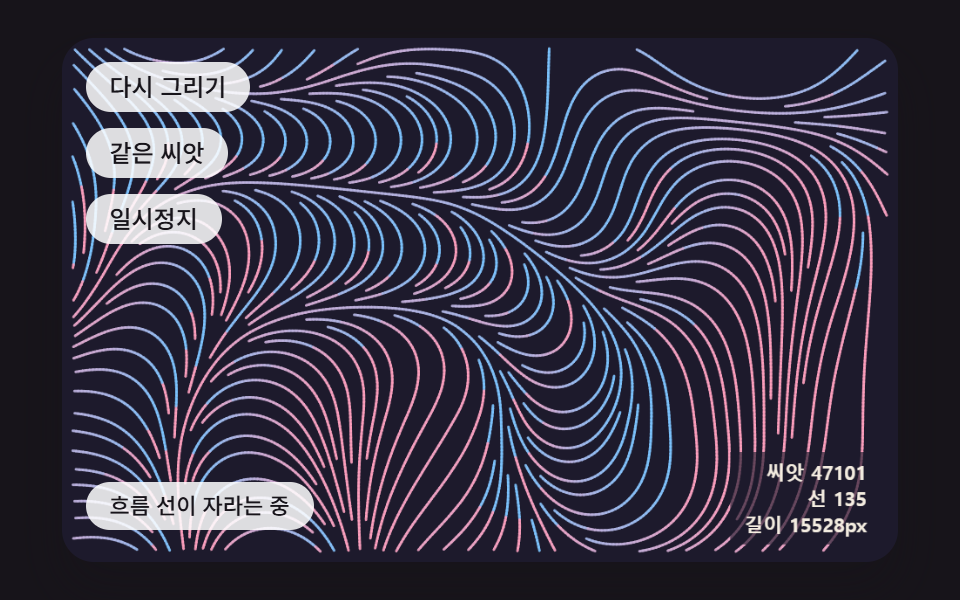 Creative UIGenerative Art JavaScript: 9 Patterns That Grow
 Creative UIAurora Background CSS: 9 Living Night-Sky Scenes
 Creative UIFalling Leaves Animation: 9 Scenes, Sway to Pile
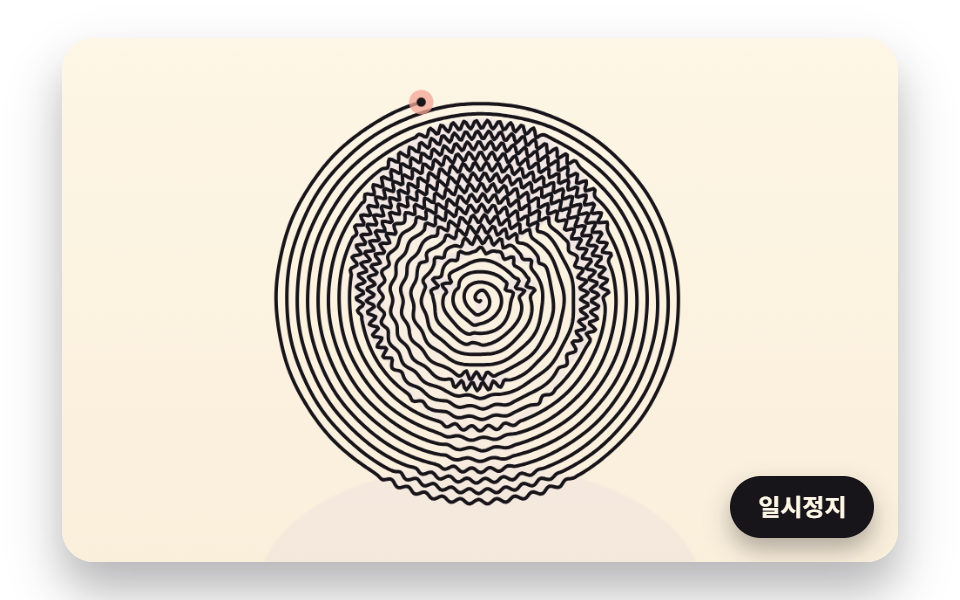 Creative UIOne Line Drawing Generator: 9 Canvas Scenes
 Creative UICSS Cloud Animation: 9 Sky Scenes in Canvas