File Upload Progress Bar Loader: 9 UI Demos
A file upload progress bar. Drop a file and bytes-over-time become a spinning ring, a speed readout, and a checkmark at the end.
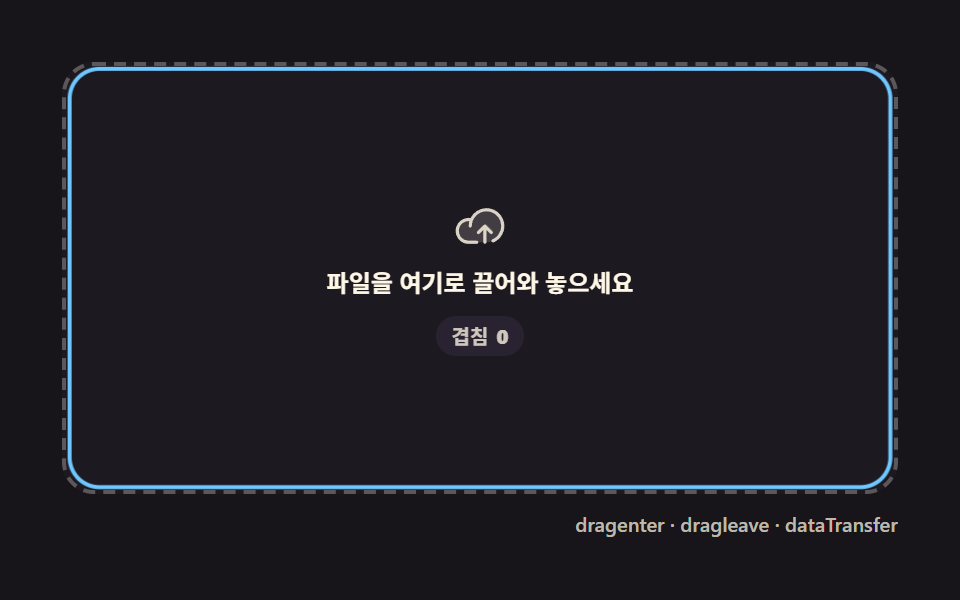 01 upload-progress-dropzone-highlight
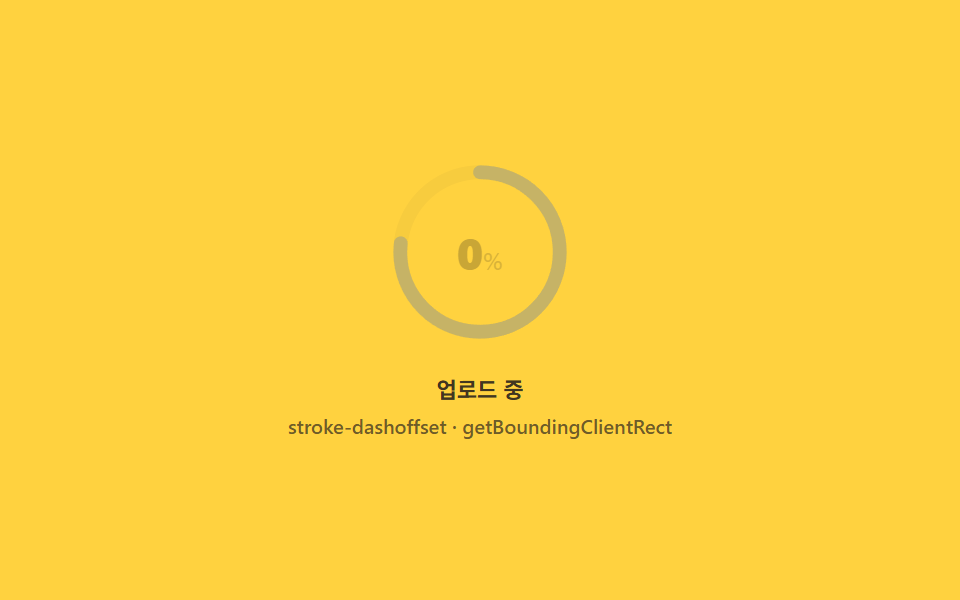 02 upload-progress-ring-percent
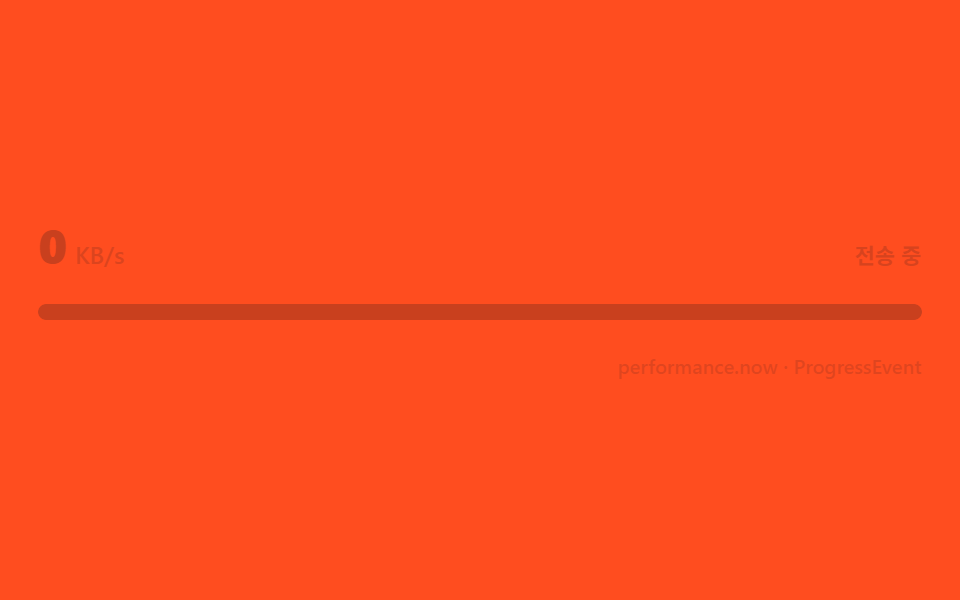 03 upload-progress-speed-label
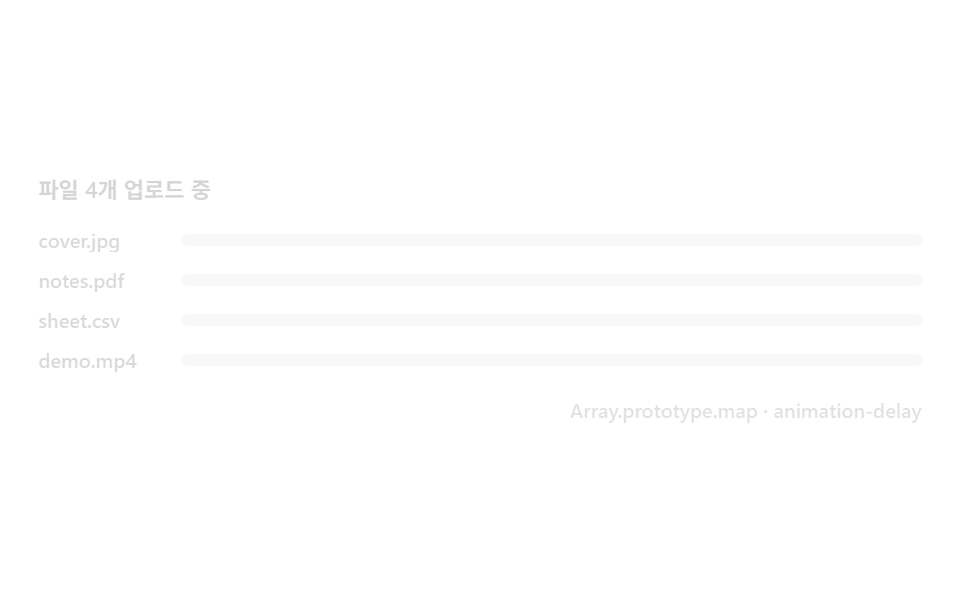 04 upload-progress-multi-stagger
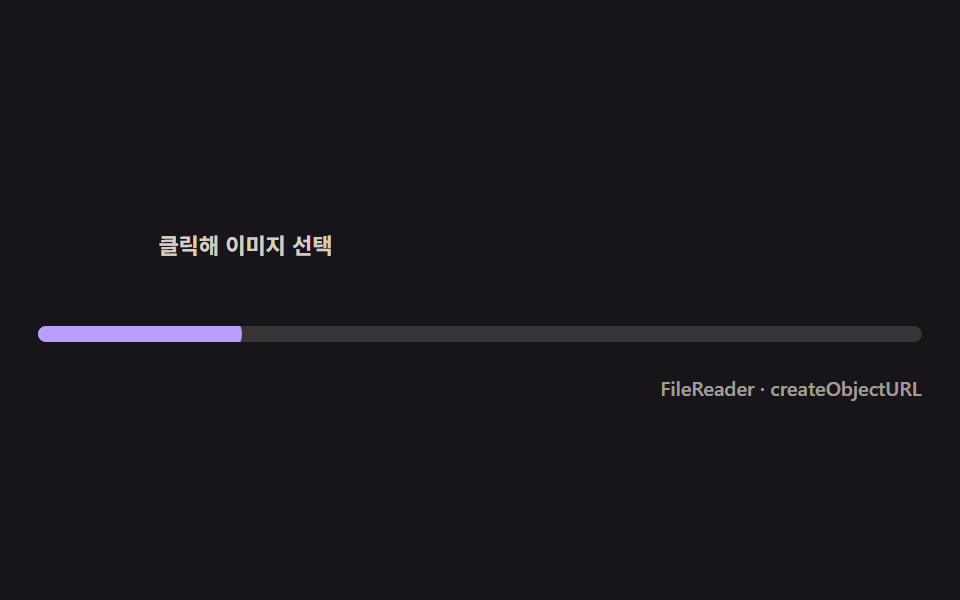 05 upload-progress-thumbnail-pop
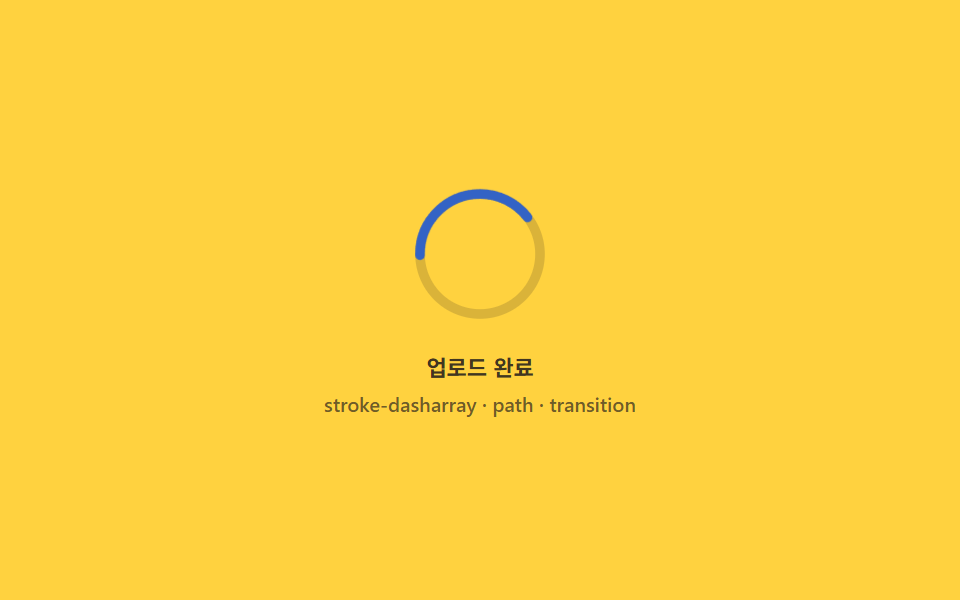 06 upload-progress-success-morph
 07 upload-progress-error-shake-retry
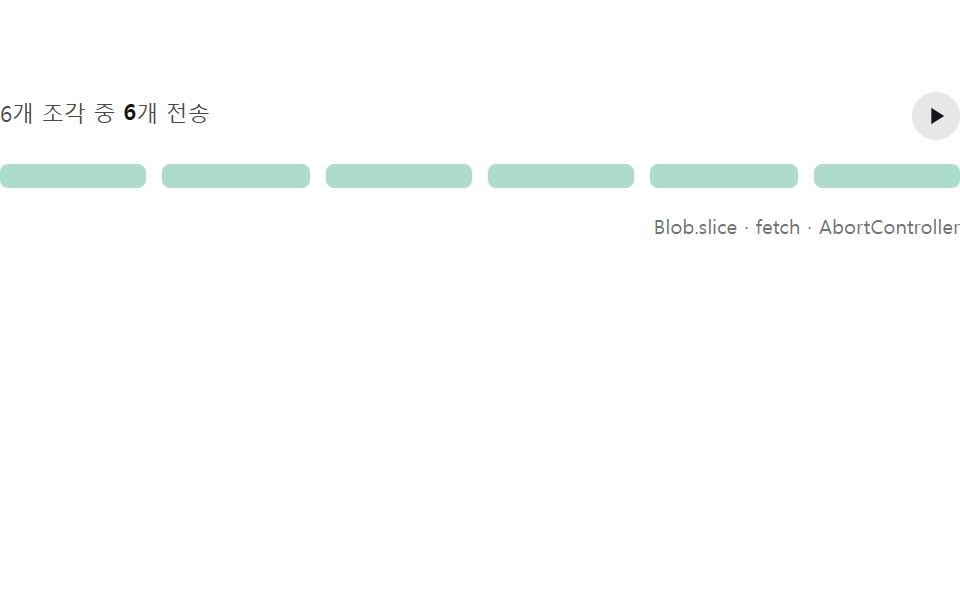 08 upload-progress-chunk-pause-resume
 09 upload-progress-paste-capture
Auto-plays · click a tile to jump to its section · all nine in one zip
- 01 Dropzone highlight that never flickers over child elements
- 02 Circular percent ring computed from its own circumference
- 03 A speed label computed from elapsed-byte deltas
- 04 Multi-file stagger — progress rows that queue in one by one
- 05 Thumbnail pop-in the instant the file finishes reading
- 06 Success morph — the ring redraws itself into a check
- 07 Error shake and retry that remembers where it broke
- 08 Chunked pause and resume that only re-fills the sent part
- 09 Paste capture — an upload that starts with Ctrl+V
Demo
Nine upload widgets, one pipeline: bytes in, math on those bytes, a number on screen. Every scene here computes what it shows — a ring's fill comes from a circumference measured off the live element, a KB/s readout from the byte delta divided by the time delta, a resume from the index of the last confirmed chunk — and the value you see only eases toward that computed target, frame by frame. A paste capture clears the widest footprint of the set at a measured 18.947 percent cumulative area (a 620 ms indeterminate ring followed by a thumbnail swap redraws nearly a fifth of the frame), while the success morph is the smallest at 1.049 percent because only the SVG fragment that turns from ring into checkmark ever moves. Intensity peaks on the speed label at 163.6; animated frames split 11 to 21 out of 24 across the set.
Because this is a demo page with no server behind it, six of the nine scenes boot in an is-demo state where a seeded generator (mulberry32) shakes a pretend byte stream through the same event bus a real XMLHttpRequest upload would fire into; the other three — dropzone highlight, thumbnail pop-in, paste capture — never compute a byte-derived percentage, so their preview is a plain CSS loop instead. Interact — click, focus, drop, paste — and the identical code path keeps running with your real File object. The drag and drop upload ui responds the moment a file crosses the border, the paste capture accepts a screenshot with no drag at all, and every retry resumes from the byte where the transfer broke rather than from zero.
From Drop Zone to Paste: Nine Steps of the Upload Journey
The sequence follows the life of one upload. 01 is the door: a dropzone whose highlight stays steady while the pointer crosses child elements, because an enter/leave counter cancels the duplicate events. 02 and 03 are the readouts — a circular ring whose arc is the circumference math, a speed label whose KB/s is recomputed from byte delta over time delta. 04 widens to many files at once, staggering the list rows by registration index. 05 previews the file itself the instant FileReader finishes reading it. 06 closes the loop: the frame that reaches 100 percent morphs the ring into a checkmark. 07 and 08 are the failure pair — an error shake whose retry remembers the loaded byte count, and a chunked transfer that pauses mid-file and re-fills from the last confirmed chunk. 09 removes the drag entirely: paste a screenshot and the same pipeline takes it. The order is also a difficulty ramp: each item adds exactly one API to the previous one's pipeline.
| # | Item | Technique | Painted area | Peak frame | Avg intensity |
|---|---|---|---|---|---|
| 01 | Dropzone highlight | depth counter, badge 640 ms | 13.246% | 6.365% | 55.6 |
| 02 | Circular percent ring | r=52, 2πr ≈ 326.7, lerp 0.18 | 1.533% | 1.474% | 121.8 |
| 03 | Speed label | 5-sample rolling average, lerp 0.3 | 3.254% | 3.204% | 163.6 |
| 04 | Multi-file stagger | index × 80 ms, 4 rows | 11.172% | 7.458% | 76.7 |
| 05 | Thumbnail pop-in | reader.onload, 900 ms fill |
4.903% | 3.464% | 145.3 |
| 06 | Success morph | getTotalLength(), lerp 0.2 |
1.049% | 0.517% | 74.6 |
| 07 | Error shake, retry | FAIL_AT 58, abort + run(loaded) |
2.978% | 1.521% | 161.2 |
| 08 | Chunk pause/resume | Blob.slice, 6 × 256 KB |
3.703% | 3.667% | 87.6 |
| 09 | Paste capture | clipboardData.items, 620 ms spin |
18.947% | 17.933% | 93.4 |
Every item landing in a 1–19 percent painted-area band is the nature of this set. A component post moves a narrow UI fragment — a ring, a bar, a badge — not a full-canvas scene, so a small area is normal; the sophistication here sits in a layer of computation (recomputed byte-over-time speed, circumference math, chunk-resume indexing, drag counter cancellation, retry that resends only the missing bytes), not in area. On animated frames out of 24, item 07's error shake is highest at 21 because the value updates every 220 ms and the shake layers on top, while item 08's chunk resume is lowest at 11 — the 160–300 ms wait between chunks is long by design. Anyone building a file upload progress indicator with React will find the same nine states in the zip as React ports, and the vanilla fences below are the logic those ports share.
Code per item
Each fence below comes straight out of that item's own source — the real constants, the real identifiers — with the Korean comment translated. Nothing is trimmed with an ellipsis; the zip carries the nine full files.
01Dropzone highlight that never flickers over child elements
For file attach forms and dashboard upload cards, this is the door a file enters — dragenter and dragleave fire in duplicate pairs every time the pointer crosses a child node, so a single counter adds one on enter, subtracts one on leave, and the border lights only while the count is above zero.
<main class="stage">
<div class="dz is-demo" id="dzRoot">
  <div class="dz__zone" id="dzZone" role="button" tabindex="0" aria-label="Drop the file here">
    <span class="dz__ring" aria-hidden="true"></span>
    <span class="dz__icon" aria-hidden="true">
      <svg viewBox="0 0 256 256" width="26" height="26"><g fill="currentColor"><path d="M240 128a80 80 0 0 1-80 80H72A56 56 0 1 1 85.92 97.74v.1A80 80 0 0 1 240 128" opacity=".2"/><path d="M178.34 165.66L160 147.31V208a8 8 0 0 1-16 0v-60.69l-18.34 18.35a8 8 0 0 1-11.32-11.32l32-32a8 8 0 0 1 11.32 0l32 32a8 8 0 0 1-11.32 11.32M160 40a88.08 88.08 0 0 0-78.71 48.68A64 64 0 1 0 72 216h40a8 8 0 0 0 0-16H72a48 48 0 0 1 0-96c1.1 0 2.2 0 3.29.12A88 88 0 0 0 72 128a8 8 0 0 0 16 0a72 72 0 1 1 100.8 66a8 8 0 0 0 3.2 15.34a7.9 7.9 0 0 0 3.2-.68A88 88 0 0 0 160 40"/></g></svg>
    </span>
    <span class="dz__label">Drop the file here</span>
    <span class="dz__badge" id="dzBadge" aria-hidden="true">Overlap <b class="dz__n"></b></span>
  </div>
  <div class="dz__bar">
    <span class="dz__meta">dragenter · dragleave · dataTransfer</span>
  </div>
</div>
</main>
@use "../../../../site/static/demo-tokens" as *;
// 드롭존 하이라이트(01) — 움직임은 CSS keyframes 두 개뿐이다(링 opacity·scale / 카운터 정수).
// 실사용 경로는 JS 가 depth 카운터로 --n 을 직접 setProperty 한다 — 데모 루프와 같은 변수를 공유한다.
@property --n {
syntax: "<integer>";
inherits: false;
initial-value: 0;
}
@include stage($stage-ink);
$dz-panel: #211d26;
$dz-text: $subject-cream;
$dz-ring: $subject-sky;
$dz-badge: #2a2432;
$duration: $dur-loop;
$easing: $ease-out;
$color: $dz-ring;
.dz {
--dz-ring: #{$dz-ring};
position: relative;
display: flex; flex-direction: column;
width: 100%; height: 100%; min-height: 164px;
overflow: hidden;
}
.dz__zone {
position: relative;
margin: $sp-3 $sp-3 0;
flex: 1;
display: flex; flex-direction: column; align-items: center; justify-content: center;
gap: $sp-2;
border-radius: $r-card;
border: 2px dashed rgba($dz-text, .28);
background: rgba($dz-panel, .6);
cursor: pointer;
}
.dz__zone:focus-visible { outline: 2px solid $dz-ring; outline-offset: 2px; }
.dz__ring {
position: absolute; inset: 0;
border-radius: $r-card;
border: 2px solid $dz-ring;
opacity: 0;
transform: scale(.94);
pointer-events: none;
}
.dz__zone.is-over .dz__ring {
opacity: 1;
transform: scale(1);
transition: opacity $dur-quick $easing, transform $dur-quick $ease-elastic;
}
.dz__zone.is-dropped .dz__ring {
opacity: 1;
transform: scale(1.08);
transition: opacity $dur-quick $easing, transform $dur-instant $ease-elastic;
}
.dz__icon {
position: relative; z-index: 1;
display: flex;
color: rgba($dz-text, .82);
}
.dz__label {
position: relative; z-index: 1;
font-weight: 600; font-size: clamp(10px, 2.6vw, 12px); line-height: 1.3;
color: $dz-text;
text-align: center;
padding: 0 $sp-3;
}
.dz__badge {
position: relative; z-index: 1;
display: inline-flex; align-items: center; gap: 4px;
padding: $sp-1 $sp-2;
border-radius: $r-pill;
background: rgba($dz-badge, .92);
font-weight: 600; font-size: 10px; line-height: 1.2;
color: rgba($dz-text, .82);
opacity: 0;
--n: 0;
}
.dz__zone.is-over .dz__badge { opacity: 1; transition: opacity $dur-quick $easing; }
.dz__n { counter-reset: dzn var(--n); }
.dz__n::before { content: counter(dzn); }
.dz__bar {
display: flex; justify-content: flex-end;
padding: $sp-2 $sp-3 $sp-3;
}
.dz__meta {
font-size: 10px; font-weight: 500; color: rgba($dz-text, .72);
}
// ── 데모 루프 — 진입 깊이(depth)가 0→3 을 오르내리는 동안 테두리는 한 번만 켜지고 한 번만 꺼진다 ──
@keyframes dzRing {
0% { opacity: 0; transform: scale(.94); }
8% { opacity: 1; transform: scale(1.06); animation-timing-function: $ease-elastic; }
18% { transform: scale(1); animation-timing-function: $easing; }
54% { opacity: 1; transform: scale(1); }
60% { opacity: 1; transform: scale(1.08); }
70% { opacity: 0; transform: scale(.96); }
100% { opacity: 0; transform: scale(.94); }
}
@keyframes dzCount {
0%, 6% { --n: 0; opacity: 0; }
10% { --n: 1; opacity: 1; }
22% { --n: 2; }
34% { --n: 3; }
44% { --n: 2; }
52% { --n: 1; }
58%, 100% { --n: 0; opacity: 0; }
}
.is-demo .dz__ring {
animation-name: dzRing;
animation-duration: $duration;
animation-timing-function: $easing;
animation-iteration-count: infinite;
}
.is-demo .dz__badge {
animation-name: dzCount;
animation-duration: $duration;
animation-timing-function: linear;
animation-iteration-count: infinite;
}
@media (max-width: 340px) {
.dz__label { font-size: 10px; }
}
@media (prefers-reduced-motion: reduce) {
.is-demo .dz__ring, .is-demo .dz__badge { animation: none !important; opacity: 0 !important; }
}@property --n {
syntax: "<integer>";
inherits: false;
initial-value: 0;
}
html, body {
margin: 0;
overflow: hidden;
}
.stage {
box-sizing: border-box;
min-height: 100vh;
display: grid;
place-items: center;
margin: 0;
background: #17141a;
font-family: -apple-system, "Segoe UI", "Noto Sans KR", sans-serif;
padding: clamp(8px, 4vw, 24px);
}
.dz {
--dz-ring: #6ec8ff;
position: relative;
display: flex;
flex-direction: column;
width: 100%;
height: 100%;
min-height: 164px;
overflow: hidden;
}
.dz__zone {
position: relative;
margin: 12px 12px 0;
flex: 1;
display: flex;
flex-direction: column;
align-items: center;
justify-content: center;
gap: 8px;
border-radius: 16px;
border: 2px dashed rgba(255, 247, 230, 0.28);
background: rgba(33, 29, 38, 0.6);
cursor: pointer;
}
.dz__zone:focus-visible {
outline: 2px solid #6ec8ff;
outline-offset: 2px;
}
.dz__ring {
position: absolute;
inset: 0;
border-radius: 16px;
border: 2px solid #6ec8ff;
opacity: 0;
transform: scale(0.94);
pointer-events: none;
}
.dz__zone.is-over .dz__ring {
opacity: 1;
transform: scale(1);
transition: opacity 220ms ease-out, transform 220ms cubic-bezier(0.34, 1.56, 0.64, 1);
}
.dz__zone.is-dropped .dz__ring {
opacity: 1;
transform: scale(1.08);
transition: opacity 220ms ease-out, transform 140ms cubic-bezier(0.34, 1.56, 0.64, 1);
}
.dz__icon {
position: relative;
z-index: 1;
display: flex;
color: rgba(255, 247, 230, 0.82);
}
.dz__label {
position: relative;
z-index: 1;
font-weight: 600;
font-size: clamp(10px, 2.6vw, 12px);
line-height: 1.3;
color: #fff7e6;
text-align: center;
padding: 0 12px;
}
.dz__badge {
position: relative;
z-index: 1;
display: inline-flex;
align-items: center;
gap: 4px;
padding: 4px 8px;
border-radius: 999px;
background: rgba(42, 36, 50, 0.92);
font-weight: 600;
font-size: 10px;
line-height: 1.2;
color: rgba(255, 247, 230, 0.82);
opacity: 0;
--n: 0;
}
.dz__zone.is-over .dz__badge {
opacity: 1;
transition: opacity 220ms ease-out;
}
.dz__n {
counter-reset: dzn var(--n);
}
.dz__n::before {
content: counter(dzn);
}
.dz__bar {
display: flex;
justify-content: flex-end;
padding: 8px 12px 12px;
}
.dz__meta {
font-size: 10px;
font-weight: 500;
color: rgba(255, 247, 230, 0.72);
}
@keyframes dzRing {
0% {
opacity: 0;
transform: scale(0.94);
}
8% {
opacity: 1;
transform: scale(1.06);
animation-timing-function: cubic-bezier(0.34, 1.56, 0.64, 1);
}
18% {
transform: scale(1);
animation-timing-function: ease-out;
}
54% {
opacity: 1;
transform: scale(1);
}
60% {
opacity: 1;
transform: scale(1.08);
}
70% {
opacity: 0;
transform: scale(0.96);
}
100% {
opacity: 0;
transform: scale(0.94);
}
}
@keyframes dzCount {
0%, 6% {
--n: 0;
opacity: 0;
}
10% {
--n: 1;
opacity: 1;
}
22% {
--n: 2;
}
34% {
--n: 3;
}
44% {
--n: 2;
}
52% {
--n: 1;
}
58%, 100% {
--n: 0;
opacity: 0;
}
}
.is-demo .dz__ring {
animation-name: dzRing;
animation-duration: 2s;
animation-timing-function: ease-out;
animation-iteration-count: infinite;
}
.is-demo .dz__badge {
animation-name: dzCount;
animation-duration: 2s;
animation-timing-function: linear;
animation-iteration-count: infinite;
}
@media (max-width: 340px) {
.dz__label {
font-size: 10px;
}
}
@media (prefers-reduced-motion: reduce) {
.is-demo .dz__ring, .is-demo .dz__badge {
animation: none !important;
opacity: 0 !important;
}
}// 드롭존 하이라이트 — 자식 요소를 넘나드는 dragenter·dragleave 쌍은 한 번의 진입에 여러 번 발생한다.
// 카운터 depth 를 두어 depth 가 0보다 클 때만 하이라이트하면 자식 경계를 넘어도 테두리가 깜빡이지 않는다.
(function () {
var root = document.getElementById('dzRoot');
var zone = document.getElementById('dzZone');
var badge = document.getElementById('dzBadge');
if (!root || !zone || !badge) return;
var depth = 0;

function paint() {
  zone.classList.toggle('is-over', depth > 0);
  badge.style.setProperty('--n', depth);
}
function enter(e) { e.preventDefault(); depth += 1; paint(); }
function leave(e) { e.preventDefault(); depth = Math.max(0, depth - 1); paint(); }
function over(e) { e.preventDefault(); }
function drop(e) {
  e.preventDefault();
  var fileCount = (e.dataTransfer && e.dataTransfer.files) ? e.dataTransfer.files.length : 0;
  depth = 0; paint();
  zone.setAttribute('data-drop-count', String(fileCount));
  zone.classList.add('is-dropped');
  setTimeout(function () { zone.classList.remove('is-dropped'); }, 640);
}
function live() { root.classList.remove('is-demo'); }
zone.addEventListener('dragenter', enter);
zone.addEventListener('dragleave', leave);
zone.addEventListener('dragover', over);
zone.addEventListener('drop', drop);
['pointerdown', 'focusin'].forEach(function (ev) { zone.addEventListener(ev, live); });
})();// UploadProgressDropzoneHighlight — vanilla 판(run/329/demo/01-upload-progress-dropzone-highlight/index.html) 의 React 포트.
// 자식 요소를 넘나드는 dragenter·dragleave 쌍은 한 번의 진입에 여러 번 발생한다. 카운터 depth 를 두어
// depth 가 0보다 클 때만 하이라이트하면 자식 경계를 넘어도 테두리가 깜빡이지 않는다.
import { useRef, useState } from "react";
import type { CSSProperties } from "react";
import styles from "./UploadProgressDropzoneHighlight.module.scss";
export type UploadProgressDropzoneHighlightProps = {
duration?: string;
easing?: string;
color?: string;
};
type Vars = CSSProperties & { "--duration"?: string; "--easing"?: string; "--color"?: string };
type NVars = CSSProperties & { "--n"?: number };
type Box<T> = { current: T };
type DragEvt = { preventDefault: () => void; dataTransfer?: { files?: { length: number } } | null };
const LABEL = "파일을 여기로 끌어와 놓으세요";
const BADGE_PREFIX = "겹침";
const META = "dragenter · dragleave · dataTransfer";
export default function UploadProgressDropzoneHighlight({
duration = "2s",
easing = "ease-out",
color = "#6ec8ff"
}: UploadProgressDropzoneHighlightProps) {
const [demo, setDemo] = useState(true);
const [depth, setDepth] = useState(0);
const [dropped, setDropped] = useState(false);
const dropTimer = useRef(0) as Box<number>;
const vars: Vars = { "--duration": duration, "--easing": easing, "--color": color };
const badgeVars: NVars = { "--n": depth };
function live(): void {
setDemo(false);
}
function enter(e: DragEvt): void {
e.preventDefault();
setDepth((d) => d + 1);
}
function leave(e: DragEvt): void {
e.preventDefault();
setDepth((d) => Math.max(0, d - 1));
}
function over(e: DragEvt): void {
e.preventDefault();
}
function drop(e: DragEvt): void {
e.preventDefault();
setDepth(0);
setDropped(true);
window.clearTimeout(dropTimer.current);
dropTimer.current = window.setTimeout(() => setDropped(false), 640);
}
const rootCls = demo ? `${styles.dz} ${styles.isDemo}` : styles.dz;
const zoneCls = [styles.zone, depth > 0 ? styles.isOver : "", dropped ? styles.isDropped : ""].filter(Boolean).join(" ");
return (
<main className={styles.stage}>
<div className={rootCls} style={vars}>
<div
className={zoneCls}
role="button"
tabIndex={0}
aria-label={LABEL}
onDragEnter={enter}
onDragLeave={leave}
onDragOver={over}
onDrop={drop}
onPointerDown={live}
onFocus={live}
>
<span className={styles.ring} aria-hidden="true"></span>
<span className={styles.icon} aria-hidden="true">
<svg viewBox="0 0 256 256" width="26" height="26"><g fill="currentColor"><path d="M240 128a80 80 0 0 1-80 80H72A56 56 0 1 1 85.92 97.74v.1A80 80 0 0 1 240 128" opacity=".2"/><path d="M178.34 165.66L160 147.31V208a8 8 0 0 1-16 0v-60.69l-18.34 18.35a8 8 0 0 1-11.32-11.32l32-32a8 8 0 0 1 11.32 0l32 32a8 8 0 0 1-11.32 11.32M160 40a88.08 88.08 0 0 0-78.71 48.68A64 64 0 1 0 72 216h40a8 8 0 0 0 0-16H72a48 48 0 0 1 0-96c1.1 0 2.2 0 3.29.12A88 88 0 0 0 72 128a8 8 0 0 0 16 0a72 72 0 1 1 100.8 66a8 8 0 0 0 3.2 15.34a7.9 7.9 0 0 0 3.2-.68A88 88 0 0 0 160 40"/></g></svg>
</span>
<span className={styles.label}>{LABEL}</span>
<span className={styles.badge} style={badgeVars} aria-hidden="true">{BADGE_PREFIX} <b className={styles.n}></b></span>
</div>
<div className={styles.bar}>
<span className={styles.meta}>{META}</span>
</div>
</div>
</main>
);
}01 · Dropzone highlight that never flickers over child elements — Measured area 13.246% · moving frames 17/23Original by GODRICH · SCSS and React ship in the zip · See the password
var depth = 0;
function paint() {
zone.classList.toggle('is-over', depth > 0);
badge.style.setProperty('--n', depth);
}
function enter(e) { e.preventDefault(); depth += 1; paint(); }
function leave(e) { e.preventDefault(); depth = Math.max(0, depth - 1); paint(); }
function over(e) { e.preventDefault(); }
function drop(e) {
e.preventDefault();
var fileCount = (e.dataTransfer && e.dataTransfer.files) ? e.dataTransfer.files.length : 0;
depth = 0; paint();
zone.setAttribute('data-drop-count', String(fileCount));
zone.classList.add('is-dropped');
setTimeout(function () { zone.classList.remove('is-dropped'); }, 640);
}
The counter is the whole trick
Without it, the border flickers off and back at every child boundary, and the clamp at zero keeps a stray leave from sticking the highlight on. On drop, the browser's own file count stamps a badge that reverts after 640 ms — the number shown is the number of files actually handed over.
02Circular percent ring computed from its own circumference
For profile photo uploads and single-file forms — the radius is measured with getBoundingClientRect, the circumference (2πr) goes into stroke-dasharray as a constant, and stroke-dashoffset winds back by the percent, so the ring and the numeric label always draw the same value.
<main class="stage">
<div class="rp is-demo" id="rpRoot" role="group" tabindex="0" aria-label="File upload progress ring">
  <div class="rp__ringwrap">
    <svg class="rp__svg" viewBox="0 0 120 120" width="92" height="92" aria-hidden="true">
      <circle class="rp__track" cx="60" cy="60" r="52"></circle>
      <circle class="rp__prog" id="rpProg" cx="60" cy="60" r="52"></circle>
    </svg>
    <span class="rp__pct" id="rpPct" aria-hidden="true"><b class="rp__n"></b><i>%</i></span>
  </div>
  <div class="rp__bar">
    <span class="rp__label">Uploading</span>
    <span class="rp__meta">stroke-dashoffset · getBoundingClientRect</span>
  </div>
</div>
</main>
@use "../../../../site/static/demo-tokens" as *;
// 원형 퍼센트 링(02) — 링의 stroke-dashoffset 과 라벨 숫자는 같은 --p 값에서 나온다(두 갈래 keyframes 지만
// 같은 스케줄). --circ 는 JS 가 실측한 반지름으로 딱 한 번 계산해 넣는 상수 — 애니메이션 대상이 아니다.
@property --p {
syntax: "<number>";
inherits: false;
initial-value: 0;
}
@property --n {
syntax: "<integer>";
inherits: false;
initial-value: 0;
}
@include stage($stage-yellow);
$rp-track: $subject-ink;
$rp-arc: $subject-blue-deep;
$duration: $dur-loop;
$easing: $ease-out;
$color: $rp-arc;
.rp {
display: flex; flex-direction: column; align-items: center;
gap: $sp-4;
width: 100%; height: 100%; min-height: 164px;
justify-content: center;
}
.rp:focus-visible { outline: 2px solid $rp-arc; outline-offset: 3px; border-radius: $r-control; }
.rp__ringwrap { position: relative; display: grid; place-items: center; }
.rp__svg { transform: rotate(-90deg); }
.rp__track {
fill: none;
stroke: rgba($rp-track, .16);
stroke-width: 9;
}
.rp__prog {
fill: none;
stroke: $rp-arc;
stroke-width: 9;
stroke-linecap: round;
--circ: 0;
--p: 0;
stroke-dasharray: var(--circ);
stroke-dashoffset: calc(var(--circ) * (1 - var(--p) / 100));
}
.rp__pct {
position: absolute;
display: flex; align-items: baseline; gap: 0;
font-weight: 700; font-size: 22px; line-height: 1;
color: $rp-track;
--n: 0;
}
.rp__pct i { font-weight: 600; font-size: 12px; font-style: normal; opacity: .7; }
.rp__n { counter-reset: rpn var(--n); }
.rp__n::before { content: counter(rpn); }
.rp__bar {
display: flex; flex-direction: column; align-items: center; gap: $sp-1;
}
.rp__label {
font-weight: 600; font-size: 11px; line-height: 1.3;
color: rgba($rp-track, .82);
}
.rp__meta {
font-weight: 500; font-size: 10px; line-height: 1.3;
color: rgba($rp-track, .62);
}
// ── 데모 루프 — 0→100 을 채우고, 화면에서 사라진 순간에만 0으로 되감아 눈에 튀는 점프가 없다 ──
@keyframes rpArc {
0% { --p: 0; }
70% { --p: 100; }
90% { --p: 100; }
92% { --p: 0; }
100% { --p: 0; }
}
@keyframes rpCount {
0% { --n: 0; }
70% { --n: 100; }
90% { --n: 100; }
92% { --n: 0; }
100% { --n: 0; }
}
@keyframes rpFade {
0% { opacity: 1; }
84% { opacity: 1; }
90% { opacity: 0; }
94% { opacity: 0; }
100% { opacity: 1; }
}
.is-demo .rp__prog {
animation-name: rpArc;
animation-duration: $duration;
animation-timing-function: $easing;
animation-iteration-count: infinite;
}
.is-demo .rp__pct {
animation-name: rpCount;
animation-duration: $duration;
animation-timing-function: linear;
animation-iteration-count: infinite;
}
.is-demo .rp__ringwrap {
animation-name: rpFade;
animation-duration: $duration;
animation-timing-function: $easing;
animation-iteration-count: infinite;
}
@media (max-width: 340px) {
.rp__svg { width: 78px; height: 78px; }
.rp__pct { font-size: 18px; }
}
@media (prefers-reduced-motion: reduce) {
.is-demo .rp__prog, .is-demo .rp__pct, .is-demo .rp__ringwrap { animation: none !important; }
.is-demo .rp__prog { --p: 62 !important; }
.is-demo .rp__pct { --n: 62 !important; }
}@property --p {
syntax: "<number>";
inherits: false;
initial-value: 0;
}
@property --n {
syntax: "<integer>";
inherits: false;
initial-value: 0;
}
html, body {
margin: 0;
overflow: hidden;
}
.stage {
box-sizing: border-box;
min-height: 100vh;
display: grid;
place-items: center;
margin: 0;
background: #ffd23f;
font-family: -apple-system, "Segoe UI", "Noto Sans KR", sans-serif;
padding: clamp(8px, 4vw, 24px);
}
.rp {
display: flex;
flex-direction: column;
align-items: center;
gap: 16px;
width: 100%;
height: 100%;
min-height: 164px;
justify-content: center;
}
.rp:focus-visible {
outline: 2px solid #0a4fe8;
outline-offset: 3px;
border-radius: 12px;
}
.rp__ringwrap {
position: relative;
display: grid;
place-items: center;
}
.rp__svg {
transform: rotate(-90deg);
}
.rp__track {
fill: none;
stroke: rgba(23, 20, 26, 0.16);
stroke-width: 9;
}
.rp__prog {
fill: none;
stroke: #0a4fe8;
stroke-width: 9;
stroke-linecap: round;
--circ: 0;
--p: 0;
stroke-dasharray: var(--circ);
stroke-dashoffset: calc(var(--circ) * (1 - var(--p) / 100));
}
.rp__pct {
position: absolute;
display: flex;
align-items: baseline;
gap: 0;
font-weight: 700;
font-size: 22px;
line-height: 1;
color: #17141a;
--n: 0;
}
.rp__pct i {
font-weight: 600;
font-size: 12px;
font-style: normal;
opacity: 0.7;
}
.rp__n {
counter-reset: rpn var(--n);
}
.rp__n::before {
content: counter(rpn);
}
.rp__bar {
display: flex;
flex-direction: column;
align-items: center;
gap: 4px;
}
.rp__label {
font-weight: 600;
font-size: 11px;
line-height: 1.3;
color: rgba(23, 20, 26, 0.82);
}
.rp__meta {
font-weight: 500;
font-size: 10px;
line-height: 1.3;
color: rgba(23, 20, 26, 0.62);
}
@keyframes rpArc {
0% {
--p: 0;
}
70% {
--p: 100;
}
90% {
--p: 100;
}
92% {
--p: 0;
}
100% {
--p: 0;
}
}
@keyframes rpCount {
0% {
--n: 0;
}
70% {
--n: 100;
}
90% {
--n: 100;
}
92% {
--n: 0;
}
100% {
--n: 0;
}
}
@keyframes rpFade {
0% {
opacity: 1;
}
84% {
opacity: 1;
}
90% {
opacity: 0;
}
94% {
opacity: 0;
}
100% {
opacity: 1;
}
}
.is-demo .rp__prog {
animation-name: rpArc;
animation-duration: 2s;
animation-timing-function: ease-out;
animation-iteration-count: infinite;
}
.is-demo .rp__pct {
animation-name: rpCount;
animation-duration: 2s;
animation-timing-function: linear;
animation-iteration-count: infinite;
}
.is-demo .rp__ringwrap {
animation-name: rpFade;
animation-duration: 2s;
animation-timing-function: ease-out;
animation-iteration-count: infinite;
}
@media (max-width: 340px) {
.rp__svg {
width: 78px;
height: 78px;
}
.rp__pct {
font-size: 18px;
}
}
@media (prefers-reduced-motion: reduce) {
.is-demo .rp__prog, .is-demo .rp__pct, .is-demo .rp__ringwrap {
animation: none !important;
}
.is-demo .rp__prog {
--p: 62 !important;
}
.is-demo .rp__pct {
--n: 62 !important;
}
}// 원형 퍼센트 링 — 반지름을 실측(getBoundingClientRect)해 둘레(2πr)를 구하고
// stroke-dasharray 에 그 값을 그대로 넣는다. 진행률은 stroke-dashoffset 을
// 둘레에서 되감는 비율로 계산하므로 숫자 라벨과 링은 항상 같은 값을 가리킨다.
// 실제 전송 속도는 매 틱 일정하지 않다 — 시드 난수로 목표치를 흔들고
// 화면 값은 목표를 향해 관성으로 lerp 되어 뚝뚝 끊기지 않는다.
(function () {
var SEED = 0x9e77a1;
function mulberry32(a) {
return function () {
a |= 0; a = (a + 0x6D2B79F5) | 0;
var t = Math.imul(a ^ (a >>> 15), 1 | a);
t = (t + Math.imul(t ^ (t >>> 7), 61 | t)) ^ t;
return ((t ^ (t >>> 14)) >>> 0) / 4294967296;
};
}
var rand = mulberry32(SEED);
var root = document.getElementById('rpRoot');
var prog = document.getElementById('rpProg');
var pct = document.getElementById('rpPct');
if (!root || !prog || !pct) return;
var r = prog.r.baseVal.value;
var box = prog.getBoundingClientRect();
var measuredR = box.width > 0 ? box.width / 2 : r;
var circ = 2 * Math.PI * measuredR;
prog.style.setProperty('--circ', String(circ));
var target = 0, shown = 0, raf = null;
function paint() {
  shown += (target - shown) * 0.18;
  if (Math.abs(target - shown) < 0.05) shown = target;
  prog.style.setProperty('--p', shown.toFixed(2));
  pct.style.setProperty('--n', Math.round(shown));
  if (shown < 100) raf = requestAnimationFrame(paint);
}
function tick() {
  if (root.classList.contains('is-demo')) return;
  target = Math.min(100, target + 3 + rand() * 9);
  if (target >= 100) clearInterval(timer);
}
var timer = null;
function live() {
  if (!root.classList.contains('is-demo')) return;
  root.classList.remove('is-demo');
  timer = setInterval(tick, 220);
  raf = requestAnimationFrame(paint);
}
['pointerdown', 'focusin'].forEach(function (ev) { root.addEventListener(ev, live); });
})();// UploadProgressRingPercent — vanilla 판(run/329/demo/02-upload-progress-ring-percent/index.html) 의 React 포트.
// 반지름을 실측(getBoundingClientRect)해 둘레(2πr)를 구하고 stroke-dasharray 에 그 값을 그대로 넣는다.
// 진행률은 stroke-dashoffset 을 둘레에서 되감는 비율로 계산하므로 숫자 라벨과 링은 항상 같은 값을 가리킨다.
// 실제 전송 속도는 매 틱 일정하지 않다 — 시드 난수(mulberry32)로 목표치를 흔들고
// 화면 값은 목표를 향해 관성으로 lerp 되어 뚝뚝 끊기지 않는다.
import { useEffect, useRef, useState } from "react";
import type { CSSProperties } from "react";
import styles from "./UploadProgressRingPercent.module.scss";
export type UploadProgressRingPercentProps = {
duration?: string;
easing?: string;
color?: string;
seed?: number; // mulberry32 시드 — 흔들림 패턴을 고정한다
step?: number; // 매 틱 기본 증가분(퍼센트 포인트)
jitter?: number; // 매 틱 랜덤 증가분 상한
tickMs?: number; // 진행 틱 주기(ms)
};
type Vars = CSSProperties & { "--duration"?: string; "--easing"?: string; "--color"?: string };
type Box<T> = { current: T };
const LABEL = "업로드 중";
const META = "stroke-dashoffset · getBoundingClientRect";
const SEED = 0x9e77a1;
function mulberry32(a: number): () => number {
return function () {
a |= 0; a = (a + 0x6D2B79F5) | 0;
const t = Math.imul(a ^ (a >>> 15), 1 | a);
const u = (t + Math.imul(t ^ (t >>> 7), 61 | t)) ^ t;
return ((u ^ (u >>> 14)) >>> 0) / 4294967296;
};
}
export default function UploadProgressRingPercent({
duration = "2s",
easing = "ease-out",
color = "#0a4fe8",
seed = SEED,
step = 3,
jitter = 9,
tickMs = 220
}: UploadProgressRingPercentProps) {
const [demo, setDemo] = useState(true);
const progRef = useRef<SVGCircleElement | null>(null);
const pctRef = useRef<HTMLSpanElement | null>(null);
const targetRef = useRef(0) as Box<number>;
const shownRef = useRef(0) as Box<number>;
const rafRef = useRef(0) as Box<number>;
const timerRef = useRef(0) as Box<number>;
const randRef = useRef<(() => number) | null>(null);
const vars: Vars = { "--duration": duration, "--easing": easing, "--color": color };
useEffect(() => {
return () => {
window.clearInterval(timerRef.current);
cancelAnimationFrame(rafRef.current);
};
}, []);
function live(): void {
if (!demo) return;
setDemo(false);
const prog = progRef.current;
const pct = pctRef.current;
if (!prog) return;
const rand = mulberry32(seed);
randRef.current = rand;
// 둘레 — 반지름을 실측해 한 번만 계산하는 상수(vanilla 판과 같은 절차)
const r = prog.r.baseVal.value;
const box = prog.getBoundingClientRect();
const measuredR = box.width > 0 ? box.width / 2 : r;
const circ = 2 * Math.PI * measuredR;
prog.style.setProperty("--circ", String(circ));
const stepFn = (): void => {
targetRef.current = Math.min(100, targetRef.current + step + rand() * jitter);
const target = targetRef.current;
if (target >= 100) window.clearInterval(timerRef.current);
const frame = (): void => {
shownRef.current += (target - shownRef.current) * 0.18;
if (Math.abs(target - shownRef.current) < 0.05) shownRef.current = target;
prog.style.setProperty("--p", shownRef.current.toFixed(2));
if (pct) pct.style.setProperty("--n", String(Math.round(shownRef.current)));
if (shownRef.current < 100) rafRef.current = requestAnimationFrame(frame);
};
frame();
};
timerRef.current = window.setInterval(stepFn, tickMs);
stepFn();
}
const rootCls = demo ? `${styles.rp} ${styles.isDemo}` : styles.rp;
return (
<main className={styles.stage}>
<div
className={rootCls}
style={vars}
role="group"
tabIndex={0}
aria-label="파일 업로드 진행률 링"
onPointerDown={live}
onFocus={live}
>
<div className={styles.ringwrap}>
<svg className={styles.svg} viewBox="0 0 120 120" width="92" height="92" aria-hidden="true">
<circle className={styles.track} cx="60" cy="60" r="52"></circle>
<circle className={styles.prog} cx="60" cy="60" r="52" ref={progRef}></circle>
</svg>
<span className={styles.pct} ref={pctRef} aria-hidden="true"><b className={styles.n}></b><i>%</i></span>
</div>
<div className={styles.bar}>
<span className={styles.label}>{LABEL}</span>
<span className={styles.meta}>{META}</span>
</div>
</div>
</main>
);
}02 · Circular percent ring computed from its own circumference — Measured area 1.533% · moving frames 20/23Original by GODRICH · SCSS and React ship in the zip · See the password
function paint() {
shown += (target - shown) * 0.18;
if (Math.abs(target - shown) < 0.05) shown = target;
prog.style.setProperty('--p', shown.toFixed(2));
pct.style.setProperty('--n', Math.round(shown));
if (shown < 100) raf = requestAnimationFrame(paint);
}
function tick() {
if (root.classList.contains('is-demo')) return;
target = Math.min(100, target + 3 + rand() * 9);
if (target >= 100) clearInterval(timer);
}
var timer = null;
function live() {
if (!root.classList.contains('is-demo')) return;
root.classList.remove('is-demo');
timer = setInterval(tick, 220);
raf = requestAnimationFrame(paint);
}
Why the label never disagrees with the arc
Both read one variable, eased by 18 percent of the remaining distance per frame and written to the arc and the rounded label in a single pass; the target jitters 3–12 points per 220 ms tick from the mulberry32 seed 0x9e77a1, so every run replays in the same order.
03A speed label computed from elapsed-byte deltas
Built for large file uploads and admin upload logs: every progress tick divides the byte delta since the last tick by the time delta (performance.now) to recompute KB/s, keeps the last five samples as a rolling average, and eases the shown value toward it.
<main class="stage">
<div class="sl is-demo" id="slRoot" role="group" tabindex="0" aria-label="File upload transfer speed">
  <div class="sl__row">
    <span class="sl__speed" id="slSpeed" aria-hidden="true"><b class="sl__n"></b><i>KB/s</i></span>
    <span class="sl__label">Sending</span>
  </div>
  <div class="sl__track">
    <span class="sl__fill" id="slFill"></span>
  </div>
  <div class="sl__bar">
    <span class="sl__meta">performance.now · ProgressEvent</span>
  </div>
</div>
</main>
@use "../../../../site/static/demo-tokens" as *;
// 전송 속도 라벨(03) — 숫자는 counter() 트릭으로, 바는 transform: scaleX 로만 움직인다.
// 실사용 경로는 JS 가 이동평균으로 --n 을 lerp 시켜 채운다(위 index.html 참고) — 데모 루프는 같은 변수를 흉내낸다.
@property --n {
syntax: "<integer>";
inherits: false;
initial-value: 0;
}
@include stage($stage-orange);
$sl-text: $subject-ink;
$sl-fill: $subject-ink;
$duration: $dur-loop;
$easing: $ease-lerp-settle;
$color: $sl-fill;
.sl {
display: flex; flex-direction: column; justify-content: center; gap: $sp-4;
width: 100%; height: 100%; min-height: 164px;
padding: 0 $sp-2;
}
.sl:focus-visible { outline: 2px solid $sl-text; outline-offset: 3px; border-radius: $r-control; }
.sl__row {
display: flex; align-items: baseline; justify-content: space-between;
gap: $sp-2;
}
.sl__speed {
display: flex; align-items: baseline; gap: 4px;
font-weight: 700; font-size: 24px; line-height: 1;
color: $sl-text;
--n: 0;
}
.sl__speed i { font-weight: 600; font-size: 12px; font-style: normal; opacity: .68; }
.sl__n { counter-reset: sln var(--n); }
.sl__n::before { content: counter(sln); }
.sl__label {
font-weight: 600; font-size: 11px; line-height: 1.3;
color: rgba($sl-text, .74);
}
.sl__track {
position: relative;
height: $sp-2;
border-radius: $r-pill;
background: rgba($sl-text, .16);
overflow: hidden;
}
.sl__fill {
position: absolute; inset: 0;
transform-origin: left center;
transform: scaleX(0);
border-radius: $r-pill;
background: $sl-fill;
}
.sl__bar { display: flex; justify-content: flex-end; }
.sl__meta { font-weight: 500; font-size: 10px; color: rgba($sl-text, .6); }
// ── 데모 루프 — 속도 숫자는 순간마다 튀지만(이동평균 표본), 바는 단조 증가만 하다가 사라진 순간 되감는다 ──
@keyframes slCount {
0% { --n: 0; }
8% { --n: 210; }
20% { --n: 480; }
32% { --n: 360; }
44% { --n: 610; }
56% { --n: 470; }
68% { --n: 540; }
84% { --n: 300; }
90% { --n: 300; }
92% { --n: 0; }
100% { --n: 0; }
}
@keyframes slFill {
0% { transform: scaleX(0); }
70% { transform: scaleX(1); }
90% { transform: scaleX(1); }
92% { transform: scaleX(0); }
100% { transform: scaleX(0); }
}
@keyframes slFade {
0% { opacity: 1; }
84% { opacity: 1; }
90% { opacity: 0; }
94% { opacity: 0; }
100% { opacity: 1; }
}
.is-demo .sl__speed {
animation-name: slCount;
animation-duration: $duration;
animation-timing-function: $easing;
animation-iteration-count: infinite;
}
.is-demo .sl__fill {
animation-name: slFill;
animation-duration: $duration;
animation-timing-function: $ease-out;
animation-iteration-count: infinite;
}
.sl.is-demo {
animation-name: slFade;
animation-duration: $duration;
animation-timing-function: $ease-out;
animation-iteration-count: infinite;
}
@media (max-width: 340px) {
.sl__speed { font-size: 20px; }
}
@media (prefers-reduced-motion: reduce) {
.is-demo .sl__speed, .is-demo .sl__fill, .is-demo.sl { animation: none !important; }
.is-demo .sl__speed { --n: 480 !important; }
.is-demo .sl__fill { transform: scaleX(.62) !important; }
}@property --n {
syntax: "<integer>";
inherits: false;
initial-value: 0;
}
html, body {
margin: 0;
overflow: hidden;
}
.stage {
box-sizing: border-box;
min-height: 100vh;
display: grid;
place-items: center;
margin: 0;
background: #ff4d1f;
font-family: -apple-system, "Segoe UI", "Noto Sans KR", sans-serif;
padding: clamp(8px, 4vw, 24px);
}
.sl {
display: flex;
flex-direction: column;
justify-content: center;
gap: 16px;
width: 100%;
height: 100%;
min-height: 164px;
padding: 0 8px;
}
.sl:focus-visible {
outline: 2px solid #17141a;
outline-offset: 3px;
border-radius: 12px;
}
.sl__row {
display: flex;
align-items: baseline;
justify-content: space-between;
gap: 8px;
}
.sl__speed {
display: flex;
align-items: baseline;
gap: 4px;
font-weight: 700;
font-size: 24px;
line-height: 1;
color: #17141a;
--n: 0;
}
.sl__speed i {
font-weight: 600;
font-size: 12px;
font-style: normal;
opacity: 0.68;
}
.sl__n {
counter-reset: sln var(--n);
}
.sl__n::before {
content: counter(sln);
}
.sl__label {
font-weight: 600;
font-size: 11px;
line-height: 1.3;
color: rgba(23, 20, 26, 0.74);
}
.sl__track {
position: relative;
height: 8px;
border-radius: 999px;
background: rgba(23, 20, 26, 0.16);
overflow: hidden;
}
.sl__fill {
position: absolute;
inset: 0;
transform-origin: left center;
transform: scaleX(0);
border-radius: 999px;
background: #17141a;
}
.sl__bar {
display: flex;
justify-content: flex-end;
}
.sl__meta {
font-weight: 500;
font-size: 10px;
color: rgba(23, 20, 26, 0.6);
}
@keyframes slCount {
0% {
--n: 0;
}
8% {
--n: 210;
}
20% {
--n: 480;
}
32% {
--n: 360;
}
44% {
--n: 610;
}
56% {
--n: 470;
}
68% {
--n: 540;
}
84% {
--n: 300;
}
90% {
--n: 300;
}
92% {
--n: 0;
}
100% {
--n: 0;
}
}
@keyframes slFill {
0% {
transform: scaleX(0);
}
70% {
transform: scaleX(1);
}
90% {
transform: scaleX(1);
}
92% {
transform: scaleX(0);
}
100% {
transform: scaleX(0);
}
}
@keyframes slFade {
0% {
opacity: 1;
}
84% {
opacity: 1;
}
90% {
opacity: 0;
}
94% {
opacity: 0;
}
100% {
opacity: 1;
}
}
.is-demo .sl__speed {
animation-name: slCount;
animation-duration: 2s;
animation-timing-function: linear(0, 0.051, 0.176, 0.341, 0.518, 0.685, 0.831, 0.947, 1.032, 1.087, 1.117, 1.126, 1.121, 1.105, 1.085, 1.062, 1.041, 1.022, 1.008, 0.997, 1);
animation-iteration-count: infinite;
}
.is-demo .sl__fill {
animation-name: slFill;
animation-duration: 2s;
animation-timing-function: ease-out;
animation-iteration-count: infinite;
}
.sl.is-demo {
animation-name: slFade;
animation-duration: 2s;
animation-timing-function: ease-out;
animation-iteration-count: infinite;
}
@media (max-width: 340px) {
.sl__speed {
font-size: 20px;
}
}
@media (prefers-reduced-motion: reduce) {
.is-demo .sl__speed, .is-demo .sl__fill, .is-demo.sl {
animation: none !important;
}
.is-demo .sl__speed {
--n: 480 !important;
}
.is-demo .sl__fill {
transform: scaleX(0.62) !important;
}
}// 전송 속도 라벨 — 실제 XHR 대신 ProgressEvent 를 직접 만들어 같은 파이프라인을 태운다.
// progress 가 올 때마다 이전 시점과의 바이트 차를 시간 차로 나눠 KB/s 를 다시 계산하고,
// 최근 5개 표본의 평균을 취해 순간 값이 튀어도 라벨이 덜컹이지 않게 만든다.
(function () {
var SEED = 0x51a3c9;
function mulberry32(a) {
return function () {
a |= 0; a = (a + 0x6D2B79F5) | 0;
var t = Math.imul(a ^ (a >>> 15), 1 | a);
t = (t + Math.imul(t ^ (t >>> 7), 61 | t)) ^ t;
return ((t ^ (t >>> 14)) >>> 0) / 4294967296;
};
}
var rand = mulberry32(SEED);
var TOTAL = 8_400_000;
var root = document.getElementById('slRoot');
var speed = document.getElementById('slSpeed');
var fill = document.getElementById('slFill');
if (!root || !speed || !fill) return;
var bus = new EventTarget();
var loaded = 0, lastLoaded = 0, lastT = 0;
var samples = [];
var shownKbps = 0, timer = null, raf = null;
bus.addEventListener('progress', function (e) {
var now = performance.now();
var dt = (now - lastT) / 1000;
var db = e.loaded - lastLoaded;
var kbps = dt > 0 ? (db / 1024) / dt : 0;
samples.push(kbps);
if (samples.length > 5) samples.shift();
var sum = 0;
for (var i = 0; i < samples.length; i++) sum += samples[i];
var target = sum / samples.length;
lastT = now; lastLoaded = e.loaded;
fill.style.transform = 'scaleX(' + (e.loaded / e.total) + ')';
if (!raf) tick(target);
});
function tick(target) {
  shownKbps += (target - shownKbps) * 0.3;
  speed.style.setProperty('--n', Math.round(shownKbps));
  if (Math.abs(target - shownKbps) > 0.5) {
    raf = requestAnimationFrame(function () { tick(target); });
  } else {
    raf = null;
  }
}

function pump() {
  if (root.classList.contains('is-demo')) return;
  var chunk = 60000 + rand() * 140000;
  loaded = Math.min(TOTAL, loaded + chunk);
  bus.dispatchEvent(new ProgressEvent('progress', { lengthComputable: true, loaded: loaded, total: TOTAL }));
  if (loaded >= TOTAL) clearInterval(timer);
}
function live() {
if (!root.classList.contains('is-demo')) return;
root.classList.remove('is-demo');
lastT = performance.now();
timer = setInterval(pump, 260);
}
['pointerdown', 'focusin'].forEach(function (ev) { root.addEventListener(ev, live); });
})();// UploadProgressSpeedLabel — vanilla 판(run/329/demo/03-upload-progress-speed-label/index.html) 의 React 포트.
// 실제 XHR 대신 ProgressEvent 를 직접 만들어 같은 파이프라인을 태운다. progress 가 올 때마다 이전 시점과의
// 바이트 차를 시간 차로 나눠 KB/s 를 다시 계산하고, 최근 5개 표본의 평균을 취해 순간 값이 튀어도
// 라벨이 덜컹이지 않게 만든다. 숫자는 counter() 트릭(--n 정수)으로, 바는 transform: scaleX 로만 움직인다.
import { useEffect, useRef, useState } from "react";
import type { CSSProperties } from "react";
import styles from "./UploadProgressSpeedLabel.module.scss";
export type UploadProgressSpeedLabelProps = {
duration?: string;
easing?: string;
color?: string;
seed?: number; // mulberry32 시드
total?: number; // 총 바이트
chunkBase?: number; // 매 펌프 기본 바이트
chunkJitter?: number; // 매 펌프 랜덤 바이트 상한
pumpMs?: number; // 펌프 주기(ms)
};
type Vars = CSSProperties & { "--duration"?: string; "--easing"?: string; "--color"?: string };
type Box<T> = { current: T };
const LABEL = "전송 중";
const META = "performance.now · ProgressEvent";
const SEED = 0x51a3c9;
const TOTAL = 8_400_000;
function mulberry32(a: number): () => number {
return function () {
a |= 0; a = (a + 0x6D2B79F5) | 0;
const t = Math.imul(a ^ (a >>> 15), 1 | a);
const u = (t + Math.imul(t ^ (t >>> 7), 61 | t)) ^ t;
return ((u ^ (u >>> 14)) >>> 0) / 4294967296;
};
}
export default function UploadProgressSpeedLabel({
duration = "2s",
easing = "linear(0.0, 0.051, 0.176, 0.341, 0.518, 0.685, 0.831, 0.947, 1.032, 1.087, 1.117, 1.126, 1.121, 1.105, 1.085, 1.062, 1.041, 1.022, 1.008, 0.997, 1)",
color = "#17141a",
seed = SEED,
total = TOTAL,
chunkBase = 60000,
chunkJitter = 140000,
pumpMs = 260
}: UploadProgressSpeedLabelProps) {
const [demo, setDemo] = useState(true);
const speedRef = useRef<HTMLSpanElement | null>(null);
const fillRef = useRef<HTMLSpanElement | null>(null);
const timerRef = useRef(0) as Box<number>;
const rafRef = useRef(0) as Box<number>;
useEffect(() => {
return () => {
window.clearInterval(timerRef.current);
cancelAnimationFrame(rafRef.current);
};
}, []);
function live(): void {
if (!demo) return;
setDemo(false);
const rand = mulberry32(seed);
const bus = new EventTarget();
let loaded = 0, lastLoaded = 0, lastT = performance.now();
let samples: number[] = [];
let shownKbps = 0;
function tick(target: number): void {
shownKbps += (target - shownKbps) * 0.3;
if (speedRef.current) speedRef.current.style.setProperty("--n", String(Math.round(shownKbps)));
if (Math.abs(target - shownKbps) > 0.5) {
rafRef.current = requestAnimationFrame(() => tick(target));
}
}
bus.addEventListener("progress", (e) => {
const now = performance.now();
const evt = e as ProgressEvent;
const dt = (now - lastT) / 1000;
const db = evt.loaded - lastLoaded;
const kbps = dt > 0 ? (db / 1024) / dt : 0;
samples.push(kbps);
if (samples.length > 5) samples.shift();
let sum = 0;
for (let i = 0; i < samples.length; i++) sum += samples[i];
const target = sum / samples.length;
lastT = now; lastLoaded = evt.loaded;
if (fillRef.current) fillRef.current.style.transform = "scaleX(" + (evt.loaded / evt.total) + ")";
cancelAnimationFrame(rafRef.current);
tick(target);
});
function pump(): void {
const chunk = chunkBase + rand() * chunkJitter;
loaded = Math.min(total, loaded + chunk);
bus.dispatchEvent(new ProgressEvent("progress", { lengthComputable: true, loaded: loaded, total: total }));
if (loaded >= total) window.clearInterval(timerRef.current);
}
timerRef.current = window.setInterval(pump, pumpMs);
}
const rootCls = demo ? `${styles.sl} ${styles.isDemo}` : styles.sl;
const vars: Vars = { "--duration": duration, "--easing": easing, "--color": color };
return (
<main className={styles.stage}>
<div
className={rootCls}
style={vars}
role="group"
tabIndex={0}
aria-label="파일 업로드 전송 속도"
onPointerDown={live}
onFocus={live}
>
<div className={styles.row}>
<span className={styles.speed} ref={speedRef} aria-hidden="true"><b className={styles.n}></b><i>KB/s</i></span>
<span className={styles.label}>{LABEL}</span>
</div>
<div className={styles.track}>
<span className={styles.fill} ref={fillRef}></span>
</div>
<div className={styles.bar}>
<span className={styles.meta}>{META}</span>
</div>
</div>
</main>
);
}03 · A speed label computed from elapsed-byte deltas — Measured area 3.254% · moving frames 20/23Original by GODRICH · SCSS and React ship in the zip · See the password
function tick(target) {
shownKbps += (target - shownKbps) * 0.3;
speed.style.setProperty('--n', Math.round(shownKbps));
if (Math.abs(target - shownKbps) > 0.5) {
raf = requestAnimationFrame(function () { tick(target); });
} else {
raf = null;
}
}
function pump() {
if (root.classList.contains('is-demo')) return;
var chunk = 60000 + rand() * 140000;
loaded = Math.min(TOTAL, loaded + chunk);
bus.dispatchEvent(new ProgressEvent('progress', { lengthComputable: true, loaded: loaded, total: TOTAL }));
if (loaded >= TOTAL) clearInterval(timer);
}
Real division, then smoothing
The progress listener keeps the last five samples of bytes-over-seconds, averages them, writes the bar fill, and hands the average to tick as its target; the 0.3 lerp only stops the readout twitching on one fast chunk.
04Multi-file stagger — progress rows that queue in one by one
For multi-attach forms and image gallery uploaders. Each row multiplies its registration index by a fixed 80 ms delay before appearing, so dropping five files at once still stacks the list one row at a time while each fill climbs toward its own data-target.
<main class="stage">
<div class="ms is-demo" id="msRoot" role="list" aria-label="Per-file upload progress list" tabindex="0">
  <p class="ms__title">Uploading 4 files</p>
  <ul class="ms__list" id="msList">
    <li class="ms__row" role="listitem"><span class="ms__name">cover.jpg</span><span class="ms__track"><span class="ms__fill" data-target="100"></span></span></li>
    <li class="ms__row" role="listitem"><span class="ms__name">notes.pdf</span><span class="ms__track"><span class="ms__fill" data-target="72"></span></span></li>
    <li class="ms__row" role="listitem"><span class="ms__name">sheet.csv</span><span class="ms__track"><span class="ms__fill" data-target="45"></span></span></li>
    <li class="ms__row" role="listitem"><span class="ms__name">demo.mp4</span><span class="ms__track"><span class="ms__fill" data-target="18"></span></span></li>
  </ul>
  <div class="ms__bar">
    <span class="ms__meta">Array.prototype.map · animation-delay</span>
  </div>
</div>
</main>
@use "../../../../site/static/demo-tokens" as *;
// 다중 파일 스태거(04) — 행마다 서로 다른 시작 지점을 가진 keyframes 로 인덱스×지연을 표현한다
// (실사용 경로는 style.animationDelay = i * 80ms 로 같은 효과를 낸다 — index.html 참고).
@include stage($stage-paper);
$ms-text: $subject-ink;
$ms-fill: $subject-blue-deep;
$duration: $dur-loop;
$easing: $ease-out;
$color: $ms-fill;
.ms {
display: flex; flex-direction: column; gap: $sp-3;
width: 100%; height: 100%; min-height: 164px;
justify-content: center;
}
.ms:focus-visible { outline: 2px solid $ms-fill; outline-offset: 2px; border-radius: $r-control; }
.ms__title {
margin: 0;
font-weight: 600; font-size: 11px; line-height: 1.3;
color: rgba($ms-text, .78);
}
.ms__list { list-style: none; margin: 0; padding: 0; display: flex; flex-direction: column; gap: $sp-2; }
.ms__row {
display: grid; grid-template-columns: 64px 1fr; align-items: center; gap: $sp-2;
opacity: 0;
transform: translateY(8px);
}
.ms__name {
font-weight: 500; font-size: 10px; line-height: 1.2;
color: rgba($ms-text, .7);
overflow: hidden; text-overflow: ellipsis; white-space: nowrap;
}
.ms__track {
position: relative;
height: $sp-1 + 2px;
border-radius: $r-pill;
background: rgba($ms-text, .12);
overflow: hidden;
}
.ms__fill {
position: absolute; inset: 0;
transform-origin: left center;
transform: scaleX(0);
border-radius: $r-pill;
background: $ms-fill;
}
.ms__bar { display: flex; justify-content: flex-end; }
.ms__meta { font-weight: 500; font-size: 10px; color: rgba($ms-text, .55); }
// ── 데모 루프 — 행마다 다른 시작 지점의 keyframes 로 인덱스×지연을 표현한다 ──
@keyframes msRow1 { 0%, 0% { opacity: 0; transform: translateY(8px); } 15% { opacity: 1; transform: translateY(0); } 100% { opacity: 1; transform: translateY(0); } }
@keyframes msRow2 { 0%, 4% { opacity: 0; transform: translateY(8px); } 19% { opacity: 1; transform: translateY(0); } 100% { opacity: 1; transform: translateY(0); } }
@keyframes msRow3 { 0%, 8% { opacity: 0; transform: translateY(8px); } 23% { opacity: 1; transform: translateY(0); } 100% { opacity: 1; transform: translateY(0); } }
@keyframes msRow4 { 0%, 12% { opacity: 0; transform: translateY(8px); } 27% { opacity: 1; transform: translateY(0); } 100% { opacity: 1; transform: translateY(0); } }
@keyframes msFill1 { 0%, 15% { transform: scaleX(0); } 45% { transform: scaleX(1); } 84% { transform: scaleX(1); } 92%, 100% { transform: scaleX(0); } }
@keyframes msFill2 { 0%, 19% { transform: scaleX(0); } 49% { transform: scaleX(.72); } 84% { transform: scaleX(.72); } 92%, 100% { transform: scaleX(0); } }
@keyframes msFill3 { 0%, 23% { transform: scaleX(0); } 53% { transform: scaleX(.45); } 84% { transform: scaleX(.45); } 92%, 100% { transform: scaleX(0); } }
@keyframes msFill4 { 0%, 27% { transform: scaleX(0); } 57% { transform: scaleX(.18); } 84% { transform: scaleX(.18); } 92%, 100% { transform: scaleX(0); } }
@keyframes msFade {
0% { opacity: 1; }
84% { opacity: 1; }
90% { opacity: 0; }
94% { opacity: 0; }
100% { opacity: 1; }
}
.is-demo .ms__row:nth-child(1) { animation: msRow1 $duration $easing infinite; }
.is-demo .ms__row:nth-child(2) { animation: msRow2 $duration $easing infinite; }
.is-demo .ms__row:nth-child(3) { animation: msRow3 $duration $easing infinite; }
.is-demo .ms__row:nth-child(4) { animation: msRow4 $duration $easing infinite; }
.is-demo .ms__row:nth-child(1) .ms__fill { animation: msFill1 $duration $ease-lerp-settle infinite; }
.is-demo .ms__row:nth-child(2) .ms__fill { animation: msFill2 $duration $ease-lerp-settle infinite; }
.is-demo .ms__row:nth-child(3) .ms__fill { animation: msFill3 $duration $ease-lerp-settle infinite; }
.is-demo .ms__row:nth-child(4) .ms__fill { animation: msFill4 $duration $ease-lerp-settle infinite; }
.is-demo.ms { animation: msFade $duration $ease-out infinite; }
@media (max-width: 340px) {
.ms__row { grid-template-columns: 48px 1fr; }
}
@media (prefers-reduced-motion: reduce) {
.is-demo .ms__row, .is-demo .ms__fill, .is-demo.ms { animation: none !important; }
.is-demo .ms__row { opacity: 1 !important; transform: none !important; }
.is-demo .ms__row:nth-child(1) .ms__fill { transform: scaleX(1) !important; }
.is-demo .ms__row:nth-child(2) .ms__fill { transform: scaleX(.72) !important; }
.is-demo .ms__row:nth-child(3) .ms__fill { transform: scaleX(.45) !important; }
.is-demo .ms__row:nth-child(4) .ms__fill { transform: scaleX(.18) !important; }
}html, body {
margin: 0;
overflow: hidden;
}
.stage {
box-sizing: border-box;
min-height: 100vh;
display: grid;
place-items: center;
margin: 0;
background: #ffffff;
font-family: -apple-system, "Segoe UI", "Noto Sans KR", sans-serif;
padding: clamp(8px, 4vw, 24px);
}
.ms {
display: flex;
flex-direction: column;
gap: 12px;
width: 100%;
height: 100%;
min-height: 164px;
justify-content: center;
}
.ms:focus-visible {
outline: 2px solid #0a4fe8;
outline-offset: 2px;
border-radius: 12px;
}
.ms__title {
margin: 0;
font-weight: 600;
font-size: 11px;
line-height: 1.3;
color: rgba(23, 20, 26, 0.78);
}
.ms__list {
list-style: none;
margin: 0;
padding: 0;
display: flex;
flex-direction: column;
gap: 8px;
}
.ms__row {
display: grid;
grid-template-columns: 64px 1fr;
align-items: center;
gap: 8px;
opacity: 0;
transform: translateY(8px);
}
.ms__name {
font-weight: 500;
font-size: 10px;
line-height: 1.2;
color: rgba(23, 20, 26, 0.7);
overflow: hidden;
text-overflow: ellipsis;
white-space: nowrap;
}
.ms__track {
position: relative;
height: 6px;
border-radius: 999px;
background: rgba(23, 20, 26, 0.12);
overflow: hidden;
}
.ms__fill {
position: absolute;
inset: 0;
transform-origin: left center;
transform: scaleX(0);
border-radius: 999px;
background: #0a4fe8;
}
.ms__bar {
display: flex;
justify-content: flex-end;
}
.ms__meta {
font-weight: 500;
font-size: 10px;
color: rgba(23, 20, 26, 0.55);
}
@keyframes msRow1 {
0%, 0% {
opacity: 0;
transform: translateY(8px);
}
15% {
opacity: 1;
transform: translateY(0);
}
100% {
opacity: 1;
transform: translateY(0);
}
}
@keyframes msRow2 {
0%, 4% {
opacity: 0;
transform: translateY(8px);
}
19% {
opacity: 1;
transform: translateY(0);
}
100% {
opacity: 1;
transform: translateY(0);
}
}
@keyframes msRow3 {
0%, 8% {
opacity: 0;
transform: translateY(8px);
}
23% {
opacity: 1;
transform: translateY(0);
}
100% {
opacity: 1;
transform: translateY(0);
}
}
@keyframes msRow4 {
0%, 12% {
opacity: 0;
transform: translateY(8px);
}
27% {
opacity: 1;
transform: translateY(0);
}
100% {
opacity: 1;
transform: translateY(0);
}
}
@keyframes msFill1 {
0%, 15% {
transform: scaleX(0);
}
45% {
transform: scaleX(1);
}
84% {
transform: scaleX(1);
}
92%, 100% {
transform: scaleX(0);
}
}
@keyframes msFill2 {
0%, 19% {
transform: scaleX(0);
}
49% {
transform: scaleX(0.72);
}
84% {
transform: scaleX(0.72);
}
92%, 100% {
transform: scaleX(0);
}
}
@keyframes msFill3 {
0%, 23% {
transform: scaleX(0);
}
53% {
transform: scaleX(0.45);
}
84% {
transform: scaleX(0.45);
}
92%, 100% {
transform: scaleX(0);
}
}
@keyframes msFill4 {
0%, 27% {
transform: scaleX(0);
}
57% {
transform: scaleX(0.18);
}
84% {
transform: scaleX(0.18);
}
92%, 100% {
transform: scaleX(0);
}
}
@keyframes msFade {
0% {
opacity: 1;
}
84% {
opacity: 1;
}
90% {
opacity: 0;
}
94% {
opacity: 0;
}
100% {
opacity: 1;
}
}
.is-demo .ms__row:nth-child(1) {
animation: msRow1 2s ease-out infinite;
}
.is-demo .ms__row:nth-child(2) {
animation: msRow2 2s ease-out infinite;
}
.is-demo .ms__row:nth-child(3) {
animation: msRow3 2s ease-out infinite;
}
.is-demo .ms__row:nth-child(4) {
animation: msRow4 2s ease-out infinite;
}
.is-demo .ms__row:nth-child(1) .ms__fill {
animation: msFill1 2s linear(0, 0.051, 0.176, 0.341, 0.518, 0.685, 0.831, 0.947, 1.032, 1.087, 1.117, 1.126, 1.121, 1.105, 1.085, 1.062, 1.041, 1.022, 1.008, 0.997, 1) infinite;
}
.is-demo .ms__row:nth-child(2) .ms__fill {
animation: msFill2 2s linear(0, 0.051, 0.176, 0.341, 0.518, 0.685, 0.831, 0.947, 1.032, 1.087, 1.117, 1.126, 1.121, 1.105, 1.085, 1.062, 1.041, 1.022, 1.008, 0.997, 1) infinite;
}
.is-demo .ms__row:nth-child(3) .ms__fill {
animation: msFill3 2s linear(0, 0.051, 0.176, 0.341, 0.518, 0.685, 0.831, 0.947, 1.032, 1.087, 1.117, 1.126, 1.121, 1.105, 1.085, 1.062, 1.041, 1.022, 1.008, 0.997, 1) infinite;
}
.is-demo .ms__row:nth-child(4) .ms__fill {
animation: msFill4 2s linear(0, 0.051, 0.176, 0.341, 0.518, 0.685, 0.831, 0.947, 1.032, 1.087, 1.117, 1.126, 1.121, 1.105, 1.085, 1.062, 1.041, 1.022, 1.008, 0.997, 1) infinite;
}
.is-demo.ms {
animation: msFade 2s ease-out infinite;
}
@media (max-width: 340px) {
.ms__row {
grid-template-columns: 48px 1fr;
}
}
@media (prefers-reduced-motion: reduce) {
.is-demo .ms__row, .is-demo .ms__fill, .is-demo.ms {
animation: none !important;
}
.is-demo .ms__row {
opacity: 1 !important;
transform: none !important;
}
.is-demo .ms__row:nth-child(1) .ms__fill {
transform: scaleX(1) !important;
}
.is-demo .ms__row:nth-child(2) .ms__fill {
transform: scaleX(0.72) !important;
}
.is-demo .ms__row:nth-child(3) .ms__fill {
transform: scaleX(0.45) !important;
}
.is-demo .ms__row:nth-child(4) .ms__fill {
transform: scaleX(0.18) !important;
}
}// 다중 파일 스태거 — 파일마다 개별 XHR 을 병렬로 열되(여기선 시드 난수로 흉내낸다),
// 목록 행은 Array.prototype.map 으로 한 번에 만들고 등록 순서의 인덱스(--i)만큼
// animation-delay 를 곱해 나타나므로, 다섯 개를 한꺼번에 끌어다 놔도 한 줄씩 정돈되어 쌓인다.
(function () {
var STAGGER_MS = 80;
var SEED = 0x7c31af;
function mulberry32(a) {
return function () {
a |= 0; a = (a + 0x6D2B79F5) | 0;
var t = Math.imul(a ^ (a >>> 15), 1 | a);
t = (t + Math.imul(t ^ (t >>> 7), 61 | t)) ^ t;
return ((t ^ (t >>> 14)) >>> 0) / 4294967296;
};
}
var rand = mulberry32(SEED);
var root = document.getElementById('msRoot');
var list = document.getElementById('msList');
if (!root || !list) return;
var rows = Array.prototype.map.call(list.querySelectorAll('.ms__row'), function (row, i) {
  row.style.animationDelay = (i * STAGGER_MS) + 'ms';
  return { row: row, fill: row.querySelector('.ms__fill'), value: 0 };
});

function step() {
  if (root.classList.contains('is-demo')) return;
  var done = true;
  rows.forEach(function (r) {
    var target = Number(r.fill.getAttribute('data-target'));
    if (r.value < target) {
      r.value = Math.min(target, r.value + 2 + rand() * 6);
      r.fill.style.transform = 'scaleX(' + (r.value / 100) + ')';
      done = false;
    }
  });
  if (!done) requestAnimationFrame(step);
}
function live() {
if (!root.classList.contains('is-demo')) return;
root.classList.remove('is-demo');
rows.forEach(function (r) { r.fill.style.transform = 'scaleX(0)'; r.value = 0; });
requestAnimationFrame(step);
}
['pointerdown', 'focusin'].forEach(function (ev) { root.addEventListener(ev, live); });
})();// UploadProgressMultiStagger — vanilla 판(run/329/demo/04-upload-progress-multi-stagger/index.html) 의 React 포트.
// 파일마다 개별 XHR 을 병렬로 열되(여기선 시드 난수로 흉내낸다), 목록 행은 Array.prototype.map 으로 한 번에 만들고
// 등록 순서의 인덱스만큼 animation-delay 를 곱해 나타나므로, 다섯 개를 한꺼번에 끌어다 놔도 한 줄씩 정돈되어 쌓인다.
import { useRef, useState } from "react";
import type { CSSProperties } from "react";
import styles from "./UploadProgressMultiStagger.module.scss";
export type UploadProgressMultiStaggerProps = {
duration?: string;
easing?: string;
color?: string;
staggerMs?: number; // 행마다 밀리는 등장 지연
seed?: number; // mulberry32 시드
stepBase?: number; // 매 프레임 기본 증가분
stepJitter?: number; // 매 프레임 랜덤 증가분 상한
};
type Vars = CSSProperties & { "--duration"?: string; "--easing"?: string; "--color"?: string };
type Box<T> = { current: T };
const TITLE = "파일 4개 업로드 중";
const META = "Array.prototype.map · animation-delay";
const FILES = [
{ name: "cover.jpg", target: 100 },
{ name: "notes.pdf", target: 72 },
{ name: "sheet.csv", target: 45 },
{ name: "demo.mp4", target: 18 }
];
const STAGGER_MS = 80;
const SEED = 0x7c31af;
function mulberry32(a: number): () => number {
return function () {
a |= 0; a = (a + 0x6D2B79F5) | 0;
const t = Math.imul(a ^ (a >>> 15), 1 | a);
const u = (t + Math.imul(t ^ (t >>> 7), 61 | t)) ^ t;
return ((u ^ (u >>> 14)) >>> 0) / 4294967296;
};
}
export default function UploadProgressMultiStagger({
duration = "2s",
easing = "ease-out",
color = "#0a4fe8",
staggerMs = STAGGER_MS,
seed = SEED,
stepBase = 2,
stepJitter = 6
}: UploadProgressMultiStaggerProps) {
const [demo, setDemo] = useState(true);
const fillRefs = useRef<(HTMLSpanElement | null)[]>([]) as Box<(HTMLSpanElement | null)[]>;
const rafRef = useRef(0) as Box<number>;
const randRef = useRef<(() => number) | null>(null);
const vars: Vars = { "--duration": duration, "--easing": easing, "--color": color };
function live(): void {
if (!demo) return;
setDemo(false);
randRef.current = mulberry32(seed);
const rows = FILES.map((f) => ({ fill: null as HTMLSpanElement | null, value: 0, target: f.target }));
fillRefs.current.forEach((el, i) => {
rows[i].fill = el;
if (el) el.style.transform = "scaleX(0)";
});
function step(): void {
const rand = randRef.current!;
let done = true;
rows.forEach((r) => {
if (r.value < r.target) {
r.value = Math.min(r.target, r.value + stepBase + rand() * stepJitter);
if (r.fill) r.fill.style.transform = "scaleX(" + (r.value / 100) + ")";
done = false;
}
});
if (!done) rafRef.current = requestAnimationFrame(step);
}
rafRef.current = requestAnimationFrame(step);
}
const rootCls = demo ? `${styles.ms} ${styles.isDemo}` : styles.ms;
return (
<main className={styles.stage}>
<div
className={rootCls}
style={vars}
role="list"
aria-label="파일별 업로드 진행률 목록"
tabIndex={0}
onPointerDown={live}
onFocus={live}
>
<p className={styles.title}>{TITLE}</p>
<ul className={styles.list}>
{FILES.map((f, i) => (
<li
key={f.name}
className={styles.row}
role="listitem"
style={{ animationDelay: (i * staggerMs) + "ms" }}
>
<span className={styles.name}>{f.name}</span>
<span className={styles.track}>
<span
className={styles.fill}
data-target={f.target}
ref={(el: HTMLSpanElement | null) => { fillRefs.current[i] = el; }}
></span>
</span>
</li>
))}
</ul>
<div className={styles.bar}>
<span className={styles.meta}>{META}</span>
</div>
</div>
</main>
);
}04 · Multi-file stagger — progress rows that queue in one by one — Measured area 11.172% · moving frames 17/23Original by GODRICH · SCSS and React ship in the zip · See the password
var rows = Array.prototype.map.call(list.querySelectorAll('.ms__row'), function (row, i) {
row.style.animationDelay = (i * STAGGER_MS) + 'ms';
return { row: row, fill: row.querySelector('.ms__fill'), value: 0 };
});
function step() {
if (root.classList.contains('is-demo')) return;
var done = true;
rows.forEach(function (r) {
var target = Number(r.fill.getAttribute('data-target'));
if (r.value < target) {
r.value = Math.min(target, r.value + 2 + rand() * 6);
r.fill.style.transform = 'scaleX(' + (r.value / 100) + ')';
done = false;
}
});
if (!done) requestAnimationFrame(step);
}
One delay constant, four separate fills
The fills run concurrently in one frame loop, each row advancing 2–8 seeded steps toward its own target of 100, 72, 45, or 18 — remove the stagger and the list loses its one-row-at-a-time stacking.
05Thumbnail pop-in the instant the file finishes reading
For image attachments and product listing forms, FileReader.onload — the moment the dataURL read finishes — sets the thumbnail's background and triggers the overshoot pop, and only then does the bar beneath begin a 900 ms fill timed by performance.now.
<main class="stage">
<div class="tp is-demo" id="tpRoot" role="group" tabindex="0" aria-label="Image thumbnail upload">
  <label class="tp__drop" for="tpInput">
    <span class="tp__thumb" id="tpThumb" aria-hidden="true">
      <svg viewBox="0 0 256 256" width="22" height="22"><g fill="currentColor"><path d="M216 40H40a16 16 0 0 0-16 16v144a16 16 0 0 0 16 16h176a16 16 0 0 0 16-16V56a16 16 0 0 0-16-16m-72 88l-24-24-40 40h136Z" opacity=".2"/><path d="M216 40H40a16 16 0 0 0-16 16v144a16 16 0 0 0 16 16h176a16 16 0 0 0 16-16V56a16 16 0 0 0-16-16m0 16v102.75l-26.07-26.06a16 16 0 0 0-22.63 0l-20 20-44-44a16 16 0 0 0-22.63 0L40 149.37V56ZM40 172l52-52 76 76H40Zm176 28h-4.69l-40-40 20-20L216 164.69V200Z"/></g></svg>
    </span>
    <input class="tp__input" id="tpInput" type="file" accept="image/*">
    <span class="tp__hint">Click to choose an image</span>
  </label>
  <div class="tp__track">
    <span class="tp__fill" id="tpFill"></span>
  </div>
  <div class="tp__bar">
    <span class="tp__meta">FileReader · createObjectURL</span>
  </div>
</div>
</main>
@use "../../../../site/static/demo-tokens" as *;
// 썸네일 팝인(05) — 스케일 오버슈트는 토큰의 $ease-elastic(고무줄식 되돌아옴)을 그대로 쓴다.
// 실사용 경로는 .is-pop 클래스 전환(트랜지션)으로 같은 이징을 쓴다 — index.html 의 reader.onload 참고.
@include stage($stage-ink);
$tp-text: $subject-cream;
$tp-thumb: $subject-lilac;
$tp-fill: $subject-lilac;
$duration: $dur-loop;
$easing: $ease-elastic;
$color: $tp-thumb;
.tp {
display: flex; flex-direction: column; gap: $sp-4;
width: 100%; height: 100%; min-height: 164px;
justify-content: center;
}
.tp:focus-visible { outline: 2px solid $tp-thumb; outline-offset: 2px; border-radius: $r-control; }
.tp__drop {
display: flex; align-items: center; gap: $sp-3;
cursor: pointer;
}
.tp__thumb {
position: relative;
flex: 0 0 auto;
width: 48px; height: 48px;
border-radius: $r-sm;
background-color: rgba($tp-thumb, .16);
background-size: cover; background-position: center;
display: flex; align-items: center; justify-content: center;
color: rgba($tp-thumb, .82);
transform: scale(0);
opacity: 0;
transition: transform $dur-enter $ease-elastic, opacity $dur-quick $ease-out;
}
.tp__thumb.is-pop { transform: scale(1); opacity: 1; }
.tp__input {
position: absolute; width: 1px; height: 1px; overflow: hidden; clip: rect(0 0 0 0); white-space: nowrap;
}
.tp__hint {
font-weight: 600; font-size: 11px; line-height: 1.3;
color: rgba($tp-text, .82);
}
.tp__track {
position: relative;
height: $sp-2;
border-radius: $r-pill;
background: rgba($tp-text, .14);
overflow: hidden;
}
.tp__fill {
position: absolute; inset: 0;
transform-origin: left center;
transform: scaleX(0);
border-radius: $r-pill;
background: $tp-fill;
}
.tp__bar { display: flex; justify-content: flex-end; }
.tp__meta { font-weight: 500; font-size: 10px; color: rgba($tp-text, .6); }
// ── 데모 루프 — 팝인 뒤에야 바가 채워진다(신호 순서가 핵심) ──
@keyframes tpPop {
0%, 8% { opacity: 0; transform: scale(0); }
14% { opacity: 1; transform: scale(1.18); animation-timing-function: $ease-out; }
20% { transform: scale(1); }
84% { opacity: 1; transform: scale(1); }
90% { opacity: 0; transform: scale(.9); }
100% { opacity: 0; transform: scale(.9); }
}
@keyframes tpFillLoop {
0%, 20% { transform: scaleX(0); }
60% { transform: scaleX(1); }
84% { transform: scaleX(1); }
90%, 100% { transform: scaleX(0); }
}
.is-demo .tp__thumb {
animation-name: tpPop;
animation-duration: $duration;
animation-timing-function: $ease-elastic;
animation-iteration-count: infinite;
}
.is-demo .tp__fill {
animation-name: tpFillLoop;
animation-duration: $duration;
animation-timing-function: $ease-out;
animation-iteration-count: infinite;
}
@media (max-width: 340px) {
.tp__thumb { width: 40px; height: 40px; }
}
@media (prefers-reduced-motion: reduce) {
.is-demo .tp__thumb, .is-demo .tp__fill { animation: none !important; }
.is-demo .tp__thumb { opacity: 1 !important; transform: scale(1) !important; }
.is-demo .tp__fill { transform: scaleX(.7) !important; }
}html, body {
margin: 0;
overflow: hidden;
}
.stage {
box-sizing: border-box;
min-height: 100vh;
display: grid;
place-items: center;
margin: 0;
background: #17141a;
font-family: -apple-system, "Segoe UI", "Noto Sans KR", sans-serif;
padding: clamp(8px, 4vw, 24px);
}
.tp {
display: flex;
flex-direction: column;
gap: 16px;
width: 100%;
height: 100%;
min-height: 164px;
justify-content: center;
}
.tp:focus-visible {
outline: 2px solid #b9a0ff;
outline-offset: 2px;
border-radius: 12px;
}
.tp__drop {
display: flex;
align-items: center;
gap: 12px;
cursor: pointer;
}
.tp__thumb {
position: relative;
flex: 0 0 auto;
width: 48px;
height: 48px;
border-radius: 8px;
background-color: rgba(185, 160, 255, 0.16);
background-size: cover;
background-position: center;
display: flex;
align-items: center;
justify-content: center;
color: rgba(185, 160, 255, 0.82);
transform: scale(0);
opacity: 0;
transition: transform 600ms cubic-bezier(0.34, 1.56, 0.64, 1), opacity 220ms ease-out;
}
.tp__thumb.is-pop {
transform: scale(1);
opacity: 1;
}
.tp__input {
position: absolute;
width: 1px;
height: 1px;
overflow: hidden;
clip: rect(0 0 0 0);
white-space: nowrap;
}
.tp__hint {
font-weight: 600;
font-size: 11px;
line-height: 1.3;
color: rgba(255, 247, 230, 0.82);
}
.tp__track {
position: relative;
height: 8px;
border-radius: 999px;
background: rgba(255, 247, 230, 0.14);
overflow: hidden;
}
.tp__fill {
position: absolute;
inset: 0;
transform-origin: left center;
transform: scaleX(0);
border-radius: 999px;
background: #b9a0ff;
}
.tp__bar {
display: flex;
justify-content: flex-end;
}
.tp__meta {
font-weight: 500;
font-size: 10px;
color: rgba(255, 247, 230, 0.6);
}
@keyframes tpPop {
0%, 8% {
opacity: 0;
transform: scale(0);
}
14% {
opacity: 1;
transform: scale(1.18);
animation-timing-function: ease-out;
}
20% {
transform: scale(1);
}
84% {
opacity: 1;
transform: scale(1);
}
90% {
opacity: 0;
transform: scale(0.9);
}
100% {
opacity: 0;
transform: scale(0.9);
}
}
@keyframes tpFillLoop {
0%, 20% {
transform: scaleX(0);
}
60% {
transform: scaleX(1);
}
84% {
transform: scaleX(1);
}
90%, 100% {
transform: scaleX(0);
}
}
.is-demo .tp__thumb {
animation-name: tpPop;
animation-duration: 2s;
animation-timing-function: cubic-bezier(0.34, 1.56, 0.64, 1);
animation-iteration-count: infinite;
}
.is-demo .tp__fill {
animation-name: tpFillLoop;
animation-duration: 2s;
animation-timing-function: ease-out;
animation-iteration-count: infinite;
}
@media (max-width: 340px) {
.tp__thumb {
width: 40px;
height: 40px;
}
}
@media (prefers-reduced-motion: reduce) {
.is-demo .tp__thumb, .is-demo .tp__fill {
animation: none !important;
}
.is-demo .tp__thumb {
opacity: 1 !important;
transform: scale(1) !important;
}
.is-demo .tp__fill {
transform: scaleX(0.7) !important;
}
}// 썸네일 팝인 — FileReader 가 dataURL 을 다 읽는 순간(onload)을 신호로 삼아
// 썸네일이 0에서 오버슈트로 커지고, 그 아래 진행 바는 그제서야 채워지기 시작한다.
(function () {
var root = document.getElementById('tpRoot');
var input = document.getElementById('tpInput');
var thumb = document.getElementById('tpThumb');
var fill = document.getElementById('tpFill');
if (!root || !input || !thumb || !fill) return;
function fillTo(pct, dur) {
var t0 = performance.now();
function step(now) {
var k = Math.min(1, (now - t0) / dur);
fill.style.transform = 'scaleX(' + (pct * k / 100) + ')';
if (k < 1) requestAnimationFrame(step);
}
requestAnimationFrame(step);
}
input.addEventListener('change', function (e) {
var file = e.target.files && e.target.files[0];
if (!file) return;
root.classList.remove('is-demo');
var reader = new FileReader();
reader.onload = function () {
thumb.style.backgroundImage = 'url(' + reader.result + ')';
thumb.classList.add('is-pop');
fillTo(100, 900);
};
reader.readAsDataURL(file);
// 더 빠른 미리보기가 필요하면 createObjectURL 로도 즉시 참조를 만들 수 있다(여기선 즉시 해제).
var objUrl = URL.createObjectURL(file);
URL.revokeObjectURL(objUrl);
});
})();// UploadProgressThumbnailPop — vanilla 판(run/329/demo/05-upload-progress-thumbnail-pop/index.html) 의 React 포트.
// FileReader 가 dataURL 을 다 읽는 순간(onload)을 신호로 삼아 썸네일이 0에서 오버슈트로 커지고,
// 그 아래 진행 바는 그제서야 채워지기 시작한다.
import { useRef, useState } from "react";
import type { CSSProperties } from "react";
import styles from "./UploadProgressThumbnailPop.module.scss";
export type UploadProgressThumbnailPopProps = {
duration?: string;
easing?: string;
color?: string;
fillMs?: number; // 팝인 뒤 바가 채워지는 데 걸리는 시간(ms)
};
type Vars = CSSProperties & { "--duration"?: string; "--easing"?: string; "--color"?: string };
type FileEvt = { target: { files: { length: number; 0?: File } | FileList | null } };
const HINT = "클릭해 이미지 선택";
const META = "FileReader · createObjectURL";
export default function UploadProgressThumbnailPop({
duration = "2s",
easing = "cubic-bezier(.34,1.56,.64,1)",
color = "#b9a0ff",
fillMs = 900
}: UploadProgressThumbnailPopProps) {
const [demo, setDemo] = useState(true);
const [popped, setPopped] = useState(false);
const [bgUrl, setBgUrl] = useState("");
const fillRef = useRef<HTMLSpanElement | null>(null);
const vars: Vars = { "--duration": duration, "--easing": easing, "--color": color };
function fillTo(pct: number, dur: number): void {
const t0 = performance.now();
function step(now: number): void {
const k = Math.min(1, (now - t0) / dur);
if (fillRef.current) fillRef.current.style.transform = "scaleX(" + (pct * k / 100) + ")";
if (k < 1) requestAnimationFrame(step);
}
requestAnimationFrame(step);
}
function onChange(e: FileEvt): void {
const files = e.target.files as FileList | null;
const file = files && files[0] ? files[0] : null;
if (!file) return;
setDemo(false);
const reader = new FileReader();
reader.onload = () => {
setBgUrl(String(reader.result));
setPopped(true);
fillTo(100, fillMs);
};
reader.readAsDataURL(file);
// 더 빠른 미리보기가 필요하면 createObjectURL 로도 즉시 참조를 만들 수 있다(여기선 즉시 해제).
const objUrl = URL.createObjectURL(file);
URL.revokeObjectURL(objUrl);
}
const rootCls = demo ? `${styles.tp} ${styles.isDemo}` : styles.tp;
const thumbCls = popped ? `${styles.thumb} ${styles.isPop}` : styles.thumb;
return (
<main className={styles.stage}>
<div className={rootCls} style={vars} role="group" tabIndex={0} aria-label="이미지 썸네일 업로드">
<label className={styles.drop}>
<span
className={thumbCls}
aria-hidden="true"
style={bgUrl ? { backgroundImage: `url(${bgUrl})` } : undefined}
>
<svg viewBox="0 0 256 256" width="22" height="22"><g fill="currentColor"><path d="M216 40H40a16 16 0 0 0-16 16v144a16 16 0 0 0 16 16h176a16 16 0 0 0 16-16V56a16 16 0 0 0-16-16m-72 88l-24-24-40 40h136Z" opacity=".2"/><path d="M216 40H40a16 16 0 0 0-16 16v144a16 16 0 0 0 16 16h176a16 16 0 0 0 16-16V56a16 16 0 0 0-16-16m0 16v102.75l-26.07-26.06a16 16 0 0 0-22.63 0l-20 20-44-44a16 16 0 0 0-22.63 0L40 149.37V56ZM40 172l52-52 76 76H40Zm176 28h-4.69l-40-40 20-20L216 164.69V200Z"/></g></svg>
</span>
<input className={styles.input} type="file" accept="image/*" onChange={onChange} />
<span className={styles.hint}>{HINT}</span>
</label>
<div className={styles.track}>
<span className={styles.fill} ref={fillRef}></span>
</div>
<div className={styles.bar}>
<span className={styles.meta}>{META}</span>
</div>
</div>
</main>
);
}05 · Thumbnail pop-in the instant the file finishes reading — Measured area 4.903% · moving frames 16/23Original by GODRICH · SCSS and React ship in the zip · See the password
function fillTo(pct, dur) {
  var t0 = performance.now();
  function step(now) {
    var k = Math.min(1, (now - t0) / dur);
    fill.style.transform = 'scaleX(' + (pct * k / 100) + ')';
    if (k < 1) requestAnimationFrame(step);
  }
  requestAnimationFrame(step);
}

input.addEventListener('change', function (e) {
  var file = e.target.files && e.target.files[0];
  if (!file) return;
  root.classList.remove('is-demo');
  var reader = new FileReader();
  reader.onload = function () {
    thumb.style.backgroundImage = 'url(' + reader.result + ')';
    thumb.classList.add('is-pop');
    fillTo(100, 900);
  };
  reader.readAsDataURL(file);
  // a faster preview reference is also available via createObjectURL (released immediately here)
  var objUrl = URL.createObjectURL(file);
  URL.revokeObjectURL(objUrl);
});
The read finishing is the signal
The pop is keyed to the browser's report of a finished read, not to a timer guessing when a preview might be ready, and inside that callback the source sets the thumbnail and calls fillTo(100, 900) so the bar fills on a clock the frame loop owns; an even faster createObjectURL reference is demonstrated alongside and revoked immediately.
06Success morph — the ring redraws itself into a check
For form submit confirmation and save-button feedback, the frame that reaches 100 percent adds an is-done class that transitions the checkmark path's stroke-dashoffset from its full length down to 0, so the circle reads as continuing into the check rather than disappearing.
<main class="stage">
<div class="sm is-demo" id="smRoot" role="group" tabindex="0" aria-label="File upload complete indicator">
  <svg class="sm__svg" viewBox="0 0 120 120" width="72" height="72" aria-hidden="true">
    <circle class="sm__track" cx="60" cy="60" r="50"></circle>
    <circle class="sm__ring" id="smRing" cx="60" cy="60" r="50"></circle>
    <path class="sm__check" id="smCheck" d="M40 62 L54 76 L82 46"></path>
  </svg>
  <div class="sm__bar">
    <span class="sm__label">Upload complete</span>
    <span class="sm__meta">stroke-dasharray · path · transition</span>
  </div>
</div>
</main>
@use "../../../../site/static/demo-tokens" as *;
// 완료 모프(06) — 링과 체크는 서로 다른 <circle>/<path> 두 개다. 100% 지점에서 opacity 를
// steps(1,end) 로 순간 스왑하고, 체크는 그 즉시 stroke-dashoffset 을 0 까지 그려 넣는다(draw-in).
@property --p {
syntax: "<number>";
inherits: false;
initial-value: 0;
}
@property --d {
syntax: "<number>";
inherits: false;
initial-value: 0;
}
@include stage($stage-yellow);
$sm-text: $subject-ink;
$sm-ring: $subject-blue-deep;
$sm-check: $subject-blue-deep;
$duration: $dur-loop;
$easing: $ease-out;
$color: $sm-ring;
.sm {
display: flex; flex-direction: column; align-items: center; gap: $sp-3;
width: 100%; height: 100%; min-height: 164px;
justify-content: center;
}
.sm:focus-visible { outline: 2px solid $sm-ring; outline-offset: 3px; border-radius: $r-control; }
.sm__svg { transform: rotate(-90deg); }
.sm__track { fill: none; stroke: rgba($sm-text, .16); stroke-width: 8; }
.sm__ring {
fill: none;
stroke: $sm-ring;
stroke-width: 8;
stroke-linecap: round;
--circ: 0; --p: 0;
stroke-dasharray: var(--circ);
stroke-dashoffset: calc(var(--circ) * (1 - var(--p) / 100));
transition: stroke-dashoffset $dur-quick linear;
}
.sm__check {
fill: none;
stroke: $sm-check;
stroke-width: 8;
stroke-linecap: round;
stroke-linejoin: round;
transform: rotate(90deg);
transform-origin: 60px 60px;
--checklen: 0; --d: 0;
stroke-dasharray: var(--checklen);
stroke-dashoffset: calc(var(--checklen) * (1 - var(--d) / 100));
opacity: 0;
}
.sm__ring { opacity: 1; }
.sm.is-done .sm__ring { opacity: 0; transition: opacity $dur-instant linear; }
.sm.is-done .sm__check { opacity: 1; transition: stroke-dashoffset $dur-enter $ease-out, opacity $dur-instant linear; }
.sm.is-done .sm__check { --d: 100; }
.sm__bar { display: flex; flex-direction: column; align-items: center; gap: $sp-1; }
.sm__label { font-weight: 600; font-size: 11px; color: rgba($sm-text, .82); }
.sm__meta { font-weight: 500; font-size: 10px; color: rgba($sm-text, .62); }
// ── 데모 루프 — 66% 지점에서 링→체크 순간 스왑, 곧바로 체크가 그려진다 ──
@keyframes smRingArc {
0% { --p: 0; }
66% { --p: 100; animation-timing-function: steps(1, end); }
67% { opacity: 0; }
88% { opacity: 0; }
92% { opacity: 0; --p: 0; }
94% { opacity: 1; }
100% { opacity: 1; --p: 0; }
}
@keyframes smCheckDraw {
0%, 66% { opacity: 0; --d: 0; }
67% { opacity: 1; animation-timing-function: $ease-out; }
80% { --d: 100; }
88% { --d: 100; opacity: 1; }
92% { opacity: 0; --d: 0; }
100% { opacity: 0; --d: 0; }
}
.is-demo .sm__ring {
animation-name: smRingArc;
animation-duration: $duration;
animation-timing-function: $easing;
animation-iteration-count: infinite;
}
.is-demo .sm__check {
animation-name: smCheckDraw;
animation-duration: $duration;
animation-timing-function: linear;
animation-iteration-count: infinite;
}
@media (max-width: 340px) {
.sm__svg { width: 60px; height: 60px; }
}
@media (prefers-reduced-motion: reduce) {
.is-demo .sm__ring, .is-demo .sm__check { animation: none !important; }
.is-demo .sm__ring { opacity: 0 !important; }
.is-demo .sm__check { opacity: 1 !important; --d: 100 !important; }
}@property --p {
syntax: "<number>";
inherits: false;
initial-value: 0;
}
@property --d {
syntax: "<number>";
inherits: false;
initial-value: 0;
}
html, body {
margin: 0;
overflow: hidden;
}
.stage {
box-sizing: border-box;
min-height: 100vh;
display: grid;
place-items: center;
margin: 0;
background: #ffd23f;
font-family: -apple-system, "Segoe UI", "Noto Sans KR", sans-serif;
padding: clamp(8px, 4vw, 24px);
}
.sm {
display: flex;
flex-direction: column;
align-items: center;
gap: 12px;
width: 100%;
height: 100%;
min-height: 164px;
justify-content: center;
}
.sm:focus-visible {
outline: 2px solid #0a4fe8;
outline-offset: 3px;
border-radius: 12px;
}
.sm__svg {
transform: rotate(-90deg);
}
.sm__track {
fill: none;
stroke: rgba(23, 20, 26, 0.16);
stroke-width: 8;
}
.sm__ring {
fill: none;
stroke: #0a4fe8;
stroke-width: 8;
stroke-linecap: round;
--circ: 0;
--p: 0;
stroke-dasharray: var(--circ);
stroke-dashoffset: calc(var(--circ) * (1 - var(--p) / 100));
transition: stroke-dashoffset 220ms linear;
}
.sm__check {
fill: none;
stroke: #0a4fe8;
stroke-width: 8;
stroke-linecap: round;
stroke-linejoin: round;
transform: rotate(90deg);
transform-origin: 60px 60px;
--checklen: 0;
--d: 0;
stroke-dasharray: var(--checklen);
stroke-dashoffset: calc(var(--checklen) * (1 - var(--d) / 100));
opacity: 0;
}
.sm__ring {
opacity: 1;
}
.sm.is-done .sm__ring {
opacity: 0;
transition: opacity 140ms linear;
}
.sm.is-done .sm__check {
opacity: 1;
transition: stroke-dashoffset 600ms ease-out, opacity 140ms linear;
}
.sm.is-done .sm__check {
--d: 100;
}
.sm__bar {
display: flex;
flex-direction: column;
align-items: center;
gap: 4px;
}
.sm__label {
font-weight: 600;
font-size: 11px;
color: rgba(23, 20, 26, 0.82);
}
.sm__meta {
font-weight: 500;
font-size: 10px;
color: rgba(23, 20, 26, 0.62);
}
@keyframes smRingArc {
0% {
--p: 0;
}
66% {
--p: 100;
animation-timing-function: steps(1, end);
}
67% {
opacity: 0;
}
88% {
opacity: 0;
}
92% {
opacity: 0;
--p: 0;
}
94% {
opacity: 1;
}
100% {
opacity: 1;
--p: 0;
}
}
@keyframes smCheckDraw {
0%, 66% {
opacity: 0;
--d: 0;
}
67% {
opacity: 1;
animation-timing-function: ease-out;
}
80% {
--d: 100;
}
88% {
--d: 100;
opacity: 1;
}
92% {
opacity: 0;
--d: 0;
}
100% {
opacity: 0;
--d: 0;
}
}
.is-demo .sm__ring {
animation-name: smRingArc;
animation-duration: 2s;
animation-timing-function: ease-out;
animation-iteration-count: infinite;
}
.is-demo .sm__check {
animation-name: smCheckDraw;
animation-duration: 2s;
animation-timing-function: linear;
animation-iteration-count: infinite;
}
@media (max-width: 340px) {
.sm__svg {
width: 60px;
height: 60px;
}
}
@media (prefers-reduced-motion: reduce) {
.is-demo .sm__ring, .is-demo .sm__check {
animation: none !important;
}
.is-demo .sm__ring {
opacity: 0 !important;
}
.is-demo .sm__check {
opacity: 1 !important;
--d: 100 !important;
}
}// 완료 모프 — 100% 가 되는 프레임에 링을 즉시 숨기고 체크 path 를 즉시 보이게 스왑한 뒤
// 체크의 stroke-dashoffset 을 transition 으로 0 까지 되감아(draw-in) 원이 체크로 이어져
// 그려진 것처럼 보이게 만든다. d 속성 자체는 절대 보간되지 않으므로 스왑은 항상 순간적이다.
(function () {
var SEED = 0x9917cf;
function mulberry32(a) {
return function () {
a |= 0; a = (a + 0x6D2B79F5) | 0;
var t = Math.imul(a ^ (a >>> 15), 1 | a);
t = (t + Math.imul(t ^ (t >>> 7), 61 | t)) ^ t;
return ((t ^ (t >>> 14)) >>> 0) / 4294967296;
};
}
var rand = mulberry32(SEED);
var root = document.getElementById('smRoot');
var ring = document.getElementById('smRing');
var check = document.getElementById('smCheck');
if (!root || !ring || !check) return;
var ringBox = ring.getBoundingClientRect();
var ringR = ringBox.width > 0 ? ringBox.width / 2 : ring.r.baseVal.value;
var circ = 2 * Math.PI * ringR;
ring.style.setProperty('--circ', String(circ));
var checkLen = check.getTotalLength();
check.style.setProperty('--checklen', String(checkLen));
var target = 0, shown = 0, raf = null, timer = null;
function paint() {
  shown += (target - shown) * 0.2;
  if (Math.abs(target - shown) < 0.1) shown = target;
  ring.style.setProperty('--p', shown.toFixed(2));
  if (shown >= 100) {
    root.classList.add('is-done');
    raf = null;
    return;
  }
  raf = requestAnimationFrame(paint);
}
function tick() {
  if (root.classList.contains('is-demo')) return;
  target = Math.min(100, target + 6 + rand() * 10);
  if (target >= 100) clearInterval(timer);
}
function live() {
if (!root.classList.contains('is-demo')) return;
root.classList.remove('is-demo');
timer = setInterval(tick, 220);
raf = requestAnimationFrame(paint);
}
['pointerdown', 'focusin'].forEach(function (ev) { root.addEventListener(ev, live); });
})();// UploadProgressSuccessMorph — vanilla 판(run/329/demo/06-upload-progress-success-morph/index.html) 의 React 포트.
// 100% 가 되는 프레임에 링을 즉시 숨기고 체크 path 를 즉시 보이게 스왑한 뒤 체크의 stroke-dashoffset 을
// transition 으로 0 까지 되감아(draw-in) 원이 체크로 이어져 그려진 것처럼 보이게 만든다.
// d 속성 자체는 절대 보간되지 않으므로 스왑은 항상 순간적이다.
import { useEffect, useRef, useState } from "react";
import type { CSSProperties } from "react";
import styles from "./UploadProgressSuccessMorph.module.scss";
export type UploadProgressSuccessMorphProps = {
duration?: string;
easing?: string;
color?: string;
seed?: number; // mulberry32 시드
stepBase?: number; // 매 틱 기본 증가분(퍼센트 포인트)
stepJitter?: number; // 매 틱 랜덤 증가분 상한
tickMs?: number; // 진행 틱 주기(ms)
};
type Vars = CSSProperties & { "--duration"?: string; "--easing"?: string; "--color"?: string };
type Box<T> = { current: T };
const LABEL = "업로드 완료";
const META = "stroke-dasharray · path · transition";
const SEED = 0x9917cf;
function mulberry32(a: number): () => number {
return function () {
a |= 0; a = (a + 0x6D2B79F5) | 0;
const t = Math.imul(a ^ (a >>> 15), 1 | a);
const u = (t + Math.imul(t ^ (t >>> 7), 61 | t)) ^ t;
return ((u ^ (u >>> 14)) >>> 0) / 4294967296;
};
}
export default function UploadProgressSuccessMorph({
duration = "2s",
easing = "ease-out",
color = "#0a4fe8",
seed = SEED,
stepBase = 6,
stepJitter = 10,
tickMs = 220
}: UploadProgressSuccessMorphProps) {
const [demo, setDemo] = useState(true);
const [done, setDone] = useState(false);
const ringRef = useRef<SVGCircleElement | null>(null);
const checkRef = useRef<SVGPathElement | null>(null);
const targetRef = useRef(0) as Box<number>;
const shownRef = useRef(0) as Box<number>;
const rafRef = useRef(0) as Box<number>;
const timerRef = useRef(0) as Box<number>;
const vars: Vars = { "--duration": duration, "--easing": easing, "--color": color };
useEffect(() => {
return () => {
window.clearInterval(timerRef.current);
cancelAnimationFrame(rafRef.current);
};
}, []);
function live(): void {
if (!demo) return;
setDemo(false);
const ring = ringRef.current;
const check = checkRef.current;
if (!ring || !check) return;
const rand = mulberry32(seed);
const ringBox = ring.getBoundingClientRect();
const ringR = ringBox.width > 0 ? ringBox.width / 2 : ring.r.baseVal.value;
const circ = 2 * Math.PI * ringR;
ring.style.setProperty("--circ", String(circ));
const checkLen = check.getTotalLength();
check.style.setProperty("--checklen", String(checkLen));
function paint(): void {
shownRef.current += (targetRef.current - shownRef.current) * 0.2;
if (Math.abs(targetRef.current - shownRef.current) < 0.1) shownRef.current = targetRef.current;
ring!.style.setProperty("--p", shownRef.current.toFixed(2));
if (shownRef.current >= 100) {
setDone(true);
return;
}
rafRef.current = requestAnimationFrame(paint);
}
function tick(): void {
targetRef.current = Math.min(100, targetRef.current + stepBase + rand() * stepJitter);
if (targetRef.current >= 100) window.clearInterval(timerRef.current);
}
timerRef.current = window.setInterval(tick, tickMs);
rafRef.current = requestAnimationFrame(paint);
}
const rootCls = [styles.sm, demo ? styles.isDemo : "", done ? styles.isDone : ""].filter(Boolean).join(" ");
return (
<main className={styles.stage}>
<div
className={rootCls}
style={vars}
role="group"
tabIndex={0}
aria-label="파일 업로드 완료 표시"
onPointerDown={live}
onFocus={live}
>
<svg className={styles.svg} viewBox="0 0 120 120" width="72" height="72" aria-hidden="true">
<circle className={styles.track} cx="60" cy="60" r="50"></circle>
<circle className={styles.ring} cx="60" cy="60" r="50" ref={ringRef}></circle>
<path className={styles.check} d="M40 62 L54 76 L82 46" ref={checkRef}></path>
</svg>
<div className={styles.bar}>
<span className={styles.label}>{LABEL}</span>
<span className={styles.meta}>{META}</span>
</div>
</div>
</main>
);
}06 · Success morph — the ring redraws itself into a check — Measured area 1.049% · moving frames 19/23Original by GODRICH · SCSS and React ship in the zip · See the password
function paint() {
shown += (target - shown) * 0.2;
if (Math.abs(target - shown) < 0.1) shown = target;
ring.style.setProperty('--p', shown.toFixed(2));
if (shown >= 100) {
root.classList.add('is-done');
raf = null;
return;
}
raf = requestAnimationFrame(paint);
}
function tick() {
if (root.classList.contains('is-demo')) return;
target = Math.min(100, target + 6 + rand() * 10);
if (target >= 100) clearInterval(timer);
}
Two measured lengths, one transition
The checkmark path measures its own length with getTotalLength() and the ring its radius, both stored as custom properties, and the class toggle hands the rest to a CSS transition — also the smallest mover of the set at 1.049 percent painted area.
07Error shake and retry that remembers where it broke
For uploads on flaky networks and admin retry UI. The first tick that reaches FAIL_AT (58) fires a ProgressEvent('error'), adds is-error, and shakes the bar; retry aborts only the previous timer via AbortController and calls run(loaded) starting from that same byte count.
<main class="stage">
<div class="es is-demo" id="esRoot">
  <div class="es__row">
    <span class="es__label" id="esLabel">
      <b class="es__label-run">Sending</b>
      <b class="es__label-err">Send failed</b>
    </span>
    <span class="es__warn" aria-hidden="true">
      <svg viewBox="0 0 256 256" width="14" height="14"><g fill="currentColor"><path d="M236 128a108 108 0 1 1-108-108a108 108 0 0 1 108 108" opacity=".2"/><path d="M128 24a104 104 0 1 0 104 104A104.11 104.11 0 0 0 128 24m0 192a88 88 0 1 1 88-88a88.1 88.1 0 0 1-88 88m-8-80V80a8 8 0 0 1 16 0v56a8 8 0 0 1-16 0m20 36a12 12 0 1 1-12-12a12 12 0 0 1 12 12"/></g></svg>
    </span>
    <button class="es__retry" id="esRetry" type="button" aria-label="Retry upload">
      <svg viewBox="0 0 256 256" width="14" height="14"><g fill="currentColor"><path d="M197.67 186.37a94.06 94.06 0 0 1-66.79 27.66a93 93 0 0 1-11-.65a94.19 94.19 0 0 1-82.14-71.71a8 8 0 0 1 15.53-3.8a78.19 78.19 0 0 0 68.17 59.63a78 78 0 0 0 64.16-26.4a8 8 0 0 1 12.07 10.5Zm38.24-66.14a8 8 0 0 0-9.6 6.06a78 78 0 0 1-27.68 41.72a8 8 0 1 0 9.66 12.76a94.06 94.06 0 0 0 33.31-50.24a94.19 94.19 0 0 0-52.71-98.86a8 8 0 0 0-6.9 14.44a78 78 0 0 1 44 66.6a94.6 94.6 0 0 0-9 7.52Z" opacity=".2"/><path d="M136 24a103.8 103.8 0 0 0-73 30a8 8 0 0 0 11.3 11.32A88 88 0 1 1 63.06 190a8 8 0 0 0-12.12 10.44A104 104 0 1 0 136 24m59.32 55.72a8 8 0 0 0-11.32 11.32L192 99H160a8 8 0 0 0 0 16h48a8 8 0 0 0 8-8V59a8 8 0 0 0-16 0v10.34Z"/></g></svg>
    </button>
  </div>
  <div class="es__track">
    <span class="es__fill" id="esFill"></span>
  </div>
  <div class="es__bar">
    <span class="es__meta">ProgressEvent · AbortController</span>
  </div>
</div>
</main>
@use "../../../../site/static/demo-tokens" as *;
// 실패 흔들림과 재시도(07) — 흔들림은 translateX keyframes 뿐이다. 실패 시점의 채움 폭은
// 그대로 유지되고(scaleX 를 0 으로 되돌리지 않는다), 재시도는 그 폭에서 이어서 채워진다.
@include stage($stage-orange);
$es-text: $subject-ink;
$es-fill: $subject-ink;
$es-warn: $error;
$duration: $dur-loop;
$easing: $ease-out;
$color: $es-fill;
.es {
display: flex; flex-direction: column; gap: $sp-3;
width: 100%; height: 100%; min-height: 164px;
justify-content: center;
}
.es:focus-visible { outline: 2px solid $es-text; outline-offset: 3px; border-radius: $r-control; }
.es__row { display: flex; align-items: center; gap: $sp-2; }
.es__label {
position: relative;
flex: 1;
height: 14px;
font-weight: 600; font-size: 11px; line-height: 1.3;
}
.es__label b {
position: absolute; inset: 0;
font-weight: 600;
color: rgba($es-text, .82);
opacity: 0;
}
.es__label-run { opacity: 1 !important; }
.es.is-error .es__label-run { opacity: 0 !important; }
.es.is-error .es__label-err { opacity: 1 !important; color: $es-warn !important; }
.es__warn {
display: flex;
color: $es-warn;
opacity: 0;
transform: scale(.6);
}
.es.is-error .es__warn { opacity: 1; transform: scale(1); transition: opacity $dur-quick $ease-out, transform $dur-quick $ease-elastic; }
.es__retry {
display: flex; align-items: center; justify-content: center;
width: 22px; height: 22px;
border: 0; border-radius: $r-pill;
background: rgba($es-text, .12);
color: $es-text;
opacity: 0;
transform: scale(.6);
cursor: pointer;
padding: 0;
}
.es.is-error .es__retry { opacity: 1; transform: scale(1); transition: opacity $dur-quick $ease-out, transform $dur-quick $ease-elastic; }
.es__track {
position: relative;
height: $sp-2;
border-radius: $r-pill;
background: rgba($es-text, .14);
overflow: hidden;
}
.es__fill {
position: absolute; inset: 0;
transform-origin: left center;
transform: scaleX(0);
border-radius: $r-pill;
background: $es-fill;
}
.es.is-error .es__track { animation: esShake $dur-enter $ease-out 1; }
.es__bar { display: flex; justify-content: flex-end; }
.es__meta { font-weight: 500; font-size: 10px; color: rgba($es-text, .6); }
@keyframes esShake {
0%, 100% { transform: translateX(0); }
20% { transform: translateX(-6px); }
40% { transform: translateX(5px); }
60% { transform: translateX(-3px); }
80% { transform: translateX(2px); }
}
// ── 데모 루프 — 58% 까지 채우고 실패, 흔들리고, 남은 폭에서 이어 채워 완료한다 ──
@keyframes esFillLoop {
0% { transform: scaleX(0); }
30% { transform: scaleX(.58); }
46% { transform: scaleX(.58); }
74% { transform: scaleX(1); }
86% { transform: scaleX(1); }
92%, 100% { transform: scaleX(0); }
}
@keyframes esTrackShake {
0%, 30% { transform: translateX(0); }
34% { transform: translateX(-6px); }
38% { transform: translateX(5px); }
41% { transform: translateX(-3px); }
44%, 100% { transform: translateX(0); }
}
@keyframes esWarnLoop {
0%, 31% { opacity: 0; transform: scale(.6); }
36% { opacity: 1; transform: scale(1); animation-timing-function: $ease-elastic; }
46% { opacity: 1; transform: scale(1); }
50%, 100% { opacity: 0; transform: scale(.6); }
}
@keyframes esLabelSwap {
0%, 30% { opacity: 1; }
31%, 49% { opacity: 0; }
50%, 100% { opacity: 1; }
}
@keyframes esLabelErrSwap {
0%, 30% { opacity: 0; }
31%, 49% { opacity: 1; }
50%, 100% { opacity: 0; }
}
.is-demo .es__fill { animation: esFillLoop $duration $easing infinite; }
.is-demo .es__track { animation: esTrackShake $duration linear infinite; }
.is-demo .es__warn, .is-demo .es__retry { animation: esWarnLoop $duration linear infinite; }
.is-demo .es__label-run { animation: esLabelSwap $duration linear infinite; }
.is-demo .es__label-err { animation: esLabelErrSwap $duration linear infinite; color: $es-warn; }
@media (max-width: 340px) {
.es__retry { width: 20px; height: 20px; }
}
@media (prefers-reduced-motion: reduce) {
.is-demo .es__fill, .is-demo .es__track, .is-demo .es__warn, .is-demo .es__retry,
.is-demo .es__label-run, .is-demo .es__label-err { animation: none !important; }
.is-demo .es__fill { transform: scaleX(.58) !important; }
}html, body {
margin: 0;
overflow: hidden;
}
.stage {
box-sizing: border-box;
min-height: 100vh;
display: grid;
place-items: center;
margin: 0;
background: #ff4d1f;
font-family: -apple-system, "Segoe UI", "Noto Sans KR", sans-serif;
padding: clamp(8px, 4vw, 24px);
}
.es {
display: flex;
flex-direction: column;
gap: 12px;
width: 100%;
height: 100%;
min-height: 164px;
justify-content: center;
}
.es:focus-visible {
outline: 2px solid #17141a;
outline-offset: 3px;
border-radius: 12px;
}
.es__row {
display: flex;
align-items: center;
gap: 8px;
}
.es__label {
position: relative;
flex: 1;
height: 14px;
font-weight: 600;
font-size: 11px;
line-height: 1.3;
}
.es__label b {
position: absolute;
inset: 0;
font-weight: 600;
color: rgba(23, 20, 26, 0.82);
opacity: 0;
}
.es__label-run {
opacity: 1 !important;
}
.es.is-error .es__label-run {
opacity: 0 !important;
}
.es.is-error .es__label-err {
opacity: 1 !important;
color: #c2361a !important;
}
.es__warn {
display: flex;
color: #c2361a;
opacity: 0;
transform: scale(0.6);
}
.es.is-error .es__warn {
opacity: 1;
transform: scale(1);
transition: opacity 220ms ease-out, transform 220ms cubic-bezier(0.34, 1.56, 0.64, 1);
}
.es__retry {
display: flex;
align-items: center;
justify-content: center;
width: 22px;
height: 22px;
border: 0;
border-radius: 999px;
background: rgba(23, 20, 26, 0.12);
color: #17141a;
opacity: 0;
transform: scale(0.6);
cursor: pointer;
padding: 0;
}
.es.is-error .es__retry {
opacity: 1;
transform: scale(1);
transition: opacity 220ms ease-out, transform 220ms cubic-bezier(0.34, 1.56, 0.64, 1);
}
.es__track {
position: relative;
height: 8px;
border-radius: 999px;
background: rgba(23, 20, 26, 0.14);
overflow: hidden;
}
.es__fill {
position: absolute;
inset: 0;
transform-origin: left center;
transform: scaleX(0);
border-radius: 999px;
background: #17141a;
}
.es.is-error .es__track {
animation: esShake 600ms ease-out 1;
}
.es__bar {
display: flex;
justify-content: flex-end;
}
.es__meta {
font-weight: 500;
font-size: 10px;
color: rgba(23, 20, 26, 0.6);
}
@keyframes esShake {
0%, 100% {
transform: translateX(0);
}
20% {
transform: translateX(-6px);
}
40% {
transform: translateX(5px);
}
60% {
transform: translateX(-3px);
}
80% {
transform: translateX(2px);
}
}
@keyframes esFillLoop {
0% {
transform: scaleX(0);
}
30% {
transform: scaleX(0.58);
}
46% {
transform: scaleX(0.58);
}
74% {
transform: scaleX(1);
}
86% {
transform: scaleX(1);
}
92%, 100% {
transform: scaleX(0);
}
}
@keyframes esTrackShake {
0%, 30% {
transform: translateX(0);
}
34% {
transform: translateX(-6px);
}
38% {
transform: translateX(5px);
}
41% {
transform: translateX(-3px);
}
44%, 100% {
transform: translateX(0);
}
}
@keyframes esWarnLoop {
0%, 31% {
opacity: 0;
transform: scale(0.6);
}
36% {
opacity: 1;
transform: scale(1);
animation-timing-function: cubic-bezier(0.34, 1.56, 0.64, 1);
}
46% {
opacity: 1;
transform: scale(1);
}
50%, 100% {
opacity: 0;
transform: scale(0.6);
}
}
@keyframes esLabelSwap {
0%, 30% {
opacity: 1;
}
31%, 49% {
opacity: 0;
}
50%, 100% {
opacity: 1;
}
}
@keyframes esLabelErrSwap {
0%, 30% {
opacity: 0;
}
31%, 49% {
opacity: 1;
}
50%, 100% {
opacity: 0;
}
}
.is-demo .es__fill {
animation: esFillLoop 2s ease-out infinite;
}
.is-demo .es__track {
animation: esTrackShake 2s linear infinite;
}
.is-demo .es__warn, .is-demo .es__retry {
animation: esWarnLoop 2s linear infinite;
}
.is-demo .es__label-run {
animation: esLabelSwap 2s linear infinite;
}
.is-demo .es__label-err {
animation: esLabelErrSwap 2s linear infinite;
color: #c2361a;
}
@media (max-width: 340px) {
.es__retry {
width: 20px;
height: 20px;
}
}
@media (prefers-reduced-motion: reduce) {
.is-demo .es__fill, .is-demo .es__track, .is-demo .es__warn, .is-demo .es__retry,
.is-demo .es__label-run, .is-demo .es__label-err {
animation: none !important;
}
.is-demo .es__fill {
transform: scaleX(0.58) !important;
}
}// 실패 흔들림과 재시도 — error 이벤트가 오면 그 시점의 loaded 값을 남긴 채 바가 흔들리고,
// 재시도는 AbortController 로 이전 시도를 끊은 뒤 처음부터가 아니라 남은 바이트만 이어 보낸다.
(function () {
var SEED = 0x44c1e0;
function mulberry32(a) {
return function () {
a |= 0; a = (a + 0x6D2B79F5) | 0;
var t = Math.imul(a ^ (a >>> 15), 1 | a);
t = (t + Math.imul(t ^ (t >>> 7), 61 | t)) ^ t;
return ((t ^ (t >>> 14)) >>> 0) / 4294967296;
};
}
var rand = mulberry32(SEED);
var FAIL_AT = 58;
var root = document.getElementById('esRoot');
var fill = document.getElementById('esFill');
var label = document.getElementById('esLabel');
var retry = document.getElementById('esRetry');
if (!root || !fill || !label || !retry) return;
var bus = new EventTarget();
var loaded = 0, failedOnce = false, controller = new AbortController(), timer = null;
bus.addEventListener('progress', function (e) {
fill.style.transform = 'scaleX(' + (e.loaded / 100) + ')';
});
bus.addEventListener('error', function (e) {
root.classList.add('is-error');
});
function run(startAt) {
  loaded = startAt;
  controller = new AbortController();
  timer = setInterval(function () {
    if (controller.signal.aborted) return;
    loaded = Math.min(100, loaded + 4 + rand() * 8);
    if (!failedOnce && loaded >= FAIL_AT) {
      failedOnce = true;
      clearInterval(timer);
      bus.dispatchEvent(new ProgressEvent('error', { lengthComputable: true, loaded: loaded, total: 100 }));
      return;
    }
    bus.dispatchEvent(new ProgressEvent('progress', { lengthComputable: true, loaded: loaded, total: 100 }));
    if (loaded >= 100) clearInterval(timer);
  }, 220);
}

retry.addEventListener('click', function () {
  controller.abort();
  root.classList.remove('is-error');
  run(loaded);
});
function live() {
if (!root.classList.contains('is-demo')) return;
root.classList.remove('is-demo');
run(0);
}
['pointerdown', 'focusin'].forEach(function (ev) { root.addEventListener(ev, live); });
})();// UploadProgressErrorShakeRetry — vanilla 판(run/329/demo/07-upload-progress-error-shake-retry/index.html) 의 React 포트.
// error 이벤트가 오면 그 시점의 loaded 값을 남긴 채 바가 흔들리고, 재시도는 AbortController 로
// 이전 시도를 끊은 뒤 처음부터가 아니라 남은 바이트만 이어 보낸다(scaleX 를 0 으로 되돌리지 않는다).
import { useEffect, useRef, useState } from "react";
import type { CSSProperties } from "react";
import styles from "./UploadProgressErrorShakeRetry.module.scss";
export type UploadProgressErrorShakeRetryProps = {
duration?: string;
easing?: string;
color?: string;
seed?: number; // mulberry32 시드
failAt?: number; // 이 loaded 값(%) 에서 한 번 실패한다
stepBase?: number; // 매 틱 기본 증가분(퍼센트 포인트)
stepJitter?: number; // 매 틱 랜덤 증가분 상한
tickMs?: number; // 진행 틱 주기(ms)
};
type Vars = CSSProperties & { "--duration"?: string; "--easing"?: string; "--color"?: string };
type Box<T> = { current: T };
const LABEL_RUN = "전송 중";
const LABEL_ERR = "전송 실패";
const RETRY_LABEL = "업로드 재시도";
const META = "ProgressEvent · AbortController";
const SEED = 0x44c1e0;
const FAIL_AT = 58;
function mulberry32(a: number): () => number {
return function () {
a |= 0; a = (a + 0x6D2B79F5) | 0;
const t = Math.imul(a ^ (a >>> 15), 1 | a);
const u = (t + Math.imul(t ^ (t >>> 7), 61 | t)) ^ t;
return ((u ^ (u >>> 14)) >>> 0) / 4294967296;
};
}
export default function UploadProgressErrorShakeRetry({
duration = "2s",
easing = "ease-out",
color = "#17141a",
seed = SEED,
failAt = FAIL_AT,
stepBase = 4,
stepJitter = 8,
tickMs = 220
}: UploadProgressErrorShakeRetryProps) {
const [demo, setDemo] = useState(true);
const [isError, setIsError] = useState(false);
const fillRef = useRef<HTMLSpanElement | null>(null);
const randRef = useRef<(() => number) | null>(null);
const loadedRef = useRef(0) as Box<number>;
const failedOnceRef = useRef(false) as Box<boolean>;
const timerRef = useRef(0) as Box<number>;
const controllerRef = useRef<AbortController | null>(null);
const vars: Vars = { "--duration": duration, "--easing": easing, "--color": color };
useEffect(() => {
return () => {
window.clearInterval(timerRef.current);
if (controllerRef.current) controllerRef.current.abort();
};
}, []);
function paint(loaded: number): void {
if (fillRef.current) fillRef.current.style.transform = "scaleX(" + (loaded / 100) + ")";
}
function run(startAt: number): void {
loadedRef.current = startAt;
const controller = new AbortController();
controllerRef.current = controller;
const rand = randRef.current!;
timerRef.current = window.setInterval(() => {
if (controller.signal.aborted) return;
loadedRef.current = Math.min(100, loadedRef.current + stepBase + rand() * stepJitter);
if (!failedOnceRef.current && loadedRef.current >= failAt) {
failedOnceRef.current = true;
window.clearInterval(timerRef.current);
setIsError(true);
return;
}
paint(loadedRef.current);
if (loadedRef.current >= 100) window.clearInterval(timerRef.current);
}, tickMs);
}
function onRetry(): void {
if (controllerRef.current) controllerRef.current.abort();
setIsError(false);
run(loadedRef.current);
}
function live(): void {
if (!demo) return;
setDemo(false);
randRef.current = mulberry32(seed);
failedOnceRef.current = false;
run(0);
}
const rootCls = [styles.es, demo ? styles.isDemo : "", isError ? styles.isError : ""].filter(Boolean).join(" ");
return (
<main className={styles.stage}>
<div
className={rootCls}
style={vars}
role="group"
tabIndex={0}
aria-label="파일 업로드 전송 실패와 재시도"
onPointerDown={live}
onFocus={live}
>
<div className={styles.row}>
<span className={styles.label}>
<b className={styles.labelRun}>{LABEL_RUN}</b>
<b className={styles.labelErr}>{LABEL_ERR}</b>
</span>
<span className={styles.warn} aria-hidden="true">
<svg viewBox="0 0 256 256" width="14" height="14"><g fill="currentColor"><path d="M236 128a108 108 0 1 1-108-108a108 108 0 0 1 108 108" opacity=".2"/><path d="M128 24a104 104 0 1 0 104 104A104.11 104.11 0 0 0 128 24m0 192a88 88 0 1 1 88-88a88.1 88.1 0 0 1-88 88m-8-80V80a8 8 0 0 1 16 0v56a8 8 0 0 1-16 0m20 36a12 12 0 1 1-12-12a12 12 0 0 1 12 12"/></g></svg>
</span>
<button
className={styles.retry}
type="button"
aria-label={RETRY_LABEL}
onClick={onRetry}
>
<svg viewBox="0 0 256 256" width="14" height="14"><g fill="currentColor"><path d="M197.67 186.37a94.06 94.06 0 0 1-66.79 27.66a93 93 0 0 1-11-.65a94.19 94.19 0 0 1-82.14-71.71a8 8 0 0 1 15.53-3.8a78.19 78.19 0 0 0 68.17 59.63a78 78 0 0 0 64.16-26.4a8 8 0 0 1 12.07 10.5Zm38.24-66.14a8 8 0 0 0-9.6 6.06a78 78 0 0 1-27.68 41.72a8 8 0 1 0 9.66 12.76a94.06 94.06 0 0 0 33.31-50.24a94.19 94.19 0 0 0-52.71-98.86a8 8 0 0 0-6.9 14.44a78 78 0 0 1 44 66.6a94.6 94.6 0 0 0-9 7.52Z" opacity=".2"/><path d="M136 24a103.8 103.8 0 0 0-73 30a8 8 0 0 0 11.3 11.32A88 88 0 1 1 63.06 190a8 8 0 0 0-12.12 10.44A104 104 0 1 0 136 24m59.32 55.72a8 8 0 0 0-11.32 11.32L192 99H160a8 8 0 0 0 0 16h48a8 8 0 0 0 8-8V59a8 8 0 0 0-16 0v10.34Z"/></g></svg>
</button>
</div>
<div className={styles.track}>
<span className={styles.fill} ref={fillRef}></span>
</div>
<div className={styles.bar}>
<span className={styles.meta}>{META}</span>
</div>
</div>
</main>
);
}07 · Error shake and retry that remembers where it broke — Measured area 2.978% · moving frames 21/23Original by GODRICH · SCSS and React ship in the zip · See the password
function run(startAt) {
loaded = startAt;
controller = new AbortController();
timer = setInterval(function () {
if (controller.signal.aborted) return;
loaded = Math.min(100, loaded + 4 + rand() * 8);
if (!failedOnce && loaded >= FAIL_AT) {
failedOnce = true;
clearInterval(timer);
bus.dispatchEvent(new ProgressEvent('error', { lengthComputable: true, loaded: loaded, total: 100 }));
return;
}
bus.dispatchEvent(new ProgressEvent('progress', { lengthComputable: true, loaded: loaded, total: 100 }));
if (loaded >= 100) clearInterval(timer);
}, 220);
}
retry.addEventListener('click', function () {
controller.abort();
root.classList.remove('is-error');
run(loaded);
});
The loaded byte survives the failure
When the error event lands, loaded still holds the byte count from the moment the transfer broke, and the retry handler passes that value straight back into run — the bar picks up from 58 instead of making a person wait again for bytes already sent.
08Chunked pause and resume that only re-fills the sent part
For large backup uploads and mobile network handoffs — the file is cut into 256 KB pieces across six chunks with Blob.slice and sent in order via fetch, pausing aborts only the in-flight chunk and stores lastConfirmed, and resume calls sendFrom(lastConfirmed) to recompute the fill starting from that exact index.
<main class="cp is-demo" id="cpRoot">
<div class="cp__row">
  <span class="cp__label">Sent <b class="cp__done" id="cpDone">0</b>/6 chunks</span>
  <button class="cp__toggle" id="cpToggle" type="button" aria-label="Pause upload">
    <svg class="cp__icon-pause" viewBox="0 0 24 24" width="14" height="14" aria-hidden="true"><g fill="currentColor"><rect x="6" y="4" width="4" height="16" rx="1"></rect><rect x="14" y="4" width="4" height="16" rx="1"></rect></g></svg>
    <svg class="cp__icon-play" viewBox="0 0 24 24" width="14" height="14" aria-hidden="true"><path fill="currentColor" d="M8 5v14l11-7z"></path></svg>
  </button>
</div>
<ul class="cp__segs" id="cpSegs" aria-hidden="true">
  <li class="cp__seg"><span class="cp__segfill"></span></li>
  <li class="cp__seg"><span class="cp__segfill"></span></li>
  <li class="cp__seg"><span class="cp__segfill"></span></li>
  <li class="cp__seg"><span class="cp__segfill"></span></li>
  <li class="cp__seg"><span class="cp__segfill"></span></li>
  <li class="cp__seg"><span class="cp__segfill"></span></li>
</ul>
<div class="cp__bar">
  <span class="cp__meta">Blob.slice · fetch · AbortController</span>
</div>
</main>
@use "../../../../site/static/demo-tokens" as *;
// 청크 일시정지·재개(08) — 6개 칸이 순서대로 채워지다가 중간에 멈추고(재생 아이콘으로 스왑),
// 다시 그 칸부터 이어 채워진다. 칸은 색 전환이 아니라 opacity 오버레이라 GPU 합성만 쓴다.
@property --n {
syntax: "<integer>";
inherits: false;
initial-value: 0;
}
@include stage($stage-paper);
$cp-text: $subject-ink;
$cp-fill: $subject-mint;
$duration: $dur-loop;
$easing: linear;
$color: $cp-fill;
.cp {
display: flex; flex-direction: column; gap: $sp-3;
width: 100%; height: 100%; min-height: 164px;
justify-content: center;
}
.cp__row { display: flex; align-items: center; justify-content: space-between; gap: $sp-2; }
.cp__label {
font-weight: 500; font-size: 11px; line-height: 1.3;
color: rgba($cp-text, .78);
}
.cp__done {
font-weight: 700; font-size: 11px;
color: $cp-text;
position: relative;
}
.is-demo .cp__done { color: transparent; counter-reset: cpn var(--n); }
.is-demo .cp__done::after {
content: counter(cpn);
position: absolute; inset: 0;
color: $cp-text;
}
.cp__toggle {
position: relative;
display: flex; align-items: center; justify-content: center;
width: 24px; height: 24px;
border: 0; border-radius: $r-pill;
background: rgba($cp-text, .1);
color: $cp-text;
cursor: pointer;
padding: 0;
}
.cp__icon-pause, .cp__icon-play { position: absolute; inset: 0; margin: auto; }
.cp__icon-play { opacity: 0; }
.cp.is-paused .cp__icon-pause { opacity: 0; }
.cp.is-paused .cp__icon-play { opacity: 1; }
.cp__segs {
display: flex; gap: $sp-2;
list-style: none; margin: 0; padding: 0;
}
.cp__seg {
position: relative;
flex: 1;
height: $sp-3;
border-radius: $r-xs;
background: rgba($cp-text, .14);
overflow: hidden;
}
.cp__segfill {
position: absolute; inset: 0;
border-radius: $r-xs;
background: $cp-fill;
opacity: 0;
}
.cp.is-paused .cp__seg { animation: cpPausePulse $dur-loop $ease-out infinite; }
.cp__bar { display: flex; justify-content: flex-end; }
.cp__meta { font-weight: 500; font-size: 10px; color: rgba($cp-text, .6); }
@keyframes cpPausePulse {
0%, 100% { box-shadow: 0 0 0 0 rgba($cp-text, 0); }
50% { box-shadow: 0 0 0 2px rgba($cp-text, .18); }
}
// ── 데모 루프 — 3칸을 채우고 멈춘 뒤(재생 아이콘), 이어서 나머지 3칸을 채우고 리셋 ──
@mixin seg-reveal($on, $off) {
0% { opacity: 0; }
#{$on} { opacity: 1; animation-timing-function: steps(1, end); }
91% { opacity: 1; }
#{$off} { opacity: 0; animation-timing-function: steps(1, end); }
100% { opacity: 0; }
}
@keyframes cpSeg1 { @include seg-reveal(4%, 92%); }
@keyframes cpSeg2 { @include seg-reveal(10%, 92%); }
@keyframes cpSeg3 { @include seg-reveal(16%, 92%); }
@keyframes cpSeg4 { @include seg-reveal(60%, 92%); }
@keyframes cpSeg5 { @include seg-reveal(68%, 92%); }
@keyframes cpSeg6 { @include seg-reveal(76%, 92%); }
@keyframes cpCount {
0% { --n: 0; }
4% { --n: 1; animation-timing-function: steps(1, end); }
10% { --n: 2; animation-timing-function: steps(1, end); }
16% { --n: 3; animation-timing-function: steps(1, end); }
54% { --n: 3; }
60% { --n: 4; animation-timing-function: steps(1, end); }
68% { --n: 5; animation-timing-function: steps(1, end); }
76% { --n: 6; animation-timing-function: steps(1, end); }
88% { --n: 6; }
92% { --n: 0; animation-timing-function: steps(1, end); }
100% { --n: 0; }
}
@keyframes cpIconPause {
0% { opacity: 1; }
18% { opacity: 1; }
18.1% { opacity: 0; animation-timing-function: steps(1, end); }
54% { opacity: 0; animation-timing-function: steps(1, end); }
54.1% { opacity: 1; }
88% { opacity: 1; }
88.1% { opacity: 0; animation-timing-function: steps(1, end); }
100% { opacity: 0; }
}
@keyframes cpIconPlay {
0% { opacity: 0; }
18% { opacity: 0; }
18.1% { opacity: 1; animation-timing-function: steps(1, end); }
54% { opacity: 1; animation-timing-function: steps(1, end); }
54.1% { opacity: 0; }
88% { opacity: 0; }
88.1% { opacity: 1; animation-timing-function: steps(1, end); }
100% { opacity: 1; }
}
.is-demo .cp__seg:nth-child(1) .cp__segfill { animation: cpSeg1 $duration $easing infinite; }
.is-demo .cp__seg:nth-child(2) .cp__segfill { animation: cpSeg2 $duration $easing infinite; }
.is-demo .cp__seg:nth-child(3) .cp__segfill { animation: cpSeg3 $duration $easing infinite; }
.is-demo .cp__seg:nth-child(4) .cp__segfill { animation: cpSeg4 $duration $easing infinite; }
.is-demo .cp__seg:nth-child(5) .cp__segfill { animation: cpSeg5 $duration $easing infinite; }
.is-demo .cp__seg:nth-child(6) .cp__segfill { animation: cpSeg6 $duration $easing infinite; }
.is-demo .cp__done { animation: cpCount $duration steps(1, end) infinite; }
.is-demo .cp__icon-pause { animation: cpIconPause $duration linear infinite; }
.is-demo .cp__icon-play { animation: cpIconPlay $duration linear infinite; }
@media (max-width: 340px) {
.cp__toggle { width: 22px; height: 22px; }
}
@media (prefers-reduced-motion: reduce) {
.is-demo .cp__segfill, .is-demo .cp__done, .is-demo .cp__icon-pause, .is-demo .cp__icon-play {
animation: none !important;
}
.is-demo .cp__seg:nth-child(-n+3) .cp__segfill { opacity: 1 !important; }
}@property --n {
syntax: "<integer>";
inherits: false;
initial-value: 0;
}
html, body {
margin: 0;
overflow: hidden;
}
.stage {
box-sizing: border-box;
min-height: 100vh;
display: grid;
place-items: center;
margin: 0;
background: #ffffff;
font-family: -apple-system, "Segoe UI", "Noto Sans KR", sans-serif;
padding: clamp(8px, 4vw, 24px);
}
.cp {
display: flex;
flex-direction: column;
gap: 12px;
width: 100%;
height: 100%;
min-height: 164px;
justify-content: center;
}
.cp__row {
display: flex;
align-items: center;
justify-content: space-between;
gap: 8px;
}
.cp__label {
font-weight: 500;
font-size: 11px;
line-height: 1.3;
color: rgba(23, 20, 26, 0.78);
}
.cp__done {
font-weight: 700;
font-size: 11px;
color: #17141a;
position: relative;
}
.is-demo .cp__done {
color: transparent;
counter-reset: cpn var(--n);
}
.is-demo .cp__done::after {
content: counter(cpn);
position: absolute;
inset: 0;
color: #17141a;
}
.cp__toggle {
position: relative;
display: flex;
align-items: center;
justify-content: center;
width: 24px;
height: 24px;
border: 0;
border-radius: 999px;
background: rgba(23, 20, 26, 0.1);
color: #17141a;
cursor: pointer;
padding: 0;
}
.cp__icon-pause, .cp__icon-play {
position: absolute;
inset: 0;
margin: auto;
}
.cp__icon-play {
opacity: 0;
}
.cp.is-paused .cp__icon-pause {
opacity: 0;
}
.cp.is-paused .cp__icon-play {
opacity: 1;
}
.cp__segs {
display: flex;
gap: 8px;
list-style: none;
margin: 0;
padding: 0;
}
.cp__seg {
position: relative;
flex: 1;
height: 12px;
border-radius: 4px;
background: rgba(23, 20, 26, 0.14);
overflow: hidden;
}
.cp__segfill {
position: absolute;
inset: 0;
border-radius: 4px;
background: #4cd4a6;
opacity: 0;
}
.cp.is-paused .cp__seg {
animation: cpPausePulse 2s ease-out infinite;
}
.cp__bar {
display: flex;
justify-content: flex-end;
}
.cp__meta {
font-weight: 500;
font-size: 10px;
color: rgba(23, 20, 26, 0.6);
}
@keyframes cpPausePulse {
0%, 100% {
box-shadow: 0 0 0 0 rgba(23, 20, 26, 0);
}
50% {
box-shadow: 0 0 0 2px rgba(23, 20, 26, 0.18);
}
}
@keyframes cpSeg1 {
0% {
opacity: 0;
}
4% {
opacity: 1;
animation-timing-function: steps(1, end);
}
91% {
opacity: 1;
}
92% {
opacity: 0;
animation-timing-function: steps(1, end);
}
100% {
opacity: 0;
}
}
@keyframes cpSeg2 {
0% {
opacity: 0;
}
10% {
opacity: 1;
animation-timing-function: steps(1, end);
}
91% {
opacity: 1;
}
92% {
opacity: 0;
animation-timing-function: steps(1, end);
}
100% {
opacity: 0;
}
}
@keyframes cpSeg3 {
0% {
opacity: 0;
}
16% {
opacity: 1;
animation-timing-function: steps(1, end);
}
91% {
opacity: 1;
}
92% {
opacity: 0;
animation-timing-function: steps(1, end);
}
100% {
opacity: 0;
}
}
@keyframes cpSeg4 {
0% {
opacity: 0;
}
60% {
opacity: 1;
animation-timing-function: steps(1, end);
}
91% {
opacity: 1;
}
92% {
opacity: 0;
animation-timing-function: steps(1, end);
}
100% {
opacity: 0;
}
}
@keyframes cpSeg5 {
0% {
opacity: 0;
}
68% {
opacity: 1;
animation-timing-function: steps(1, end);
}
91% {
opacity: 1;
}
92% {
opacity: 0;
animation-timing-function: steps(1, end);
}
100% {
opacity: 0;
}
}
@keyframes cpSeg6 {
0% {
opacity: 0;
}
76% {
opacity: 1;
animation-timing-function: steps(1, end);
}
91% {
opacity: 1;
}
92% {
opacity: 0;
animation-timing-function: steps(1, end);
}
100% {
opacity: 0;
}
}
@keyframes cpCount {
0% {
--n: 0;
}
4% {
--n: 1;
animation-timing-function: steps(1, end);
}
10% {
--n: 2;
animation-timing-function: steps(1, end);
}
16% {
--n: 3;
animation-timing-function: steps(1, end);
}
54% {
--n: 3;
}
60% {
--n: 4;
animation-timing-function: steps(1, end);
}
68% {
--n: 5;
animation-timing-function: steps(1, end);
}
76% {
--n: 6;
animation-timing-function: steps(1, end);
}
88% {
--n: 6;
}
92% {
--n: 0;
animation-timing-function: steps(1, end);
}
100% {
--n: 0;
}
}
@keyframes cpIconPause {
0% {
opacity: 1;
}
18% {
opacity: 1;
}
18.1% {
opacity: 0;
animation-timing-function: steps(1, end);
}
54% {
opacity: 0;
animation-timing-function: steps(1, end);
}
54.1% {
opacity: 1;
}
88% {
opacity: 1;
}
88.1% {
opacity: 0;
animation-timing-function: steps(1, end);
}
100% {
opacity: 0;
}
}
@keyframes cpIconPlay {
0% {
opacity: 0;
}
18% {
opacity: 0;
}
18.1% {
opacity: 1;
animation-timing-function: steps(1, end);
}
54% {
opacity: 1;
animation-timing-function: steps(1, end);
}
54.1% {
opacity: 0;
}
88% {
opacity: 0;
}
88.1% {
opacity: 1;
animation-timing-function: steps(1, end);
}
100% {
opacity: 1;
}
}
.is-demo .cp__seg:nth-child(1) .cp__segfill {
animation: cpSeg1 2s linear infinite;
}
.is-demo .cp__seg:nth-child(2) .cp__segfill {
animation: cpSeg2 2s linear infinite;
}
.is-demo .cp__seg:nth-child(3) .cp__segfill {
animation: cpSeg3 2s linear infinite;
}
.is-demo .cp__seg:nth-child(4) .cp__segfill {
animation: cpSeg4 2s linear infinite;
}
.is-demo .cp__seg:nth-child(5) .cp__segfill {
animation: cpSeg5 2s linear infinite;
}
.is-demo .cp__seg:nth-child(6) .cp__segfill {
animation: cpSeg6 2s linear infinite;
}
.is-demo .cp__done {
animation: cpCount 2s steps(1, end) infinite;
}
.is-demo .cp__icon-pause {
animation: cpIconPause 2s linear infinite;
}
.is-demo .cp__icon-play {
animation: cpIconPlay 2s linear infinite;
}
@media (max-width: 340px) {
.cp__toggle {
width: 22px;
height: 22px;
}
}
@media (prefers-reduced-motion: reduce) {
.is-demo .cp__segfill, .is-demo .cp__done, .is-demo .cp__icon-pause, .is-demo .cp__icon-play {
animation: none !important;
}
.is-demo .cp__seg:nth-child(-n+3) .cp__segfill {
opacity: 1 !important;
}
}// 청크 일시정지·재개 — 파일을 Blob.slice 로 고정 크기 조각으로 나눠 순서대로 fetch 로 보낸다.
// 일시정지는 AbortController 로 진행 중인 요청만 끊고 마지막으로 확인된 조각 번호를 저장하며,
// 재개는 그 번호부터 계산을 다시 시작해 이어붙인다(처음부터 다시 보내지 않는다).
(function () {
var SEED = 0x2f81dd;
function mulberry32(a) {
return function () {
a |= 0; a = (a + 0x6D2B79F5) | 0;
var t = Math.imul(a ^ (a >>> 15), 1 | a);
t = (t + Math.imul(t ^ (t >>> 7), 61 | t)) ^ t;
return ((t ^ (t >>> 14)) >>> 0) / 4294967296;
};
}
var rand = mulberry32(SEED);
var CHUNK_BYTES = 256 * 1024;
var TOTAL_CHUNKS = 6;
var root = document.getElementById('cpRoot');
var toggle = document.getElementById('cpToggle');
var segs = document.getElementById('cpSegs');
var doneEl = document.getElementById('cpDone');
if (!root || !toggle || !segs || !doneEl) return;
var blob = new Blob([new Uint8Array(CHUNK_BYTES * TOTAL_CHUNKS)]);
var segEls = segs.querySelectorAll('.cp__seg');
var lastConfirmed = 0, paused = false, controller = null, running = false;
function delay(ms) { return new Promise(function (res) { setTimeout(res, ms); }); }
function paint(n) {
doneEl.textContent = String(n);
for (var i = 0; i < segEls.length; i++) segEls[i].classList.toggle('is-filled', i < n);
}
async function sendFrom(startIdx) {
running = true;
controller = new AbortController();
for (var i = startIdx; i < TOTAL_CHUNKS; i++) {
if (paused) { running = false; return; }
var chunk = blob.slice(i * CHUNK_BYTES, (i + 1) * CHUNK_BYTES);
try {
await fetch(location.href, { method: 'HEAD', signal: controller.signal });
} catch (err) {
// 이 데모엔 실제 업로드 서버가 없다 — 실패해도 다음 조각으로 진행한다.
}
if (paused) { running = false; return; }
lastConfirmed = i + 1;
paint(lastConfirmed);
await delay(160 + rand() * 140);
}
running = false;
}
toggle.addEventListener('click', function () {
if (root.classList.contains('is-demo')) root.classList.remove('is-demo');
if (running) {
paused = true;
root.classList.add('is-paused');
if (controller) controller.abort();
} else {
paused = false;
root.classList.remove('is-paused');
sendFrom(lastConfirmed);
}
});
['pointerdown', 'focusin'].forEach(function (ev) {
root.addEventListener(ev, function () {
if (!root.classList.contains('is-demo')) return;
root.classList.remove('is-demo');
sendFrom(0);
});
});
})();// UploadProgressChunkPauseResume — vanilla 판(run/329/demo/08-upload-progress-chunk-pause-resume/index.html) 의 React 포트.
// 파일을 Blob.slice 로 고정 크기 조각으로 나눠 순서대로 fetch 로 보낸다. 일시정지는 AbortController 로
// 진행 중인 요청만 끊고 마지막으로 확인된 조각 번호를 저장하며, 재개는 그 번호부터 다시 시작해 이어붙인다.
import { useEffect, useRef, useState } from "react";
import type { CSSProperties } from "react";
import styles from "./UploadProgressChunkPauseResume.module.scss";
export type UploadProgressChunkPauseResumeProps = {
duration?: string;
easing?: string;
color?: string;
seed?: number; // mulberry32 시드
chunkBytes?: number; // 조각 하나의 크기(바이트)
totalChunks?: number; // 총 조각 수
delayBase?: number; // 조각당 기본 지연(ms)
delayJitter?: number; // 조각당 랜덤 지연 상한(ms)
};
type Vars = CSSProperties & { "--duration"?: string; "--easing"?: string; "--color"?: string };
type Box<T> = { current: T };
const LABEL_PREFIX = "6개 조각 중 ";
const LABEL_SUFFIX = "개 전송";
const TOGGLE_LABEL = "업로드 일시정지";
const META = "Blob.slice · fetch · AbortController";
const SEED = 0x2f81dd;
const CHUNK_BYTES = 256 * 1024;
const TOTAL_CHUNKS = 6;
function mulberry32(a: number): () => number {
return function () {
a |= 0; a = (a + 0x6D2B79F5) | 0;
const t = Math.imul(a ^ (a >>> 15), 1 | a);
const u = (t + Math.imul(t ^ (t >>> 7), 61 | t)) ^ t;
return ((u ^ (u >>> 14)) >>> 0) / 4294967296;
};
}
function delay(ms: number): Promise<void> {
return new Promise((res) => { setTimeout(res, ms); });
}
export default function UploadProgressChunkPauseResume({
duration = "2s",
easing = "linear",
color = "#38b48b",
seed = SEED,
chunkBytes = CHUNK_BYTES,
totalChunks = TOTAL_CHUNKS,
delayBase = 160,
delayJitter = 140
}: UploadProgressChunkPauseResumeProps) {
const [demo, setDemo] = useState(true);
const [paused, setPaused] = useState(false);
const [done, setDone] = useState(0);
const randRef = useRef<(() => number) | null>(null);
const blobRef = useRef<Blob | null>(null);
const lastConfirmedRef = useRef(0) as Box<number>;
const pausedRef = useRef(false) as Box<boolean>;
const runningRef = useRef(false) as Box<boolean>;
const controllerRef = useRef<AbortController | null>(null);
const vars: Vars = { "--duration": duration, "--easing": easing, "--color": color };
useEffect(() => {
blobRef.current = new Blob([new Uint8Array(chunkBytes * totalChunks)]);
return () => {
if (controllerRef.current) controllerRef.current.abort();
};
}, [chunkBytes, totalChunks]);
async function sendFrom(startIdx: number): Promise<void> {
runningRef.current = true;
const controller = new AbortController();
controllerRef.current = controller;
const rand = randRef.current!;
const blob = blobRef.current!;
for (let i = startIdx; i < totalChunks; i++) {
if (pausedRef.current) { runningRef.current = false; return; }
const chunk = blob.slice(i * chunkBytes, (i + 1) * chunkBytes);
void chunk;
try {
await fetch(location.href, { method: "HEAD", signal: controller.signal });
} catch (err) {
// 이 데모엔 실제 업로드 서버가 없다 — 실패해도 다음 조각으로 진행한다.
}
if (pausedRef.current) { runningRef.current = false; return; }
lastConfirmedRef.current = i + 1;
setDone(lastConfirmedRef.current);
await delay(delayBase + rand() * delayJitter);
}
runningRef.current = false;
}
function onToggle(): void {
if (demo) setDemo(false);
if (runningRef.current) {
pausedRef.current = true;
setPaused(true);
if (controllerRef.current) controllerRef.current.abort();
} else {
pausedRef.current = false;
setPaused(false);
if (!randRef.current) randRef.current = mulberry32(seed);
void sendFrom(lastConfirmedRef.current);
}
}
function live(): void {
if (!demo) return;
setDemo(false);
randRef.current = mulberry32(seed);
void sendFrom(0);
}
const rootCls = [styles.cp, demo ? styles.isDemo : "", paused ? styles.isPaused : ""].filter(Boolean).join(" ");
return (
<main className={styles.stage}>
<div
className={rootCls}
style={vars}
role="group"
tabIndex={0}
aria-label="파일 업로드 조각 일시정지와 재개"
onPointerDown={live}
onFocus={live}
>
<div className={styles.row}>
<span className={styles.label}>
{LABEL_PREFIX}
<b className={styles.done}>{done}</b>
{LABEL_SUFFIX}
</span>
<button className={styles.toggle} type="button" aria-label={TOGGLE_LABEL} onClick={onToggle}>
<svg className={styles.iconPause} viewBox="0 0 24 24" width="14" height="14" aria-hidden="true"><g fill="currentColor"><rect x="6" y="4" width="4" height="16" rx="1"></rect><rect x="14" y="4" width="4" height="16" rx="1"></rect></g></svg>
<svg className={styles.iconPlay} viewBox="0 0 24 24" width="14" height="14" aria-hidden="true"><path fill="currentColor" d="M8 5v14l11-7z"></path></svg>
</button>
</div>
<ul className={styles.segs} aria-hidden="true">
{Array.from({ length: totalChunks }, (_, i) => (
<li key={i} className={done > i ? `${styles.seg} is-filled` : styles.seg}>
<span className={styles.segfill}></span>
</li>
))}
</ul>
<div className={styles.bar}>
<span className={styles.meta}>{META}</span>
</div>
</div>
</main>
);
}08 · Chunked pause and resume that only re-fills the sent part — Measured area 3.703% · moving frames 11/23Original by GODRICH · SCSS and React ship in the zip · See the password
function paint(n) {
  doneEl.textContent = String(n);
  for (var i = 0; i < segEls.length; i++) segEls[i].classList.toggle('is-filled', i < n);
}

async function sendFrom(startIdx) {
  running = true;
  controller = new AbortController();
  for (var i = startIdx; i < TOTAL_CHUNKS; i++) {
    if (paused) { running = false; return; }
    var chunk = blob.slice(i * CHUNK_BYTES, (i + 1) * CHUNK_BYTES);
    try {
      await fetch(location.href, { method: 'HEAD', signal: controller.signal });
    } catch (err) {
      // no real upload server behind this demo — on failure it moves to the next chunk anyway
    }
    if (paused) { running = false; return; }
    lastConfirmed = i + 1;
    paint(lastConfirmed);
    await delay(160 + rand() * 140);
  }
  running = false;
}
The chunk index is the resume point
lastConfirmed is written only after a chunk finishes, so pausing mid-chunk discards that one in-flight chunk and keeps every confirmed one, and resume re-slices forward from the stored index — never from the start, never skipping ahead; the fetch targets this page itself with a HEAD request carrying the abort signal, standing in for the real endpoint, since the demo has no upload server behind it.
09Paste capture — an upload that starts with Ctrl+V
For screenshot attachments and bug-report forms: the paste handler checks clipboardData (a DataTransfer instance), finds an item whose kind is 'file' with a type starting in image/, pulls it with getAsFile(), and pushes it into the same pipeline as the dropzone — no drag anywhere.
<main class="stage">
<div class="pc is-demo" id="pcRoot" role="group" tabindex="0" aria-label="Upload image by pasting — click, then press Ctrl+V">
  <div class="pc__idle" id="pcIdle">
    <svg viewBox="0 0 256 256" width="26" height="26" aria-hidden="true"><g fill="currentColor"><path d="M216 44h-40.6a36 36 0 0 0-64.8 0H80a12 12 0 0 0-12 12v20a4 4 0 0 0 4 4h112a4 4 0 0 0 4-4V56a12 12 0 0 0-12-12" opacity=".2"/><path d="M216 36h-33.5a44 44 0 0 0-77 0H72a20 20 0 0 0-20 20v168a20 20 0 0 0 20 20h144a20 20 0 0 0 20-20V56a20 20 0 0 0-20-20m-88-8a28 28 0 0 1 26.6 20H101.4A28 28 0 0 1 128 28m88 196H72V56h16v16a12 12 0 0 0 12 12h56a12 12 0 0 0 12-12V56h16Z"/></g></svg>
    <span class="pc__idle-label">Click, then <b>Ctrl+V</b></span>
  </div>
  <svg class="pc__spin" id="pcSpin" viewBox="0 0 120 120" width="52" height="52" aria-hidden="true">
    <circle class="pc__spin-track" cx="60" cy="60" r="48"></circle>
    <circle class="pc__spin-arc" cx="60" cy="60" r="48"></circle>
  </svg>
  <div class="pc__thumb" id="pcThumb">
    <img class="pc__img" id="pcImg" alt="">
    <span class="pc__done-label">Image captured</span>
  </div>
</div>
</main>
@use "../../../../site/static/demo-tokens" as *;
// 붙여넣기 캡처(09) — 드래그 없이 링이 돈다(인디터미네이트, % 없음). 대기 아이콘 → 회전 링 →
// 썸네일 팝인, 세 상태를 opacity 로만 스왑하고 링 회전만 transform 이다.
@include stage($stage-ink);
$pc-text: $subject-cream;
$pc-ring: $subject-sky;
$pc-thumb: $subject-sky;
$duration: $dur-loop;
$easing: $ease-out;
$color: $pc-ring;
.pc {
position: relative;
display: flex; align-items: center; justify-content: center;
width: 100%; height: 100%; min-height: 164px;
}
.pc:focus-visible { outline: 2px solid $pc-text; outline-offset: 3px; border-radius: $r-control; }
.pc__idle {
position: absolute; inset: 0;
display: flex; flex-direction: column; align-items: center; justify-content: center; gap: $sp-2;
color: rgba($pc-text, .78);
opacity: 1;
}
.pc__idle-label { font-weight: 500; font-size: 11px; }
.pc__idle-label b { font-weight: 700; color: $pc-text; }
.pc__spin {
position: absolute; inset: 0; margin: auto;
opacity: 0;
}
.pc__spin-track { fill: none; stroke: rgba($pc-text, .16); stroke-width: 8; }
.pc__spin-arc {
fill: none;
stroke: $pc-ring;
stroke-width: 8;
stroke-linecap: round;
stroke-dasharray: 60 242;
transform-origin: 60px 60px;
}
.pc__thumb {
position: absolute; inset: 22% 30%;
border-radius: $r-card;
overflow: hidden;
background: linear-gradient(135deg, rgba($pc-thumb, .38), rgba($pc-thumb, .14));
opacity: 0;
transform: scale(.7);
display: flex; align-items: flex-end; justify-content: center;
padding-bottom: $sp-2;
}
.pc__img { position: absolute; inset: 0; width: 100%; height: 100%; object-fit: cover; }
.pc__done-label {
position: relative;
font-weight: 600; font-size: 10px;
color: $pc-text;
background: rgba($stage-ink, .5);
padding: $sp-1 $sp-2;
border-radius: $r-pill;
}
.pc.is-idle .pc__idle { opacity: 1; }
.pc.is-idle .pc__spin, .pc.is-idle .pc__thumb { opacity: 0; }
.pc.is-spin .pc__idle { opacity: 0; transition: opacity $dur-quick linear; }
.pc.is-spin .pc__spin { opacity: 1; transition: opacity $dur-quick linear; animation: pcRotate .9s linear infinite; }
.pc.is-done .pc__spin { opacity: 0; transition: opacity $dur-instant linear; }
.pc.is-done .pc__thumb { opacity: 1; transform: scale(1); transition: opacity $dur-quick linear, transform $dur-enter $ease-elastic; }
@keyframes pcRotate {
0% { transform: rotate(0deg); }
100% { transform: rotate(360deg); }
}
// ── 데모 루프 — 대기 → 붙여넣기(8%) → 회전(8~46%) → 썸네일 팝인(46~88%) → 리셋 ──
@keyframes pcIdleFade {
0%, 6% { opacity: 1; }
8% { opacity: 0; animation-timing-function: steps(1, end); }
90% { opacity: 0; }
92% { opacity: 1; animation-timing-function: steps(1, end); }
100% { opacity: 1; }
}
@keyframes pcSpinFade {
0%, 6% { opacity: 0; }
8% { opacity: 1; animation-timing-function: steps(1, end); }
44% { opacity: 1; }
46% { opacity: 0; animation-timing-function: steps(1, end); }
100% { opacity: 0; }
}
@keyframes pcSpinTurn {
0% { transform: rotate(0deg); }
100% { transform: rotate(1080deg); }
}
@keyframes pcThumbPop {
0%, 45% { opacity: 0; transform: scale(.7); }
46% { opacity: 1; transform: scale(.7); animation-timing-function: $ease-elastic; }
58% { opacity: 1; transform: scale(1); }
88% { opacity: 1; transform: scale(1); }
90% { opacity: 0; transform: scale(.7); animation-timing-function: steps(1, end); }
100% { opacity: 0; transform: scale(.7); }
}
.is-demo .pc__idle { animation: pcIdleFade $duration linear infinite; }
.is-demo .pc__spin { animation: pcSpinFade $duration linear infinite; }
.is-demo .pc__spin-arc { animation: pcSpinTurn $duration linear infinite; }
.is-demo .pc__thumb { animation: pcThumbPop $duration linear infinite; }
@media (max-width: 340px) {
.pc__spin { width: 44px; height: 44px; }
}
@media (prefers-reduced-motion: reduce) {
.is-demo .pc__idle, .is-demo .pc__spin, .is-demo .pc__spin-arc, .is-demo .pc__thumb {
animation: none !important;
}
.is-demo .pc__idle { opacity: 0 !important; }
.is-demo .pc__thumb { opacity: 1 !important; transform: scale(1) !important; }
}html, body {
margin: 0;
overflow: hidden;
}
.stage {
box-sizing: border-box;
min-height: 100vh;
display: grid;
place-items: center;
margin: 0;
background: #17141a;
font-family: -apple-system, "Segoe UI", "Noto Sans KR", sans-serif;
padding: clamp(8px, 4vw, 24px);
}
.pc {
position: relative;
display: flex;
align-items: center;
justify-content: center;
width: 100%;
height: 100%;
min-height: 164px;
}
.pc:focus-visible {
outline: 2px solid #fff7e6;
outline-offset: 3px;
border-radius: 12px;
}
.pc__idle {
position: absolute;
inset: 0;
display: flex;
flex-direction: column;
align-items: center;
justify-content: center;
gap: 8px;
color: rgba(255, 247, 230, 0.78);
opacity: 1;
}
.pc__idle-label {
font-weight: 500;
font-size: 11px;
}
.pc__idle-label b {
font-weight: 700;
color: #fff7e6;
}
.pc__spin {
position: absolute;
inset: 0;
margin: auto;
opacity: 0;
}
.pc__spin-track {
fill: none;
stroke: rgba(255, 247, 230, 0.16);
stroke-width: 8;
}
.pc__spin-arc {
fill: none;
stroke: #6ec8ff;
stroke-width: 8;
stroke-linecap: round;
stroke-dasharray: 60 242;
transform-origin: 60px 60px;
}
.pc__thumb {
position: absolute;
inset: 22% 30%;
border-radius: 16px;
overflow: hidden;
background: linear-gradient(135deg, rgba(110, 200, 255, 0.38), rgba(110, 200, 255, 0.14));
opacity: 0;
transform: scale(0.7);
display: flex;
align-items: flex-end;
justify-content: center;
padding-bottom: 8px;
}
.pc__img {
position: absolute;
inset: 0;
width: 100%;
height: 100%;
object-fit: cover;
}
.pc__done-label {
position: relative;
font-weight: 600;
font-size: 10px;
color: #fff7e6;
background: rgba(23, 20, 26, 0.5);
padding: 4px 8px;
border-radius: 999px;
}
.pc.is-idle .pc__idle {
opacity: 1;
}
.pc.is-idle .pc__spin, .pc.is-idle .pc__thumb {
opacity: 0;
}
.pc.is-spin .pc__idle {
opacity: 0;
transition: opacity 220ms linear;
}
.pc.is-spin .pc__spin {
opacity: 1;
transition: opacity 220ms linear;
animation: pcRotate 0.9s linear infinite;
}
.pc.is-done .pc__spin {
opacity: 0;
transition: opacity 140ms linear;
}
.pc.is-done .pc__thumb {
opacity: 1;
transform: scale(1);
transition: opacity 220ms linear, transform 600ms cubic-bezier(0.34, 1.56, 0.64, 1);
}
@keyframes pcRotate {
0% {
transform: rotate(0deg);
}
100% {
transform: rotate(360deg);
}
}
@keyframes pcIdleFade {
0%, 6% {
opacity: 1;
}
8% {
opacity: 0;
animation-timing-function: steps(1, end);
}
90% {
opacity: 0;
}
92% {
opacity: 1;
animation-timing-function: steps(1, end);
}
100% {
opacity: 1;
}
}
@keyframes pcSpinFade {
0%, 6% {
opacity: 0;
}
8% {
opacity: 1;
animation-timing-function: steps(1, end);
}
44% {
opacity: 1;
}
46% {
opacity: 0;
animation-timing-function: steps(1, end);
}
100% {
opacity: 0;
}
}
@keyframes pcSpinTurn {
0% {
transform: rotate(0deg);
}
100% {
transform: rotate(1080deg);
}
}
@keyframes pcThumbPop {
0%, 45% {
opacity: 0;
transform: scale(0.7);
}
46% {
opacity: 1;
transform: scale(0.7);
animation-timing-function: cubic-bezier(0.34, 1.56, 0.64, 1);
}
58% {
opacity: 1;
transform: scale(1);
}
88% {
opacity: 1;
transform: scale(1);
}
90% {
opacity: 0;
transform: scale(0.7);
animation-timing-function: steps(1, end);
}
100% {
opacity: 0;
transform: scale(0.7);
}
}
.is-demo .pc__idle {
animation: pcIdleFade 2s linear infinite;
}
.is-demo .pc__spin {
animation: pcSpinFade 2s linear infinite;
}
.is-demo .pc__spin-arc {
animation: pcSpinTurn 2s linear infinite;
}
.is-demo .pc__thumb {
animation: pcThumbPop 2s linear infinite;
}
@media (max-width: 340px) {
.pc__spin {
width: 44px;
height: 44px;
}
}
@media (prefers-reduced-motion: reduce) {
.is-demo .pc__idle, .is-demo .pc__spin, .is-demo .pc__spin-arc, .is-demo .pc__thumb {
animation: none !important;
}
.is-demo .pc__idle {
opacity: 0 !important;
}
.is-demo .pc__thumb {
opacity: 1 !important;
transform: scale(1) !important;
}
}// 붙여넣기 캡처 — 드래그 없이 Ctrl+V 만으로 클립보드의 이미지를 받는다.
// e.clipboardData(DataTransfer 인스턴스)의 items 에서 image/* 항목을 찾아 파일로 꺼낸 뒤
// 인디터미네이트 링을 잠깐 돌리고 썸네일로 스왑한다(진행률이 없는 즉시 캡처라 % 표시가 없다).
(function () {
var root = document.getElementById('pcRoot');
var idle = document.getElementById('pcIdle');
var spin = document.getElementById('pcSpin');
var thumb = document.getElementById('pcThumb');
var img = document.getElementById('pcImg');
if (!root || !idle || !spin || !thumb || !img) return;
var objectUrl = null;

function process(file) {
  root.classList.remove('is-idle');
  root.classList.add('is-spin');
  if (objectUrl) URL.revokeObjectURL(objectUrl);
  objectUrl = URL.createObjectURL(file);
  setTimeout(function () {
    img.src = objectUrl;
    root.classList.remove('is-spin');
    root.classList.add('is-done');
  }, 620);
}
root.addEventListener('paste', function (e) {
if (!e.clipboardData) return;
var data = e.clipboardData;
if (!(data instanceof DataTransfer)) return;
var items = data.items;
for (var i = 0; i < items.length; i++) {
if (items[i].kind === 'file' && items[i].type.indexOf('image/') === 0) {
var file = items[i].getAsFile();
if (file) { process(file); break; }
}
}
});
['pointerdown', 'focusin'].forEach(function (ev) {
root.addEventListener(ev, function () {
if (!root.classList.contains('is-demo')) return;
root.classList.remove('is-demo');
root.classList.add('is-idle');
});
});
})();// UploadProgressPasteCapture — vanilla 판(run/329/demo/09-upload-progress-paste-capture/index.html) 의 React 포트.
// 드래그 없이 Ctrl+V 만으로 클립보드의 이미지를 받는다. e.clipboardData(DataTransfer)의 items 에서
// image/* 항목을 찾아 파일로 꺼낸 뒤 인디터미네이트 링을 잠깐 돌리고 썸네일로 스왑한다(진행률 없는 즉시 캡처).
import { useEffect, useRef, useState } from "react";
import type { CSSProperties } from "react";
import styles from "./UploadProgressPasteCapture.module.scss";
export type UploadProgressPasteCaptureProps = {
duration?: string;
easing?: string;
color?: string;
spinMs?: number; // 붙여넣기 후 썸네일로 바뀌기까지 회전을 보여주는 시간(ms)
};
type Vars = CSSProperties & { "--duration"?: string; "--easing"?: string; "--color"?: string };
type PasteEvt = { clipboardData: DataTransfer | null };
const IDLE_LABEL = "클릭 후 ";
const IDLE_KEY = "Ctrl+V";
const DONE_LABEL = "이미지 캡처됨";
const ARIA_LABEL = "붙여넣기로 이미지 업로드, 클릭 후 Ctrl+V";
export default function UploadProgressPasteCapture({
duration = "2s",
easing = "ease-out",
color = "#7ec8e3",
spinMs = 620
}: UploadProgressPasteCaptureProps) {
const [demo, setDemo] = useState(true);
const [phase, setPhase] = useState<"idle" | "spin" | "done">("idle");
const [imgUrl, setImgUrl] = useState("");
const objectUrlRef = useRef<string | null>(null);
const vars: Vars = { "--duration": duration, "--easing": easing, "--color": color };
useEffect(() => {
return () => {
if (objectUrlRef.current) URL.revokeObjectURL(objectUrlRef.current);
};
}, []);
function process(file: File): void {
setPhase("spin");
if (objectUrlRef.current) URL.revokeObjectURL(objectUrlRef.current);
const objectUrl = URL.createObjectURL(file);
objectUrlRef.current = objectUrl;
setTimeout(() => {
setImgUrl(objectUrl);
setPhase("done");
}, spinMs);
}
function onPaste(e: PasteEvt): void {
if (!e.clipboardData) return;
const data = e.clipboardData;
const items = data.items;
for (let i = 0; i < items.length; i++) {
if (items[i].kind === "file" && items[i].type.indexOf("image/") === 0) {
const file = items[i].getAsFile();
if (file) { process(file); break; }
}
}
}
function live(): void {
if (!demo) return;
setDemo(false);
setPhase("idle");
}
const rootCls = [
styles.pc,
demo ? styles.isDemo : "",
!demo && phase === "idle" ? styles.isIdle : "",
phase === "spin" ? styles.isSpin : "",
phase === "done" ? styles.isDone : ""
].filter(Boolean).join(" ");
return (
<main className={styles.stage}>
<div
className={rootCls}
style={vars}
role="group"
tabIndex={0}
aria-label={ARIA_LABEL}
onPointerDown={live}
onFocus={live}
onPaste={onPaste}
>
<div className={styles.idle}>
<svg viewBox="0 0 256 256" width="26" height="26" aria-hidden="true"><g fill="currentColor"><path d="M216 44h-40.6a36 36 0 0 0-64.8 0H80a12 12 0 0 0-12 12v20a4 4 0 0 0 4 4h112a4 4 0 0 0 4-4V56a12 12 0 0 0-12-12" opacity=".2"/><path d="M216 36h-33.5a44 44 0 0 0-77 0H72a20 20 0 0 0-20 20v168a20 20 0 0 0 20 20h144a20 20 0 0 0 20-20V56a20 20 0 0 0-20-20m-88-8a28 28 0 0 1 26.6 20H101.4A28 28 0 0 1 128 28m88 196H72V56h16v16a12 12 0 0 0 12 12h56a12 12 0 0 0 12-12V56h16Z"/></g></svg>
<span className={styles.idleLabel}>{IDLE_LABEL}<b>{IDLE_KEY}</b></span>
</div>
<svg className={styles.spin} viewBox="0 0 120 120" width="52" height="52" aria-hidden="true">
<circle className={styles.spinTrack} cx="60" cy="60" r="48"></circle>
<circle className={styles.spinArc} cx="60" cy="60" r="48"></circle>
</svg>
<div className={styles.thumb}>
<img className={styles.img} src={imgUrl || undefined} alt="" />
<span className={styles.doneLabel}>{DONE_LABEL}</span>
</div>
</div>
</main>
);
}09 · Paste capture — an upload that starts with Ctrl+V — Measured area 18.947% · moving frames 15/23Original by GODRICH · SCSS and React ship in the zip · See the password
var objectUrl = null;
function process(file) {
root.classList.remove('is-idle');
root.classList.add('is-spin');
if (objectUrl) URL.revokeObjectURL(objectUrl);
objectUrl = URL.createObjectURL(file);
setTimeout(function () {
img.src = objectUrl;
root.classList.remove('is-spin');
root.classList.add('is-done');
}, 620);
}
A ring with no percentage, on purpose
A paste has no byte stream to measure yet, so this item shows an indeterminate ring for 620 ms and then swaps in the thumbnail — progress here would be a fabricated number, and the set's one law is that no displayed value is fabricated; the createObjectURL/revokeObjectURL pair keeps exactly one reference alive per paste, and the class chain accumulates state instead of redrawing from scratch.
The neighbors on this site take the same computed-first stance: CSS loading animations that keep a spinner honest about what is actually pending, and a button set whose effects stay wired to real pointer state — this post is the upload-side member of that family.
Toggling dragenter/dragleave without a depth counter is where the border breaks
These are the failure modes the set guards against, each one a way the computation quietly leaves the screen. Filling a ring or bar with an arbitrary CSS animation — just counting a width up — is the first: items 02 and 06 compute a circumference from a measured radius, and without that math the label and the arc disagree. Toggling the dropzone highlight on plain dragenter/dragleave is the second: the pair refires at every child boundary, and the border flickers. Restarting a retry from zero is the third — item 07 keeps the loaded byte count at the moment it broke, and a person who already waited for those bytes should never wait for them twice. Skipping the chunk-index store in item 08 is the fourth: without lastConfirmed, resume has no way to know how far it got and ends up re-slicing from the start or skipping chunks. And a transfer speed that simply increments each tick can never be swapped for the real progress event, because its shape was never a division. The full code — nine vanilla scenes plus nine React ports — sits in the password zip behind this post; it opens with q73rkhs7 and every fence above appears there in its complete file. Item 03's speed label is the brightest element of the set at a measured 163.6 average intensity, and the error shake follows at 161.2 — the two readouts people stare at hardest are the two that move hardest.
Why the number and the ring always agree — circumference and time-delta math
The premise running under all nine is one sentence: the target is computed, the display eases toward it. Reference specs for the real APIs behind that premise: Drag and Drop API · FileReader · Blob.slice · stroke-dashoffset · ClipboardEvent. Items 02 and 06 measure a real radius with getBoundingClientRect, derive 2πr, feed that constant into stroke-dasharray, and wind stroke-dashoffset back by the percent — the arc cannot disagree with the label because both are drawings of the same variable. Item 03 does the same for time: on every progress tick, the byte delta since the last tick divided by the performance.now delta is a real KB/s, and only the smoothing (a five-sample rolling average, then a 0.3 lerp) is cosmetic. Skip the math and animate a width or a dash offset directly, and the number and the shape drift apart exactly when a person is watching them closest — on a slow connection. That is also why every seeded jitter comes from a mulberry32 generator built once and consumed in sequence: the same run replays the same way every time, so what you verify is what a reader gets.
Change the ring thickness, the stagger gap, or the chunk size, and accessibility comes along too
Three knobs, each changing one value:
| Variant | Change | What it does to the feel |
|---|---|---|
| Ring thickness | 02 stroke-width 6 → 14 |
the ring reads as a donut, and color registers before the percent does |
| Stagger gap | 04 delay 80 ms → 220 ms | the stacking rhythm gets clearer, but the wait before the fifth row appears grows |
| Chunk size | 08 256 KB → 1 MB | fewer resume points, but a failure loses a larger unsent piece that must be resent |
For prefers-reduced-motion: reduce, every item turns off loops and keyframe animation and freezes a representative progress state instead — a ring held at 62 percent, one list row already done — never collapsing back to zero or blank, because a reduced-motion request means turn off the movement, not erase the information. Each widget carries a human-readable aria-label and a tabindex, and the multi-row layouts use role="list" and role="listitem" so the stack is announced as a list. One line under each demo names the real web API it leans on — stroke-dashoffset, getBoundingClientRect, Blob.slice — so the fence you copy is also the API you go read about.
Where this actually gets used — a team building an upload form
A team rebuilding an attachment field usually starts with item 01's dropzone highlight. A single-file slot for a resume or a contract often has an icon and a caption sitting inside the drop target, and the depth counter keeps the border lighting once and unlighting once no matter how a form library nests those children.
An admin screen that accepts a batch of files at once — product photos, several attachments on one ticket — is where item 04's multi-file stagger fits. The queued-in rhythm makes it obvious at a glance how many rows are still pending, and the delay constant alone controls how long the fifth row feels like it is waiting.
Large uploads — video, a backup archive — call for item 08's chunked pause and resume. Because resume starts from lastConfirmed instead of byte zero, a shaky mobile connection that drops mid-transfer never forces the whole file to start over.
Questions that come up before wiring these nine into a real upload form
Can I use these file upload progress bar ui widgets in React?
Yes — the zip carries a React port of each of the nine scenes alongside the vanilla files, built on the same computed-target logic rather than a re-implementation that only looks similar. The fences in this post are the vanilla sources; the ports share the circumference math, the rolling average, the chunk index, and the retry byte count, so behavior matches frame for frame.
Why does the dropzone flicker on some sites and not here?
Because those sites toggle the highlight directly on dragenter and dragleave. Those two events fire again every time the pointer crosses a child node inside the zone — an icon, a label — so the border blinks at every boundary. Item 01 keeps a depth counter that adds one on enter and subtracts one on leave and lights the highlight only above zero, which cancels the duplicate pairs.
How does resume avoid resending chunks that already arrived?
Each confirmed chunk writes lastConfirmed = i + 1, the index just past the chunk that finished. Pausing aborts only the in-flight chunk via AbortController, so confirmed chunks are never touched; resume calls sendFrom(lastConfirmed) and re-slices from that index times the chunk size onward. The one chunk that was mid-flight when the pause landed is the only one resent.
You might also like
 Loaders9 CSS Loading Animation Patterns, Canvas Physics
 Loaders9 CSS Skeleton Loading Screens, Copy-Paste Ready
 LoadersIntro Animation CSS: 9 Website Intro Animations
 LoadersPull to Refresh CSS: 9 Loading Patterns
 LoadersDownload Progress Bar: 9 Loading UI Patterns
 LoadersCSS Progress Bar: 9 Game-Style Fill Patterns
 LoadersLoading Button UI — 9 States, Spinner to Success
 LoadersChart Loading Animation — 9 Computed Patterns
 LoadersCSS 3D Cube Animation Loaders, 9 Patterns
 LoadersAI Loading Animation: 9 Patterns by One Value