인증번호 입력 UI 만들 때 겪는 9가지 상황 — 폼 검증까지 챙긴
인증번호 입력 UI는 6자리 숫자를 한 칸씩 나눠 받는 폼 부품으로, 다음 칸 이동부터 붙여넣기·오류 처리까지 한 번에 챙겨야 동작이 매끄러워집니다. 아홉 개 중 하나는 화면에 아무것도 안 보여도 실제로는 코드를 통째로 채워 넣습니다.
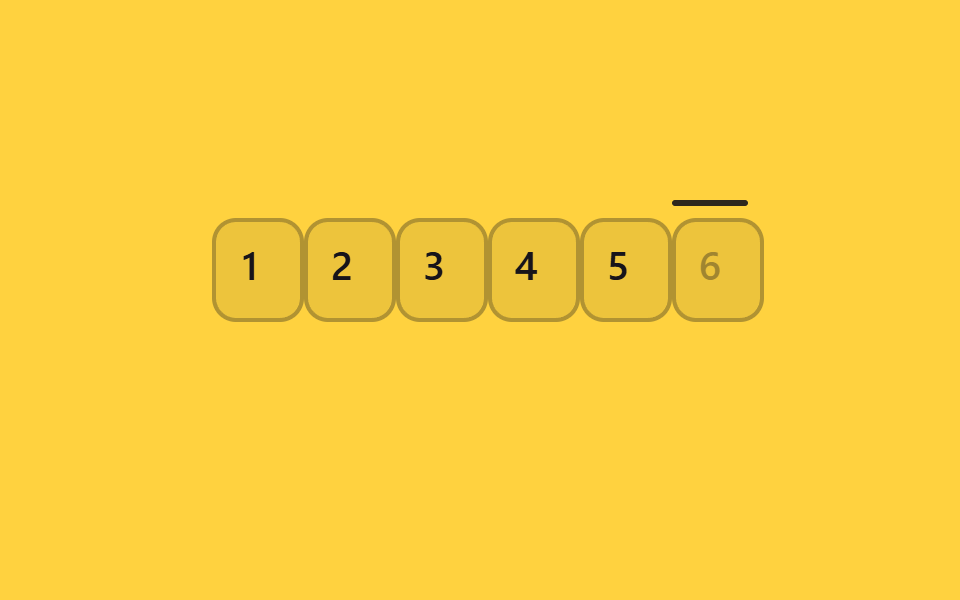
 01 pin-auto-advance
 02 pin-backspace-prev
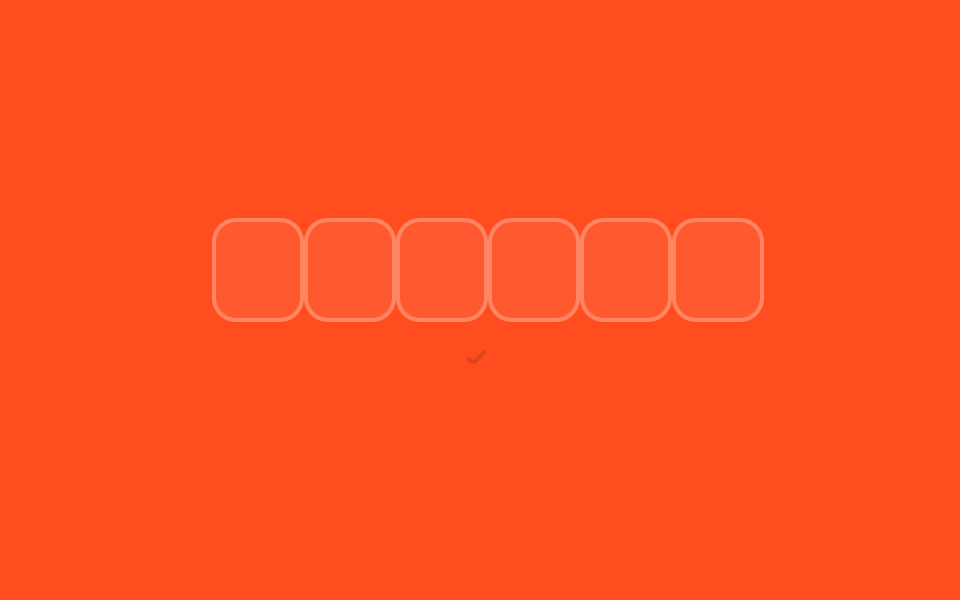 03 pin-paste-full-code
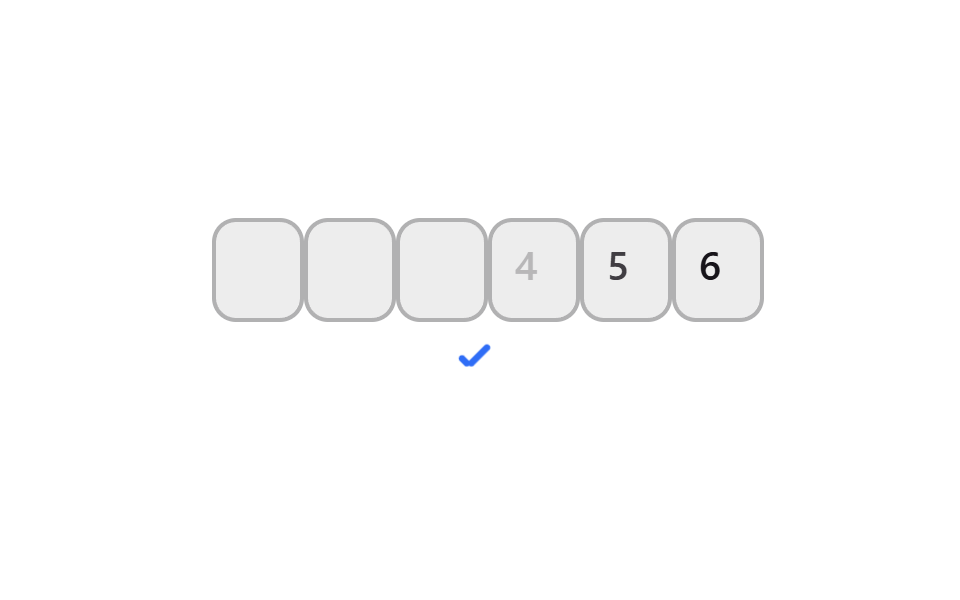 04 pin-mobile-numeric-keypad
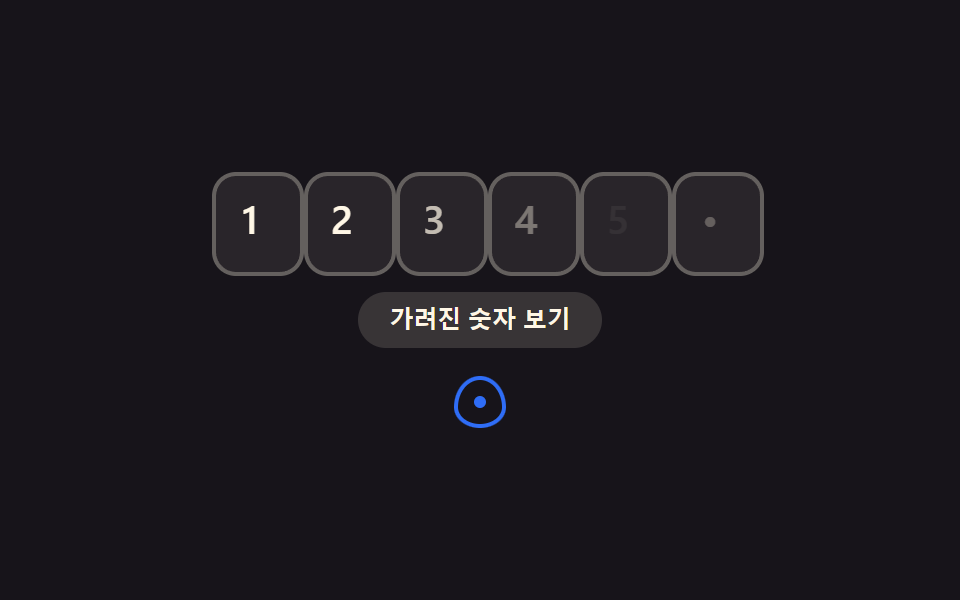 05 pin-masked-toggle
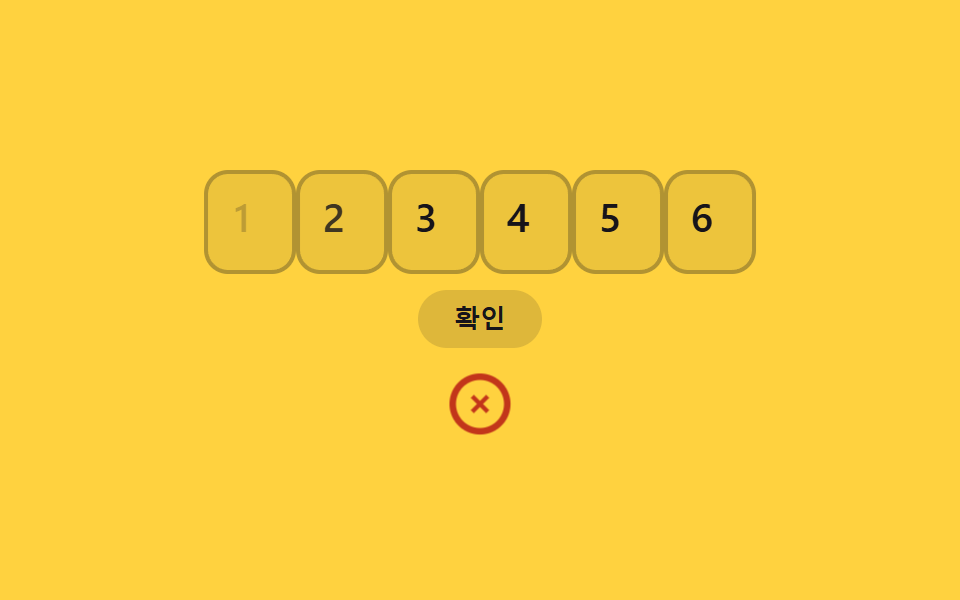 06 pin-error-shake-clear
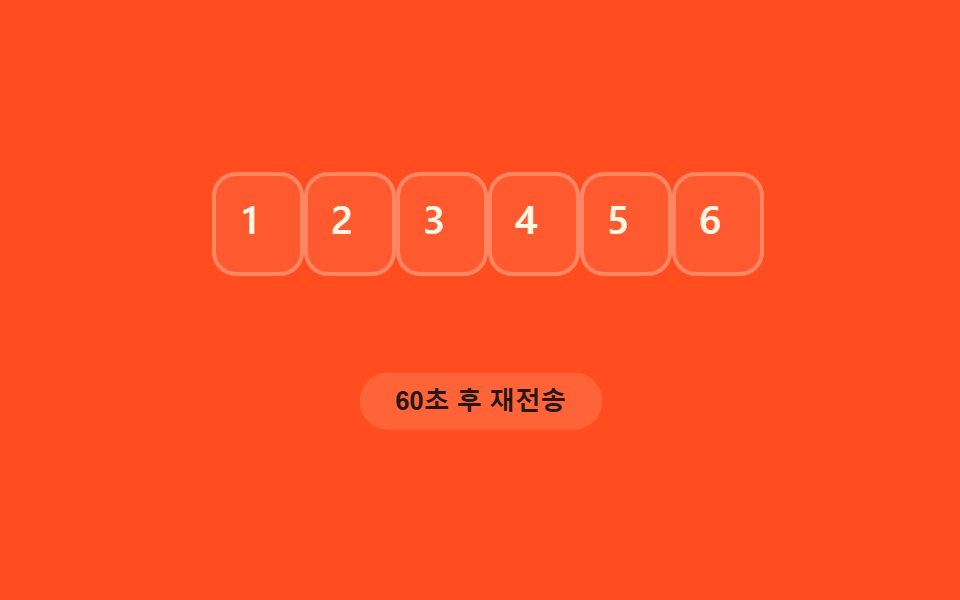 07 pin-resend-timer
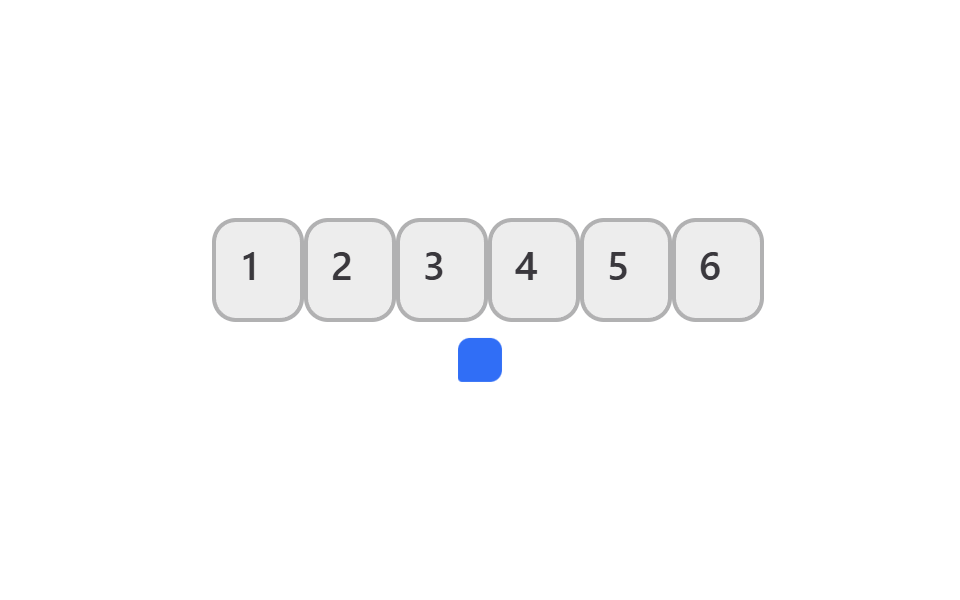 08 pin-autofill-sms-otp
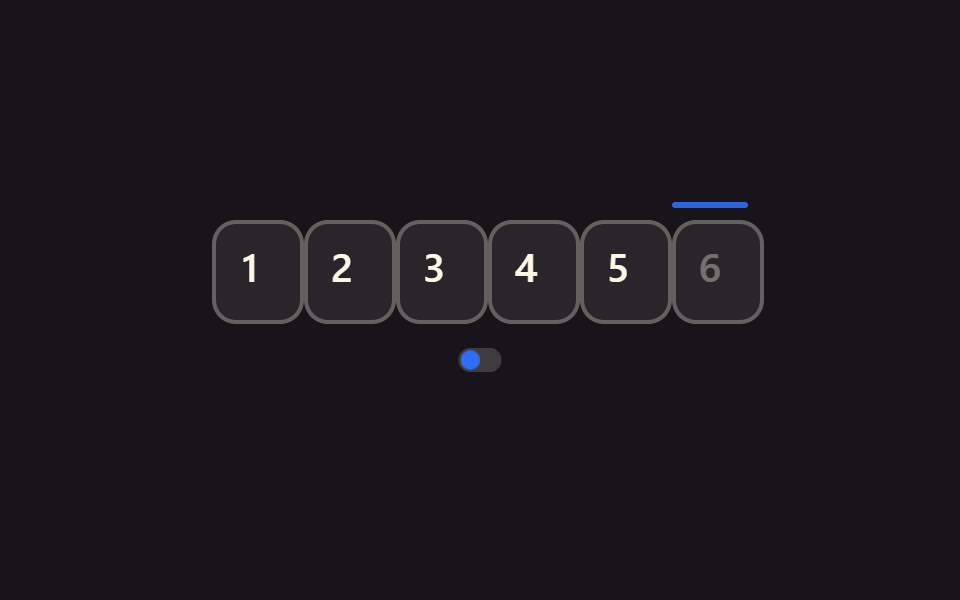 09 pin-reduced-motion-static
자동 재생 · 눌러서 해당 항목으로 · 전부 한 zip
- 01 다음 칸 자동 이동
- 02 백스페이스 이전 칸 포커스
- 03 코드 전체 붙여넣기 분배
- 04 모바일 숫자 키패드 강제
- 05 마스킹 표시 토글
- 06 오류 시 흔들리고 초기화
- 07 재전송 타이머
- 08 SMS OTP 자동채움
- 09 모션 축소 시 정적 포커스
아홉 개는 인기순이 아니라 인증번호 입력 폼이 실제로 겪는 순서로 놓았습니다. 입력이 시작되는 흐름(01~04) 다음 확인과 보안(05~06), 재전송과 자동입력(07~08), 마지막으로 접근성(09)입니다. 화면마다 자리 하나씩 붙잡고 그 순간에 필요한 속성과 이벤트만 뽑아 실었습니다. 인증번호 말고 폼 전체의 위젯을 두루 살피려면 입력창 디자인 9가지가 같은 input 판을 넓게 펴고, 주소를 고르는 식의 선택 입력은 지도 ui 디자인 9종이 눌러 핀을 떨어뜨리는 형태로 다룹니다.
01다음 칸 자동 이동
어떤 움직임인가
숫자를 입력하면 커서가 자동으로 다음 칸으로 넘어갑니다.
<main class="stage">
  <div class="pin is-demo" role="group" aria-label="인증번호 입력">
    <div class="pin__row">
      <span class="pin__box">
        <input class="pin__input" type="text" inputmode="numeric" pattern="[0-9]*" maxlength="1" autocomplete="one-time-code" aria-label="인증번호 1번째 자리">
        <span class="pin__ghost" aria-hidden="true">1</span>
        <span class="pin__scramble" aria-hidden="true"></span>
      </span>
      <span class="pin__box">
        <input class="pin__input" type="text" inputmode="numeric" pattern="[0-9]*" maxlength="1" autocomplete="one-time-code" aria-label="인증번호 2번째 자리">
        <span class="pin__ghost" aria-hidden="true">2</span>
        <span class="pin__scramble" aria-hidden="true"></span>
      </span>
      <span class="pin__box">
        <input class="pin__input" type="text" inputmode="numeric" pattern="[0-9]*" maxlength="1" autocomplete="one-time-code" aria-label="인증번호 3번째 자리">
        <span class="pin__ghost" aria-hidden="true">3</span>
        <span class="pin__scramble" aria-hidden="true"></span>
      </span>
      <span class="pin__box">
        <input class="pin__input" type="text" inputmode="numeric" pattern="[0-9]*" maxlength="1" autocomplete="one-time-code" aria-label="인증번호 4번째 자리">
        <span class="pin__ghost" aria-hidden="true">4</span>
        <span class="pin__scramble" aria-hidden="true"></span>
      </span>
      <span class="pin__box">
        <input class="pin__input" type="text" inputmode="numeric" pattern="[0-9]*" maxlength="1" autocomplete="one-time-code" aria-label="인증번호 5번째 자리">
        <span class="pin__ghost" aria-hidden="true">5</span>
        <span class="pin__scramble" aria-hidden="true"></span>
      </span>
      <span class="pin__box">
        <input class="pin__input" type="text" inputmode="numeric" pattern="[0-9]*" maxlength="1" autocomplete="one-time-code" aria-label="인증번호 6번째 자리">
        <span class="pin__ghost" aria-hidden="true">6</span>
        <span class="pin__scramble" aria-hidden="true"></span>
      </span>
      <span class="pin__caret" aria-hidden="true"></span>
    </div>
    <span class="pin__signal pin__signal--check" aria-hidden="true"></span>
  </div>
</main>@use "../../../../site/static/demo-tokens" as *;
$duration: $dur-quick;
$easing: $ease-spring;
$color: $subject-blue;
$fg: $subject-cream;
@include stage($stage-ink);
.pin {
display: flex;
flex-direction: column;
align-items: center;
gap: 14px;
font-family: -apple-system, "Segoe UI", "Noto Sans KR", sans-serif;
}
.pin__row {
position: relative;
display: flex;
gap: 8px;
}
.pin__box {
position: relative;
width: 38px;
height: 46px;
}
.pin__input {
position: absolute;
inset: 0;
width: 100%;
height: 100%;
border: 2px solid rgba($fg, .28);
border-radius: $r-control;
background: rgba($fg, .08);
color: $fg;
text-align: center;
font-weight: 600; font-size: 20px; line-height: 1;
outline: none;
transition: border-color $duration $easing;
-webkit-tap-highlight-color: transparent;
}
.pin__input:focus { border-color: $color; }
.pin__ghost {
position: absolute;
inset: 0;
display: grid;
place-items: center;
color: $fg;
font-weight: 600; font-size: 20px; line-height: 1;
opacity: 0;
pointer-events: none;
}
// 슬롯머신 스크램블 오버레이: 정착 전까지 실제 입력값 위에 무작위 숫자를 보여준다
.pin__scramble {
position: absolute;
inset: 0;
display: grid;
place-items: center;
color: $color;
font-weight: 600; font-size: 20px; line-height: 1;
font-variant-numeric: tabular-nums;
opacity: 0;
pointer-events: none;
}
.pin__box.is-scrambling .pin__input { color: transparent; }
.pin__box.is-scrambling .pin__scramble { opacity: 1; }
.pin__caret {
position: absolute;
left: 0;
top: -9px;
width: 38px;
height: 3px;
border-radius: $r-pill;
background: $color;
opacity: 0;
}
.pin__signal {
position: relative;
width: 22px;
height: 22px;
opacity: 0;
transform: scale(.6);
}
.pin__signal--check::before,
.pin__signal--check::after {
content: "";
position: absolute;
background: $color;
border-radius: 2px;
}
.pin__signal--check::before { left: 6px; top: 12px; width: 6px; height: 3px; transform: rotate(225deg); transform-origin: left center; } // 같은 꼭짓점(6,12)
.pin__signal--check::after { left: 6px; top: 12px; width: 13px; height: 3px; transform: rotate(-45deg); transform-origin: left center; }
.pin.is-demo .pin__ghost { animation: pin-ghost $dur-loop linear infinite; }
@for $i from 1 through 6 {
.pin.is-demo .pin__box:nth-child(#{$i}) .pin__ghost { animation-delay: #{($i - 1) * 90}ms; }
}
@keyframes pin-ghost {
0%, 100% { opacity: 0; }
7% { opacity: 1; }
68% { opacity: 1; }
76% { opacity: 0; }
}
.pin.is-demo .pin__caret {
animation: pin-caret $dur-loop steps(1) infinite;
}
@keyframes pin-caret {
0% { opacity: .9; transform: translateX(0); }
5% { opacity: .9; transform: translateX(46px); }
9% { opacity: .9; transform: translateX(92px); }
14% { opacity: .9; transform: translateX(138px); }
18% { opacity: .9; transform: translateX(184px); }
23% { opacity: .9; transform: translateX(230px); }
76% { opacity: .9; transform: translateX(230px); }
84%, 100% { opacity: 0; transform: translateX(230px); }
}
.pin.is-demo .pin__signal--check { animation: pin-signal $dur-loop linear infinite; }
@keyframes pin-signal {
0%, 78% { opacity: 0; transform: scale(.6); }
86% { opacity: 1; transform: scale(1.12); }
94%, 100% { opacity: 1; transform: scale(1); }
}
@media (prefers-reduced-motion: reduce) {
.pin__ghost, .pin__ghost--dot, .pin__ghost--digit, .pin__caret, .pin__signal,
.pin__row, .pin__timer-n, .pin__resend, .pin__input {
animation: none !important;
transition: none !important;
}
.pin__scramble { display: none !important; }
.pin__box.is-scrambling .pin__input { color: $fg !important; }
.pin.is-demo .pin__ghost,
.pin.is-demo .pin__ghost--digit { opacity: 1; }
.pin.is-demo .pin__ghost--dot { opacity: 0; }
.pin.is-demo .pin__caret { opacity: .9; transform: translateX(230px); }
.pin.is-demo .pin__signal { opacity: 1; transform: scale(1); }
.pin.is-demo .pin__signal--toggle::before { transform: translateX(16px); }
.pin.is-demo .pin__resend { opacity: 1; transform: scale(1); }
}html, body {
margin: 0;
overflow: hidden;
}
.stage {
box-sizing: border-box;
min-height: 100vh;
display: grid;
place-items: center;
margin: 0;
background: #17141a;
font-family: -apple-system, "Segoe UI", "Noto Sans KR", sans-serif;
padding: clamp(8px, 4vw, 24px);
}
.pin {
display: flex;
flex-direction: column;
align-items: center;
gap: 14px;
font-family: -apple-system, "Segoe UI", "Noto Sans KR", sans-serif;
}
.pin__row {
position: relative;
display: flex;
gap: 8px;
}
.pin__box {
position: relative;
width: 38px;
height: 46px;
}
.pin__input {
position: absolute;
inset: 0;
width: 100%;
height: 100%;
border: 2px solid rgba(255, 247, 230, 0.28);
border-radius: 12px;
background: rgba(255, 247, 230, 0.08);
color: #fff7e6;
text-align: center;
font-weight: 600;
font-size: 20px;
line-height: 1;
outline: none;
transition: border-color 220ms cubic-bezier(0.2, 0.8, 0.2, 1);
-webkit-tap-highlight-color: transparent;
}
.pin__input:focus {
border-color: #2f6df6;
}
.pin__ghost {
position: absolute;
inset: 0;
display: grid;
place-items: center;
color: #fff7e6;
font-weight: 600;
font-size: 20px;
line-height: 1;
opacity: 0;
pointer-events: none;
}
.pin__scramble {
position: absolute;
inset: 0;
display: grid;
place-items: center;
color: #2f6df6;
font-weight: 600;
font-size: 20px;
line-height: 1;
font-variant-numeric: tabular-nums;
opacity: 0;
pointer-events: none;
}
.pin__box.is-scrambling .pin__input {
color: transparent;
}
.pin__box.is-scrambling .pin__scramble {
opacity: 1;
}
.pin__caret {
position: absolute;
left: 0;
top: -9px;
width: 38px;
height: 3px;
border-radius: 999px;
background: #2f6df6;
opacity: 0;
}
.pin__signal {
position: relative;
width: 22px;
height: 22px;
opacity: 0;
transform: scale(0.6);
}
.pin__signal--check::before,
.pin__signal--check::after {
content: "";
position: absolute;
background: #2f6df6;
border-radius: 2px;
}
.pin__signal--check::before {
left: 6px;
top: 12px;
width: 6px;
height: 3px;
transform: rotate(225deg);
transform-origin: left center;
}
.pin__signal--check::after {
left: 6px;
top: 12px;
width: 13px;
height: 3px;
transform: rotate(-45deg);
transform-origin: left center;
}
.pin.is-demo .pin__ghost {
animation: pin-ghost 2s linear infinite;
}
.pin.is-demo .pin__box:nth-child(1) .pin__ghost {
animation-delay: 0ms;
}
.pin.is-demo .pin__box:nth-child(2) .pin__ghost {
animation-delay: 90ms;
}
.pin.is-demo .pin__box:nth-child(3) .pin__ghost {
animation-delay: 180ms;
}
.pin.is-demo .pin__box:nth-child(4) .pin__ghost {
animation-delay: 270ms;
}
.pin.is-demo .pin__box:nth-child(5) .pin__ghost {
animation-delay: 360ms;
}
.pin.is-demo .pin__box:nth-child(6) .pin__ghost {
animation-delay: 450ms;
}
@keyframes pin-ghost {
0%, 100% {
opacity: 0;
}
7% {
opacity: 1;
}
68% {
opacity: 1;
}
76% {
opacity: 0;
}
}
.pin.is-demo .pin__caret {
animation: pin-caret 2s steps(1) infinite;
}
@keyframes pin-caret {
0% {
opacity: 0.9;
transform: translateX(0);
}
5% {
opacity: 0.9;
transform: translateX(46px);
}
9% {
opacity: 0.9;
transform: translateX(92px);
}
14% {
opacity: 0.9;
transform: translateX(138px);
}
18% {
opacity: 0.9;
transform: translateX(184px);
}
23% {
opacity: 0.9;
transform: translateX(230px);
}
76% {
opacity: 0.9;
transform: translateX(230px);
}
84%, 100% {
opacity: 0;
transform: translateX(230px);
}
}
.pin.is-demo .pin__signal--check {
animation: pin-signal 2s linear infinite;
}
@keyframes pin-signal {
0%, 78% {
opacity: 0;
transform: scale(0.6);
}
86% {
opacity: 1;
transform: scale(1.12);
}
94%, 100% {
opacity: 1;
transform: scale(1);
}
}
@media (prefers-reduced-motion: reduce) {
.pin__ghost, .pin__ghost--dot, .pin__ghost--digit, .pin__caret, .pin__signal,
.pin__row, .pin__timer-n, .pin__resend, .pin__input {
animation: none !important;
transition: none !important;
}
.pin__scramble {
display: none !important;
}
.pin__box.is-scrambling .pin__input {
color: #fff7e6 !important;
}
.pin.is-demo .pin__ghost,
.pin.is-demo .pin__ghost--digit {
opacity: 1;
}
.pin.is-demo .pin__ghost--dot {
opacity: 0;
}
.pin.is-demo .pin__caret {
opacity: 0.9;
transform: translateX(230px);
}
.pin.is-demo .pin__signal {
opacity: 1;
transform: scale(1);
}
.pin.is-demo .pin__signal--toggle::before {
transform: translateX(16px);
}
.pin.is-demo .pin__resend {
opacity: 1;
transform: scale(1);
}
}(function () {
var pin = document.querySelector('.pin');
var boxes = [].slice.call(pin.querySelectorAll('.pin__input'));
var reduceMotionQuery = window.matchMedia('(prefers-reduced-motion: reduce)');
function wake() { pin.classList.remove('is-demo'); }
// 슬롯머신 스크램블: 최종 숫자를 바로 보여주지 않고 무작위 숫자가 지나가다 감속하며 정착한다
function cancelScramble(box) {
if (box._scrambleTimer) {
clearTimeout(box._scrambleTimer);
box._scrambleTimer = null;
}
}
function scrambleDigit(box, finalDigit) {
var display = box.querySelector('.pin__scramble');
if (!display) return;
cancelScramble(box);
if (reduceMotionQuery.matches) {
box.classList.remove('is-scrambling');
display.textContent = '';
return;
}
box.classList.add('is-scrambling');
var startedAt = Date.now();
var totalMs = 280; // 스크램블 총 지속시간
var delay = 24; // 초기 간격(빠름)
var growth = 1.35; // 감속 배율
var maxDelay = 200; // 최대 간격(느려짐)
function tick() {
var elapsed = Date.now() - startedAt;
if (elapsed >= totalMs) {
display.textContent = finalDigit;
box._scrambleTimer = setTimeout(function () {
box.classList.remove('is-scrambling');
display.textContent = '';
box._scrambleTimer = null;
}, 70);
return;
}
display.textContent = String(Math.floor(Math.random() * 10));
delay = Math.min(delay * growth, maxDelay);
box._scrambleTimer = setTimeout(tick, delay);
}
tick();
}
boxes.forEach(function (b, i) {
var box = b.closest('.pin__box');
b.addEventListener('focus', wake);
b.addEventListener('input', function () {
b.value = b.value.replace(/[^0-9]/g, '').slice(-1);
if (b.value) {
scrambleDigit(box, b.value);
if (boxes[i + 1]) boxes[i + 1].focus({ preventScroll: true });
} else {
cancelScramble(box);
box.classList.remove('is-scrambling');
var display = box.querySelector('.pin__scramble');
if (display) display.textContent = '';
}
});
b.addEventListener('keydown', function (e) {
if (e.key === 'Backspace' && !b.value && boxes[i - 1]) boxes[i - 1].focus({ preventScroll: true });
});
b.addEventListener('paste', function (e) {
var t = (e.clipboardData || window.clipboardData).getData('text').replace(/[^0-9]/g, '');
if (!t) return;
e.preventDefault();
t.slice(0, 6).split('').forEach(function (ch, k) {
if (boxes[k]) {
boxes[k].value = ch;
scrambleDigit(boxes[k].closest('.pin__box'), ch);
}
});
(boxes[Math.min(t.length, 6) - 1] || boxes[0]).focus({ preventScroll: true });
});
});
})();import { useEffect, useRef, useState } from "react";
import type { CSSProperties } from "react";
import styles from "./PinAutoAdvance.module.scss";
function siblings(el: any): HTMLInputElement[] {
var row = el.closest("[data-pin-row]");
return row ? Array.prototype.slice.call(row.querySelectorAll("input")) : [];
}
export type PinAutoAdvanceProps = {
/** 칸 수 (기본 6) */
length?: number;
/** 6칸이 다 채워지면 호출 */
onComplete?: (code: string) => void;
/** 강조 색 */
color?: string;
className?: string;
};
type Vars = CSSProperties & { "--color"?: string };
// useRef 는 T | null 을 돌려준다. 값이 항상 있는 상자는 이렇게 좁혀 쓴다 (077 관례)
type Box<T> = { current: T };
type TimerMap = Record<number, ReturnType<typeof setTimeout> | null>;
export default function PinAutoAdvance({
length = 6,
onComplete,
color = "#2f6df6",
className = "",
}: PinAutoAdvanceProps) {
const [values, setValues] = useState<string[]>(Array(length).fill(""));
const [scrambleText, setScrambleText] = useState<string[]>(Array(length).fill(""));
const [scrambling, setScrambling] = useState<boolean[]>(Array(length).fill(false));
const scrambleTimers = useRef<TimerMap>({}) as Box<TimerMap>;
const vars: Vars = { "--color": color };
// 슬롯머신 스크램블: 최종 숫자를 바로 보여주지 않고 무작위 숫자가 지나가다 감속하며 정착한다
function cancelScramble(i: number) {
const timer = scrambleTimers.current[i];
if (timer) {
clearTimeout(timer);
scrambleTimers.current[i] = null;
}
}
function setScramblingAt(i: number, on: boolean) {
setScrambling((prev) => {
const next = prev.slice();
next[i] = on;
return next;
});
}
function setScrambleTextAt(i: number, text: string) {
setScrambleText((prev) => {
const next = prev.slice();
next[i] = text;
return next;
});
}
function runScramble(i: number, finalDigit: string) {
cancelScramble(i);
const reduceMotion =
typeof window !== "undefined" &&
window.matchMedia("(prefers-reduced-motion: reduce)").matches;
if (reduceMotion) {
setScramblingAt(i, false);
setScrambleTextAt(i, "");
return;
}
setScramblingAt(i, true);
const startedAt = Date.now();
const totalMs = 280; // 스크램블 총 지속시간
const growth = 1.35; // 감속 배율
const maxDelay = 200; // 최대 간격(느려짐)
let delay = 24; // 초기 간격(빠름)
function tick() {
const elapsed = Date.now() - startedAt;
if (elapsed >= totalMs) {
setScrambleTextAt(i, finalDigit);
scrambleTimers.current[i] = setTimeout(() => {
setScramblingAt(i, false);
setScrambleTextAt(i, "");
scrambleTimers.current[i] = null;
}, 70);
return;
}
setScrambleTextAt(i, String(Math.floor(Math.random() * 10)));
delay = Math.min(delay * growth, maxDelay);
scrambleTimers.current[i] = setTimeout(tick, delay);
}
tick();
}
useEffect(() => {
const timers: TimerMap = scrambleTimers.current;
return () => {
Object.keys(timers).forEach((key) => {
const timer = timers[Number(key)];
if (timer) clearTimeout(timer);
});
};
}, []);
function handleChange(e: any, i: number) {
const el = e.currentTarget;
const v = String(el.value).replace(/[^0-9]/g, "").slice(-1);
const next = values.slice();
next[i] = v;
setValues(next);
if (v) {
runScramble(i, v);
const boxes = siblings(el);
if (boxes[i + 1]) boxes[i + 1].focus({ preventScroll: true });
} else {
cancelScramble(i);
setScramblingAt(i, false);
setScrambleTextAt(i, "");
}
if (next.every(Boolean)) onComplete?.(next.join(""));
}
function handleKeyDown(e: any, i: number) {
if (e.key === "Backspace" && !values[i]) {
const boxes = siblings(e.currentTarget);
if (boxes[i - 1]) boxes[i - 1].focus({ preventScroll: true });
}
}
function handlePaste(e: any) {
const text = String(e.clipboardData.getData("text")).replace(/[^0-9]/g, "").slice(0, length);
if (!text) return;
e.preventDefault();
const next = text.split("");
while (next.length < length) next.push("");
setValues(next);
text.split("").forEach((ch, k) => runScramble(k, ch));
if (text.length === length) onComplete?.(text);
}
return (
<div className={`${styles.pin} ${className}`} style={vars} data-pin-row>
{values.map((v, i) => (
<span
key={i}
className={scrambling[i] ? `${styles.boxWrap} ${styles.isScrambling}` : styles.boxWrap}
>
<input
className={styles.box}
type="text"
inputMode="numeric"
pattern="[0-9]*"
maxLength={1}
autoComplete="one-time-code"
aria-label={`인증번호 ${i + 1}번째 자리`}
value={v}
onChange={(e: any) => handleChange(e, i)}
onKeyDown={(e: any) => handleKeyDown(e, i)}
onPaste={(e: any) => handlePaste(e)}
/>
<span className={styles.scramble} aria-hidden="true">{scrambleText[i]}</span>
</span>
))}
</div>
);
}01 · 다음 칸 자동 이동 — 측정 누적면적 0.907% · 움직인 프레임 14/23GODRICH 원작 · zip 에 SCSS·React 포함 · 비밀번호 보기
인증번호 입력 화면은 언제 쓰나
회원가입 인증이나 로그인 2단계 인증처럼 6자리를 연속으로 받는 화면에 씁니다.
boxes.forEach(function (b, i) {
  b.addEventListener('input', function () {
    b.value = b.value.replace(/[^0-9]/g, '').slice(-1);
    if (b.value && boxes[i + 1]) boxes[i + 1].focus({ preventScroll: true });
  });
});
02백스페이스 이전 칸 포커스
무엇이 보이나
빈 칸에서 백스페이스를 누르면 이전 칸으로 돌아가 지웁니다.
<main class="stage">
  <div class="pin is-demo" role="group" aria-label="인증번호 입력">
    <div class="pin__row">
      <span class="pin__box">
        <input class="pin__input" type="text" inputmode="numeric" pattern="[0-9]*" maxlength="1" autocomplete="one-time-code" aria-label="인증번호 1번째 자리">
        <span class="pin__ghost" aria-hidden="true">1</span>
        <span class="pin__scramble" aria-hidden="true"></span>
      </span>
      <span class="pin__box">
        <input class="pin__input" type="text" inputmode="numeric" pattern="[0-9]*" maxlength="1" autocomplete="one-time-code" aria-label="인증번호 2번째 자리">
        <span class="pin__ghost" aria-hidden="true">2</span>
        <span class="pin__scramble" aria-hidden="true"></span>
      </span>
      <span class="pin__box">
        <input class="pin__input" type="text" inputmode="numeric" pattern="[0-9]*" maxlength="1" autocomplete="one-time-code" aria-label="인증번호 3번째 자리">
        <span class="pin__ghost" aria-hidden="true">3</span>
        <span class="pin__scramble" aria-hidden="true"></span>
      </span>
      <span class="pin__box">
        <input class="pin__input" type="text" inputmode="numeric" pattern="[0-9]*" maxlength="1" autocomplete="one-time-code" aria-label="인증번호 4번째 자리">
        <span class="pin__ghost" aria-hidden="true">4</span>
        <span class="pin__scramble" aria-hidden="true"></span>
      </span>
      <span class="pin__box">
        <input class="pin__input" type="text" inputmode="numeric" pattern="[0-9]*" maxlength="1" autocomplete="one-time-code" aria-label="인증번호 5번째 자리">
        <span class="pin__ghost" aria-hidden="true">5</span>
        <span class="pin__scramble" aria-hidden="true"></span>
      </span>
      <span class="pin__box">
        <input class="pin__input" type="text" inputmode="numeric" pattern="[0-9]*" maxlength="1" autocomplete="one-time-code" aria-label="인증번호 6번째 자리">
        <span class="pin__ghost" aria-hidden="true">6</span>
        <span class="pin__scramble" aria-hidden="true"></span>
      </span>
      <span class="pin__caret" aria-hidden="true"></span>
    </div>
    <span class="pin__signal pin__signal--chevron" aria-hidden="true"></span>
  </div>
</main>@use "../../../../site/static/demo-tokens" as *;
$duration: $dur-quick;
$easing: $ease-spring;
$color: $subject-ink;
$fg: $subject-ink;
@include stage($stage-yellow);
.pin {
display: flex;
flex-direction: column;
align-items: center;
gap: 14px;
font-family: -apple-system, "Segoe UI", "Noto Sans KR", sans-serif;
}
.pin__row {
position: relative;
display: flex;
gap: 8px;
}
.pin__box {
position: relative;
width: 38px;
height: 46px;
}
.pin__input {
position: absolute;
inset: 0;
width: 100%;
height: 100%;
border: 2px solid rgba($fg, .28);
border-radius: $r-control;
background: rgba($fg, .08);
color: $fg;
text-align: center;
font-weight: 600; font-size: 20px; line-height: 1;
outline: none;
transition: border-color $duration $easing;
-webkit-tap-highlight-color: transparent;
}
.pin__input:focus { border-color: $color; }
.pin__ghost {
position: absolute;
inset: 0;
display: grid;
place-items: center;
color: $fg;
font-weight: 600; font-size: 20px; line-height: 1;
opacity: 0;
pointer-events: none;
}
// 슬롯머신 스크램블 오버레이: 정착 전까지 실제 입력값 위에 무작위 숫자를 보여준다
.pin__scramble {
position: absolute;
inset: 0;
display: grid;
place-items: center;
color: $color;
font-weight: 600; font-size: 20px; line-height: 1;
font-variant-numeric: tabular-nums;
opacity: 0;
pointer-events: none;
}
.pin__box.is-scrambling .pin__input { color: transparent; }
.pin__box.is-scrambling .pin__scramble { opacity: 1; }
.pin__caret {
position: absolute;
left: 0;
top: -9px;
width: 38px;
height: 3px;
border-radius: $r-pill;
background: $color;
opacity: 0;
}
.pin__signal {
position: relative;
width: 22px;
height: 22px;
opacity: 0;
transform: scale(.6);
}
.pin__signal--chevron::before,
.pin__signal--chevron::after {
content: "";
position: absolute;
left: 7px;
width: 11px;
height: 3px;
background: $color;
border-radius: 2px;
transform-origin: left center; // 규칙8: 셰브론 막대 왼쪽 꼭짓점 회전
}
.pin__signal--chevron::before { top: 10px; transform: rotate(45deg); }
.pin__signal--chevron::after { top: 12px; transform: rotate(-45deg); }
.pin.is-demo .pin__ghost { animation: pin-ghost $dur-loop linear infinite; }
@for $i from 1 through 6 {
.pin.is-demo .pin__box:nth-child(#{$i}) .pin__ghost { animation-delay: #{($i - 1) * 90}ms; }
}
.pin.is-demo .pin__box:nth-child(n + 5) .pin__ghost { animation-name: pin-ghost-erase; }
@keyframes pin-ghost {
0%, 100% { opacity: 0; }
7% { opacity: 1; }
68% { opacity: 1; }
76% { opacity: 0; }
}
@keyframes pin-ghost-erase {
0%, 100% { opacity: 0; }
7% { opacity: 1; }
40% { opacity: 1; }
47% { opacity: 0; }
}
.pin.is-demo .pin__caret {
animation: pin-caret-erase $dur-loop steps(1) infinite;
}
@keyframes pin-caret-erase {
0% { opacity: .9; transform: translateX(0); }
5% { opacity: .9; transform: translateX(46px); }
9% { opacity: .9; transform: translateX(92px); }
14% { opacity: .9; transform: translateX(138px); }
18% { opacity: .9; transform: translateX(184px); }
23% { opacity: .9; transform: translateX(230px); }
40% { opacity: .9; transform: translateX(230px); }
47% { opacity: .9; transform: translateX(184px); }
54% { opacity: .9; transform: translateX(138px); }
76% { opacity: .9; transform: translateX(138px); }
84%, 100% { opacity: 0; transform: translateX(138px); }
}
.pin.is-demo .pin__signal--chevron { animation: pin-signal $dur-loop linear infinite; }
@keyframes pin-signal {
0%, 78% { opacity: 0; transform: scale(.6); }
86% { opacity: 1; transform: scale(1.12); }
94%, 100% { opacity: 1; transform: scale(1); }
}
@media (prefers-reduced-motion: reduce) {
.pin__ghost, .pin__ghost--dot, .pin__ghost--digit, .pin__caret, .pin__signal,
.pin__row, .pin__timer-n, .pin__resend, .pin__input {
animation: none !important;
transition: none !important;
}
.pin__scramble { display: none !important; }
.pin__box.is-scrambling .pin__input { color: $fg !important; }
.pin.is-demo .pin__ghost,
.pin.is-demo .pin__ghost--digit { opacity: 1; }
.pin.is-demo .pin__ghost--dot { opacity: 0; }
.pin.is-demo .pin__caret { opacity: .9; transform: translateX(230px); }
.pin.is-demo .pin__signal { opacity: 1; transform: scale(1); }
.pin.is-demo .pin__signal--toggle::before { transform: translateX(16px); }
.pin.is-demo .pin__resend { opacity: 1; transform: scale(1); }
}html, body {
margin: 0;
overflow: hidden;
}
.stage {
box-sizing: border-box;
min-height: 100vh;
display: grid;
place-items: center;
margin: 0;
background: #ffd23f;
font-family: -apple-system, "Segoe UI", "Noto Sans KR", sans-serif;
padding: clamp(8px, 4vw, 24px);
}
.pin {
display: flex;
flex-direction: column;
align-items: center;
gap: 14px;
font-family: -apple-system, "Segoe UI", "Noto Sans KR", sans-serif;
}
.pin__row {
position: relative;
display: flex;
gap: 8px;
}
.pin__box {
position: relative;
width: 38px;
height: 46px;
}
.pin__input {
position: absolute;
inset: 0;
width: 100%;
height: 100%;
border: 2px solid rgba(23, 20, 26, 0.28);
border-radius: 12px;
background: rgba(23, 20, 26, 0.08);
color: #17141a;
text-align: center;
font-weight: 600;
font-size: 20px;
line-height: 1;
outline: none;
transition: border-color 220ms cubic-bezier(0.2, 0.8, 0.2, 1);
-webkit-tap-highlight-color: transparent;
}
.pin__input:focus {
border-color: #17141a;
}
.pin__ghost {
position: absolute;
inset: 0;
display: grid;
place-items: center;
color: #17141a;
font-weight: 600;
font-size: 20px;
line-height: 1;
opacity: 0;
pointer-events: none;
}
.pin__scramble {
position: absolute;
inset: 0;
display: grid;
place-items: center;
color: #17141a;
font-weight: 600;
font-size: 20px;
line-height: 1;
font-variant-numeric: tabular-nums;
opacity: 0;
pointer-events: none;
}
.pin__box.is-scrambling .pin__input {
color: transparent;
}
.pin__box.is-scrambling .pin__scramble {
opacity: 1;
}
.pin__caret {
position: absolute;
left: 0;
top: -9px;
width: 38px;
height: 3px;
border-radius: 999px;
background: #17141a;
opacity: 0;
}
.pin__signal {
position: relative;
width: 22px;
height: 22px;
opacity: 0;
transform: scale(0.6);
}
.pin__signal--chevron::before,
.pin__signal--chevron::after {
content: "";
position: absolute;
left: 7px;
width: 11px;
height: 3px;
background: #17141a;
border-radius: 2px;
transform-origin: left center;
}
.pin__signal--chevron::before {
top: 10px;
transform: rotate(45deg);
}
.pin__signal--chevron::after {
top: 12px;
transform: rotate(-45deg);
}
.pin.is-demo .pin__ghost {
animation: pin-ghost 2s linear infinite;
}
.pin.is-demo .pin__box:nth-child(1) .pin__ghost {
animation-delay: 0ms;
}
.pin.is-demo .pin__box:nth-child(2) .pin__ghost {
animation-delay: 90ms;
}
.pin.is-demo .pin__box:nth-child(3) .pin__ghost {
animation-delay: 180ms;
}
.pin.is-demo .pin__box:nth-child(4) .pin__ghost {
animation-delay: 270ms;
}
.pin.is-demo .pin__box:nth-child(5) .pin__ghost {
animation-delay: 360ms;
}
.pin.is-demo .pin__box:nth-child(6) .pin__ghost {
animation-delay: 450ms;
}
.pin.is-demo .pin__box:nth-child(n+5) .pin__ghost {
animation-name: pin-ghost-erase;
}
@keyframes pin-ghost {
0%, 100% {
opacity: 0;
}
7% {
opacity: 1;
}
68% {
opacity: 1;
}
76% {
opacity: 0;
}
}
@keyframes pin-ghost-erase {
0%, 100% {
opacity: 0;
}
7% {
opacity: 1;
}
40% {
opacity: 1;
}
47% {
opacity: 0;
}
}
.pin.is-demo .pin__caret {
animation: pin-caret-erase 2s steps(1) infinite;
}
@keyframes pin-caret-erase {
0% {
opacity: 0.9;
transform: translateX(0);
}
5% {
opacity: 0.9;
transform: translateX(46px);
}
9% {
opacity: 0.9;
transform: translateX(92px);
}
14% {
opacity: 0.9;
transform: translateX(138px);
}
18% {
opacity: 0.9;
transform: translateX(184px);
}
23% {
opacity: 0.9;
transform: translateX(230px);
}
40% {
opacity: 0.9;
transform: translateX(230px);
}
47% {
opacity: 0.9;
transform: translateX(184px);
}
54% {
opacity: 0.9;
transform: translateX(138px);
}
76% {
opacity: 0.9;
transform: translateX(138px);
}
84%, 100% {
opacity: 0;
transform: translateX(138px);
}
}
.pin.is-demo .pin__signal--chevron {
animation: pin-signal 2s linear infinite;
}
@keyframes pin-signal {
0%, 78% {
opacity: 0;
transform: scale(0.6);
}
86% {
opacity: 1;
transform: scale(1.12);
}
94%, 100% {
opacity: 1;
transform: scale(1);
}
}
@media (prefers-reduced-motion: reduce) {
.pin__ghost, .pin__ghost--dot, .pin__ghost--digit, .pin__caret, .pin__signal,
.pin__row, .pin__timer-n, .pin__resend, .pin__input {
animation: none !important;
transition: none !important;
}
.pin__scramble {
display: none !important;
}
.pin__box.is-scrambling .pin__input {
color: #17141a !important;
}
.pin.is-demo .pin__ghost,
.pin.is-demo .pin__ghost--digit {
opacity: 1;
}
.pin.is-demo .pin__ghost--dot {
opacity: 0;
}
.pin.is-demo .pin__caret {
opacity: 0.9;
transform: translateX(230px);
}
.pin.is-demo .pin__signal {
opacity: 1;
transform: scale(1);
}
.pin.is-demo .pin__signal--toggle::before {
transform: translateX(16px);
}
.pin.is-demo .pin__resend {
opacity: 1;
transform: scale(1);
}
}(function () {
var pin = document.querySelector('.pin');
var boxes = [].slice.call(pin.querySelectorAll('.pin__input'));
var reduceMotionQuery = window.matchMedia('(prefers-reduced-motion: reduce)');
function wake() { pin.classList.remove('is-demo'); }
// 슬롯머신 스크램블: 최종 숫자를 바로 보여주지 않고 무작위 숫자가 지나가다 감속하며 정착한다
function cancelScramble(box) {
if (box._scrambleTimer) {
clearTimeout(box._scrambleTimer);
box._scrambleTimer = null;
}
}
function scrambleDigit(box, finalDigit) {
var display = box.querySelector('.pin__scramble');
if (!display) return;
cancelScramble(box);
if (reduceMotionQuery.matches) {
box.classList.remove('is-scrambling');
display.textContent = '';
return;
}
box.classList.add('is-scrambling');
var startedAt = Date.now();
var totalMs = 280; // 스크램블 총 지속시간
var delay = 24; // 초기 간격(빠름)
var growth = 1.35; // 감속 배율
var maxDelay = 200; // 최대 간격(느려짐)
function tick() {
var elapsed = Date.now() - startedAt;
if (elapsed >= totalMs) {
display.textContent = finalDigit;
box._scrambleTimer = setTimeout(function () {
box.classList.remove('is-scrambling');
display.textContent = '';
box._scrambleTimer = null;
}, 70);
return;
}
display.textContent = String(Math.floor(Math.random() * 10));
delay = Math.min(delay * growth, maxDelay);
box._scrambleTimer = setTimeout(tick, delay);
}
tick();
}
boxes.forEach(function (b, i) {
var box = b.closest('.pin__box');
b.addEventListener('focus', wake);
b.addEventListener('input', function () {
b.value = b.value.replace(/[^0-9]/g, '').slice(-1);
if (b.value) {
scrambleDigit(box, b.value);
if (boxes[i + 1]) boxes[i + 1].focus({ preventScroll: true });
} else {
cancelScramble(box);
box.classList.remove('is-scrambling');
var display = box.querySelector('.pin__scramble');
if (display) display.textContent = '';
}
});
b.addEventListener('keydown', function (e) {
if (e.key === 'Backspace' && !b.value && boxes[i - 1]) boxes[i - 1].focus({ preventScroll: true });
});
b.addEventListener('paste', function (e) {
var t = (e.clipboardData || window.clipboardData).getData('text').replace(/[^0-9]/g, '');
if (!t) return;
e.preventDefault();
t.slice(0, 6).split('').forEach(function (ch, k) {
if (boxes[k]) {
boxes[k].value = ch;
scrambleDigit(boxes[k].closest('.pin__box'), ch);
}
});
(boxes[Math.min(t.length, 6) - 1] || boxes[0]).focus({ preventScroll: true });
});
});
})();import { useEffect, useRef, useState } from "react";
import type { CSSProperties } from "react";
import styles from "./PinBackspacePrev.module.scss";
function siblings(el: any): HTMLInputElement[] {
var row = el.closest("[data-pin-row]");
return row ? Array.prototype.slice.call(row.querySelectorAll("input")) : [];
}
export type PinBackspacePrevProps = {
/** 칸 수 (기본 6) */
length?: number;
/** 6칸이 다 채워지면 호출 */
onComplete?: (code: string) => void;
/** 강조 색 */
color?: string;
className?: string;
};
type Vars = CSSProperties & { "--color"?: string };
// useRef 는 T | null 을 돌려준다. 값이 항상 있는 상자는 이렇게 좁혀 쓴다 (077 관례)
type Box<T> = { current: T };
type TimerMap = Record<number, ReturnType<typeof setTimeout> | null>;
export default function PinBackspacePrev({
length = 6,
onComplete,
color = "#2f6df6",
className = "",
}: PinBackspacePrevProps) {
const [values, setValues] = useState<string[]>(Array(length).fill(""));
const [scrambleText, setScrambleText] = useState<string[]>(Array(length).fill(""));
const [scrambling, setScrambling] = useState<boolean[]>(Array(length).fill(false));
const scrambleTimers = useRef<TimerMap>({}) as Box<TimerMap>;
const vars: Vars = { "--color": color };
// 슬롯머신 스크램블: 최종 숫자를 바로 보여주지 않고 무작위 숫자가 지나가다 감속하며 정착한다
function cancelScramble(i: number) {
const timer = scrambleTimers.current[i];
if (timer) {
clearTimeout(timer);
scrambleTimers.current[i] = null;
}
}
function setScramblingAt(i: number, on: boolean) {
setScrambling((prev) => {
const next = prev.slice();
next[i] = on;
return next;
});
}
function setScrambleTextAt(i: number, text: string) {
setScrambleText((prev) => {
const next = prev.slice();
next[i] = text;
return next;
});
}
function runScramble(i: number, finalDigit: string) {
cancelScramble(i);
const reduceMotion =
typeof window !== "undefined" &&
window.matchMedia("(prefers-reduced-motion: reduce)").matches;
if (reduceMotion) {
setScramblingAt(i, false);
setScrambleTextAt(i, "");
return;
}
setScramblingAt(i, true);
const startedAt = Date.now();
const totalMs = 280; // 스크램블 총 지속시간
const growth = 1.35; // 감속 배율
const maxDelay = 200; // 최대 간격(느려짐)
let delay = 24; // 초기 간격(빠름)
function tick() {
const elapsed = Date.now() - startedAt;
if (elapsed >= totalMs) {
setScrambleTextAt(i, finalDigit);
scrambleTimers.current[i] = setTimeout(() => {
setScramblingAt(i, false);
setScrambleTextAt(i, "");
scrambleTimers.current[i] = null;
}, 70);
return;
}
setScrambleTextAt(i, String(Math.floor(Math.random() * 10)));
delay = Math.min(delay * growth, maxDelay);
scrambleTimers.current[i] = setTimeout(tick, delay);
}
tick();
}
useEffect(() => {
const timers: TimerMap = scrambleTimers.current;
return () => {
Object.keys(timers).forEach((key) => {
const timer = timers[Number(key)];
if (timer) clearTimeout(timer);
});
};
}, []);
function handleChange(e: any, i: number) {
const el = e.currentTarget;
const v = String(el.value).replace(/[^0-9]/g, "").slice(-1);
const next = values.slice();
next[i] = v;
setValues(next);
if (v) {
runScramble(i, v);
const boxes = siblings(el);
if (boxes[i + 1]) boxes[i + 1].focus({ preventScroll: true });
} else {
cancelScramble(i);
setScramblingAt(i, false);
setScrambleTextAt(i, "");
}
if (next.every(Boolean)) onComplete?.(next.join(""));
}
function handleKeyDown(e: any, i: number) {
if (e.key === "Backspace" && !values[i]) {
const boxes = siblings(e.currentTarget);
if (boxes[i - 1]) boxes[i - 1].focus({ preventScroll: true });
}
}
function handlePaste(e: any) {
const text = String(e.clipboardData.getData("text")).replace(/[^0-9]/g, "").slice(0, length);
if (!text) return;
e.preventDefault();
const next = text.split("");
while (next.length < length) next.push("");
setValues(next);
text.split("").forEach((ch, k) => runScramble(k, ch));
if (text.length === length) onComplete?.(text);
}
return (
<div className={`${styles.pin} ${className}`} style={vars} data-pin-row>
{values.map((v, i) => (
<span
key={i}
className={scrambling[i] ? `${styles.boxWrap} ${styles.isScrambling}` : styles.boxWrap}
>
<input
className={styles.box}
type="text"
inputMode="numeric"
pattern="[0-9]*"
maxLength={1}
autoComplete="one-time-code"
aria-label={`인증번호 ${i + 1}번째 자리`}
value={v}
onChange={(e: any) => handleChange(e, i)}
onKeyDown={(e: any) => handleKeyDown(e, i)}
onPaste={(e: any) => handlePaste(e)}
/>
<span className={styles.scramble} aria-hidden="true">{scrambleText[i]}</span>
</span>
))}
</div>
);
}02 · 백스페이스 이전 칸 포커스 — 측정 누적면적 0.888% · 움직인 프레임 18/23GODRICH 원작 · zip 에 SCSS·React 포함 · 비밀번호 보기
어디에 쓰나
인증번호를 잘못 눌렀을 때 처음부터 다시 지우지 않아도 됩니다.
boxes.forEach(function (b, i) {
  b.addEventListener('keydown', function (e) {
    if (e.key === 'Backspace' && !b.value && boxes[i - 1]) {
      boxes[i - 1].focus({ preventScroll: true });
    }
  });
});
03코드 전체 붙여넣기 분배
화면에서 일어나는 일
메일이나 메시지 앱에서 복사한 6자리 코드를 붙여넣으면 한 번에 칸마다 나눠 들어갑니다.
<main class="stage">
  <div class="pin is-demo" role="group" aria-label="인증번호 입력">
    <div class="pin__row">
      <span class="pin__box">
        <input class="pin__input" type="text" inputmode="numeric" pattern="[0-9]*" maxlength="1" autocomplete="one-time-code" aria-label="인증번호 1번째 자리">
        <span class="pin__ghost" aria-hidden="true">1</span>
        <span class="pin__scramble" aria-hidden="true"></span>
      </span>
      <span class="pin__box">
        <input class="pin__input" type="text" inputmode="numeric" pattern="[0-9]*" maxlength="1" autocomplete="one-time-code" aria-label="인증번호 2번째 자리">
        <span class="pin__ghost" aria-hidden="true">2</span>
        <span class="pin__scramble" aria-hidden="true"></span>
      </span>
      <span class="pin__box">
        <input class="pin__input" type="text" inputmode="numeric" pattern="[0-9]*" maxlength="1" autocomplete="one-time-code" aria-label="인증번호 3번째 자리">
        <span class="pin__ghost" aria-hidden="true">3</span>
        <span class="pin__scramble" aria-hidden="true"></span>
      </span>
      <span class="pin__box">
        <input class="pin__input" type="text" inputmode="numeric" pattern="[0-9]*" maxlength="1" autocomplete="one-time-code" aria-label="인증번호 4번째 자리">
        <span class="pin__ghost" aria-hidden="true">4</span>
        <span class="pin__scramble" aria-hidden="true"></span>
      </span>
      <span class="pin__box">
        <input class="pin__input" type="text" inputmode="numeric" pattern="[0-9]*" maxlength="1" autocomplete="one-time-code" aria-label="인증번호 5번째 자리">
        <span class="pin__ghost" aria-hidden="true">5</span>
        <span class="pin__scramble" aria-hidden="true"></span>
      </span>
      <span class="pin__box">
        <input class="pin__input" type="text" inputmode="numeric" pattern="[0-9]*" maxlength="1" autocomplete="one-time-code" aria-label="인증번호 6번째 자리">
        <span class="pin__ghost" aria-hidden="true">6</span>
        <span class="pin__scramble" aria-hidden="true"></span>
      </span>
    </div>
    <span class="pin__signal pin__signal--check" aria-hidden="true"></span>
  </div>
</main>@use "../../../../site/static/demo-tokens" as *;
$duration: $dur-quick;
$easing: $ease-spring;
$color: $subject-ink;
$fg: $subject-cream;
@include stage($stage-orange);
.pin {
display: flex;
flex-direction: column;
align-items: center;
gap: 14px;
font-family: -apple-system, "Segoe UI", "Noto Sans KR", sans-serif;
}
.pin__row {
position: relative;
display: flex;
gap: 8px;
}
.pin__box {
position: relative;
width: 38px;
height: 46px;
}
.pin__input {
position: absolute;
inset: 0;
width: 100%;
height: 100%;
border: 2px solid rgba($fg, .28);
border-radius: $r-control;
background: rgba($fg, .08);
color: $fg;
text-align: center;
font-weight: 600; font-size: 20px; line-height: 1;
outline: none;
transition: border-color $duration $easing;
-webkit-tap-highlight-color: transparent;
}
.pin__input:focus { border-color: $color; }
.pin__ghost {
position: absolute;
inset: 0;
display: grid;
place-items: center;
color: $fg;
font-weight: 600; font-size: 20px; line-height: 1;
opacity: 0;
pointer-events: none;
}
// 슬롯머신 스크램블 오버레이: 정착 전까지 실제 입력값 위에 무작위 숫자를 보여준다
.pin__scramble {
position: absolute;
inset: 0;
display: grid;
place-items: center;
color: $color;
font-weight: 600; font-size: 20px; line-height: 1;
font-variant-numeric: tabular-nums;
opacity: 0;
pointer-events: none;
}
.pin__box.is-scrambling .pin__input { color: transparent; }
.pin__box.is-scrambling .pin__scramble { opacity: 1; }
.pin__signal {
position: relative;
width: 22px;
height: 22px;
opacity: 0;
transform: scale(.6);
}
.pin__signal--check::before,
.pin__signal--check::after {
content: "";
position: absolute;
background: $color;
border-radius: 2px;
}
.pin__signal--check::before { left: 6px; top: 12px; width: 6px; height: 3px; transform: rotate(225deg); transform-origin: left center; } // 같은 꼭짓점(6,12)
.pin__signal--check::after { left: 6px; top: 12px; width: 13px; height: 3px; transform: rotate(-45deg); transform-origin: left center; }
.pin.is-demo .pin__ghost { animation: pin-ghost-burst $dur-loop linear infinite; }
@keyframes pin-ghost-burst {
0%, 100% { opacity: 0; }
4% { opacity: 1; }
70% { opacity: 1; }
78% { opacity: 0; }
}
.pin.is-demo .pin__signal--check { animation: pin-signal $dur-loop linear infinite; }
@keyframes pin-signal {
0%, 78% { opacity: 0; transform: scale(.6); }
86% { opacity: 1; transform: scale(1.12); }
94%, 100% { opacity: 1; transform: scale(1); }
}
@media (prefers-reduced-motion: reduce) {
.pin__ghost, .pin__ghost--dot, .pin__ghost--digit, .pin__caret, .pin__signal,
.pin__row, .pin__timer-n, .pin__resend, .pin__input {
animation: none !important;
transition: none !important;
}
.pin__scramble { display: none !important; }
.pin__box.is-scrambling .pin__input { color: $fg !important; }
.pin.is-demo .pin__ghost,
.pin.is-demo .pin__ghost--digit { opacity: 1; }
.pin.is-demo .pin__ghost--dot { opacity: 0; }
.pin.is-demo .pin__caret { opacity: .9; transform: translateX(230px); }
.pin.is-demo .pin__signal { opacity: 1; transform: scale(1); }
.pin.is-demo .pin__signal--toggle::before { transform: translateX(16px); }
.pin.is-demo .pin__resend { opacity: 1; transform: scale(1); }
}html, body {
margin: 0;
overflow: hidden;
}
.stage {
box-sizing: border-box;
min-height: 100vh;
display: grid;
place-items: center;
margin: 0;
background: #ff4d1f;
font-family: -apple-system, "Segoe UI", "Noto Sans KR", sans-serif;
padding: clamp(8px, 4vw, 24px);
}
.pin {
display: flex;
flex-direction: column;
align-items: center;
gap: 14px;
font-family: -apple-system, "Segoe UI", "Noto Sans KR", sans-serif;
}
.pin__row {
position: relative;
display: flex;
gap: 8px;
}
.pin__box {
position: relative;
width: 38px;
height: 46px;
}
.pin__input {
position: absolute;
inset: 0;
width: 100%;
height: 100%;
border: 2px solid rgba(255, 247, 230, 0.28);
border-radius: 12px;
background: rgba(255, 247, 230, 0.08);
color: #fff7e6;
text-align: center;
font-weight: 600;
font-size: 20px;
line-height: 1;
outline: none;
transition: border-color 220ms cubic-bezier(0.2, 0.8, 0.2, 1);
-webkit-tap-highlight-color: transparent;
}
.pin__input:focus {
border-color: #17141a;
}
.pin__ghost {
position: absolute;
inset: 0;
display: grid;
place-items: center;
color: #fff7e6;
font-weight: 600;
font-size: 20px;
line-height: 1;
opacity: 0;
pointer-events: none;
}
.pin__scramble {
position: absolute;
inset: 0;
display: grid;
place-items: center;
color: #17141a;
font-weight: 600;
font-size: 20px;
line-height: 1;
font-variant-numeric: tabular-nums;
opacity: 0;
pointer-events: none;
}
.pin__box.is-scrambling .pin__input {
color: transparent;
}
.pin__box.is-scrambling .pin__scramble {
opacity: 1;
}
.pin__signal {
position: relative;
width: 22px;
height: 22px;
opacity: 0;
transform: scale(0.6);
}
.pin__signal--check::before,
.pin__signal--check::after {
content: "";
position: absolute;
background: #17141a;
border-radius: 2px;
}
.pin__signal--check::before {
left: 6px;
top: 12px;
width: 6px;
height: 3px;
transform: rotate(225deg);
transform-origin: left center;
}
.pin__signal--check::after {
left: 6px;
top: 12px;
width: 13px;
height: 3px;
transform: rotate(-45deg);
transform-origin: left center;
}
.pin.is-demo .pin__ghost {
animation: pin-ghost-burst 2s linear infinite;
}
@keyframes pin-ghost-burst {
0%, 100% {
opacity: 0;
}
4% {
opacity: 1;
}
70% {
opacity: 1;
}
78% {
opacity: 0;
}
}
.pin.is-demo .pin__signal--check {
animation: pin-signal 2s linear infinite;
}
@keyframes pin-signal {
0%, 78% {
opacity: 0;
transform: scale(0.6);
}
86% {
opacity: 1;
transform: scale(1.12);
}
94%, 100% {
opacity: 1;
transform: scale(1);
}
}
@media (prefers-reduced-motion: reduce) {
.pin__ghost, .pin__ghost--dot, .pin__ghost--digit, .pin__caret, .pin__signal,
.pin__row, .pin__timer-n, .pin__resend, .pin__input {
animation: none !important;
transition: none !important;
}
.pin__scramble {
display: none !important;
}
.pin__box.is-scrambling .pin__input {
color: #fff7e6 !important;
}
.pin.is-demo .pin__ghost,
.pin.is-demo .pin__ghost--digit {
opacity: 1;
}
.pin.is-demo .pin__ghost--dot {
opacity: 0;
}
.pin.is-demo .pin__caret {
opacity: 0.9;
transform: translateX(230px);
}
.pin.is-demo .pin__signal {
opacity: 1;
transform: scale(1);
}
.pin.is-demo .pin__signal--toggle::before {
transform: translateX(16px);
}
.pin.is-demo .pin__resend {
opacity: 1;
transform: scale(1);
}
}(function () {
var pin = document.querySelector('.pin');
var boxes = [].slice.call(pin.querySelectorAll('.pin__input'));
var reduceMotionQuery = window.matchMedia('(prefers-reduced-motion: reduce)');
function wake() { pin.classList.remove('is-demo'); }
// 슬롯머신 스크램블: 최종 숫자를 바로 보여주지 않고 무작위 숫자가 지나가다 감속하며 정착한다
function cancelScramble(box) {
if (box._scrambleTimer) {
clearTimeout(box._scrambleTimer);
box._scrambleTimer = null;
}
}
function scrambleDigit(box, finalDigit) {
var display = box.querySelector('.pin__scramble');
if (!display) return;
cancelScramble(box);
if (reduceMotionQuery.matches) {
box.classList.remove('is-scrambling');
display.textContent = '';
return;
}
box.classList.add('is-scrambling');
var startedAt = Date.now();
var totalMs = 280; // 스크램블 총 지속시간
var delay = 24; // 초기 간격(빠름)
var growth = 1.35; // 감속 배율
var maxDelay = 200; // 최대 간격(느려짐)
function tick() {
var elapsed = Date.now() - startedAt;
if (elapsed >= totalMs) {
display.textContent = finalDigit;
box._scrambleTimer = setTimeout(function () {
box.classList.remove('is-scrambling');
display.textContent = '';
box._scrambleTimer = null;
}, 70);
return;
}
display.textContent = String(Math.floor(Math.random() * 10));
delay = Math.min(delay * growth, maxDelay);
box._scrambleTimer = setTimeout(tick, delay);
}
tick();
}
boxes.forEach(function (b, i) {
var box = b.closest('.pin__box');
b.addEventListener('focus', wake);
b.addEventListener('input', function () {
b.value = b.value.replace(/[^0-9]/g, '').slice(-1);
if (b.value) {
scrambleDigit(box, b.value);
if (boxes[i + 1]) boxes[i + 1].focus({ preventScroll: true });
} else {
cancelScramble(box);
box.classList.remove('is-scrambling');
var display = box.querySelector('.pin__scramble');
if (display) display.textContent = '';
}
});
b.addEventListener('keydown', function (e) {
if (e.key === 'Backspace' && !b.value && boxes[i - 1]) boxes[i - 1].focus({ preventScroll: true });
});
b.addEventListener('paste', function (e) {
var t = (e.clipboardData || window.clipboardData).getData('text').replace(/[^0-9]/g, '');
if (!t) return;
e.preventDefault();
t.slice(0, 6).split('').forEach(function (ch, k) {
if (boxes[k]) {
boxes[k].value = ch;
scrambleDigit(boxes[k].closest('.pin__box'), ch);
}
});
(boxes[Math.min(t.length, 6) - 1] || boxes[0]).focus({ preventScroll: true });
});
});
})();import { useEffect, useRef, useState } from "react";
import type { CSSProperties } from "react";
import styles from "./PinPasteFullCode.module.scss";
function siblings(el: any): HTMLInputElement[] {
var row = el.closest("[data-pin-row]");
return row ? Array.prototype.slice.call(row.querySelectorAll("input")) : [];
}
export type PinPasteFullCodeProps = {
/** 칸 수 (기본 6) */
length?: number;
/** 6칸이 다 채워지면 호출 */
onComplete?: (code: string) => void;
/** 강조 색 */
color?: string;
className?: string;
};
type Vars = CSSProperties & { "--color"?: string };
// useRef 는 T | null 을 돌려준다. 값이 항상 있는 상자는 이렇게 좁혀 쓴다 (077 관례)
type Box<T> = { current: T };
type TimerMap = Record<number, ReturnType<typeof setTimeout> | null>;
export default function PinPasteFullCode({
length = 6,
onComplete,
color = "#2f6df6",
className = "",
}: PinPasteFullCodeProps) {
const [values, setValues] = useState<string[]>(Array(length).fill(""));
const [scrambleText, setScrambleText] = useState<string[]>(Array(length).fill(""));
const [scrambling, setScrambling] = useState<boolean[]>(Array(length).fill(false));
const scrambleTimers = useRef<TimerMap>({}) as Box<TimerMap>;
const vars: Vars = { "--color": color };
// 슬롯머신 스크램블: 최종 숫자를 바로 보여주지 않고 무작위 숫자가 지나가다 감속하며 정착한다
function cancelScramble(i: number) {
const timer = scrambleTimers.current[i];
if (timer) {
clearTimeout(timer);
scrambleTimers.current[i] = null;
}
}
function setScramblingAt(i: number, on: boolean) {
setScrambling((prev) => {
const next = prev.slice();
next[i] = on;
return next;
});
}
function setScrambleTextAt(i: number, text: string) {
setScrambleText((prev) => {
const next = prev.slice();
next[i] = text;
return next;
});
}
function runScramble(i: number, finalDigit: string) {
cancelScramble(i);
const reduceMotion =
typeof window !== "undefined" &&
window.matchMedia("(prefers-reduced-motion: reduce)").matches;
if (reduceMotion) {
setScramblingAt(i, false);
setScrambleTextAt(i, "");
return;
}
setScramblingAt(i, true);
const startedAt = Date.now();
const totalMs = 280; // 스크램블 총 지속시간
const growth = 1.35; // 감속 배율
const maxDelay = 200; // 최대 간격(느려짐)
let delay = 24; // 초기 간격(빠름)
function tick() {
const elapsed = Date.now() - startedAt;
if (elapsed >= totalMs) {
setScrambleTextAt(i, finalDigit);
scrambleTimers.current[i] = setTimeout(() => {
setScramblingAt(i, false);
setScrambleTextAt(i, "");
scrambleTimers.current[i] = null;
}, 70);
return;
}
setScrambleTextAt(i, String(Math.floor(Math.random() * 10)));
delay = Math.min(delay * growth, maxDelay);
scrambleTimers.current[i] = setTimeout(tick, delay);
}
tick();
}
useEffect(() => {
const timers: TimerMap = scrambleTimers.current;
return () => {
Object.keys(timers).forEach((key) => {
const timer = timers[Number(key)];
if (timer) clearTimeout(timer);
});
};
}, []);
function handleChange(e: any, i: number) {
const el = e.currentTarget;
const v = String(el.value).replace(/[^0-9]/g, "").slice(-1);
const next = values.slice();
next[i] = v;
setValues(next);
if (v) {
runScramble(i, v);
const boxes = siblings(el);
if (boxes[i + 1]) boxes[i + 1].focus({ preventScroll: true });
} else {
cancelScramble(i);
setScramblingAt(i, false);
setScrambleTextAt(i, "");
}
if (next.every(Boolean)) onComplete?.(next.join(""));
}
function handleKeyDown(e: any, i: number) {
if (e.key === "Backspace" && !values[i]) {
const boxes = siblings(e.currentTarget);
if (boxes[i - 1]) boxes[i - 1].focus({ preventScroll: true });
}
}
function handlePaste(e: any) {
const text = String(e.clipboardData.getData("text")).replace(/[^0-9]/g, "").slice(0, length);
if (!text) return;
e.preventDefault();
const next = text.split("");
while (next.length < length) next.push("");
setValues(next);
text.split("").forEach((ch, k) => runScramble(k, ch));
if (text.length === length) onComplete?.(text);
}
return (
<div className={`${styles.pin} ${className}`} style={vars} data-pin-row>
{values.map((v, i) => (
<span
key={i}
className={scrambling[i] ? `${styles.boxWrap} ${styles.isScrambling}` : styles.boxWrap}
>
<input
className={styles.box}
type="text"
inputMode="numeric"
pattern="[0-9]*"
maxLength={1}
autoComplete="one-time-code"
aria-label={`인증번호 ${i + 1}번째 자리`}
value={v}
onChange={(e: any) => handleChange(e, i)}
onKeyDown={(e: any) => handleKeyDown(e, i)}
onPaste={(e: any) => handlePaste(e)}
/>
<span className={styles.scramble} aria-hidden="true">{scrambleText[i]}</span>
</span>
))}
</div>
);
}03 · 코드 전체 붙여넣기 분배 — 측정 누적면적 0.432% · 움직인 프레임 8/23GODRICH 원작 · zip 에 SCSS·React 포함 · 비밀번호 보기
쓰는 자리
숫자가 아닌 글자는 걸러내고 남는 자리는 그대로 둡니다.
pin.addEventListener('paste', function (e) {
  var t = (e.clipboardData || window.clipboardData)
    .getData('text').replace(/[^0-9]/g, '');
  if (!t) return;
  e.preventDefault();
  t.slice(0, 6).split('').forEach(function (ch, k) {
    if (boxes[k]) boxes[k].value = ch;
  });
});
04모바일 숫자 키패드 강제
어떤 움직임인가
모바일에서는 문자 키패드 대신 숫자 키패드가 바로 뜹니다.
<main class="stage">
  <div class="pin is-demo" role="group" aria-label="인증번호 입력">
    <div class="pin__row">
      <span class="pin__box">
        <input class="pin__input" type="text" inputmode="numeric" pattern="[0-9]*" maxlength="1" autocomplete="one-time-code" aria-label="인증번호 1번째 자리">
        <span class="pin__ghost" aria-hidden="true">1</span>
      </span>
      <span class="pin__box">
        <input class="pin__input" type="text" inputmode="numeric" pattern="[0-9]*" maxlength="1" autocomplete="one-time-code" aria-label="인증번호 2번째 자리">
        <span class="pin__ghost" aria-hidden="true">2</span>
      </span>
      <span class="pin__box">
        <input class="pin__input" type="text" inputmode="numeric" pattern="[0-9]*" maxlength="1" autocomplete="one-time-code" aria-label="인증번호 3번째 자리">
        <span class="pin__ghost" aria-hidden="true">3</span>
      </span>
      <span class="pin__box">
        <input class="pin__input" type="text" inputmode="numeric" pattern="[0-9]*" maxlength="1" autocomplete="one-time-code" aria-label="인증번호 4번째 자리">
        <span class="pin__ghost" aria-hidden="true">4</span>
      </span>
      <span class="pin__box">
        <input class="pin__input" type="text" inputmode="numeric" pattern="[0-9]*" maxlength="1" autocomplete="one-time-code" aria-label="인증번호 5번째 자리">
        <span class="pin__ghost" aria-hidden="true">5</span>
      </span>
      <span class="pin__box">
        <input class="pin__input" type="text" inputmode="numeric" pattern="[0-9]*" maxlength="1" autocomplete="one-time-code" aria-label="인증번호 6번째 자리">
        <span class="pin__ghost" aria-hidden="true">6</span>
      </span>
      <span class="pin__caret" aria-hidden="true"></span>
    </div>
    <span class="pin__signal pin__signal--check" aria-hidden="true"></span>
  </div>
</main>@use "../../../../site/static/demo-tokens" as *;
$duration: $dur-quick;
$easing: $ease-spring;
$color: $subject-blue;
$fg: $subject-ink;
@include stage($stage-paper);
.pin {
display: flex;
flex-direction: column;
align-items: center;
gap: 14px;
font-family: -apple-system, "Segoe UI", "Noto Sans KR", sans-serif;
}
.pin__row {
position: relative;
display: flex;
gap: 8px;
}
.pin__box {
position: relative;
width: 38px;
height: 46px;
}
.pin__input {
position: absolute;
inset: 0;
width: 100%;
height: 100%;
border: 2px solid rgba($fg, .28);
border-radius: $r-control;
background: rgba($fg, .08);
color: $fg;
text-align: center;
font-weight: 600; font-size: 20px; line-height: 1;
outline: none;
transition: border-color $duration $easing;
-webkit-tap-highlight-color: transparent;
}
.pin__input:focus { border-color: $color; }
.pin__input.is-scrambling { color: rgba($fg, .55); }
.pin__input.is-settle { animation: pin-settle 180ms $easing; }
@keyframes pin-settle {
0% { transform: scale(1.15); }
100% { transform: scale(1); }
}
.pin__ghost {
position: absolute;
inset: 0;
display: grid;
place-items: center;
color: $fg;
font-weight: 600; font-size: 20px; line-height: 1;
opacity: 0;
pointer-events: none;
}
.pin__caret {
position: absolute;
left: 0;
top: -9px;
width: 38px;
height: 3px;
border-radius: $r-pill;
background: $color;
opacity: 0;
}
.pin__signal {
position: relative;
width: 22px;
height: 22px;
opacity: 0;
transform: scale(.6);
}
.pin__signal--check::before,
.pin__signal--check::after {
content: "";
position: absolute;
background: $color;
border-radius: 2px;
}
.pin__signal--check::before { left: 6px; top: 12px; width: 6px; height: 3px; transform: rotate(225deg); transform-origin: left center; } // 같은 꼭짓점(6,12)
.pin__signal--check::after { left: 6px; top: 12px; width: 13px; height: 3px; transform: rotate(-45deg); transform-origin: left center; }
.pin.is-demo .pin__ghost { animation: pin-ghost $dur-loop linear infinite; }
@for $i from 1 through 6 {
.pin.is-demo .pin__box:nth-child(#{$i}) .pin__ghost { animation-delay: #{($i - 1) * 90}ms; }
}
@keyframes pin-ghost {
0%, 100% { opacity: 0; }
7% { opacity: 1; }
68% { opacity: 1; }
76% { opacity: 0; }
}
.pin.is-demo .pin__caret {
animation: pin-caret $dur-loop steps(1) infinite;
}
@keyframes pin-caret {
0% { opacity: .9; transform: translateX(0); }
5% { opacity: .9; transform: translateX(46px); }
9% { opacity: .9; transform: translateX(92px); }
14% { opacity: .9; transform: translateX(138px); }
18% { opacity: .9; transform: translateX(184px); }
23% { opacity: .9; transform: translateX(230px); }
76% { opacity: .9; transform: translateX(230px); }
84%, 100% { opacity: 0; transform: translateX(230px); }
}
.pin.is-demo .pin__signal--check { animation: pin-signal $dur-loop linear infinite; }
@keyframes pin-signal {
0%, 78% { opacity: 0; transform: scale(.6); }
86% { opacity: 1; transform: scale(1.12); }
94%, 100% { opacity: 1; transform: scale(1); }
}
@media (prefers-reduced-motion: reduce) {
.pin__ghost, .pin__ghost--dot, .pin__ghost--digit, .pin__caret, .pin__signal,
.pin__row, .pin__timer-n, .pin__resend, .pin__input {
animation: none !important;
transition: none !important;
}
.pin.is-demo .pin__ghost,
.pin.is-demo .pin__ghost--digit { opacity: 1; }
.pin.is-demo .pin__ghost--dot { opacity: 0; }
.pin.is-demo .pin__caret { opacity: .9; transform: translateX(230px); }
.pin.is-demo .pin__signal { opacity: 1; transform: scale(1); }
.pin.is-demo .pin__signal--toggle::before { transform: translateX(16px); }
.pin.is-demo .pin__resend { opacity: 1; transform: scale(1); }
}html, body {
margin: 0;
overflow: hidden;
}
.stage {
box-sizing: border-box;
min-height: 100vh;
display: grid;
place-items: center;
margin: 0;
background: #ffffff;
font-family: -apple-system, "Segoe UI", "Noto Sans KR", sans-serif;
padding: clamp(8px, 4vw, 24px);
}
.pin {
display: flex;
flex-direction: column;
align-items: center;
gap: 14px;
font-family: -apple-system, "Segoe UI", "Noto Sans KR", sans-serif;
}
.pin__row {
position: relative;
display: flex;
gap: 8px;
}
.pin__box {
position: relative;
width: 38px;
height: 46px;
}
.pin__input {
position: absolute;
inset: 0;
width: 100%;
height: 100%;
border: 2px solid rgba(23, 20, 26, 0.28);
border-radius: 12px;
background: rgba(23, 20, 26, 0.08);
color: #17141a;
text-align: center;
font-weight: 600;
font-size: 20px;
line-height: 1;
outline: none;
transition: border-color 220ms cubic-bezier(0.2, 0.8, 0.2, 1);
-webkit-tap-highlight-color: transparent;
}
.pin__input:focus {
border-color: #2f6df6;
}
.pin__input.is-scrambling {
color: rgba(23, 20, 26, 0.55);
}
.pin__input.is-settle {
animation: pin-settle 180ms cubic-bezier(0.2, 0.8, 0.2, 1);
}
@keyframes pin-settle {
0% {
transform: scale(1.15);
}
100% {
transform: scale(1);
}
}
.pin__ghost {
position: absolute;
inset: 0;
display: grid;
place-items: center;
color: #17141a;
font-weight: 600;
font-size: 20px;
line-height: 1;
opacity: 0;
pointer-events: none;
}
.pin__caret {
position: absolute;
left: 0;
top: -9px;
width: 38px;
height: 3px;
border-radius: 999px;
background: #2f6df6;
opacity: 0;
}
.pin__signal {
position: relative;
width: 22px;
height: 22px;
opacity: 0;
transform: scale(0.6);
}
.pin__signal--check::before,
.pin__signal--check::after {
content: "";
position: absolute;
background: #2f6df6;
border-radius: 2px;
}
.pin__signal--check::before {
left: 6px;
top: 12px;
width: 6px;
height: 3px;
transform: rotate(225deg);
transform-origin: left center;
}
.pin__signal--check::after {
left: 6px;
top: 12px;
width: 13px;
height: 3px;
transform: rotate(-45deg);
transform-origin: left center;
}
.pin.is-demo .pin__ghost {
animation: pin-ghost 2s linear infinite;
}
.pin.is-demo .pin__box:nth-child(1) .pin__ghost {
animation-delay: 0ms;
}
.pin.is-demo .pin__box:nth-child(2) .pin__ghost {
animation-delay: 90ms;
}
.pin.is-demo .pin__box:nth-child(3) .pin__ghost {
animation-delay: 180ms;
}
.pin.is-demo .pin__box:nth-child(4) .pin__ghost {
animation-delay: 270ms;
}
.pin.is-demo .pin__box:nth-child(5) .pin__ghost {
animation-delay: 360ms;
}
.pin.is-demo .pin__box:nth-child(6) .pin__ghost {
animation-delay: 450ms;
}
@keyframes pin-ghost {
0%, 100% {
opacity: 0;
}
7% {
opacity: 1;
}
68% {
opacity: 1;
}
76% {
opacity: 0;
}
}
.pin.is-demo .pin__caret {
animation: pin-caret 2s steps(1) infinite;
}
@keyframes pin-caret {
0% {
opacity: 0.9;
transform: translateX(0);
}
5% {
opacity: 0.9;
transform: translateX(46px);
}
9% {
opacity: 0.9;
transform: translateX(92px);
}
14% {
opacity: 0.9;
transform: translateX(138px);
}
18% {
opacity: 0.9;
transform: translateX(184px);
}
23% {
opacity: 0.9;
transform: translateX(230px);
}
76% {
opacity: 0.9;
transform: translateX(230px);
}
84%, 100% {
opacity: 0;
transform: translateX(230px);
}
}
.pin.is-demo .pin__signal--check {
animation: pin-signal 2s linear infinite;
}
@keyframes pin-signal {
0%, 78% {
opacity: 0;
transform: scale(0.6);
}
86% {
opacity: 1;
transform: scale(1.12);
}
94%, 100% {
opacity: 1;
transform: scale(1);
}
}
@media (prefers-reduced-motion: reduce) {
.pin__ghost, .pin__ghost--dot, .pin__ghost--digit, .pin__caret, .pin__signal,
.pin__row, .pin__timer-n, .pin__resend, .pin__input {
animation: none !important;
transition: none !important;
}
.pin.is-demo .pin__ghost,
.pin.is-demo .pin__ghost--digit {
opacity: 1;
}
.pin.is-demo .pin__ghost--dot {
opacity: 0;
}
.pin.is-demo .pin__caret {
opacity: 0.9;
transform: translateX(230px);
}
.pin.is-demo .pin__signal {
opacity: 1;
transform: scale(1);
}
.pin.is-demo .pin__signal--toggle::before {
transform: translateX(16px);
}
.pin.is-demo .pin__resend {
opacity: 1;
transform: scale(1);
}
}(function () {
var pin = document.querySelector('.pin');
var boxes = [].slice.call(pin.querySelectorAll('.pin__input'));
var reduceMotion = window.matchMedia && window.matchMedia('(prefers-reduced-motion: reduce)').matches;
function wake() { pin.classList.remove('is-demo'); }
function scrambleToDigit(el, finalDigit, onSettle) {
if (reduceMotion) { el.value = finalDigit; if (onSettle) onSettle(); return; }
el.classList.add('is-scrambling');
var step = 0;
var steps = 7;
var delay = 22;
(function tick() {
if (step >= steps) {
el.value = finalDigit;
el.classList.remove('is-scrambling');
el.classList.add('is-settle');
setTimeout(function () { el.classList.remove('is-settle'); }, 200);
if (onSettle) onSettle();
return;
}
el.value = String(Math.floor(Math.random() * 10));
step++;
delay = Math.round(delay * 1.4);
setTimeout(tick, delay);
})();
}
boxes.forEach(function (b, i) {
b.addEventListener('focus', wake);
b.addEventListener('input', function () {
var digit = b.value.replace(/[^0-9]/g, '').slice(-1);
if (!digit) { b.value = ''; return; }
scrambleToDigit(b, digit, function () {
if (boxes[i + 1]) boxes[i + 1].focus({ preventScroll: true });
});
});
b.addEventListener('keydown', function (e) {
if (e.key === 'Backspace' && !b.value && boxes[i - 1]) boxes[i - 1].focus({ preventScroll: true });
});
b.addEventListener('paste', function (e) {
var t = (e.clipboardData || window.clipboardData).getData('text').replace(/[^0-9]/g, '');
if (!t) return;
e.preventDefault();
t.slice(0, 6).split('').forEach(function (ch, k) { if (boxes[k]) boxes[k].value = ch; });
(boxes[Math.min(t.length, 6) - 1] || boxes[0]).focus({ preventScroll: true });
});
});
})();import { useState, useRef, useEffect } from "react";
import type { CSSProperties } from "react";
import styles from "./PinMobileNumericKeypad.module.scss";
function siblings(el: any): HTMLInputElement[] {
var row = el.closest("[data-pin-row]");
return row ? Array.prototype.slice.call(row.querySelectorAll("input")) : [];
}
export type PinMobileNumericKeypadProps = {
/** 칸 수 (기본 6) */
length?: number;
/** 6칸이 다 채워지면 호출 */
onComplete?: (code: string) => void;
/** 강조 색 */
color?: string;
className?: string;
};
type Vars = CSSProperties & { "--color"?: string };
// useRef 는 T | null 을 돌려준다. 값이 항상 있는 상자는 이렇게 좁혀 쓴다 (077 관례)
type Box<T> = { current: T };
type TimerList = Array<ReturnType<typeof setTimeout> | undefined>;
// useState setter — 스텁 환경에 Dispatch/SetStateAction 이 없어 로컬로 같은 모양을 쓴다
type ListSetter<T> = (v: T[] | ((prev: T[]) => T[])) => void;
export default function PinMobileNumericKeypad({
length = 6,
onComplete,
color = "#2f6df6",
className = "",
}: PinMobileNumericKeypadProps) {
const [values, setValues] = useState<string[]>(Array(length).fill(""));
const [displayValues, setDisplayValues] = useState<string[]>(Array(length).fill(""));
const [animState, setAnimState] = useState<Array<"idle" | "scrambling" | "settle">>(Array(length).fill("idle"));
const vars: Vars = { "--color": color };
const reduceMotionRef = useRef(false) as Box<boolean>;
const timersRef = useRef<TimerList>([]) as Box<TimerList>;
useEffect(() => {
reduceMotionRef.current = typeof window !== "undefined" && !!window.matchMedia
? window.matchMedia("(prefers-reduced-motion: reduce)").matches
: false;
return () => { timersRef.current.forEach((t) => t && clearTimeout(t)); };
}, []);
function updateAt<T>(setter: ListSetter<T>, index: number, val: T) {
setter((prev) => {
const next = prev.slice();
next[index] = val;
return next;
});
}
function scrambleToDigit(index: number, finalDigit: string, onSettle: () => void) {
if (reduceMotionRef.current) {
updateAt(setDisplayValues, index, finalDigit);
onSettle();
return;
}
updateAt(setAnimState, index, "scrambling");
let step = 0;
const steps = 7;
let delay = 22;
const tick = () => {
if (step >= steps) {
updateAt(setDisplayValues, index, finalDigit);
updateAt(setAnimState, index, "settle");
timersRef.current[index] = setTimeout(() => {
updateAt(setAnimState, index, "idle");
}, 200);
onSettle();
return;
}
updateAt(setDisplayValues, index, String(Math.floor(Math.random() * 10)));
step++;
delay = Math.round(delay * 1.4);
timersRef.current[index] = setTimeout(tick, delay);
};
tick();
}
function handleChange(e: any, i: number) {
const el = e.currentTarget;
const v = String(el.value).replace(/[^0-9]/g, "").slice(-1);
if (!v) {
const next = values.slice();
next[i] = "";
setValues(next);
updateAt(setDisplayValues, i, "");
return;
}
const committed = values.slice();
committed[i] = v;
setValues(committed);
scrambleToDigit(i, v, () => {
const boxes = siblings(el);
if (boxes[i + 1]) boxes[i + 1].focus({ preventScroll: true });
if (committed.every(Boolean)) onComplete?.(committed.join(""));
});
}
function handleKeyDown(e: any, i: number) {
if (e.key === "Backspace" && !values[i]) {
const boxes = siblings(e.currentTarget);
if (boxes[i - 1]) boxes[i - 1].focus({ preventScroll: true });
}
}
function handlePaste(e: any) {
const text = String(e.clipboardData.getData("text")).replace(/[^0-9]/g, "").slice(0, length);
if (!text) return;
e.preventDefault();
const next = text.split("");
while (next.length < length) next.push("");
setValues(next);
setDisplayValues(next.slice());
if (text.length === length) onComplete?.(text);
}
return (
<div className={`${styles.pin} ${className}`} style={vars} data-pin-row>
{displayValues.map((v, i) => (
<input
key={i}
className={[
styles.box,
animState[i] === "scrambling" ? styles.scrambling : "",
animState[i] === "settle" ? styles.settle : "",
].join(" ").trim()}
type="text"
inputMode="numeric"
pattern="[0-9]*"
maxLength={1}
autoComplete="one-time-code"
aria-label={`인증번호 ${i + 1}번째 자리`}
value={v}
onChange={(e: any) => handleChange(e, i)}
onKeyDown={(e: any) => handleKeyDown(e, i)}
onPaste={(e: any) => handlePaste(e)}
/>
))}
</div>
);
}04 · 모바일 숫자 키패드 강제 — 측정 누적면적 0.8% · 움직인 프레임 14/23GODRICH 원작 · zip 에 SCSS·React 포함 · 비밀번호 보기
언제 쓰나
inputmode와 pattern 속성만으로 되고 별도 JS가 필요 없습니다.
<input
  type="text"
  inputmode="numeric"
  pattern="[0-9]*"
  maxlength="1"
  autocomplete="one-time-code"
  aria-label="인증번호 1번째 자리"
>
05마스킹 표시 토글
무엇이 보이나
눈 아이콘을 누르면 입력된 숫자가 점 대신 그대로 보입니다.
<main class="stage">
  <div class="pin is-demo" role="group" aria-label="인증번호 입력">
    <div class="pin__row">
      <span class="pin__box">
        <input class="pin__input" type="text" inputmode="numeric" pattern="[0-9]*" maxlength="1" autocomplete="one-time-code" aria-label="인증번호 1번째 자리">
        <span class="pin__ghost pin__ghost--dot" aria-hidden="true">•</span><span class="pin__ghost pin__ghost--digit" aria-hidden="true">1</span>
      </span>
      <span class="pin__box">
        <input class="pin__input" type="text" inputmode="numeric" pattern="[0-9]*" maxlength="1" autocomplete="one-time-code" aria-label="인증번호 2번째 자리">
        <span class="pin__ghost pin__ghost--dot" aria-hidden="true">•</span><span class="pin__ghost pin__ghost--digit" aria-hidden="true">2</span>
      </span>
      <span class="pin__box">
        <input class="pin__input" type="text" inputmode="numeric" pattern="[0-9]*" maxlength="1" autocomplete="one-time-code" aria-label="인증번호 3번째 자리">
        <span class="pin__ghost pin__ghost--dot" aria-hidden="true">•</span><span class="pin__ghost pin__ghost--digit" aria-hidden="true">3</span>
      </span>
      <span class="pin__box">
        <input class="pin__input" type="text" inputmode="numeric" pattern="[0-9]*" maxlength="1" autocomplete="one-time-code" aria-label="인증번호 4번째 자리">
        <span class="pin__ghost pin__ghost--dot" aria-hidden="true">•</span><span class="pin__ghost pin__ghost--digit" aria-hidden="true">4</span>
      </span>
      <span class="pin__box">
        <input class="pin__input" type="text" inputmode="numeric" pattern="[0-9]*" maxlength="1" autocomplete="one-time-code" aria-label="인증번호 5번째 자리">
        <span class="pin__ghost pin__ghost--dot" aria-hidden="true">•</span><span class="pin__ghost pin__ghost--digit" aria-hidden="true">5</span>
      </span>
      <span class="pin__box">
        <input class="pin__input" type="text" inputmode="numeric" pattern="[0-9]*" maxlength="1" autocomplete="one-time-code" aria-label="인증번호 6번째 자리">
        <span class="pin__ghost pin__ghost--dot" aria-hidden="true">•</span><span class="pin__ghost pin__ghost--digit" aria-hidden="true">6</span>
      </span>

    </div>
    <button type="button" class="pin__mask-toggle" aria-pressed="false">가려진 숫자 보기</button>
    <span class="pin__signal pin__signal--eye" aria-hidden="true"></span>
  </div>
</main>@use "../../../../site/static/demo-tokens" as *;
$duration: $dur-quick;
$easing: $ease-spring;
$color: $subject-blue;
$fg: $subject-cream;
@include stage($stage-ink);
.pin {
display: flex;
flex-direction: column;
align-items: center;
gap: 14px;
font-family: -apple-system, "Segoe UI", "Noto Sans KR", sans-serif;
}
.pin__row {
position: relative;
display: flex;
gap: 8px;
}
.pin__box {
position: relative;
width: 38px;
height: 46px;
}
.pin__input {
position: absolute;
inset: 0;
width: 100%;
height: 100%;
border: 2px solid rgba($fg, .28);
border-radius: $r-control;
background: rgba($fg, .08);
color: $fg;
text-align: center;
font-weight: 600; font-size: 20px; line-height: 1;
outline: none;
transition: border-color $duration $easing;
-webkit-tap-highlight-color: transparent;
}
.pin__input:focus { border-color: $color; }
.pin__input.is-scrambling { color: rgba($fg, .55); }
.pin__input.is-settle { animation: pin-settle 180ms $easing; }
@keyframes pin-settle {
0% { transform: scale(1.15); }
100% { transform: scale(1); }
}
.pin__ghost {
position: absolute;
inset: 0;
display: grid;
place-items: center;
color: $fg;
font-weight: 600; font-size: 20px; line-height: 1;
opacity: 0;
pointer-events: none;
}
.pin__signal {
position: relative;
width: 22px;
height: 22px;
opacity: 0;
transform: scale(.6);
}
.pin__signal--eye {
border: 2px solid $color;
border-radius: 50% / 60% 60% 40% 40%;
}
.pin__signal--eye::before {
content: "";
position: absolute;
left: 50%;
top: 50%;
width: 6px;
height: 6px;
margin: -3px 0 0 -3px;
background: $color;
border-radius: 50%;
}
.pin.is-demo .pin__ghost--dot { animation: pin-ghost-dot $dur-loop linear infinite; }
.pin.is-demo .pin__ghost--digit { animation: pin-ghost-digit $dur-loop linear infinite; }
@for $i from 1 through 6 {
.pin.is-demo .pin__box:nth-child(#{$i}) .pin__ghost--dot,
.pin.is-demo .pin__box:nth-child(#{$i}) .pin__ghost--digit { animation-delay: #{($i - 1) * 40}ms; }
}
@keyframes pin-ghost-dot {
0%, 100% { opacity: 0; }
7% { opacity: 1; }
44% { opacity: 1; }
50% { opacity: 0; }
78% { opacity: 0; }
84% { opacity: 1; }
96% { opacity: 1; }
}
@keyframes pin-ghost-digit {
0%, 50%, 100% { opacity: 0; }
56% { opacity: 1; }
74% { opacity: 1; }
80% { opacity: 0; }
}
.pin.is-demo .pin__signal--eye { animation: pin-eye $dur-loop linear infinite; }
@keyframes pin-eye {
0%, 50%, 100% { opacity: .55; transform: scaleY(1); }
53% { transform: scaleY(.15); }
56%, 78% { opacity: 1; transform: scaleY(1); }
81% { transform: scaleY(.15); }
84% { transform: scaleY(1); }
}
.pin__mask-toggle {
border: 0;
border-radius: $r-pill;
padding: 8px 16px;
font-weight: 600; font-size: 12px; line-height: 1;
background: rgba($fg, .14);
color: $fg;
cursor: pointer;
-webkit-tap-highlight-color: transparent;
}
@media (prefers-reduced-motion: reduce) {
.pin__ghost, .pin__ghost--dot, .pin__ghost--digit, .pin__caret, .pin__signal,
.pin__row, .pin__timer-n, .pin__resend, .pin__input {
animation: none !important;
transition: none !important;
}
.pin.is-demo .pin__ghost,
.pin.is-demo .pin__ghost--digit { opacity: 1; }
.pin.is-demo .pin__ghost--dot { opacity: 0; }
.pin.is-demo .pin__caret { opacity: .9; transform: translateX(230px); }
.pin.is-demo .pin__signal { opacity: 1; transform: scale(1); }
.pin.is-demo .pin__signal--toggle::before { transform: translateX(16px); }
.pin.is-demo .pin__resend { opacity: 1; transform: scale(1); }
}html, body {
margin: 0;
overflow: hidden;
}
.stage {
box-sizing: border-box;
min-height: 100vh;
display: grid;
place-items: center;
margin: 0;
background: #17141a;
font-family: -apple-system, "Segoe UI", "Noto Sans KR", sans-serif;
padding: clamp(8px, 4vw, 24px);
}
.pin {
display: flex;
flex-direction: column;
align-items: center;
gap: 14px;
font-family: -apple-system, "Segoe UI", "Noto Sans KR", sans-serif;
}
.pin__row {
position: relative;
display: flex;
gap: 8px;
}
.pin__box {
position: relative;
width: 38px;
height: 46px;
}
.pin__input {
position: absolute;
inset: 0;
width: 100%;
height: 100%;
border: 2px solid rgba(255, 247, 230, 0.28);
border-radius: 12px;
background: rgba(255, 247, 230, 0.08);
color: #fff7e6;
text-align: center;
font-weight: 600;
font-size: 20px;
line-height: 1;
outline: none;
transition: border-color 220ms cubic-bezier(0.2, 0.8, 0.2, 1);
-webkit-tap-highlight-color: transparent;
}
.pin__input:focus {
border-color: #2f6df6;
}
.pin__input.is-scrambling {
color: rgba(255, 247, 230, 0.55);
}
.pin__input.is-settle {
animation: pin-settle 180ms cubic-bezier(0.2, 0.8, 0.2, 1);
}
@keyframes pin-settle {
0% {
transform: scale(1.15);
}
100% {
transform: scale(1);
}
}
.pin__ghost {
position: absolute;
inset: 0;
display: grid;
place-items: center;
color: #fff7e6;
font-weight: 600;
font-size: 20px;
line-height: 1;
opacity: 0;
pointer-events: none;
}
.pin__signal {
position: relative;
width: 22px;
height: 22px;
opacity: 0;
transform: scale(0.6);
}
.pin__signal--eye {
border: 2px solid #2f6df6;
border-radius: 50%/60% 60% 40% 40%;
}
.pin__signal--eye::before {
content: "";
position: absolute;
left: 50%;
top: 50%;
width: 6px;
height: 6px;
margin: -3px 0 0 -3px;
background: #2f6df6;
border-radius: 50%;
}
.pin.is-demo .pin__ghost--dot {
animation: pin-ghost-dot 2s linear infinite;
}
.pin.is-demo .pin__ghost--digit {
animation: pin-ghost-digit 2s linear infinite;
}
.pin.is-demo .pin__box:nth-child(1) .pin__ghost--dot,
.pin.is-demo .pin__box:nth-child(1) .pin__ghost--digit {
animation-delay: 0ms;
}
.pin.is-demo .pin__box:nth-child(2) .pin__ghost--dot,
.pin.is-demo .pin__box:nth-child(2) .pin__ghost--digit {
animation-delay: 40ms;
}
.pin.is-demo .pin__box:nth-child(3) .pin__ghost--dot,
.pin.is-demo .pin__box:nth-child(3) .pin__ghost--digit {
animation-delay: 80ms;
}
.pin.is-demo .pin__box:nth-child(4) .pin__ghost--dot,
.pin.is-demo .pin__box:nth-child(4) .pin__ghost--digit {
animation-delay: 120ms;
}
.pin.is-demo .pin__box:nth-child(5) .pin__ghost--dot,
.pin.is-demo .pin__box:nth-child(5) .pin__ghost--digit {
animation-delay: 160ms;
}
.pin.is-demo .pin__box:nth-child(6) .pin__ghost--dot,
.pin.is-demo .pin__box:nth-child(6) .pin__ghost--digit {
animation-delay: 200ms;
}
@keyframes pin-ghost-dot {
0%, 100% {
opacity: 0;
}
7% {
opacity: 1;
}
44% {
opacity: 1;
}
50% {
opacity: 0;
}
78% {
opacity: 0;
}
84% {
opacity: 1;
}
96% {
opacity: 1;
}
}
@keyframes pin-ghost-digit {
0%, 50%, 100% {
opacity: 0;
}
56% {
opacity: 1;
}
74% {
opacity: 1;
}
80% {
opacity: 0;
}
}
.pin.is-demo .pin__signal--eye {
animation: pin-eye 2s linear infinite;
}
@keyframes pin-eye {
0%, 50%, 100% {
opacity: 0.55;
transform: scaleY(1);
}
53% {
transform: scaleY(0.15);
}
56%, 78% {
opacity: 1;
transform: scaleY(1);
}
81% {
transform: scaleY(0.15);
}
84% {
transform: scaleY(1);
}
}
.pin__mask-toggle {
border: 0;
border-radius: 999px;
padding: 8px 16px;
font-weight: 600;
font-size: 12px;
line-height: 1;
background: rgba(255, 247, 230, 0.14);
color: #fff7e6;
cursor: pointer;
-webkit-tap-highlight-color: transparent;
}
@media (prefers-reduced-motion: reduce) {
.pin__ghost, .pin__ghost--dot, .pin__ghost--digit, .pin__caret, .pin__signal,
.pin__row, .pin__timer-n, .pin__resend, .pin__input {
animation: none !important;
transition: none !important;
}
.pin.is-demo .pin__ghost,
.pin.is-demo .pin__ghost--digit {
opacity: 1;
}
.pin.is-demo .pin__ghost--dot {
opacity: 0;
}
.pin.is-demo .pin__caret {
opacity: 0.9;
transform: translateX(230px);
}
.pin.is-demo .pin__signal {
opacity: 1;
transform: scale(1);
}
.pin.is-demo .pin__signal--toggle::before {
transform: translateX(16px);
}
.pin.is-demo .pin__resend {
opacity: 1;
transform: scale(1);
}
}(function () {
var pin = document.querySelector('.pin');
var boxes = [].slice.call(pin.querySelectorAll('.pin__input'));
var reduceMotion = window.matchMedia && window.matchMedia('(prefers-reduced-motion: reduce)').matches;
function wake() { pin.classList.remove('is-demo'); }
function scrambleToDigit(el, finalDigit, onSettle) {
if (reduceMotion) { el.value = finalDigit; if (onSettle) onSettle(); return; }
el.classList.add('is-scrambling');
var step = 0;
var steps = 7;
var delay = 22;
(function tick() {
if (step >= steps) {
el.value = finalDigit;
el.classList.remove('is-scrambling');
el.classList.add('is-settle');
setTimeout(function () { el.classList.remove('is-settle'); }, 200);
if (onSettle) onSettle();
return;
}
el.value = String(Math.floor(Math.random() * 10));
step++;
delay = Math.round(delay * 1.4);
setTimeout(tick, delay);
})();
}
boxes.forEach(function (b, i) {
b.addEventListener('focus', wake);
b.addEventListener('input', function () {
var digit = b.value.replace(/[^0-9]/g, '').slice(-1);
if (!digit) { b.value = ''; return; }
scrambleToDigit(b, digit, function () {
if (boxes[i + 1]) boxes[i + 1].focus({ preventScroll: true });
});
});
b.addEventListener('keydown', function (e) {
if (e.key === 'Backspace' && !b.value && boxes[i - 1]) boxes[i - 1].focus({ preventScroll: true });
});
b.addEventListener('paste', function (e) {
var t = (e.clipboardData || window.clipboardData).getData('text').replace(/[^0-9]/g, '');
if (!t) return;
e.preventDefault();
t.slice(0, 6).split('').forEach(function (ch, k) { if (boxes[k]) boxes[k].value = ch; });
(boxes[Math.min(t.length, 6) - 1] || boxes[0]).focus({ preventScroll: true });
});
});
var toggle = pin.querySelector('.pin__mask-toggle');
var masked = true;
toggle.addEventListener('click', function () {
masked = !masked;
boxes.forEach(function (b) { b.type = masked ? 'password' : 'text'; });
toggle.setAttribute('aria-pressed', String(!masked));
toggle.textContent = masked ? '가려진 숫자 보기' : '다시 가리기';
});
})();import { useState, useRef, useEffect } from "react";
import type { CSSProperties } from "react";
import styles from "./PinMaskedToggle.module.scss";
function siblings(el: any): HTMLInputElement[] {
var row = el.closest("[data-pin-row]");
return row ? Array.prototype.slice.call(row.querySelectorAll("input")) : [];
}
export type PinMaskedToggleProps = {
/** 칸 수 (기본 6) */
length?: number;
/** 6칸이 다 채워지면 호출 */
onComplete?: (code: string) => void;
/** 강조 색 */
color?: string;
className?: string;
/** 초기 마스킹 여부 (기본 true) */
masked?: boolean;
};
type Vars = CSSProperties & { "--color"?: string };
// useRef 는 T | null 을 돌려준다. 값이 항상 있는 상자는 이렇게 좁혀 쓴다 (077 관례)
type Box<T> = { current: T };
type TimerList = Array<ReturnType<typeof setTimeout> | undefined>;
// useState setter — 스텁 환경에 Dispatch/SetStateAction 이 없어 로컬로 같은 모양을 쓴다
type ListSetter<T> = (v: T[] | ((prev: T[]) => T[])) => void;
export default function PinMaskedToggle({
length = 6,
onComplete,
color = "#2f6df6",
className = "",
masked: maskedProp = true,
}: PinMaskedToggleProps) {
const [values, setValues] = useState<string[]>(Array(length).fill(""));
const [displayValues, setDisplayValues] = useState<string[]>(Array(length).fill(""));
const [animState, setAnimState] = useState<Array<"idle" | "scrambling" | "settle">>(Array(length).fill("idle"));
const vars: Vars = { "--color": color };
const [masked, setMasked] = useState(maskedProp);
const reduceMotionRef = useRef(false) as Box<boolean>;
const timersRef = useRef<TimerList>([]) as Box<TimerList>;
useEffect(() => {
reduceMotionRef.current = typeof window !== "undefined" && !!window.matchMedia
? window.matchMedia("(prefers-reduced-motion: reduce)").matches
: false;
return () => { timersRef.current.forEach((t) => t && clearTimeout(t)); };
}, []);
function updateAt<T>(setter: ListSetter<T>, index: number, val: T) {
setter((prev) => {
const next = prev.slice();
next[index] = val;
return next;
});
}
// 마스킹(●) 상태에선 실제 문자가 가려지므로 스크램블은 마스킹 해제 시에만 눈에 보인다
function scrambleToDigit(index: number, finalDigit: string, onSettle: () => void) {
if (reduceMotionRef.current) {
updateAt(setDisplayValues, index, finalDigit);
onSettle();
return;
}
updateAt(setAnimState, index, "scrambling");
let step = 0;
const steps = 7;
let delay = 22;
const tick = () => {
if (step >= steps) {
updateAt(setDisplayValues, index, finalDigit);
updateAt(setAnimState, index, "settle");
timersRef.current[index] = setTimeout(() => {
updateAt(setAnimState, index, "idle");
}, 200);
onSettle();
return;
}
updateAt(setDisplayValues, index, String(Math.floor(Math.random() * 10)));
step++;
delay = Math.round(delay * 1.4);
timersRef.current[index] = setTimeout(tick, delay);
};
tick();
}
function handleChange(e: any, i: number) {
const el = e.currentTarget;
const v = String(el.value).replace(/[^0-9]/g, "").slice(-1);
if (!v) {
const next = values.slice();
next[i] = "";
setValues(next);
updateAt(setDisplayValues, i, "");
return;
}
const committed = values.slice();
committed[i] = v;
setValues(committed);
scrambleToDigit(i, v, () => {
const boxes = siblings(el);
if (boxes[i + 1]) boxes[i + 1].focus({ preventScroll: true });
if (committed.every(Boolean)) onComplete?.(committed.join(""));
});
}
function handleKeyDown(e: any, i: number) {
if (e.key === "Backspace" && !values[i]) {
const boxes = siblings(e.currentTarget);
if (boxes[i - 1]) boxes[i - 1].focus({ preventScroll: true });
}
}
function handlePaste(e: any) {
const text = String(e.clipboardData.getData("text")).replace(/[^0-9]/g, "").slice(0, length);
if (!text) return;
e.preventDefault();
const next = text.split("");
while (next.length < length) next.push("");
setValues(next);
setDisplayValues(next.slice());
if (text.length === length) onComplete?.(text);
}
return (
<div className={`${styles.pin} ${className}`} style={vars} data-pin-row>
{displayValues.map((v, i) => (
<input
key={i}
className={[
styles.box,
animState[i] === "scrambling" ? styles.scrambling : "",
animState[i] === "settle" ? styles.settle : "",
].join(" ").trim()}
type={masked ? "password" : "text"}
inputMode="numeric"
pattern="[0-9]*"
maxLength={1}
autoComplete="one-time-code"
aria-label={`인증번호 ${i + 1}번째 자리`}
value={v}
onChange={(e: any) => handleChange(e, i)}
onKeyDown={(e: any) => handleKeyDown(e, i)}
onPaste={(e: any) => handlePaste(e)}
/>
))}
<button
type="button"
className={styles.toggle}
aria-pressed={!masked}
onClick={() => setMasked((m) => !m)}
>
{masked ? "가려진 숫자 보기" : "다시 가리기"}
</button>
</div>
);
}05 · 마스킹 표시 토글 — 측정 누적면적 0.702% · 움직인 프레임 16/23GODRICH 원작 · zip 에 SCSS·React 포함 · 비밀번호 보기
어디에 쓰나
은행 앱 계좌 비밀번호나 결제 pin 코드 입력처럼 값을 확인하고 싶을 때 씁니다.
var masked = true;
toggle.addEventListener('click', function () {
  masked = !masked;
  boxes.forEach(function (b) {
    b.type = masked ? 'password' : 'text';
  });
  toggle.textContent = masked ? '가려진 숫자 보기' : '다시 가리기';
});
06오류 시 흔들리고 초기화
화면에서 일어나는 일
잘못된 코드를 넣으면 칸 전체가 흔들리고 자동으로 비워집니다.
<main class="stage">
  <div class="pin is-demo" role="group" aria-label="인증번호 입력">
    <div class="pin__row">
      <span class="pin__box">
        <input class="pin__input" type="text" inputmode="numeric" pattern="[0-9]*" maxlength="1" autocomplete="one-time-code" aria-label="인증번호 1번째 자리">
        <span class="pin__ghost" aria-hidden="true">1</span>
      </span>
      <span class="pin__box">
        <input class="pin__input" type="text" inputmode="numeric" pattern="[0-9]*" maxlength="1" autocomplete="one-time-code" aria-label="인증번호 2번째 자리">
        <span class="pin__ghost" aria-hidden="true">2</span>
      </span>
      <span class="pin__box">
        <input class="pin__input" type="text" inputmode="numeric" pattern="[0-9]*" maxlength="1" autocomplete="one-time-code" aria-label="인증번호 3번째 자리">
        <span class="pin__ghost" aria-hidden="true">3</span>
      </span>
      <span class="pin__box">
        <input class="pin__input" type="text" inputmode="numeric" pattern="[0-9]*" maxlength="1" autocomplete="one-time-code" aria-label="인증번호 4번째 자리">
        <span class="pin__ghost" aria-hidden="true">4</span>
      </span>
      <span class="pin__box">
        <input class="pin__input" type="text" inputmode="numeric" pattern="[0-9]*" maxlength="1" autocomplete="one-time-code" aria-label="인증번호 5번째 자리">
        <span class="pin__ghost" aria-hidden="true">5</span>
      </span>
      <span class="pin__box">
        <input class="pin__input" type="text" inputmode="numeric" pattern="[0-9]*" maxlength="1" autocomplete="one-time-code" aria-label="인증번호 6번째 자리">
        <span class="pin__ghost" aria-hidden="true">6</span>
      </span>

    </div>
    <button type="button" class="pin__confirm">확인</button>
    <p class="pin__status" role="status" hidden>코드가 일치하지 않습니다. 다시 입력하세요.</p>
    <span class="pin__signal pin__signal--error" aria-hidden="true"></span>
  </div>
</main>@use "../../../../site/static/demo-tokens" as *;
$duration: $dur-quick;
$easing: $ease-spring;
$color: $error;
$fg: $subject-ink;
@include stage($stage-yellow);
.pin {
display: flex;
flex-direction: column;
align-items: center;
gap: 14px;
font-family: -apple-system, "Segoe UI", "Noto Sans KR", sans-serif;
}
.pin__row {
position: relative;
display: flex;
gap: 8px;
}
.pin__box {
position: relative;
width: 38px;
height: 46px;
}
.pin__input {
position: absolute;
inset: 0;
width: 100%;
height: 100%;
border: 2px solid rgba($fg, .28);
border-radius: $r-control;
background: rgba($fg, .08);
color: $fg;
text-align: center;
font-weight: 600; font-size: 20px; line-height: 1;
outline: none;
transition: border-color $duration $easing;
-webkit-tap-highlight-color: transparent;
}
.pin__input:focus { border-color: $color; }
.pin__input.is-scrambling { color: rgba($fg, .55); }
.pin__input.is-settle { animation: pin-settle 180ms $easing; }
@keyframes pin-settle {
0% { transform: scale(1.15); }
100% { transform: scale(1); }
}
.pin__ghost {
position: absolute;
inset: 0;
display: grid;
place-items: center;
color: $fg;
font-weight: 600; font-size: 20px; line-height: 1;
opacity: 0;
pointer-events: none;
}
.pin__signal {
position: relative;
width: 22px;
height: 22px;
opacity: 0;
transform: scale(.6);
}
.pin__signal--error {
border: 3px solid $color;
border-radius: 50%;
}
.pin__signal--error::before,
.pin__signal--error::after {
content: "";
position: absolute;
left: 50%;
top: 50%;
width: 2px;
height: 10px;
margin: -5px 0 0 -1px;
background: $color;
}
.pin__signal--error::before { transform: rotate(45deg); }
.pin__signal--error::after { transform: rotate(-45deg); }
.pin.is-demo .pin__ghost { animation: pin-ghost-fail $dur-loop linear infinite; }
@for $i from 1 through 6 {
.pin.is-demo .pin__box:nth-child(#{$i}) .pin__ghost { animation-delay: #{($i - 1) * 70}ms; }
}
@keyframes pin-ghost-fail {
0%, 100% { opacity: 0; }
7% { opacity: 1; }
62% { opacity: 1; }
68% { opacity: 0; }
}
.pin.is-demo .pin__row { animation: pin-shake $dur-loop $easing infinite; }
@keyframes pin-shake {
0%, 58%, 100% { transform: translateX(0); }
61% { transform: translateX(-6px); }
64% { transform: translateX(6px); }
67% { transform: translateX(-4px); }
70% { transform: translateX(4px); }
73%, 100% { transform: translateX(0); }
}
.pin__confirm {
border: 0;
border-radius: $r-pill;
padding: 8px 18px;
font-weight: 600; font-size: 13px; line-height: 1;
background: rgba($fg, .14);
color: $fg;
cursor: pointer;
-webkit-tap-highlight-color: transparent;
}
.pin__status {
margin: 0;
color: $color;
font-weight: 600; font-size: 12px; line-height: 1.4;
max-width: 220px;
text-align: center;
}
.pin.is-demo .pin__signal--error { animation: pin-signal-err $dur-loop linear infinite; }
@keyframes pin-signal-err {
0%, 60% { opacity: 0; transform: scale(.6); }
66% { opacity: 1; transform: scale(1.1); }
73%, 84% { opacity: 1; transform: scale(1); }
90%, 100% { opacity: 0; transform: scale(.7); }
}
@media (prefers-reduced-motion: reduce) {
.pin__ghost, .pin__ghost--dot, .pin__ghost--digit, .pin__caret, .pin__signal,
.pin__row, .pin__timer-n, .pin__resend, .pin__input {
animation: none !important;
transition: none !important;
}
.pin.is-demo .pin__ghost,
.pin.is-demo .pin__ghost--digit { opacity: 1; }
.pin.is-demo .pin__ghost--dot { opacity: 0; }
.pin.is-demo .pin__caret { opacity: .9; transform: translateX(230px); }
.pin.is-demo .pin__signal { opacity: 1; transform: scale(1); }
.pin.is-demo .pin__signal--toggle::before { transform: translateX(16px); }
.pin.is-demo .pin__resend { opacity: 1; transform: scale(1); }
}html, body {
margin: 0;
overflow: hidden;
}
.stage {
box-sizing: border-box;
min-height: 100vh;
display: grid;
place-items: center;
margin: 0;
background: #ffd23f;
font-family: -apple-system, "Segoe UI", "Noto Sans KR", sans-serif;
padding: clamp(8px, 4vw, 24px);
}
.pin {
display: flex;
flex-direction: column;
align-items: center;
gap: 14px;
font-family: -apple-system, "Segoe UI", "Noto Sans KR", sans-serif;
}
.pin__row {
position: relative;
display: flex;
gap: 8px;
}
.pin__box {
position: relative;
width: 38px;
height: 46px;
}
.pin__input {
position: absolute;
inset: 0;
width: 100%;
height: 100%;
border: 2px solid rgba(23, 20, 26, 0.28);
border-radius: 12px;
background: rgba(23, 20, 26, 0.08);
color: #17141a;
text-align: center;
font-weight: 600;
font-size: 20px;
line-height: 1;
outline: none;
transition: border-color 220ms cubic-bezier(0.2, 0.8, 0.2, 1);
-webkit-tap-highlight-color: transparent;
}
.pin__input:focus {
border-color: #c2361a;
}
.pin__input.is-scrambling {
color: rgba(23, 20, 26, 0.55);
}
.pin__input.is-settle {
animation: pin-settle 180ms cubic-bezier(0.2, 0.8, 0.2, 1);
}
@keyframes pin-settle {
0% {
transform: scale(1.15);
}
100% {
transform: scale(1);
}
}
.pin__ghost {
position: absolute;
inset: 0;
display: grid;
place-items: center;
color: #17141a;
font-weight: 600;
font-size: 20px;
line-height: 1;
opacity: 0;
pointer-events: none;
}
.pin__signal {
position: relative;
width: 22px;
height: 22px;
opacity: 0;
transform: scale(0.6);
}
.pin__signal--error {
border: 3px solid #c2361a;
border-radius: 50%;
}
.pin__signal--error::before,
.pin__signal--error::after {
content: "";
position: absolute;
left: 50%;
top: 50%;
width: 2px;
height: 10px;
margin: -5px 0 0 -1px;
background: #c2361a;
}
.pin__signal--error::before {
transform: rotate(45deg);
}
.pin__signal--error::after {
transform: rotate(-45deg);
}
.pin.is-demo .pin__ghost {
animation: pin-ghost-fail 2s linear infinite;
}
.pin.is-demo .pin__box:nth-child(1) .pin__ghost {
animation-delay: 0ms;
}
.pin.is-demo .pin__box:nth-child(2) .pin__ghost {
animation-delay: 70ms;
}
.pin.is-demo .pin__box:nth-child(3) .pin__ghost {
animation-delay: 140ms;
}
.pin.is-demo .pin__box:nth-child(4) .pin__ghost {
animation-delay: 210ms;
}
.pin.is-demo .pin__box:nth-child(5) .pin__ghost {
animation-delay: 280ms;
}
.pin.is-demo .pin__box:nth-child(6) .pin__ghost {
animation-delay: 350ms;
}
@keyframes pin-ghost-fail {
0%, 100% {
opacity: 0;
}
7% {
opacity: 1;
}
62% {
opacity: 1;
}
68% {
opacity: 0;
}
}
.pin.is-demo .pin__row {
animation: pin-shake 2s cubic-bezier(0.2, 0.8, 0.2, 1) infinite;
}
@keyframes pin-shake {
0%, 58%, 100% {
transform: translateX(0);
}
61% {
transform: translateX(-6px);
}
64% {
transform: translateX(6px);
}
67% {
transform: translateX(-4px);
}
70% {
transform: translateX(4px);
}
73%, 100% {
transform: translateX(0);
}
}
.pin__confirm {
border: 0;
border-radius: 999px;
padding: 8px 18px;
font-weight: 600;
font-size: 13px;
line-height: 1;
background: rgba(23, 20, 26, 0.14);
color: #17141a;
cursor: pointer;
-webkit-tap-highlight-color: transparent;
}
.pin__status {
margin: 0;
color: #c2361a;
font-weight: 600;
font-size: 12px;
line-height: 1.4;
max-width: 220px;
text-align: center;
}
.pin.is-demo .pin__signal--error {
animation: pin-signal-err 2s linear infinite;
}
@keyframes pin-signal-err {
0%, 60% {
opacity: 0;
transform: scale(0.6);
}
66% {
opacity: 1;
transform: scale(1.1);
}
73%, 84% {
opacity: 1;
transform: scale(1);
}
90%, 100% {
opacity: 0;
transform: scale(0.7);
}
}
@media (prefers-reduced-motion: reduce) {
.pin__ghost, .pin__ghost--dot, .pin__ghost--digit, .pin__caret, .pin__signal,
.pin__row, .pin__timer-n, .pin__resend, .pin__input {
animation: none !important;
transition: none !important;
}
.pin.is-demo .pin__ghost,
.pin.is-demo .pin__ghost--digit {
opacity: 1;
}
.pin.is-demo .pin__ghost--dot {
opacity: 0;
}
.pin.is-demo .pin__caret {
opacity: 0.9;
transform: translateX(230px);
}
.pin.is-demo .pin__signal {
opacity: 1;
transform: scale(1);
}
.pin.is-demo .pin__signal--toggle::before {
transform: translateX(16px);
}
.pin.is-demo .pin__resend {
opacity: 1;
transform: scale(1);
}
}(function () {
var pin = document.querySelector('.pin');
var boxes = [].slice.call(pin.querySelectorAll('.pin__input'));
var reduceMotion = window.matchMedia && window.matchMedia('(prefers-reduced-motion: reduce)').matches;
function wake() { pin.classList.remove('is-demo'); }
function scrambleToDigit(el, finalDigit, onSettle) {
if (reduceMotion) { el.value = finalDigit; if (onSettle) onSettle(); return; }
el.classList.add('is-scrambling');
var step = 0;
var steps = 7;
var delay = 22;
(function tick() {
if (step >= steps) {
el.value = finalDigit;
el.classList.remove('is-scrambling');
el.classList.add('is-settle');
setTimeout(function () { el.classList.remove('is-settle'); }, 200);
if (onSettle) onSettle();
return;
}
el.value = String(Math.floor(Math.random() * 10));
step++;
delay = Math.round(delay * 1.4);
setTimeout(tick, delay);
})();
}
boxes.forEach(function (b, i) {
b.addEventListener('focus', wake);
b.addEventListener('input', function () {
var digit = b.value.replace(/[^0-9]/g, '').slice(-1);
if (!digit) { b.value = ''; return; }
scrambleToDigit(b, digit, function () {
if (boxes[i + 1]) boxes[i + 1].focus({ preventScroll: true });
});
});
b.addEventListener('keydown', function (e) {
if (e.key === 'Backspace' && !b.value && boxes[i - 1]) boxes[i - 1].focus({ preventScroll: true });
});
b.addEventListener('paste', function (e) {
var t = (e.clipboardData || window.clipboardData).getData('text').replace(/[^0-9]/g, '');
if (!t) return;
e.preventDefault();
t.slice(0, 6).split('').forEach(function (ch, k) { if (boxes[k]) boxes[k].value = ch; });
(boxes[Math.min(t.length, 6) - 1] || boxes[0]).focus({ preventScroll: true });
});
});
var confirmBtn = pin.querySelector('.pin__confirm');
var status = pin.querySelector('.pin__status');
boxes.forEach(function (b) {
b.addEventListener('input', function () { status.hidden = true; });
});
confirmBtn.addEventListener('click', function () {
var code = boxes.map(function (b) { return b.value; }).join('');
if (code.length < 6 || code !== '123456') {
pin.classList.add('is-error');
status.hidden = false;
pin.addEventListener('animationend', function clear() {
pin.classList.remove('is-error');
boxes.forEach(function (b) { b.value = ''; });
boxes[0].focus({ preventScroll: true });
pin.removeEventListener('animationend', clear);
});
}
});
})();import { useState, useRef, useEffect } from "react";
import type { CSSProperties } from "react";
import styles from "./PinErrorShakeClear.module.scss";
function siblings(el: any): HTMLInputElement[] {
var row = el.closest("[data-pin-row]");
return row ? Array.prototype.slice.call(row.querySelectorAll("input")) : [];
}
export type PinErrorShakeClearProps = {
/** 칸 수 (기본 6) */
length?: number;
/** 6칸이 다 채워지면 호출 */
onComplete?: (code: string) => void;
/** 강조 색 */
color?: string;
className?: string;
/** 맞춰야 하는 코드 (데모용, 기본 123456) */
expected?: string;
onError?: () => void;
};
type Vars = CSSProperties & { "--color"?: string };
// useRef 는 T | null 을 돌려준다. 값이 항상 있는 상자는 이렇게 좁혀 쓴다 (077 관례)
type Box<T> = { current: T };
type TimerList = Array<ReturnType<typeof setTimeout> | undefined>;
// useState setter — 스텁 환경에 Dispatch/SetStateAction 이 없어 로컬로 같은 모양을 쓴다
type ListSetter<T> = (v: T[] | ((prev: T[]) => T[])) => void;
export default function PinErrorShakeClear({
length = 6,
onComplete,
color = "#2f6df6",
className = "",
expected = "123456",
onError,
}: PinErrorShakeClearProps) {
const [values, setValues] = useState<string[]>(Array(length).fill(""));
const [displayValues, setDisplayValues] = useState<string[]>(Array(length).fill(""));
const [animState, setAnimState] = useState<Array<"idle" | "scrambling" | "settle">>(Array(length).fill("idle"));
const vars: Vars = { "--color": color };
const [shaking, setShaking] = useState(false);
const reduceMotionRef = useRef(false) as Box<boolean>;
const timersRef = useRef<TimerList>([]) as Box<TimerList>;
useEffect(() => {
reduceMotionRef.current = typeof window !== "undefined" && !!window.matchMedia
? window.matchMedia("(prefers-reduced-motion: reduce)").matches
: false;
return () => { timersRef.current.forEach((t) => t && clearTimeout(t)); };
}, []);
function updateAt<T>(setter: ListSetter<T>, index: number, val: T) {
setter((prev) => {
const next = prev.slice();
next[index] = val;
return next;
});
}
function confirm() {
const code = values.join("");
if (code.length < length || code !== expected) {
setShaking(true);
onError?.();
setTimeout(() => {
setShaking(false);
setValues(Array(length).fill(""));
setDisplayValues(Array(length).fill(""));
}, 420);
}
}
// 스크램블은 정상 입력 시 숫자 표시 레이어에만 얹고, 에러·흔들림·클리어 로직은 그대로 둔다
function scrambleToDigit(index: number, finalDigit: string, onSettle: () => void) {
if (reduceMotionRef.current) {
updateAt(setDisplayValues, index, finalDigit);
onSettle();
return;
}
updateAt(setAnimState, index, "scrambling");
let step = 0;
const steps = 7;
let delay = 22;
const tick = () => {
if (step >= steps) {
updateAt(setDisplayValues, index, finalDigit);
updateAt(setAnimState, index, "settle");
timersRef.current[index] = setTimeout(() => {
updateAt(setAnimState, index, "idle");
}, 200);
onSettle();
return;
}
updateAt(setDisplayValues, index, String(Math.floor(Math.random() * 10)));
step++;
delay = Math.round(delay * 1.4);
timersRef.current[index] = setTimeout(tick, delay);
};
tick();
}
function handleChange(e: any, i: number) {
const el = e.currentTarget;
const v = String(el.value).replace(/[^0-9]/g, "").slice(-1);
if (!v) {
const next = values.slice();
next[i] = "";
setValues(next);
updateAt(setDisplayValues, i, "");
return;
}
const committed = values.slice();
committed[i] = v;
setValues(committed);
scrambleToDigit(i, v, () => {
const boxes = siblings(el);
if (boxes[i + 1]) boxes[i + 1].focus({ preventScroll: true });
if (committed.every(Boolean)) onComplete?.(committed.join(""));
});
}
function handleKeyDown(e: any, i: number) {
if (e.key === "Backspace" && !values[i]) {
const boxes = siblings(e.currentTarget);
if (boxes[i - 1]) boxes[i - 1].focus({ preventScroll: true });
}
}
function handlePaste(e: any) {
const text = String(e.clipboardData.getData("text")).replace(/[^0-9]/g, "").slice(0, length);
if (!text) return;
e.preventDefault();
const next = text.split("");
while (next.length < length) next.push("");
setValues(next);
setDisplayValues(next.slice());
if (text.length === length) onComplete?.(text);
}
return (
<div className={`${styles.pin} ${shaking ? styles.shake : ""} ${className}`} style={vars} data-pin-row>
{displayValues.map((v, i) => (
<input
key={i}
className={[
styles.box,
animState[i] === "scrambling" ? styles.scrambling : "",
animState[i] === "settle" ? styles.settle : "",
].join(" ").trim()}
type="text"
inputMode="numeric"
pattern="[0-9]*"
maxLength={1}
autoComplete="one-time-code"
aria-label={`인증번호 ${i + 1}번째 자리`}
value={v}
onChange={(e: any) => handleChange(e, i)}
onKeyDown={(e: any) => handleKeyDown(e, i)}
onPaste={(e: any) => handlePaste(e)}
/>
))}
<button type="button" className={styles.confirm} onClick={confirm}>
확인
</button>
</div>
);
}06 · 오류 시 흔들리고 초기화 — 측정 누적면적 5.167% · 움직인 프레임 15/23GODRICH 원작 · zip 에 SCSS·React 포함 · 비밀번호 보기
쓰는 자리
재입력을 유도하면서 화면에는 상태 문구를 따로 남겨 스크린 리더에도 실패 사실이 전달됩니다.
confirmBtn.addEventListener('click', function () {
  var code = boxes.map(function (b) { return b.value; }).join('');
  if (code.length < 6 || code !== realCode) {
    pin.classList.add('is-error');
    boxes.forEach(function (b) { b.value = ''; });
  }
});
07재전송 타이머
어떤 움직임인가
재전송 버튼은 60초 카운트다운 뒤에야 다시 누를 수 있습니다.
<main class="stage">
  <div class="pin is-demo" role="group" aria-label="인증번호 입력">
    <div class="pin__row">
      <span class="pin__box">
        <input class="pin__input" type="text" inputmode="numeric" pattern="[0-9]*" maxlength="1" autocomplete="one-time-code" aria-label="인증번호 1번째 자리">
        <span class="pin__ghost" aria-hidden="true">1</span>
        <span class="pin__scramble" aria-hidden="true"></span>
      </span>
      <span class="pin__box">
        <input class="pin__input" type="text" inputmode="numeric" pattern="[0-9]*" maxlength="1" autocomplete="one-time-code" aria-label="인증번호 2번째 자리">
        <span class="pin__ghost" aria-hidden="true">2</span>
        <span class="pin__scramble" aria-hidden="true"></span>
      </span>
      <span class="pin__box">
        <input class="pin__input" type="text" inputmode="numeric" pattern="[0-9]*" maxlength="1" autocomplete="one-time-code" aria-label="인증번호 3번째 자리">
        <span class="pin__ghost" aria-hidden="true">3</span>
        <span class="pin__scramble" aria-hidden="true"></span>
      </span>
      <span class="pin__box">
        <input class="pin__input" type="text" inputmode="numeric" pattern="[0-9]*" maxlength="1" autocomplete="one-time-code" aria-label="인증번호 4번째 자리">
        <span class="pin__ghost" aria-hidden="true">4</span>
        <span class="pin__scramble" aria-hidden="true"></span>
      </span>
      <span class="pin__box">
        <input class="pin__input" type="text" inputmode="numeric" pattern="[0-9]*" maxlength="1" autocomplete="one-time-code" aria-label="인증번호 5번째 자리">
        <span class="pin__ghost" aria-hidden="true">5</span>
        <span class="pin__scramble" aria-hidden="true"></span>
      </span>
      <span class="pin__box">
        <input class="pin__input" type="text" inputmode="numeric" pattern="[0-9]*" maxlength="1" autocomplete="one-time-code" aria-label="인증번호 6번째 자리">
        <span class="pin__ghost" aria-hidden="true">6</span>
        <span class="pin__scramble" aria-hidden="true"></span>
      </span>

    </div>
    <div class="pin__timer" aria-hidden="true">
      <span class="pin__timer-n">3</span><span class="pin__timer-n">2</span><span class="pin__timer-n">1</span>
    </div>
    <button type="button" class="pin__resend" disabled>60초 후 재전송</button>
  </div>
</main>@use "../../../../site/static/demo-tokens" as *;
$duration: $dur-quick;
$easing: $ease-spring;
$color: $subject-ink;
$fg: $subject-cream;
@include stage($stage-orange);
.pin {
display: flex;
flex-direction: column;
align-items: center;
gap: 14px;
font-family: -apple-system, "Segoe UI", "Noto Sans KR", sans-serif;
}
.pin__row {
position: relative;
display: flex;
gap: 8px;
}
.pin__box {
position: relative;
width: 38px;
height: 46px;
}
.pin__input {
position: absolute;
inset: 0;
width: 100%;
height: 100%;
border: 2px solid rgba($fg, .28);
border-radius: $r-control;
background: rgba($fg, .08);
color: $fg;
text-align: center;
font-weight: 600; font-size: 20px; line-height: 1;
outline: none;
transition: border-color $duration $easing;
-webkit-tap-highlight-color: transparent;
}
.pin__input:focus { border-color: $color; }
.pin__ghost {
position: absolute;
inset: 0;
display: grid;
place-items: center;
color: $fg;
font-weight: 600; font-size: 20px; line-height: 1;
opacity: 0;
pointer-events: none;
}
.pin__scramble {
position: absolute;
inset: 0;
display: grid;
place-items: center;
color: $color;
font-weight: 700; font-size: 20px; line-height: 1;
opacity: 0;
pointer-events: none;
}
.pin__box.is-scrambling .pin__input { color: transparent; caret-color: transparent; }
.pin__box.is-scrambling .pin__scramble { opacity: 1; }
.pin.is-demo .pin__ghost { animation: pin-ghost-hold $dur-loop linear infinite; }
@for $i from 1 through 6 {
.pin.is-demo .pin__box:nth-child(#{$i}) .pin__ghost { animation-delay: #{($i - 1) * 60}ms; }
}
@keyframes pin-ghost-hold {
0%, 100% { opacity: 0; }
7% { opacity: 1; }
88% { opacity: 1; }
94% { opacity: 0; }
}
.pin__timer { position: relative; width: 26px; height: 26px; }
.pin__timer-n {
position: absolute;
inset: 0;
display: grid;
place-items: center;
color: $fg;
font-weight: 700; font-size: 16px; line-height: 1;
opacity: 0;
}
.pin.is-demo .pin__timer-n { animation: pin-timer $dur-loop steps(1) infinite; }
.pin.is-demo .pin__timer-n:nth-child(1) { animation-delay: 0ms; }
.pin.is-demo .pin__timer-n:nth-child(2) { animation-delay: 260ms; }
.pin.is-demo .pin__timer-n:nth-child(3) { animation-delay: 520ms; }
@keyframes pin-timer {
0%, 13% { opacity: 1; }
13.1%, 100% { opacity: 0; }
}
.pin__resend {
border: 0;
border-radius: $r-pill;
padding: 8px 18px;
font-weight: 600; font-size: 13px; line-height: 1;
background: rgba($fg, .14);
color: $color;
opacity: .82;
transform: scale(.96);
cursor: pointer;
-webkit-tap-highlight-color: transparent;
}
.pin.is-demo .pin__resend { animation: pin-resend $dur-loop $easing infinite; }
@keyframes pin-resend {
0%, 86% { opacity: .82; transform: scale(.96); }
94%, 100% { opacity: 1; transform: scale(1); }
}
@media (prefers-reduced-motion: reduce) {
.pin__ghost, .pin__ghost--dot, .pin__ghost--digit, .pin__caret, .pin__signal,
.pin__row, .pin__timer-n, .pin__resend, .pin__input, .pin__scramble {
animation: none !important;
transition: none !important;
}
.pin.is-demo .pin__ghost,
.pin.is-demo .pin__ghost--digit { opacity: 1; }
.pin.is-demo .pin__ghost--dot { opacity: 0; }
.pin.is-demo .pin__caret { opacity: .9; transform: translateX(230px); }
.pin.is-demo .pin__signal { opacity: 1; transform: scale(1); }
.pin.is-demo .pin__signal--toggle::before { transform: translateX(16px); }
.pin.is-demo .pin__resend { opacity: 1; transform: scale(1); }
.pin__box.is-scrambling .pin__input { color: $fg; caret-color: auto; }
.pin__box.is-scrambling .pin__scramble { opacity: 0; }
}html, body {
margin: 0;
overflow: hidden;
}
.stage {
box-sizing: border-box;
min-height: 100vh;
display: grid;
place-items: center;
margin: 0;
background: #ff4d1f;
font-family: -apple-system, "Segoe UI", "Noto Sans KR", sans-serif;
padding: clamp(8px, 4vw, 24px);
}
.pin {
display: flex;
flex-direction: column;
align-items: center;
gap: 14px;
font-family: -apple-system, "Segoe UI", "Noto Sans KR", sans-serif;
}
.pin__row {
position: relative;
display: flex;
gap: 8px;
}
.pin__box {
position: relative;
width: 38px;
height: 46px;
}
.pin__input {
position: absolute;
inset: 0;
width: 100%;
height: 100%;
border: 2px solid rgba(255, 247, 230, 0.28);
border-radius: 12px;
background: rgba(255, 247, 230, 0.08);
color: #fff7e6;
text-align: center;
font-weight: 600;
font-size: 20px;
line-height: 1;
outline: none;
transition: border-color 220ms cubic-bezier(0.2, 0.8, 0.2, 1);
-webkit-tap-highlight-color: transparent;
}
.pin__input:focus {
border-color: #17141a;
}
.pin__ghost {
position: absolute;
inset: 0;
display: grid;
place-items: center;
color: #fff7e6;
font-weight: 600;
font-size: 20px;
line-height: 1;
opacity: 0;
pointer-events: none;
}
.pin__scramble {
position: absolute;
inset: 0;
display: grid;
place-items: center;
color: #17141a;
font-weight: 700;
font-size: 20px;
line-height: 1;
opacity: 0;
pointer-events: none;
}
.pin__box.is-scrambling .pin__input {
color: transparent;
caret-color: transparent;
}
.pin__box.is-scrambling .pin__scramble {
opacity: 1;
}
.pin.is-demo .pin__ghost {
animation: pin-ghost-hold 2s linear infinite;
}
.pin.is-demo .pin__box:nth-child(1) .pin__ghost {
animation-delay: 0ms;
}
.pin.is-demo .pin__box:nth-child(2) .pin__ghost {
animation-delay: 60ms;
}
.pin.is-demo .pin__box:nth-child(3) .pin__ghost {
animation-delay: 120ms;
}
.pin.is-demo .pin__box:nth-child(4) .pin__ghost {
animation-delay: 180ms;
}
.pin.is-demo .pin__box:nth-child(5) .pin__ghost {
animation-delay: 240ms;
}
.pin.is-demo .pin__box:nth-child(6) .pin__ghost {
animation-delay: 300ms;
}
@keyframes pin-ghost-hold {
0%, 100% {
opacity: 0;
}
7% {
opacity: 1;
}
88% {
opacity: 1;
}
94% {
opacity: 0;
}
}
.pin__timer {
position: relative;
width: 26px;
height: 26px;
}
.pin__timer-n {
position: absolute;
inset: 0;
display: grid;
place-items: center;
color: #fff7e6;
font-weight: 700;
font-size: 16px;
line-height: 1;
opacity: 0;
}
.pin.is-demo .pin__timer-n {
animation: pin-timer 2s steps(1) infinite;
}
.pin.is-demo .pin__timer-n:nth-child(1) {
animation-delay: 0ms;
}
.pin.is-demo .pin__timer-n:nth-child(2) {
animation-delay: 260ms;
}
.pin.is-demo .pin__timer-n:nth-child(3) {
animation-delay: 520ms;
}
@keyframes pin-timer {
0%, 13% {
opacity: 1;
}
13.1%, 100% {
opacity: 0;
}
}
.pin__resend {
border: 0;
border-radius: 999px;
padding: 8px 18px;
font-weight: 600;
font-size: 13px;
line-height: 1;
background: rgba(255, 247, 230, 0.14);
color: #17141a;
opacity: 0.82;
transform: scale(0.96);
cursor: pointer;
-webkit-tap-highlight-color: transparent;
}
.pin.is-demo .pin__resend {
animation: pin-resend 2s cubic-bezier(0.2, 0.8, 0.2, 1) infinite;
}
@keyframes pin-resend {
0%, 86% {
opacity: 0.82;
transform: scale(0.96);
}
94%, 100% {
opacity: 1;
transform: scale(1);
}
}
@media (prefers-reduced-motion: reduce) {
.pin__ghost, .pin__ghost--dot, .pin__ghost--digit, .pin__caret, .pin__signal,
.pin__row, .pin__timer-n, .pin__resend, .pin__input, .pin__scramble {
animation: none !important;
transition: none !important;
}
.pin.is-demo .pin__ghost,
.pin.is-demo .pin__ghost--digit {
opacity: 1;
}
.pin.is-demo .pin__ghost--dot {
opacity: 0;
}
.pin.is-demo .pin__caret {
opacity: 0.9;
transform: translateX(230px);
}
.pin.is-demo .pin__signal {
opacity: 1;
transform: scale(1);
}
.pin.is-demo .pin__signal--toggle::before {
transform: translateX(16px);
}
.pin.is-demo .pin__resend {
opacity: 1;
transform: scale(1);
}
.pin__box.is-scrambling .pin__input {
color: #fff7e6;
caret-color: auto;
}
.pin__box.is-scrambling .pin__scramble {
opacity: 0;
}
}(function () {
var pin = document.querySelector('.pin');
var boxes = [].slice.call(pin.querySelectorAll('.pin__input'));
var reduceMotionQuery = window.matchMedia('(prefers-reduced-motion: reduce)');
function wake() { pin.classList.remove('is-demo'); }
function scrambleSettle(input, finalDigit, delayStart) {
var boxEl = input.closest('.pin__box');
var scrambleEl = boxEl.querySelector('.pin__scramble');
if (!finalDigit || reduceMotionQuery.matches) {
scrambleEl.textContent = '';
boxEl.classList.remove('is-scrambling');
return;
}
setTimeout(function start() {
boxEl.classList.add('is-scrambling');
var stepsLeft = 9;
var delay = 24;
(function spin() {
if (stepsLeft > 0) {
scrambleEl.textContent = String(Math.floor(Math.random() * 10));
stepsLeft--;
delay = Math.round(delay * 1.34) + 2;
setTimeout(spin, delay);
} else {
scrambleEl.textContent = finalDigit;
setTimeout(function () { boxEl.classList.remove('is-scrambling'); }, 70);
}
})();
}, delayStart || 0);
}
boxes.forEach(function (b, i) {
b.addEventListener('focus', wake);
b.addEventListener('input', function () {
b.value = b.value.replace(/[^0-9]/g, '').slice(-1);
if (b.value) scrambleSettle(b, b.value, 0);
if (b.value && boxes[i + 1]) boxes[i + 1].focus({ preventScroll: true });
});
b.addEventListener('keydown', function (e) {
if (e.key === 'Backspace' && !b.value && boxes[i - 1]) boxes[i - 1].focus({ preventScroll: true });
});
b.addEventListener('paste', function (e) {
var t = (e.clipboardData || window.clipboardData).getData('text').replace(/[^0-9]/g, '');
if (!t) return;
e.preventDefault();
t.slice(0, 6).split('').forEach(function (ch, k) {
if (boxes[k]) { boxes[k].value = ch; scrambleSettle(boxes[k], ch, k * 70); }
});
(boxes[Math.min(t.length, 6) - 1] || boxes[0]).focus({ preventScroll: true });
});
});
var resend = pin.querySelector('.pin__resend');
var left = 60;
function tick() {
resend.textContent = left > 0 ? left + '초 후 재전송' : '재전송';
resend.disabled = left > 0;
if (left > 0) { left--; setTimeout(tick, 1000); }
}
resend.addEventListener('click', function () { if (!resend.disabled) { left = 60; tick(); } });
})();import { useState, useEffect } from "react";
import type { CSSProperties } from "react";
import styles from "./PinResendTimer.module.scss";
function siblings(el: any): HTMLInputElement[] {
var row = el.closest("[data-pin-row]");
return row ? Array.prototype.slice.call(row.querySelectorAll("input")) : [];
}
export type PinResendTimerProps = {
/** 칸 수 (기본 6) */
length?: number;
/** 6칸이 다 채워지면 호출 */
onComplete?: (code: string) => void;
/** 강조 색 */
color?: string;
className?: string;
/** 재전송까지 대기 시간(초). 기본 60 */
resendSeconds?: number;
onResend?: () => void;
};
type Vars = CSSProperties & { "--color"?: string };
export default function PinResendTimer({
length = 6,
onComplete,
color = "#2f6df6",
className = "",
resendSeconds = 60,
onResend,
}: PinResendTimerProps) {
const [values, setValues] = useState<string[]>(Array(length).fill(""));
const vars: Vars = { "--color": color };
const [left, setLeft] = useState(resendSeconds);
const [scrambling, setScrambling] = useState<boolean[]>(Array(length).fill(false));
const [scrambleDisplay, setScrambleDisplay] = useState<string[]>(Array(length).fill(""));
useEffect(() => {
if (left <= 0) return;
const t = setTimeout(() => setLeft((s) => s - 1), 1000);
return () => clearTimeout(t);
}, [left]);
function runScramble(index: number, finalDigit: string, delayStart = 0) {
const reduced =
typeof window !== "undefined" &&
window.matchMedia &&
window.matchMedia("(prefers-reduced-motion: reduce)").matches;
if (!finalDigit || reduced) return;
window.setTimeout(function start() {
setScrambling((prev) => {
const next = prev.slice();
next[index] = true;
return next;
});
let stepsLeft = 9;
let delay = 24;
(function spin() {
if (stepsLeft > 0) {
const randomDigit = String(Math.floor(Math.random() * 10));
setScrambleDisplay((prev) => {
const next = prev.slice();
next[index] = randomDigit;
return next;
});
stepsLeft--;
delay = Math.round(delay * 1.34) + 2;
window.setTimeout(spin, delay);
} else {
setScrambleDisplay((prev) => {
const next = prev.slice();
next[index] = finalDigit;
return next;
});
window.setTimeout(() => {
setScrambling((prev) => {
const next = prev.slice();
next[index] = false;
return next;
});
}, 70);
}
})();
}, delayStart);
}
function handleChange(e: any, i: number) {
const el = e.currentTarget;
const v = String(el.value).replace(/[^0-9]/g, "").slice(-1);
const next = values.slice();
next[i] = v;
setValues(next);
if (v) {
runScramble(i, v, 0);
const boxes = siblings(el);
if (boxes[i + 1]) boxes[i + 1].focus({ preventScroll: true });
}
if (next.every(Boolean)) onComplete?.(next.join(""));
}
function handleKeyDown(e: any, i: number) {
if (e.key === "Backspace" && !values[i]) {
const boxes = siblings(e.currentTarget);
if (boxes[i - 1]) boxes[i - 1].focus({ preventScroll: true });
}
}
function handlePaste(e: any) {
const text = String(e.clipboardData.getData("text")).replace(/[^0-9]/g, "").slice(0, length);
if (!text) return;
e.preventDefault();
const next = text.split("");
while (next.length < length) next.push("");
setValues(next);
next.forEach((ch, k) => {
if (ch) runScramble(k, ch, k * 70);
});
if (text.length === length) onComplete?.(text);
}
return (
<div className={`${styles.pin} ${className}`} style={vars} data-pin-row>
{values.map((v, i) => (
<span key={i} className={`${styles.boxWrap} ${scrambling[i] ? styles.scrambling : ""}`}>
<input
className={styles.box}
type="text"
inputMode="numeric"
pattern="[0-9]*"
maxLength={1}
autoComplete="one-time-code"
aria-label={`인증번호 ${i + 1}번째 자리`}
value={v}
onChange={(e: any) => handleChange(e, i)}
onKeyDown={(e: any) => handleKeyDown(e, i)}
onPaste={(e: any) => handlePaste(e)}
/>
<span className={styles.scramble} aria-hidden="true">
{scrambling[i] ? scrambleDisplay[i] : ""}
</span>
</span>
))}
<button
type="button"
className={styles.resend}
disabled={left > 0}
onClick={() => {
setLeft(resendSeconds);
onResend?.();
}}
>
{left > 0 ? `${left}초 후 재전송` : "재전송"}
</button>
</div>
);
}07 · 재전송 타이머 — 측정 누적면적 1.097% · 움직인 프레임 11/23GODRICH 원작 · zip 에 SCSS·React 포함 · 비밀번호 보기
언제 쓰나
SMS 인증번호를 짧은 시간에 여러 번 요청하는 클릭을 막습니다.
var left = 60;
function tick() {
  resend.textContent = left > 0 ? left + '초 후 재전송' : '재전송';
  resend.disabled = left > 0;
  if (left > 0) { left--; setTimeout(tick, 1000); }
}
tick();
08SMS OTP 자동채움
무엇이 보이나
문자로 온 인증번호를 OS가 감지해 자동으로 채워 넣습니다.
<main class="stage">
  <div class="pin is-demo" role="group" aria-label="인증번호 입력">
    <div class="pin__row">
      <span class="pin__box">
        <input class="pin__input" type="text" inputmode="numeric" pattern="[0-9]*" maxlength="1" autocomplete="one-time-code" aria-label="인증번호 1번째 자리">
        <span class="pin__ghost" aria-hidden="true">1</span>
        <span class="pin__scramble" aria-hidden="true"></span>
      </span>
      <span class="pin__box">
        <input class="pin__input" type="text" inputmode="numeric" pattern="[0-9]*" maxlength="1" autocomplete="one-time-code" aria-label="인증번호 2번째 자리">
        <span class="pin__ghost" aria-hidden="true">2</span>
        <span class="pin__scramble" aria-hidden="true"></span>
      </span>
      <span class="pin__box">
        <input class="pin__input" type="text" inputmode="numeric" pattern="[0-9]*" maxlength="1" autocomplete="one-time-code" aria-label="인증번호 3번째 자리">
        <span class="pin__ghost" aria-hidden="true">3</span>
        <span class="pin__scramble" aria-hidden="true"></span>
      </span>
      <span class="pin__box">
        <input class="pin__input" type="text" inputmode="numeric" pattern="[0-9]*" maxlength="1" autocomplete="one-time-code" aria-label="인증번호 4번째 자리">
        <span class="pin__ghost" aria-hidden="true">4</span>
        <span class="pin__scramble" aria-hidden="true"></span>
      </span>
      <span class="pin__box">
        <input class="pin__input" type="text" inputmode="numeric" pattern="[0-9]*" maxlength="1" autocomplete="one-time-code" aria-label="인증번호 5번째 자리">
        <span class="pin__ghost" aria-hidden="true">5</span>
        <span class="pin__scramble" aria-hidden="true"></span>
      </span>
      <span class="pin__box">
        <input class="pin__input" type="text" inputmode="numeric" pattern="[0-9]*" maxlength="1" autocomplete="one-time-code" aria-label="인증번호 6번째 자리">
        <span class="pin__ghost" aria-hidden="true">6</span>
        <span class="pin__scramble" aria-hidden="true"></span>
      </span>

    </div>
    <span class="pin__signal pin__signal--chip" aria-hidden="true"></span>
  </div>
</main>@use "../../../../site/static/demo-tokens" as *;
$duration: $dur-quick;
$easing: $ease-spring;
$color: $subject-blue;
$fg: $subject-ink;
@include stage($stage-paper);
.pin {
display: flex;
flex-direction: column;
align-items: center;
gap: 14px;
font-family: -apple-system, "Segoe UI", "Noto Sans KR", sans-serif;
}
.pin__row {
position: relative;
display: flex;
gap: 8px;
}
.pin__box {
position: relative;
width: 38px;
height: 46px;
}
.pin__input {
position: absolute;
inset: 0;
width: 100%;
height: 100%;
border: 2px solid rgba($fg, .28);
border-radius: $r-control;
background: rgba($fg, .08);
color: $fg;
text-align: center;
font-weight: 600; font-size: 20px; line-height: 1;
outline: none;
transition: border-color $duration $easing;
-webkit-tap-highlight-color: transparent;
}
.pin__input:focus { border-color: $color; }
.pin__ghost {
position: absolute;
inset: 0;
display: grid;
place-items: center;
color: $fg;
font-weight: 600; font-size: 20px; line-height: 1;
opacity: 0;
pointer-events: none;
}
.pin__signal {
position: relative;
width: 22px;
height: 22px;
opacity: 0;
transform: scale(.6);
}
.pin__signal--chip {
background: $color;
border-radius: 6px 6px 6px 2px;
}
.pin__scramble {
position: absolute;
inset: 0;
display: grid;
place-items: center;
color: $color;
font-weight: 700; font-size: 20px; line-height: 1;
opacity: 0;
pointer-events: none;
}
.pin__box.is-scrambling .pin__input { color: transparent; caret-color: transparent; }
.pin__box.is-scrambling .pin__scramble { opacity: 1; }
.pin.is-demo .pin__ghost { animation: pin-ghost-burstfast $dur-loop linear infinite; }
@keyframes pin-ghost-burstfast {
0%, 100% { opacity: 0; }
10% { opacity: 1; }
48% { opacity: 1; }
62% { opacity: 0; }
}
.pin.is-demo .pin__signal--chip {
animation: pin-chip $dur-loop $easing infinite;
}
@keyframes pin-chip {
0% { opacity: 0; transform: translateY(-10px) scale(.8); }
10% { opacity: 1; transform: translateY(0) scale(1); }
40% { opacity: 1; transform: translateY(0) scale(1); }
58%, 100% { opacity: 0; transform: translateY(-10px) scale(.8); }
}
@media (prefers-reduced-motion: reduce) {
.pin__ghost, .pin__ghost--dot, .pin__ghost--digit, .pin__caret, .pin__signal,
.pin__row, .pin__timer-n, .pin__resend, .pin__input, .pin__scramble {
animation: none !important;
transition: none !important;
}
.pin.is-demo .pin__ghost,
.pin.is-demo .pin__ghost--digit { opacity: 1; }
.pin.is-demo .pin__ghost--dot { opacity: 0; }
.pin.is-demo .pin__caret { opacity: .9; transform: translateX(230px); }
.pin.is-demo .pin__signal { opacity: 1; transform: scale(1); }
.pin.is-demo .pin__signal--toggle::before { transform: translateX(16px); }
.pin.is-demo .pin__resend { opacity: 1; transform: scale(1); }
.pin__box.is-scrambling .pin__input { color: $fg; caret-color: auto; }
.pin__box.is-scrambling .pin__scramble { opacity: 0; }
}html, body {
margin: 0;
overflow: hidden;
}
.stage {
box-sizing: border-box;
min-height: 100vh;
display: grid;
place-items: center;
margin: 0;
background: #ffffff;
font-family: -apple-system, "Segoe UI", "Noto Sans KR", sans-serif;
padding: clamp(8px, 4vw, 24px);
}
.pin {
display: flex;
flex-direction: column;
align-items: center;
gap: 14px;
font-family: -apple-system, "Segoe UI", "Noto Sans KR", sans-serif;
}
.pin__row {
position: relative;
display: flex;
gap: 8px;
}
.pin__box {
position: relative;
width: 38px;
height: 46px;
}
.pin__input {
position: absolute;
inset: 0;
width: 100%;
height: 100%;
border: 2px solid rgba(23, 20, 26, 0.28);
border-radius: 12px;
background: rgba(23, 20, 26, 0.08);
color: #17141a;
text-align: center;
font-weight: 600;
font-size: 20px;
line-height: 1;
outline: none;
transition: border-color 220ms cubic-bezier(0.2, 0.8, 0.2, 1);
-webkit-tap-highlight-color: transparent;
}
.pin__input:focus {
border-color: #2f6df6;
}
.pin__ghost {
position: absolute;
inset: 0;
display: grid;
place-items: center;
color: #17141a;
font-weight: 600;
font-size: 20px;
line-height: 1;
opacity: 0;
pointer-events: none;
}
.pin__signal {
position: relative;
width: 22px;
height: 22px;
opacity: 0;
transform: scale(0.6);
}
.pin__signal--chip {
background: #2f6df6;
border-radius: 6px 6px 6px 2px;
}
.pin__scramble {
position: absolute;
inset: 0;
display: grid;
place-items: center;
color: #2f6df6;
font-weight: 700;
font-size: 20px;
line-height: 1;
opacity: 0;
pointer-events: none;
}
.pin__box.is-scrambling .pin__input {
color: transparent;
caret-color: transparent;
}
.pin__box.is-scrambling .pin__scramble {
opacity: 1;
}
.pin.is-demo .pin__ghost {
animation: pin-ghost-burstfast 2s linear infinite;
}
@keyframes pin-ghost-burstfast {
0%, 100% {
opacity: 0;
}
10% {
opacity: 1;
}
48% {
opacity: 1;
}
62% {
opacity: 0;
}
}
.pin.is-demo .pin__signal--chip {
animation: pin-chip 2s cubic-bezier(0.2, 0.8, 0.2, 1) infinite;
}
@keyframes pin-chip {
0% {
opacity: 0;
transform: translateY(-10px) scale(0.8);
}
10% {
opacity: 1;
transform: translateY(0) scale(1);
}
40% {
opacity: 1;
transform: translateY(0) scale(1);
}
58%, 100% {
opacity: 0;
transform: translateY(-10px) scale(0.8);
}
}
@media (prefers-reduced-motion: reduce) {
.pin__ghost, .pin__ghost--dot, .pin__ghost--digit, .pin__caret, .pin__signal,
.pin__row, .pin__timer-n, .pin__resend, .pin__input, .pin__scramble {
animation: none !important;
transition: none !important;
}
.pin.is-demo .pin__ghost,
.pin.is-demo .pin__ghost--digit {
opacity: 1;
}
.pin.is-demo .pin__ghost--dot {
opacity: 0;
}
.pin.is-demo .pin__caret {
opacity: 0.9;
transform: translateX(230px);
}
.pin.is-demo .pin__signal {
opacity: 1;
transform: scale(1);
}
.pin.is-demo .pin__signal--toggle::before {
transform: translateX(16px);
}
.pin.is-demo .pin__resend {
opacity: 1;
transform: scale(1);
}
.pin__box.is-scrambling .pin__input {
color: #17141a;
caret-color: auto;
}
.pin__box.is-scrambling .pin__scramble {
opacity: 0;
}
}(function () {
var pin = document.querySelector('.pin');
var boxes = [].slice.call(pin.querySelectorAll('.pin__input'));
var reduceMotionQuery = window.matchMedia('(prefers-reduced-motion: reduce)');
function wake() { pin.classList.remove('is-demo'); }
function scrambleSettle(input, finalDigit, delayStart) {
var boxEl = input.closest('.pin__box');
var scrambleEl = boxEl.querySelector('.pin__scramble');
if (!finalDigit || reduceMotionQuery.matches) {
scrambleEl.textContent = '';
boxEl.classList.remove('is-scrambling');
return;
}
setTimeout(function start() {
boxEl.classList.add('is-scrambling');
var stepsLeft = 9;
var delay = 24;
(function spin() {
if (stepsLeft > 0) {
scrambleEl.textContent = String(Math.floor(Math.random() * 10));
stepsLeft--;
delay = Math.round(delay * 1.34) + 2;
setTimeout(spin, delay);
} else {
scrambleEl.textContent = finalDigit;
setTimeout(function () { boxEl.classList.remove('is-scrambling'); }, 70);
}
})();
}, delayStart || 0);
}
boxes.forEach(function (b, i) {
b.addEventListener('focus', wake);
b.addEventListener('input', function () {
b.value = b.value.replace(/[^0-9]/g, '').slice(-1);
if (b.value) scrambleSettle(b, b.value, 0);
if (b.value && boxes[i + 1]) boxes[i + 1].focus({ preventScroll: true });
});
b.addEventListener('keydown', function (e) {
if (e.key === 'Backspace' && !b.value && boxes[i - 1]) boxes[i - 1].focus({ preventScroll: true });
});
b.addEventListener('paste', function (e) {
var t = (e.clipboardData || window.clipboardData).getData('text').replace(/[^0-9]/g, '');
if (!t) return;
e.preventDefault();
t.slice(0, 6).split('').forEach(function (ch, k) {
if (boxes[k]) { boxes[k].value = ch; scrambleSettle(boxes[k], ch, k * 90); }
});
(boxes[Math.min(t.length, 6) - 1] || boxes[0]).focus({ preventScroll: true });
});
});
})();import { useState } from "react";
import type { CSSProperties } from "react";
import styles from "./PinAutofillSmsOtp.module.scss";
function siblings(el: any): HTMLInputElement[] {
var row = el.closest("[data-pin-row]");
return row ? Array.prototype.slice.call(row.querySelectorAll("input")) : [];
}
export type PinAutofillSmsOtpProps = {
/** 칸 수 (기본 6) */
length?: number;
/** 6칸이 다 채워지면 호출 */
onComplete?: (code: string) => void;
/** 강조 색 */
color?: string;
className?: string;
};
type Vars = CSSProperties & { "--color"?: string };
export default function PinAutofillSmsOtp({
length = 6,
onComplete,
color = "#2f6df6",
className = "",
}: PinAutofillSmsOtpProps) {
const [values, setValues] = useState<string[]>(Array(length).fill(""));
const vars: Vars = { "--color": color };
const [scrambling, setScrambling] = useState<boolean[]>(Array(length).fill(false));
const [scrambleDisplay, setScrambleDisplay] = useState<string[]>(Array(length).fill(""));
function runScramble(index: number, finalDigit: string, delayStart = 0) {
const reduced =
typeof window !== "undefined" &&
window.matchMedia &&
window.matchMedia("(prefers-reduced-motion: reduce)").matches;
if (!finalDigit || reduced) return;
window.setTimeout(function start() {
setScrambling((prev) => {
const next = prev.slice();
next[index] = true;
return next;
});
let stepsLeft = 9;
let delay = 24;
(function spin() {
if (stepsLeft > 0) {
const randomDigit = String(Math.floor(Math.random() * 10));
setScrambleDisplay((prev) => {
const next = prev.slice();
next[index] = randomDigit;
return next;
});
stepsLeft--;
delay = Math.round(delay * 1.34) + 2;
window.setTimeout(spin, delay);
} else {
setScrambleDisplay((prev) => {
const next = prev.slice();
next[index] = finalDigit;
return next;
});
window.setTimeout(() => {
setScrambling((prev) => {
const next = prev.slice();
next[index] = false;
return next;
});
}, 70);
}
})();
}, delayStart);
}
function handleChange(e: any, i: number) {
const el = e.currentTarget;
const v = String(el.value).replace(/[^0-9]/g, "").slice(-1);
const next = values.slice();
next[i] = v;
setValues(next);
if (v) {
runScramble(i, v, 0);
const boxes = siblings(el);
if (boxes[i + 1]) boxes[i + 1].focus({ preventScroll: true });
}
if (next.every(Boolean)) onComplete?.(next.join(""));
}
function handleKeyDown(e: any, i: number) {
if (e.key === "Backspace" && !values[i]) {
const boxes = siblings(e.currentTarget);
if (boxes[i - 1]) boxes[i - 1].focus({ preventScroll: true });
}
}
function handlePaste(e: any) {
const text = String(e.clipboardData.getData("text")).replace(/[^0-9]/g, "").slice(0, length);
if (!text) return;
e.preventDefault();
const next = text.split("");
while (next.length < length) next.push("");
setValues(next);
next.forEach((ch, k) => {
if (ch) runScramble(k, ch, k * 90);
});
if (text.length === length) onComplete?.(text);
}
return (
<div className={`${styles.pin} ${className}`} style={vars} data-pin-row>
{values.map((v, i) => (
<span key={i} className={`${styles.boxWrap} ${scrambling[i] ? styles.scrambling : ""}`}>
<input
className={styles.box}
type="text"
inputMode="numeric"
pattern="[0-9]*"
maxLength={1}
autoComplete="one-time-code"
aria-label={`인증번호 ${i + 1}번째 자리`}
value={v}
onChange={(e: any) => handleChange(e, i)}
onKeyDown={(e: any) => handleKeyDown(e, i)}
onPaste={(e: any) => handlePaste(e)}
/>
<span className={styles.scramble} aria-hidden="true">
{scrambling[i] ? scrambleDisplay[i] : ""}
</span>
</span>
))}
</div>
);
}08 · SMS OTP 자동채움 — 측정 누적면적 0.749% · 움직인 프레임 9/23GODRICH 원작 · zip 에 SCSS·React 포함 · 비밀번호 보기
어디에 쓰나
autocomplete="one-time-code" 속성 하나로 iOS와 안드로이드 양쪽에서 동작합니다.
<input
  type="text"
  inputmode="numeric"
  autocomplete="one-time-code"
  maxlength="1"
>
09모션 축소 시 정적 포커스
화면에서 일어나는 일
모션을 줄인 설정에서는 애니메이션 없이 다음 칸에 바로 포커스가 옮겨갑니다.
<main class="stage">
  <div class="pin is-demo" role="group" aria-label="인증번호 입력">
    <div class="pin__row">
      <span class="pin__box">
        <input class="pin__input" type="text" inputmode="numeric" pattern="[0-9]*" maxlength="1" autocomplete="one-time-code" aria-label="인증번호 1번째 자리">
        <span class="pin__ghost" aria-hidden="true">1</span>
        <span class="pin__scramble" aria-hidden="true"></span>
      </span>
      <span class="pin__box">
        <input class="pin__input" type="text" inputmode="numeric" pattern="[0-9]*" maxlength="1" autocomplete="one-time-code" aria-label="인증번호 2번째 자리">
        <span class="pin__ghost" aria-hidden="true">2</span>
        <span class="pin__scramble" aria-hidden="true"></span>
      </span>
      <span class="pin__box">
        <input class="pin__input" type="text" inputmode="numeric" pattern="[0-9]*" maxlength="1" autocomplete="one-time-code" aria-label="인증번호 3번째 자리">
        <span class="pin__ghost" aria-hidden="true">3</span>
        <span class="pin__scramble" aria-hidden="true"></span>
      </span>
      <span class="pin__box">
        <input class="pin__input" type="text" inputmode="numeric" pattern="[0-9]*" maxlength="1" autocomplete="one-time-code" aria-label="인증번호 4번째 자리">
        <span class="pin__ghost" aria-hidden="true">4</span>
        <span class="pin__scramble" aria-hidden="true"></span>
      </span>
      <span class="pin__box">
        <input class="pin__input" type="text" inputmode="numeric" pattern="[0-9]*" maxlength="1" autocomplete="one-time-code" aria-label="인증번호 5번째 자리">
        <span class="pin__ghost" aria-hidden="true">5</span>
        <span class="pin__scramble" aria-hidden="true"></span>
      </span>
      <span class="pin__box">
        <input class="pin__input" type="text" inputmode="numeric" pattern="[0-9]*" maxlength="1" autocomplete="one-time-code" aria-label="인증번호 6번째 자리">
        <span class="pin__ghost" aria-hidden="true">6</span>
        <span class="pin__scramble" aria-hidden="true"></span>
      </span>
      <span class="pin__caret" aria-hidden="true"></span>
    </div>
    <span class="pin__signal pin__signal--toggle" aria-hidden="true"></span>
  </div>
</main>@use "../../../../site/static/demo-tokens" as *;
$duration: $dur-quick;
$easing: $ease-spring;
$color: $subject-blue;
$fg: $subject-cream;
@include stage($stage-ink);
.pin {
display: flex;
flex-direction: column;
align-items: center;
gap: 14px;
font-family: -apple-system, "Segoe UI", "Noto Sans KR", sans-serif;
}
.pin__row {
position: relative;
display: flex;
gap: 8px;
}
.pin__box {
position: relative;
width: 38px;
height: 46px;
}
.pin__input {
position: absolute;
inset: 0;
width: 100%;
height: 100%;
border: 2px solid rgba($fg, .28);
border-radius: $r-control;
background: rgba($fg, .08);
color: $fg;
text-align: center;
font-weight: 600; font-size: 20px; line-height: 1;
outline: none;
transition: border-color $duration $easing;
-webkit-tap-highlight-color: transparent;
}
.pin__input:focus { border-color: $color; }
.pin__ghost {
position: absolute;
inset: 0;
display: grid;
place-items: center;
color: $fg;
font-weight: 600; font-size: 20px; line-height: 1;
opacity: 0;
pointer-events: none;
}
.pin__caret {
position: absolute;
left: 0;
top: -9px;
width: 38px;
height: 3px;
border-radius: $r-pill;
background: $color;
opacity: 0;
}
.pin__signal {
position: relative;
width: 22px;
height: 22px;
opacity: 0;
transform: scale(.6);
}
.pin__signal--toggle {
width: 36px;
height: 20px;
border-radius: $r-pill;
background: rgba($fg, .18);
opacity: 0;
}
.pin__signal--toggle::before {
content: "";
position: absolute;
top: 2px;
left: 2px;
width: 16px;
height: 16px;
border-radius: 50%;
background: $color;
transform: translateX(0);
}
.pin__scramble {
position: absolute;
inset: 0;
display: grid;
place-items: center;
color: $color;
font-weight: 700; font-size: 20px; line-height: 1;
opacity: 0;
pointer-events: none;
}
.pin__box.is-scrambling .pin__input { color: transparent; caret-color: transparent; }
.pin__box.is-scrambling .pin__scramble { opacity: 1; }
.pin.is-demo .pin__ghost { animation: pin-ghost $dur-loop linear infinite; }
@for $i from 1 through 6 {
.pin.is-demo .pin__box:nth-child(#{$i}) .pin__ghost { animation-delay: #{($i - 1) * 90}ms; }
}
@keyframes pin-ghost {
0%, 100% { opacity: 0; }
7% { opacity: 1; }
68% { opacity: 1; }
76% { opacity: 0; }
}
.pin.is-demo .pin__caret {
animation: pin-caret $dur-loop steps(1) infinite;
}
@keyframes pin-caret {
0% { opacity: .9; transform: translateX(0); }
5% { opacity: .9; transform: translateX(46px); }
9% { opacity: .9; transform: translateX(92px); }
14% { opacity: .9; transform: translateX(138px); }
18% { opacity: .9; transform: translateX(184px); }
23% { opacity: .9; transform: translateX(230px); }
76% { opacity: .9; transform: translateX(230px); }
84%, 100% { opacity: 0; transform: translateX(230px); }
}
.pin.is-demo .pin__signal--toggle {
opacity: 1;
animation: pin-toggle-bg $dur-loop $easing infinite;
}
.pin.is-demo .pin__signal--toggle::before { animation: pin-toggle-knob $dur-loop $easing infinite; }
@keyframes pin-toggle-knob {
0%, 55% { transform: translateX(0); }
75%, 100% { transform: translateX(16px); }
}
@keyframes pin-toggle-bg {
0%, 55% { background: rgba($fg, .18); }
75%, 100% { background: rgba($color, .35); }
}
@media (prefers-reduced-motion: reduce) {
.pin__ghost, .pin__ghost--dot, .pin__ghost--digit, .pin__caret, .pin__signal,
.pin__row, .pin__timer-n, .pin__resend, .pin__input, .pin__scramble {
animation: none !important;
transition: none !important;
}
.pin.is-demo .pin__ghost,
.pin.is-demo .pin__ghost--digit { opacity: 1; }
.pin.is-demo .pin__ghost--dot { opacity: 0; }
.pin.is-demo .pin__caret { opacity: .9; transform: translateX(230px); }
.pin.is-demo .pin__signal { opacity: 1; transform: scale(1); }
.pin.is-demo .pin__signal--toggle::before { transform: translateX(16px); }
.pin.is-demo .pin__resend { opacity: 1; transform: scale(1); }
.pin__box.is-scrambling .pin__input { color: $fg; caret-color: auto; }
.pin__box.is-scrambling .pin__scramble { opacity: 0; }
}html, body {
margin: 0;
overflow: hidden;
}
.stage {
box-sizing: border-box;
min-height: 100vh;
display: grid;
place-items: center;
margin: 0;
background: #17141a;
font-family: -apple-system, "Segoe UI", "Noto Sans KR", sans-serif;
padding: clamp(8px, 4vw, 24px);
}
.pin {
display: flex;
flex-direction: column;
align-items: center;
gap: 14px;
font-family: -apple-system, "Segoe UI", "Noto Sans KR", sans-serif;
}
.pin__row {
position: relative;
display: flex;
gap: 8px;
}
.pin__box {
position: relative;
width: 38px;
height: 46px;
}
.pin__input {
position: absolute;
inset: 0;
width: 100%;
height: 100%;
border: 2px solid rgba(255, 247, 230, 0.28);
border-radius: 12px;
background: rgba(255, 247, 230, 0.08);
color: #fff7e6;
text-align: center;
font-weight: 600;
font-size: 20px;
line-height: 1;
outline: none;
transition: border-color 220ms cubic-bezier(0.2, 0.8, 0.2, 1);
-webkit-tap-highlight-color: transparent;
}
.pin__input:focus {
border-color: #2f6df6;
}
.pin__ghost {
position: absolute;
inset: 0;
display: grid;
place-items: center;
color: #fff7e6;
font-weight: 600;
font-size: 20px;
line-height: 1;
opacity: 0;
pointer-events: none;
}
.pin__caret {
position: absolute;
left: 0;
top: -9px;
width: 38px;
height: 3px;
border-radius: 999px;
background: #2f6df6;
opacity: 0;
}
.pin__signal {
position: relative;
width: 22px;
height: 22px;
opacity: 0;
transform: scale(0.6);
}
.pin__signal--toggle {
width: 36px;
height: 20px;
border-radius: 999px;
background: rgba(255, 247, 230, 0.18);
opacity: 0;
}
.pin__signal--toggle::before {
content: "";
position: absolute;
top: 2px;
left: 2px;
width: 16px;
height: 16px;
border-radius: 50%;
background: #2f6df6;
transform: translateX(0);
}
.pin__scramble {
position: absolute;
inset: 0;
display: grid;
place-items: center;
color: #2f6df6;
font-weight: 700;
font-size: 20px;
line-height: 1;
opacity: 0;
pointer-events: none;
}
.pin__box.is-scrambling .pin__input {
color: transparent;
caret-color: transparent;
}
.pin__box.is-scrambling .pin__scramble {
opacity: 1;
}
.pin.is-demo .pin__ghost {
animation: pin-ghost 2s linear infinite;
}
.pin.is-demo .pin__box:nth-child(1) .pin__ghost {
animation-delay: 0ms;
}
.pin.is-demo .pin__box:nth-child(2) .pin__ghost {
animation-delay: 90ms;
}
.pin.is-demo .pin__box:nth-child(3) .pin__ghost {
animation-delay: 180ms;
}
.pin.is-demo .pin__box:nth-child(4) .pin__ghost {
animation-delay: 270ms;
}
.pin.is-demo .pin__box:nth-child(5) .pin__ghost {
animation-delay: 360ms;
}
.pin.is-demo .pin__box:nth-child(6) .pin__ghost {
animation-delay: 450ms;
}
@keyframes pin-ghost {
0%, 100% {
opacity: 0;
}
7% {
opacity: 1;
}
68% {
opacity: 1;
}
76% {
opacity: 0;
}
}
.pin.is-demo .pin__caret {
animation: pin-caret 2s steps(1) infinite;
}
@keyframes pin-caret {
0% {
opacity: 0.9;
transform: translateX(0);
}
5% {
opacity: 0.9;
transform: translateX(46px);
}
9% {
opacity: 0.9;
transform: translateX(92px);
}
14% {
opacity: 0.9;
transform: translateX(138px);
}
18% {
opacity: 0.9;
transform: translateX(184px);
}
23% {
opacity: 0.9;
transform: translateX(230px);
}
76% {
opacity: 0.9;
transform: translateX(230px);
}
84%, 100% {
opacity: 0;
transform: translateX(230px);
}
}
.pin.is-demo .pin__signal--toggle {
opacity: 1;
animation: pin-toggle-bg 2s cubic-bezier(0.2, 0.8, 0.2, 1) infinite;
}
.pin.is-demo .pin__signal--toggle::before {
animation: pin-toggle-knob 2s cubic-bezier(0.2, 0.8, 0.2, 1) infinite;
}
@keyframes pin-toggle-knob {
0%, 55% {
transform: translateX(0);
}
75%, 100% {
transform: translateX(16px);
}
}
@keyframes pin-toggle-bg {
0%, 55% {
background: rgba(255, 247, 230, 0.18);
}
75%, 100% {
background: rgba(47, 109, 246, 0.35);
}
}
@media (prefers-reduced-motion: reduce) {
.pin__ghost, .pin__ghost--dot, .pin__ghost--digit, .pin__caret, .pin__signal,
.pin__row, .pin__timer-n, .pin__resend, .pin__input, .pin__scramble {
animation: none !important;
transition: none !important;
}
.pin.is-demo .pin__ghost,
.pin.is-demo .pin__ghost--digit {
opacity: 1;
}
.pin.is-demo .pin__ghost--dot {
opacity: 0;
}
.pin.is-demo .pin__caret {
opacity: 0.9;
transform: translateX(230px);
}
.pin.is-demo .pin__signal {
opacity: 1;
transform: scale(1);
}
.pin.is-demo .pin__signal--toggle::before {
transform: translateX(16px);
}
.pin.is-demo .pin__resend {
opacity: 1;
transform: scale(1);
}
.pin__box.is-scrambling .pin__input {
color: #fff7e6;
caret-color: auto;
}
.pin__box.is-scrambling .pin__scramble {
opacity: 0;
}
}(function () {
var pin = document.querySelector('.pin');
var boxes = [].slice.call(pin.querySelectorAll('.pin__input'));
var reduceMotionQuery = window.matchMedia('(prefers-reduced-motion: reduce)');
function wake() { pin.classList.remove('is-demo'); }
function scrambleSettle(input, finalDigit, delayStart) {
var boxEl = input.closest('.pin__box');
var scrambleEl = boxEl.querySelector('.pin__scramble');
if (!finalDigit || reduceMotionQuery.matches) {
scrambleEl.textContent = '';
boxEl.classList.remove('is-scrambling');
return;
}
setTimeout(function start() {
boxEl.classList.add('is-scrambling');
var stepsLeft = 9;
var delay = 24;
(function spin() {
if (stepsLeft > 0) {
scrambleEl.textContent = String(Math.floor(Math.random() * 10));
stepsLeft--;
delay = Math.round(delay * 1.34) + 2;
setTimeout(spin, delay);
} else {
scrambleEl.textContent = finalDigit;
setTimeout(function () { boxEl.classList.remove('is-scrambling'); }, 70);
}
})();
}, delayStart || 0);
}
boxes.forEach(function (b, i) {
b.addEventListener('focus', wake);
b.addEventListener('input', function () {
b.value = b.value.replace(/[^0-9]/g, '').slice(-1);
if (b.value) scrambleSettle(b, b.value, 0);
if (b.value && boxes[i + 1]) boxes[i + 1].focus({ preventScroll: true });
});
b.addEventListener('keydown', function (e) {
if (e.key === 'Backspace' && !b.value && boxes[i - 1]) boxes[i - 1].focus({ preventScroll: true });
});
b.addEventListener('paste', function (e) {
var t = (e.clipboardData || window.clipboardData).getData('text').replace(/[^0-9]/g, '');
if (!t) return;
e.preventDefault();
t.slice(0, 6).split('').forEach(function (ch, k) {
if (boxes[k]) { boxes[k].value = ch; scrambleSettle(boxes[k], ch, k * 70); }
});
(boxes[Math.min(t.length, 6) - 1] || boxes[0]).focus({ preventScroll: true });
});
});
})();import { useState, useEffect } from "react";
import type { CSSProperties } from "react";
import styles from "./PinReducedMotionStatic.module.scss";
function siblings(el: any): HTMLInputElement[] {
var row = el.closest("[data-pin-row]");
return row ? Array.prototype.slice.call(row.querySelectorAll("input")) : [];
}
export type PinReducedMotionStaticProps = {
/** 칸 수 (기본 6) */
length?: number;
/** 6칸이 다 채워지면 호출 */
onComplete?: (code: string) => void;
/** 강조 색 */
color?: string;
className?: string;
/** 시스템 reduced-motion 을 존중할지 (기본 true) */
respectReducedMotion?: boolean;
};
type Vars = CSSProperties & { "--color"?: string };
export default function PinReducedMotionStatic({
length = 6,
onComplete,
color = "#2f6df6",
className = "",
respectReducedMotion = true,
}: PinReducedMotionStaticProps) {
const [values, setValues] = useState<string[]>(Array(length).fill(""));
const vars: Vars = { "--color": color };
const [reduced, setReduced] = useState(false);
const [scrambling, setScrambling] = useState<boolean[]>(Array(length).fill(false));
const [scrambleDisplay, setScrambleDisplay] = useState<string[]>(Array(length).fill(""));
useEffect(() => {
if (!respectReducedMotion) return;
const mq = window.matchMedia("(prefers-reduced-motion: reduce)");
setReduced(mq.matches);
const onChange = () => setReduced(mq.matches);
mq.addEventListener("change", onChange);
return () => mq.removeEventListener("change", onChange);
}, [respectReducedMotion]);
function runScramble(index: number, finalDigit: string, delayStart = 0) {
// 09 핵심: prefers-reduced-motion(또는 respectReducedMotion 무시) 이면 스크램블 없이 즉시 정착
if (!finalDigit || reduced) return;
window.setTimeout(function start() {
setScrambling((prev) => {
const next = prev.slice();
next[index] = true;
return next;
});
let stepsLeft = 9;
let delay = 24;
(function spin() {
if (stepsLeft > 0) {
const randomDigit = String(Math.floor(Math.random() * 10));
setScrambleDisplay((prev) => {
const next = prev.slice();
next[index] = randomDigit;
return next;
});
stepsLeft--;
delay = Math.round(delay * 1.34) + 2;
window.setTimeout(spin, delay);
} else {
setScrambleDisplay((prev) => {
const next = prev.slice();
next[index] = finalDigit;
return next;
});
window.setTimeout(() => {
setScrambling((prev) => {
const next = prev.slice();
next[index] = false;
return next;
});
}, 70);
}
})();
}, delayStart);
}
function handleChange(e: any, i: number) {
const el = e.currentTarget;
const v = String(el.value).replace(/[^0-9]/g, "").slice(-1);
const next = values.slice();
next[i] = v;
setValues(next);
if (v) {
runScramble(i, v, 0);
const boxes = siblings(el);
if (boxes[i + 1]) boxes[i + 1].focus({ preventScroll: true });
}
if (next.every(Boolean)) onComplete?.(next.join(""));
}
function handleKeyDown(e: any, i: number) {
if (e.key === "Backspace" && !values[i]) {
const boxes = siblings(e.currentTarget);
if (boxes[i - 1]) boxes[i - 1].focus({ preventScroll: true });
}
}
function handlePaste(e: any) {
const text = String(e.clipboardData.getData("text")).replace(/[^0-9]/g, "").slice(0, length);
if (!text) return;
e.preventDefault();
const next = text.split("");
while (next.length < length) next.push("");
setValues(next);
next.forEach((ch, k) => {
if (ch) runScramble(k, ch, k * 70);
});
if (text.length === length) onComplete?.(text);
}
return (
<div className={`${styles.pin} ${reduced ? styles.static : ""} ${className}`} style={vars} data-pin-row>
{values.map((v, i) => (
<span key={i} className={`${styles.boxWrap} ${scrambling[i] ? styles.scrambling : ""}`}>
<input
className={styles.box}
type="text"
inputMode="numeric"
pattern="[0-9]*"
maxLength={1}
autoComplete="one-time-code"
aria-label={`인증번호 ${i + 1}번째 자리`}
value={v}
onChange={(e: any) => handleChange(e, i)}
onKeyDown={(e: any) => handleKeyDown(e, i)}
onPaste={(e: any) => handlePaste(e)}
/>
<span className={styles.scramble} aria-hidden="true">
{scrambling[i] ? scrambleDisplay[i] : ""}
</span>
</span>
))}
</div>
);
}09 · 모션 축소 시 정적 포커스 — 측정 누적면적 1.001% · 움직인 프레임 17/23GODRICH 원작 · zip 에 SCSS·React 포함 · 비밀번호 보기
쓰는 자리
전정기관에 민감한 사용자를 배려하면서 자동 이동이라는 기능 자체는 그대로 남깁니다.
@media (prefers-reduced-motion: reduce) {
  .pin__ghost, .pin__caret, .pin__signal {
    animation: none !important;
    transition: none !important;
  }
  .pin.is-demo .pin__ghost { opacity: 1; }
}
어디서 깨지는가 — 함정
자동 채움이 6칸을 놓칠 때
칸마다 autocomplete="one-time-code"를 걸면 대부분의 최신 브라우저에서 문자 인증코드를 자동으로 채워주지만, 일부 사파리·구형 안드로이드 브라우저는 6칸으로 나뉜 자동 채움을 종종 놓칩니다. web.dev의 OTP 폼 패턴 문서는 화면에는 6칸을 그대로 두되 자동 채움 자체는 화면 밖에 숨긴 input 하나에만 받고, 값이 들어오면 JS로 6칸에 나눠 넣는 절충을 권합니다. 이 zip의 08 항목은 그 절충 없이 칸마다 속성만 걸어 두었는데, 실제 서비스에 붙이기 전에 자동 채움이 기기 몇 대에서 실제로 성공하는지 직접 눌러 보고 넘어가는 편이 안전합니다. 입력이 여러 칸으로 나뉘는 대신 옵션 중 하나를 고르는 자리라면 세그먼트 컨트롤 선택 UI 쪽이 같은 자리의 다른 답입니다. 압축은 39kzjrs9로 열리며, 09까지 아홉 항목 전부가 그 안에 완결본으로 들어 있습니다. 붙여넣기 이벤트도 마찬가지 함정이 있어서, 칸마다 걸면 여러 번 겹쳐 실행될 수 있습니다. 03 항목처럼 감싸는 컨테이너 하나에만 paste 리스너를 걸어야 코드가 한 번만 분배됩니다.
접근성
동작 줄이기와 스크린 리더
아홉 개 모두 운영체제의 동작 줄이기 옵션에 반응합니다. 01·04·09는 캐럿과 신호가 사라지고 칸은 즉시 채워진 상태로만 보이며, 05는 눈 아이콘 깜빡임 없이 마스킹 상태만 바뀌고, 06은 흔들림 없이 오류 문구만 화면에 남습니다. 칸마다 aria-label로 몇 번째 자리인지 읽어주고, 06의 오류 문구는 role="status"로 스크린 리더가 따로 안내를 받습니다. 폼 검증을 시각 효과로 강조하고 싶다면 모달 애니메이션 아홉 가지에서 오류 흔들림과 페이드를 참고할 수 있고, 사이트 운영 방향은 소개 페이지에 정리해 두었습니다.
FAQ
핀번호 입력에 꼭 6칸으로 나눠야 합니까?
아니요. <input maxlength="6"> 하나로도 받을 수 있지만, 자리마다 칸을 나누면 남은 숫자가 몇 개인지 한눈에 보이고 자동 이동·백스페이스 같은 동작을 자리별로 다르게 다루기 쉬워집니다. 인증번호 앞 단계에 신분증 사진을 받는 화면이 붙는다면 본인인증 화면 UI 9가지가 그 앞장을 맡습니다.
autocomplete="one-time-code"는 어느 브라우저에서 됩니까?
사파리·크롬·엣지 최신 버전은 autocomplete="one-time-code"를 인식해 문자로 온 코드를 채워 줍니다. 정확한 브라우저·OS 조합은 caniuse.com에서 확인하고, 함정 항목에 적은 숨은 input 방식을 함께 테스트하는 편이 안전합니다.
여섯 자리가 아니라 네 자리 코드에도 씁니까?
됩니다. 이 zip의 리액트 컴포넌트는 length 값만 바꾸면 칸 수가 그대로 따라가므로 4자리 은행 PIN이나 8자리 백업 코드에도 같은 구조를 재사용할 수 있습니다.
이런 글이랑 어울려요
 입력 UI회원가입 폼 디자인 입력창 9가지 — 붙이면 바로 되는 코드
 입력 UI폼 유효성 검사 UI 9종 — 입력하는 순간 판정하는 오류 안내
 입력 UI비밀번호 강도 UI 9종 — 강도 값이 계산되는 아홉 가지 방식
 입력 UI커스텀 체크박스 9종 — 체크 값으로 바뀌는 아홉 가지 방식
 입력 UI태그 입력 ui 9가지 — 칩 UI 코드로 만들기
 입력 UI입력창 디자인 9가지 — 복붙하면 되는 폼 위젯
 입력 UI회원가입 단계 ui 9가지 — 갈라지고 이어서 쓰는 폼
 입력 UI장바구니 UI 9종 — 복붙하면 되는 수량·쿠폰·결제 코드
 입력 UIinput 자동완성 검색창 — 하이라이트·디바운스·편집거리 계산을 얹은 9종
 입력 UI컬러피커 UI 디자인 9종 — 휠부터 최근 색상까지